

Mikee_y2k
Participating Frequently
December 3, 2023
Question

I am getting this "filename.jpg had uploading errors" notification Today

  • December 3, 2023
  • 2 replies
  • 808 views

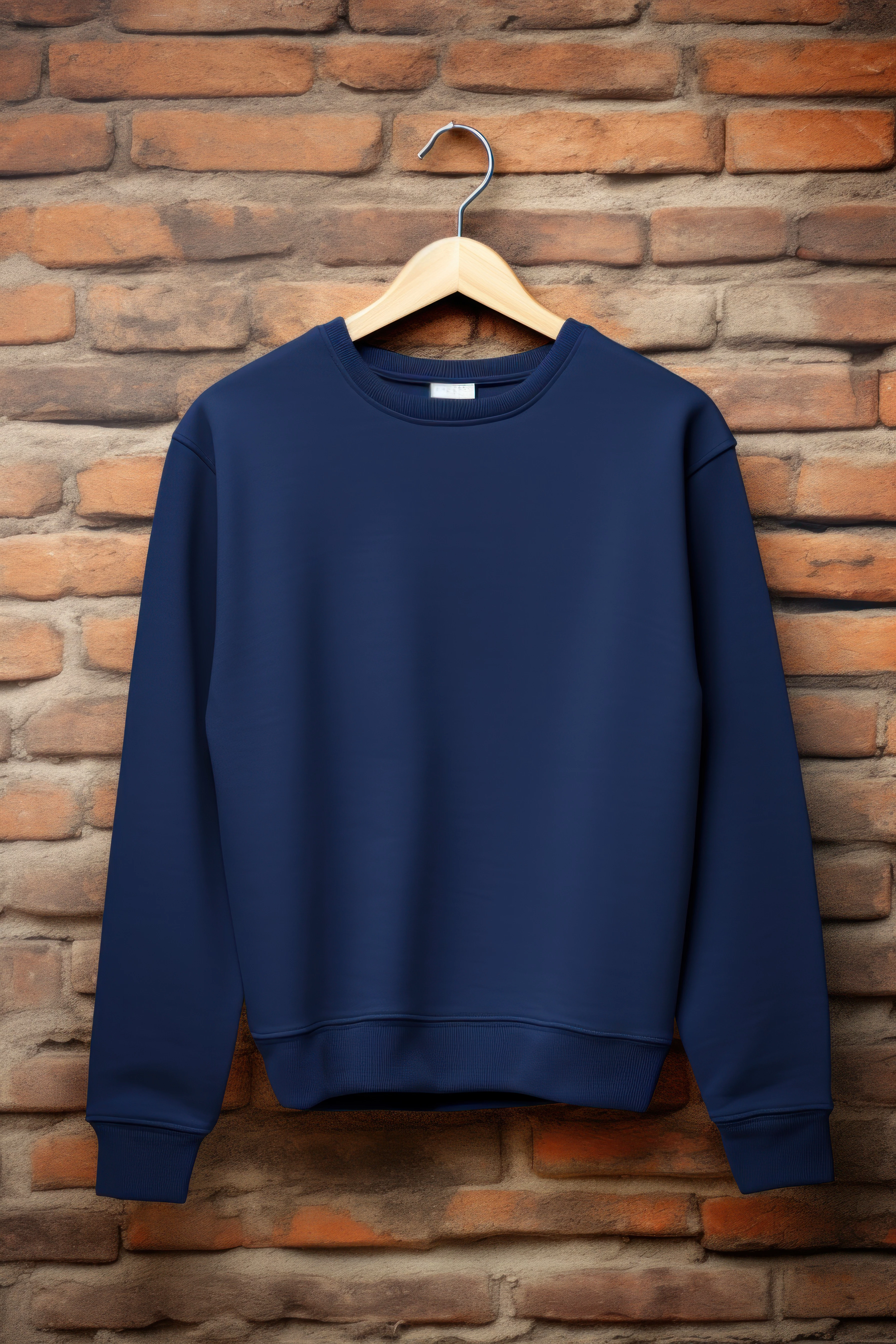
Hi, Today I made some Ai generated images as always, made some postproduction on them, like folds reduction, and shape them lil, up-scaled them (everything like I always do), but every time I try to upload any file I get this red line notification at the top  "filename.jpg had uploading errors" 
This topic has been closed for replies.

2 replies

daniellei4510
Community Expert
Community Expert
December 3, 2023

I don't know the answer, but if this were to happen to me, I would try three things if you haven done so already: 1) a different browser; and 2) opening the file and re-saving it with a different file name, in case some minor issue got manged that would allow you to upload the asset(s) here but not through normal submission channels; and 3) restarting your computer. The fact that @Abambo was able to upload the asset does suggest the issue is quite possibly on your end.

Adobe Community Expert | If you can't fix it, hide it; if you can't hide it, delete it.
Mikee_y2k
Mikee_y2kAuthor
Participating Frequently
December 3, 2023

I will try another browser tomorow or delete something from chrome....idk, already tried every posible thing 😞 

Abambo
Community Expert
Community Expert
December 3, 2023

If you use chrome, start chrome, without extentions. If that works, enable extention by extension. Especially add blockers could cause problems.

ABAMBO | Hard- and Software Engineer | Photographer
Abambo
Community Expert
Community Expert
December 3, 2023

If you're getting upload errors, that mean that one or more parameters that get checked during the upload ,like the resolution, are not correct or you have a different technical issue. Are you using an uploader to submit to Adobe stock. I've tried your asset, and it get's without issues uploaded..

ABAMBO | Hard- and Software Engineer | Photographer
Mikee_y2k
Mikee_y2kAuthor
Participating Frequently
December 3, 2023

But....I did everithing as I always, and this never happened to me. I tried more upscaling settings and stuff but nothing worked. 

Abambo
Community Expert
Community Expert
December 3, 2023

Are you using a special program to upload?

ABAMBO | Hard- and Software Engineer | Photographer