Participant
August 6, 2024
Question

Images Rejected Because of Quality Issues

  • August 6, 2024
  • 2 replies
  • 537 views

Hi everyone, 

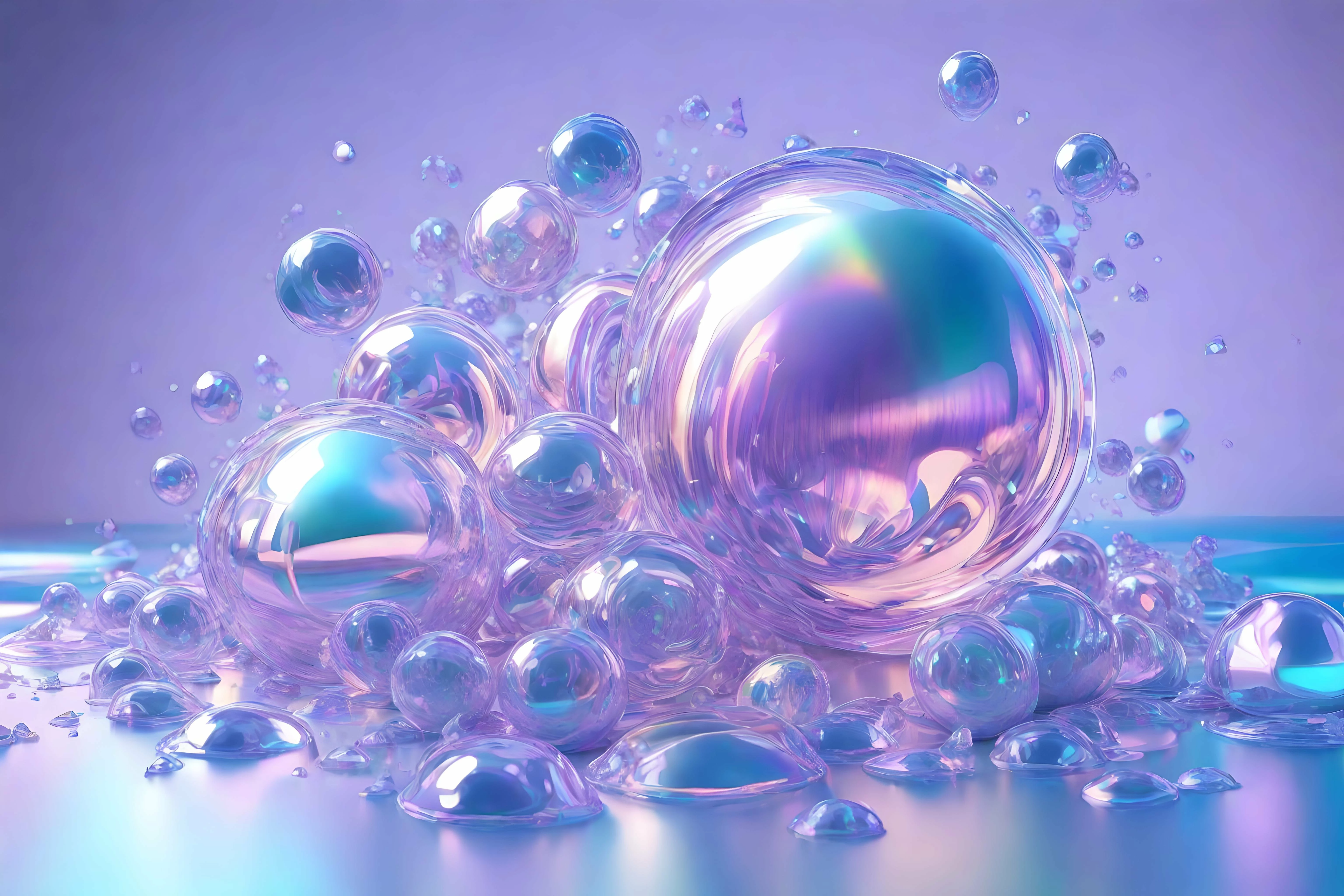
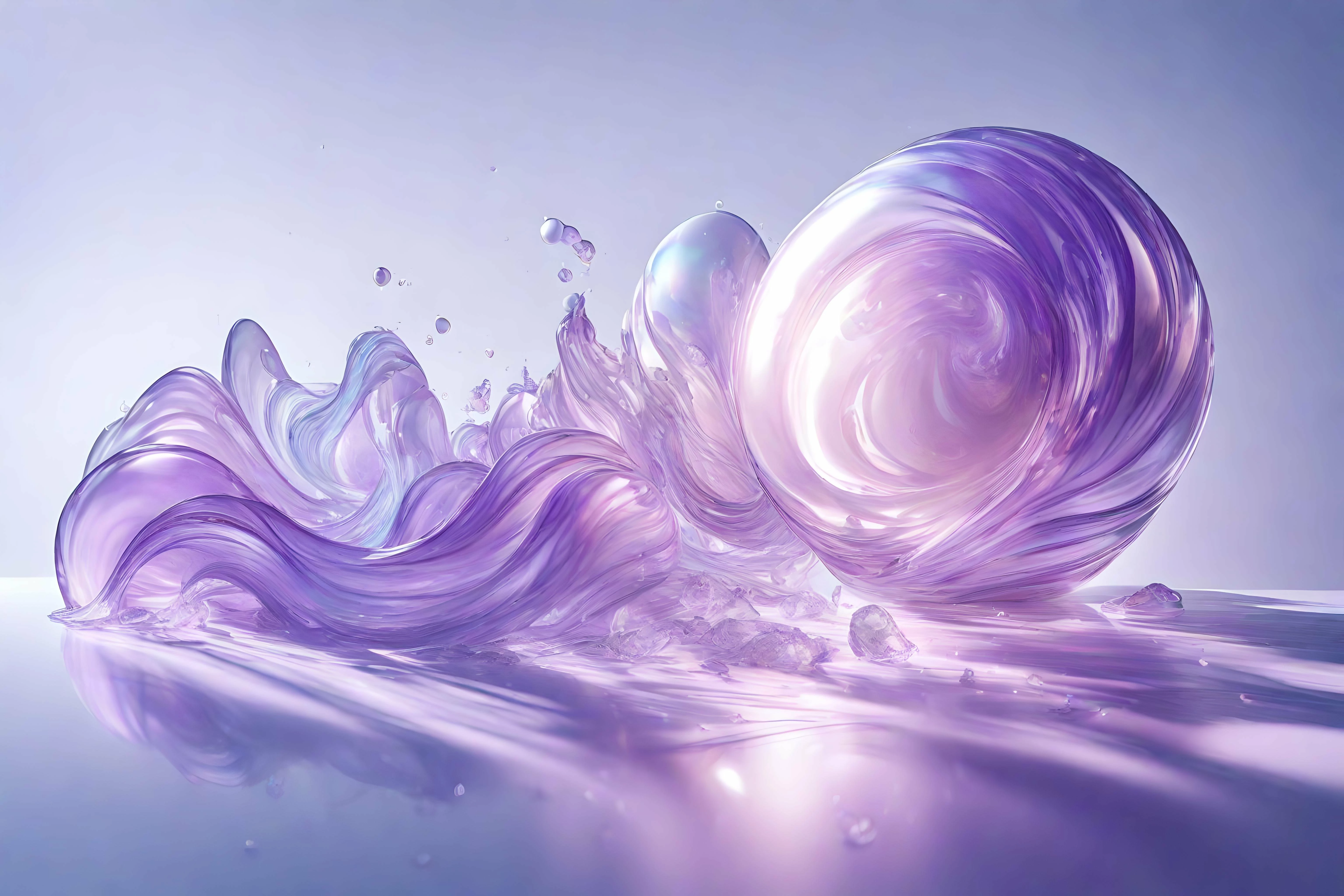
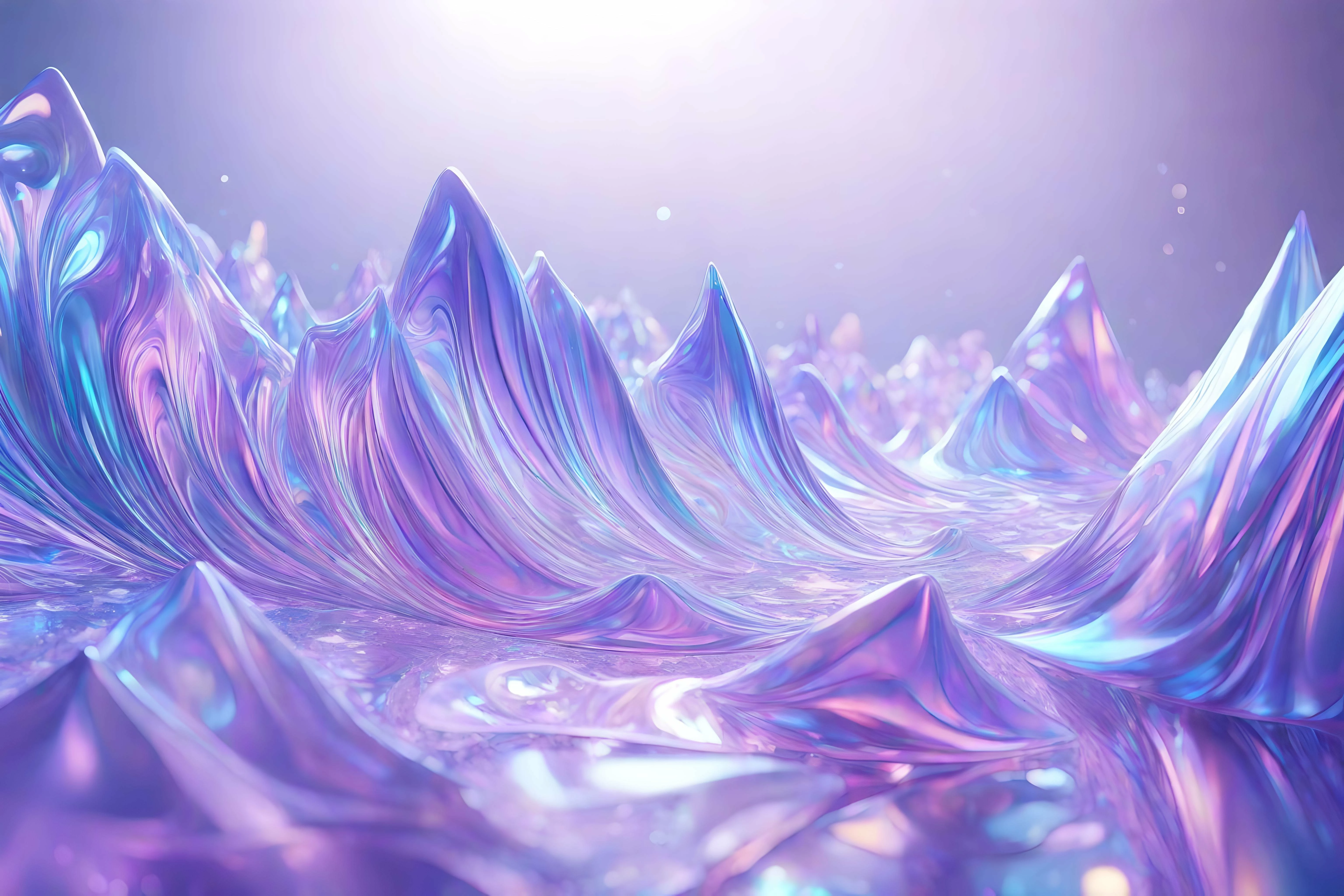
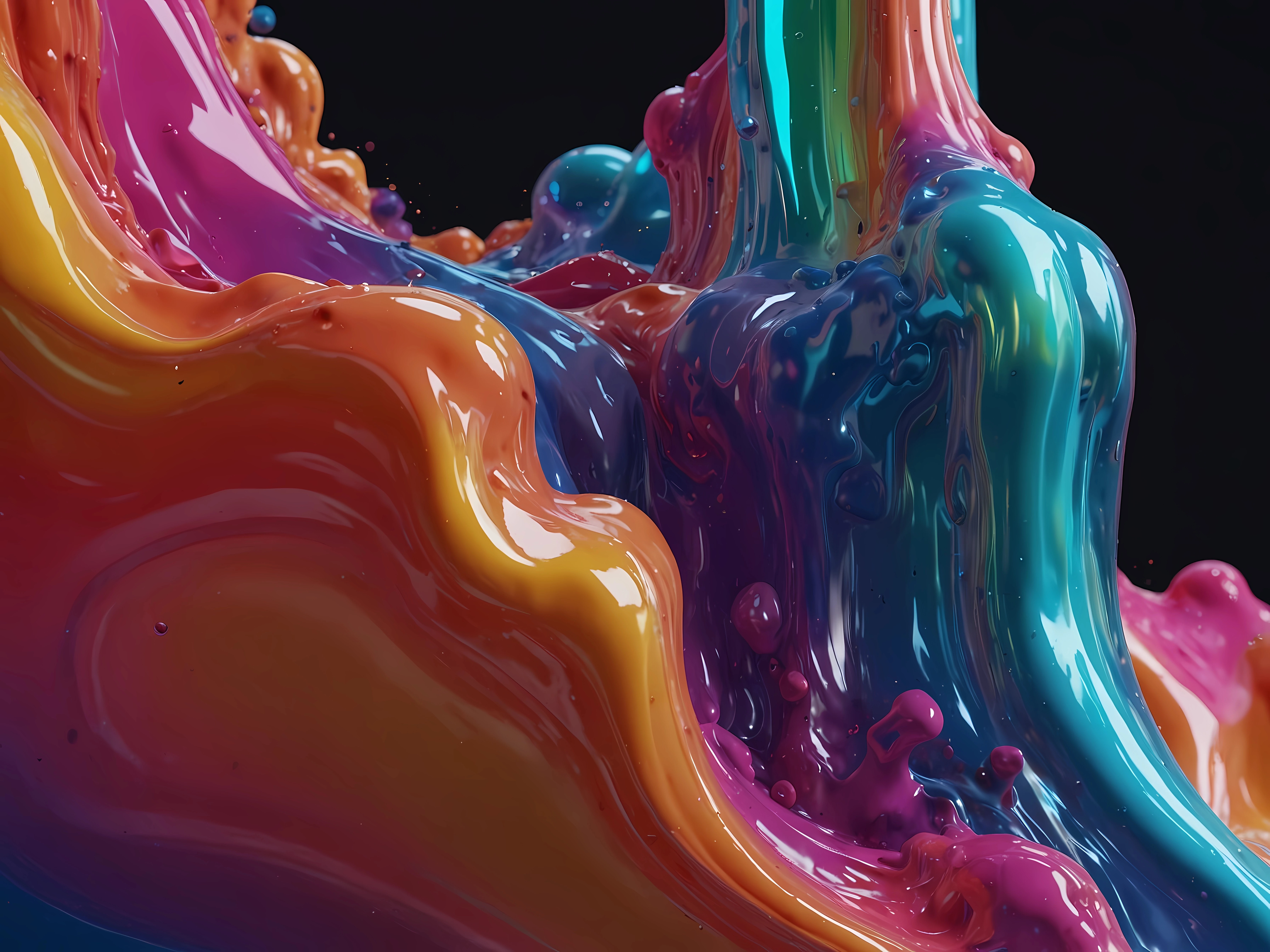
I've uploaded 45 AI images; 28 got accepted and 16 were rejected for quality issues. While I do understand why 10 of them got rejected I'm still uncertain why 6 of those images got rejected, can anyone help me identify what is wrong with these images? 

This topic has been closed for replies.

2 replies

RALPH_L
Community Expert
Community Expert
August 7, 2024

There are no apparent quality rejection reasons to be seen in these images so you are asking us to second guess what the moderator was thinking.

Ok here goes: if 28 images were accepted and 16 were not and that all images were similar in style and quality, then I guess that the moderator probably just felt that "enough is enough".

Wait a few weeks and resubmit a few at a time.

Oshane941Author
Participant
August 7, 2024

I'm curious to know why they were rejected because I want to create better-quality images. According to Adobe guidelines, I think it states that if you submit too many low-quality images your account can get suspended.

Likewise, the same for resubmitting the same images that were rejected can be seen as spamming and can result in account termination, which I'm trying to avoid. 

Oshane941Author
Participant
August 7, 2024

You can edit and resubmit images without raising red flags. If I have a rejection and I see immediately that I overlooked something obvious, I'll correct it immediately and resubmit. If the issue isn't readily apparent, I'll set it aside for a few weeks or even months and possibly return to it later. In any case, if an asset is rejected twice, it's probably best to concentrate on other assets and new submissions.

We suspect that if you maintain an acceptance rate of 50% while increasing it over time, you shouldn't have any problems.


That's a very good analogy. Thanks for sharing that. 

daniellei4510
Community Expert
Community Expert
August 6, 2024

I'll pick this one. There are thousands of random "dust spots" that need cleaning up. It really can't be argued that these are actually stars or water particles or whatever, but it's more like AI just throwing random spots throughout the image. I see this happening in the last image as well, but to a lesser degree.

Adobe Community Expert | If you can't fix it, hide it; if you can't hide it, delete it.
Oshane941Author
Participant
August 6, 2024

Thanks for pointing that out but I didn't know that dust spots are seen as quality issues, I didn't notice that in the adobe guidelines. 

Participating Frequently
August 7, 2024

Yeah, AI loves to put stars where they don't belong. It looks like it took things a step further and merged a cloudscape with the wave. With the exception of the first image (the watercolor one) I see issues with all of these images within a matter of seconds. Be your own harshest critic, you'll get fewer rejections that way.