

tHo_M@Sss
Participant
August 9, 2023
Answered

Lightroom & Adobe Stock

  • August 9, 2023
  • 2 replies
  • 561 views

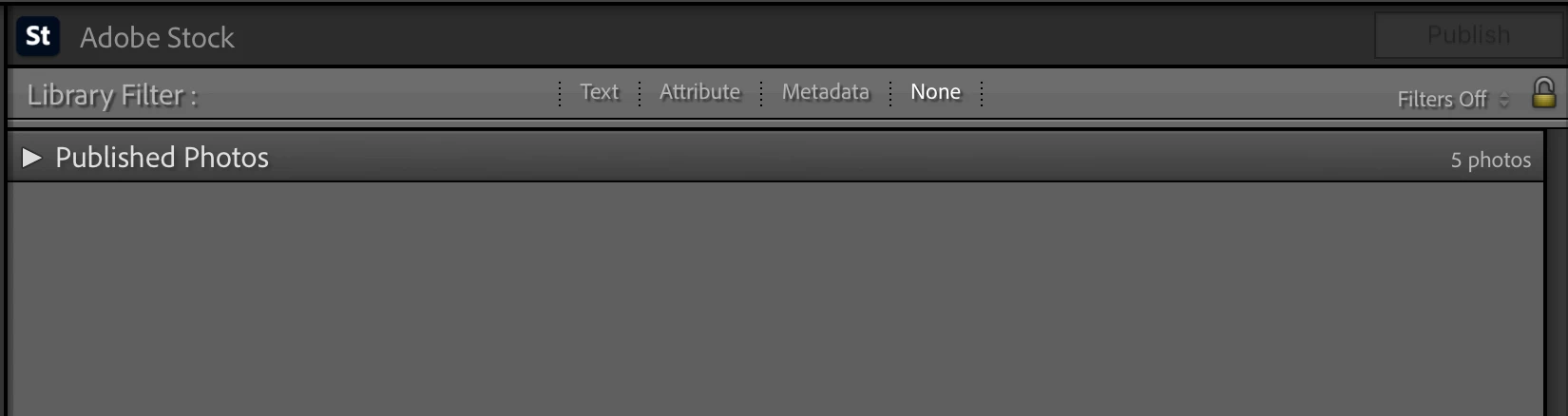
I was trying to find this answer but doesn't seem able to find it in google... if I used the "Publish Service" in lightroom to send photos to Adobe Stock, some Accepted, some doesn't. What if I delete the photo from the Published Photos? Will it be removed from Adobe Stock as well?


This topic has been closed for replies.
Correct answer daniellei4510

If you are talking about images that were rejected and now reside on the rejected page, I don't believe there is a way to remove those. If there is, I haven't been able to find it. I simply flag such images in Lightroom as 'rejected' and, if salvagable, I'll re-edit them at a later time and re-submit. But when an image is re-submitted within Lightroom, you need to change the file name or attempts to do so will be ignored.

2 replies

daniellei4510
Community Expert
daniellei4510Community ExpertCorrect answer
Community Expert
August 9, 2023

If you are talking about images that were rejected and now reside on the rejected page, I don't believe there is a way to remove those. If there is, I haven't been able to find it. I simply flag such images in Lightroom as 'rejected' and, if salvagable, I'll re-edit them at a later time and re-submit. But when an image is re-submitted within Lightroom, you need to change the file name or attempts to do so will be ignored.

Adobe Community Expert | If you can't fix it, hide it; if you can't hide it, delete it.
Abambo
Community Expert
Community Expert
August 10, 2023

I have 2 submission queues, one for first time submission, one for resubmission. Despite what is said on the helpx pages, I had never had a problem, submitting the same file with the same filename (after corrections applied). I resubmit once, then I move on, except for IP violation, when I carefully modify my assets, to get rid step by step of design elements. I learned this way, that any red cross, even if it does not fit the Red Cross design guides, is protected and that the round button on iPhones is protected. 🙄

ABAMBO | Hard- and Software Engineer | Photographer
Jill_C
Community Expert
Community Expert
August 9, 2023

Deleting images from Published Photos in LRC has no effect on what has already been sent to Adobe Stock. You have to go to Adobe Stock and delete it from your account.

Jill C., Forum Volunteer
tHo_M@Sss
tHo_M@SssAuthor
Participant
August 9, 2023

I see, thanks for the clarification!

Abambo
Community Expert
Community Expert
August 10, 2023

You can, however, delete assets from the Lightroom Classic submission queue. I, however leave them in the queue, it's an easy way to keep an eye on what is submitted and what not.

ABAMBO | Hard- and Software Engineer | Photographer