Participant
April 1, 2024
Answered

New to Photography and looking for helpful feedback

  • April 1, 2024
  • 5 replies
  • 1272 views

I am pretty new for trying to sell photos. My interests is more flat lay and similar pictures like that because that is the direction I want to go. Attached is some of my work that is not getting accepted. I am really trying to be authentic with what I have taken pictures of. Any critiques and advice would be appreciative.


This topic has been closed for replies.
Correct answer jacquelingphoto2017

Hi @andreab69476624 ,

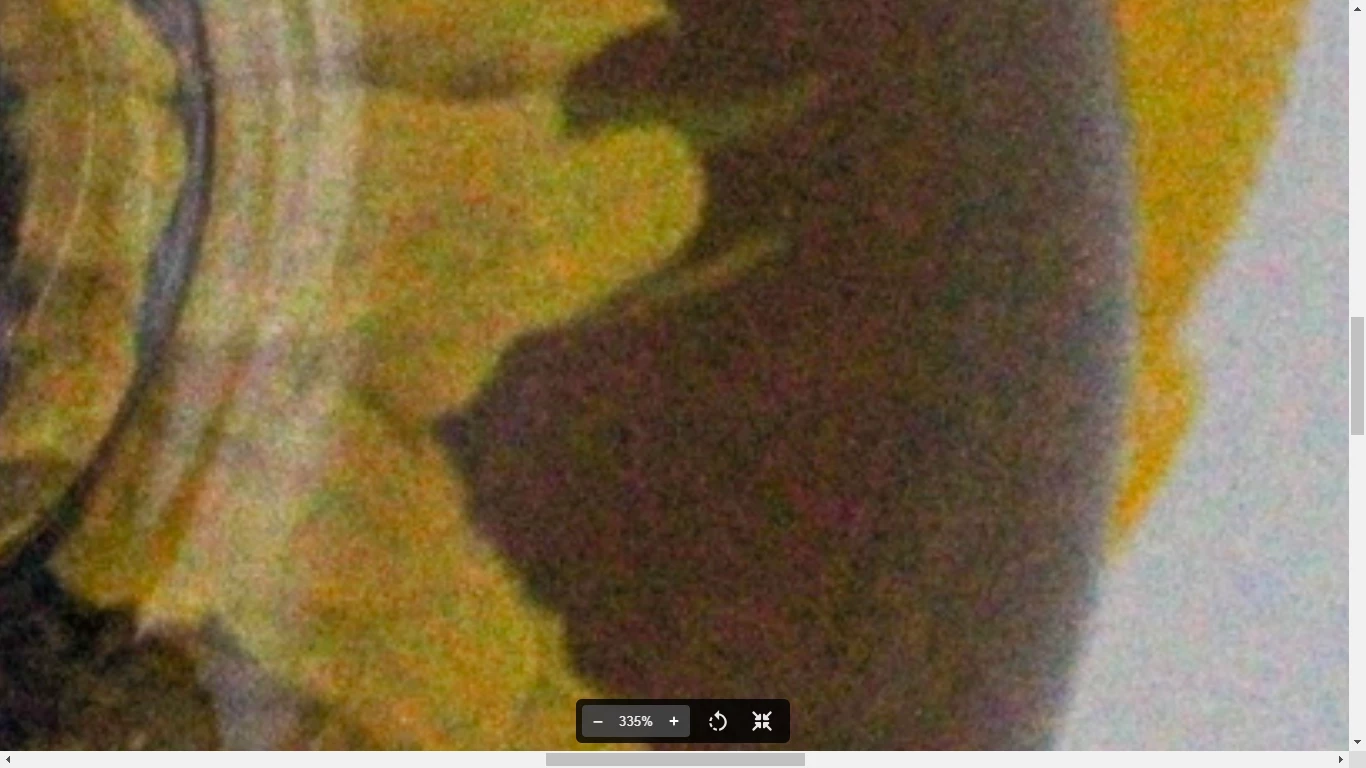
The first file has noise grain, color fringing and white balance issue. If you zoom in at between 100 and 200% and inspect it thoroughly you will will see that the white is not white, but with a light blue and around the edge of the egg at the extreme left has a blue edge.


The geometry of the second file is not correct. The class should be upright. That file also is noisy - both luminance and chromatic noise.


The third file is also noisy and not sharp.

The fourth file is underexposed and also with luminance and chromatic noise.

The fifth is with excessive chromatic noise.

At this link you will find tips that will help you create better photos for Adobe Stock.

Here are some additional tips from the 23 points list at this link that will hep you improve your submission.

Best wishes

Jacquelin


5 replies

Ricky336
Community Expert
Community Expert
April 2, 2024

Hello,

I'm sorry to say that your lighting is pretty bad! I dare say you didn't use any additional lighting, but natural light? For these kinds of shots, you need studio lighting and reflectors. Your lighting is very flat.

If you want to continue in this direction, read about using indoor lighting.

I think you also need to have a different kind of background. The pattern of the surface, not only gives a bad colour cast but also interferes with your subject.


This guide may help:

Diffused light photography | Adobe


jacquelingphoto2017
Community Expert
jacquelingphoto2017Community ExpertCorrect answer
Community Expert
April 2, 2024

Hi @andreab69476624 ,

The first file has noise grain, color fringing and white balance issue. If you zoom in at between 100 and 200% and inspect it thoroughly you will will see that the white is not white, but with a light blue and around the edge of the egg at the extreme left has a blue edge.


The geometry of the second file is not correct. The class should be upright. That file also is noisy - both luminance and chromatic noise.


The third file is also noisy and not sharp.

The fourth file is underexposed and also with luminance and chromatic noise.

The fifth is with excessive chromatic noise.

At this link you will find tips that will help you create better photos for Adobe Stock.

Here are some additional tips from the 23 points list at this link that will hep you improve your submission.

Best wishes

Jacquelin


Participant
April 9, 2024

Thank you! The articles are really helpful too. I have a better grasp now.

jacquelingphoto2017
Community Expert
Community Expert
April 12, 2024

You are welcome @andreab69476624 

Best wishes

Jacquelin

Jill_C
Community Expert
Community Expert
April 1, 2024

_dd40054d-9b95-4dbc-bf83-e7970acfbe66-transformed.jpeg - Very blurry and noisy - what is it? You need to use a tripod to shoot items on a flat-lay since the depth of field is probably quite shallow. You'll also need better lighting.

20240327044751_IMG_2222.JPG - blurry, noisy, not well lit, depth of field is too shallow


Additionally, try to think like a Buyer; how would a Buyer use each of these images. Often flat lays (and not all of these are actually flat lays) are used as a background that has room for text. 


Jill C., Forum Volunteer
Nancy OShea
Community Expert
Community Expert
April 1, 2024

Great Stock images begin with proper lighting, focus, and neutral white-balance.  Yours are under lit, out of focus and too pink.  Digital photos always require some adjustment in Photoshop or Lightroom. It comes with the territory. The Contributor's job is to make sure the images are ready for commercial use before you submit.  See your Contributor User Guide for more tips.


Adobe Stock is a global company. Non-english speaking customers don't need signs in English.  In fact, you will reach more customers without the text.  If needed, customers can add their own text after purchase.


Hope that helps.


Nancy O'Shea— Product User & Community Expert
Participant
April 9, 2024

Thank you! Worth reading! Thank you for compiling this for me and the community!

daniellei4510
Community Expert
Community Expert
April 1, 2024

20240326014026_IMG needs to be straightened. I'm not even sure what the last one is. 🙂 In general, all of them  lack contrast and are slightly underexposed.

Adobe Community Expert | If you can't fix it, hide it; if you can't hide it, delete it.