Technical support response to the same problem
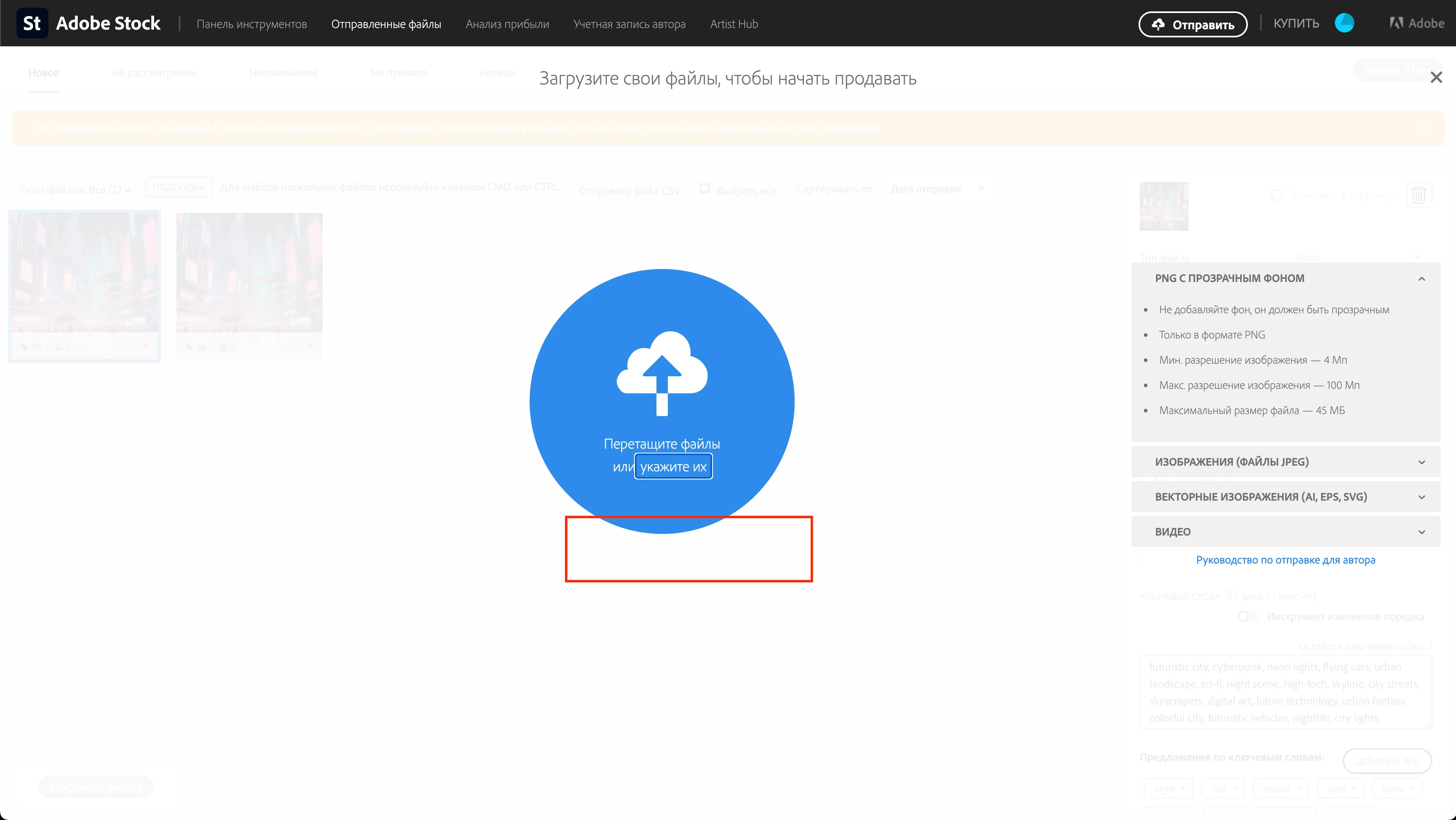
Thanks for your message. I would like to inform you that only qualified accounts can use SFTP to upload files.If you do not see the SFTP upload option in the contributor portal, you will need to use the drag and drop method and upload your files directly via the portal. To do this, click the upload button in the upper right corner, then simply drag and drop your files into the blue upload circle.
Details regarding the criteria for qualifying for the SFTP upload option can't be specified.
 AdChoices