Participating Frequently
February 8, 2023
Answered

Photo was rejected due to quality issues

  • February 8, 2023
  • 1 reply
  • 616 views

I have uploaded some photos and all of them have been rejected due to "Quality issues".


For a better understanding could someone explain the problem and the quality issues to me please.


This topic has been closed for replies.
Correct answer jacquelingphoto2017

Hi @Dieter Stahl,

I'm sorry, the color fringing is still there.
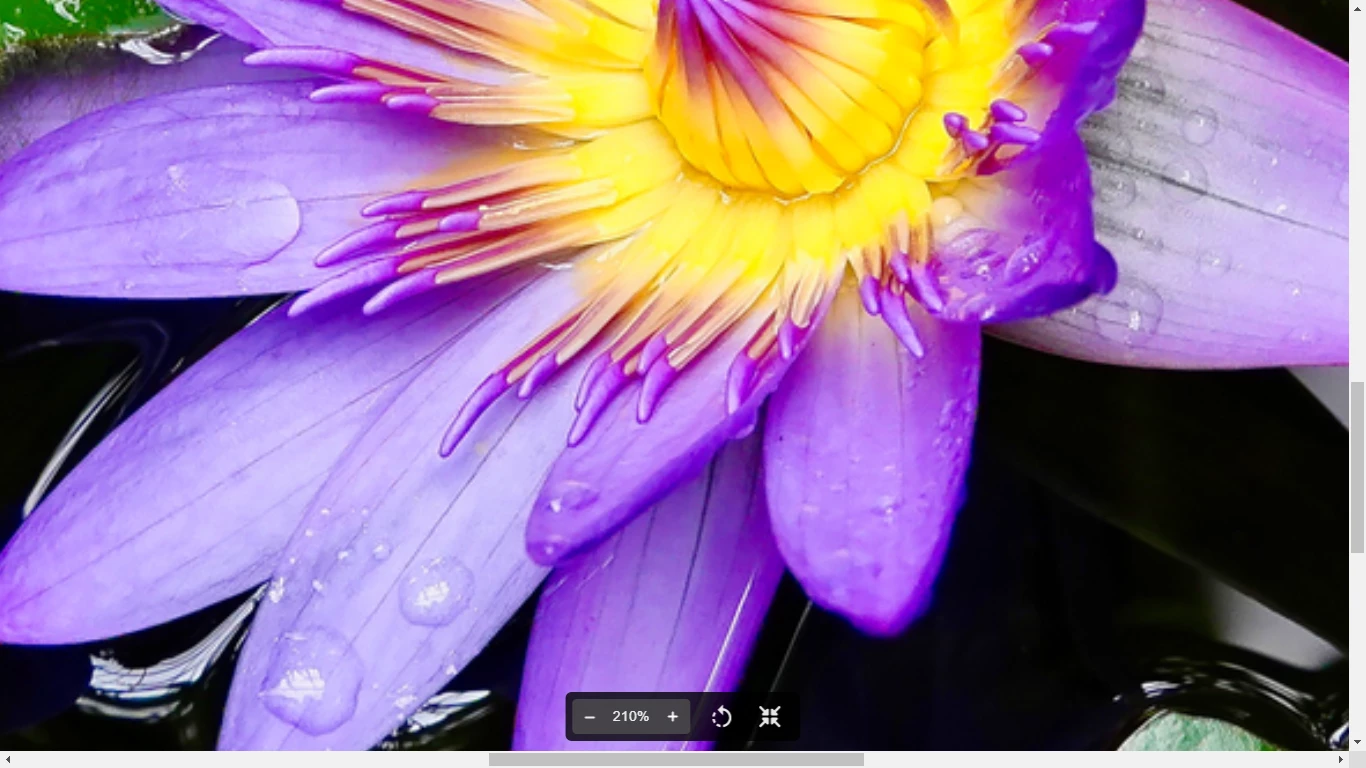
Also I have some concerns with the dark area. There are some lost details in the shadows. Your files should be looking as close to reality as possible.

If you use photoshop a combination of the lens correction and temperature sometimes correct the fringing. 

I'm sorry I overlooked the second image. That one also is over saturated. If you look at the sky you'll notice the blue is too bright and looks unnatural. Also, there's a halo around the edge of the flower stem.
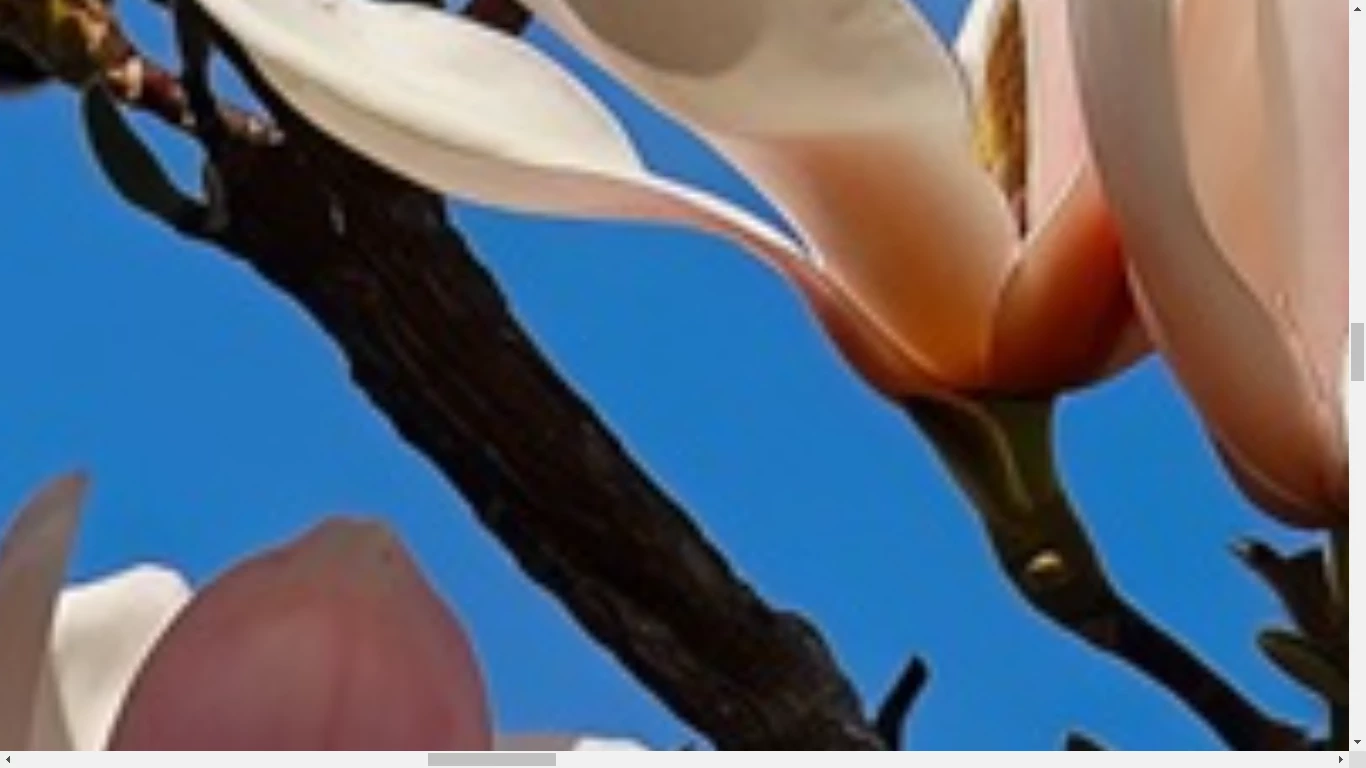
You need to zoom in on your images to inspect them at 100 to 200%. This link will help you see what you need to look for and how.

Best wishes

Jacquelin


1 reply

jacquelingphoto2017
Community Expert
Community Expert
February 8, 2023

Hi @Dieter Stahl,

The lily is over-saturated with blue color fringing on the edge. Also, the lower flower petal edges are a bit soft.

Best wishes

Jacquelin

Participating Frequently
February 8, 2023

Dear Jacquelin,


thank you for your quick reply and your clarification.


Could you have a look again please and let me know if the issue is solved now or improved.

jacquelingphoto2017
Community Expert
jacquelingphoto2017Community ExpertCorrect answer
Community Expert
February 8, 2023

Hi @Dieter Stahl,

I'm sorry, the color fringing is still there.

Also I have some concerns with the dark area. There are some lost details in the shadows. Your files should be looking as close to reality as possible.

If you use photoshop a combination of the lens correction and temperature sometimes correct the fringing. 

I'm sorry I overlooked the second image. That one also is over saturated. If you look at the sky you'll notice the blue is too bright and looks unnatural. Also, there's a halo around the edge of the flower stem.

You need to zoom in on your images to inspect them at 100 to 200%. This link will help you see what you need to look for and how.

Best wishes

Jacquelin
