Participant
September 5, 2025
Répondu

Please help ! How do I correct this?

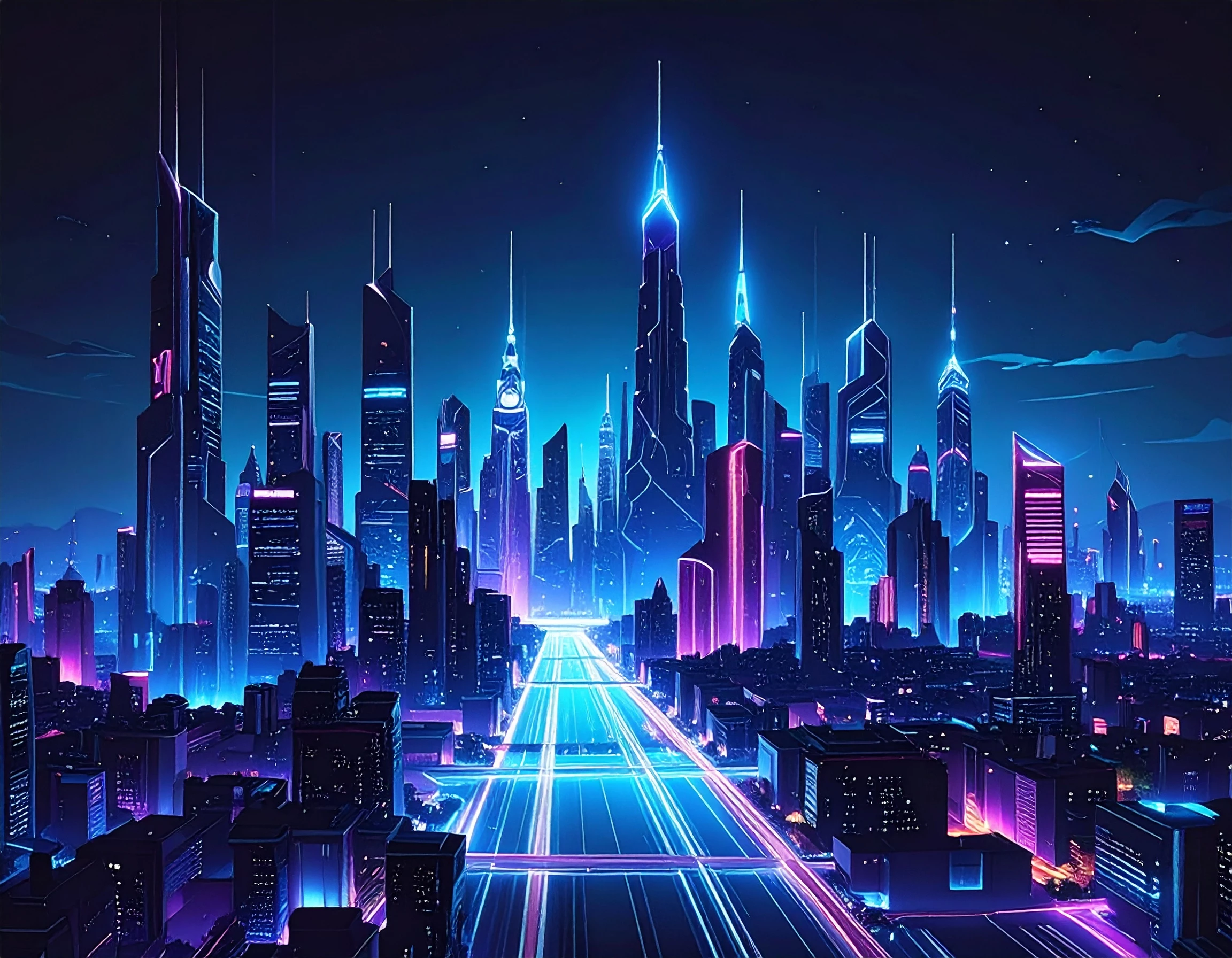
I am new to Firefly and Ai creation.  The attached images, created on Firefly 4 Ultra were rejected due to Quality Issues.   Kinldy help me on exactly what the issues are and how I can correct it.    I know Photoshop & Lightroom very well.  Many  Thanks 

 

[Moderator moved the thread to the correct forum]

Meilleure réponse par Abambo

Sure, it's solvable, but looking at the sheer number of rendering errors, it would probably be faster to recreate manually these pictures than fixing all the errors. @daniellei4510 pointed out only some of them. The assets are full of rendering errors. That's a classic for generative AI. 

2 commentaires

Nancy OShea
Community Expert
Community Expert
September 7, 2025

I would use these as inspiration pieces for manually drawn or painted artwork. That way, you can pick & choose which parts to keep and make it uniquely your own. 


Something to consider.


Nancy O'Shea— Product User & Community Expert
daniellei4510
Community Expert
Community Expert
September 5, 2025

Dozens of rendering errors. I've marked only a few.


Adobe Community Expert | If you can't fix it, hide it; if you can't hide it, delete it.
Participant
September 6, 2025

Thanks - Lesson learnt,   That  problem is solvable 

Participant
September 7, 2025

Sure, it's solvable, but looking at the sheer number of rendering errors, it would probably be faster to recreate manually these pictures than fixing all the errors. @daniellei4510 pointed out only some of them. The assets are full of rendering errors. That's a classic for generative AI. 


Thanks ... part of the learning curve.