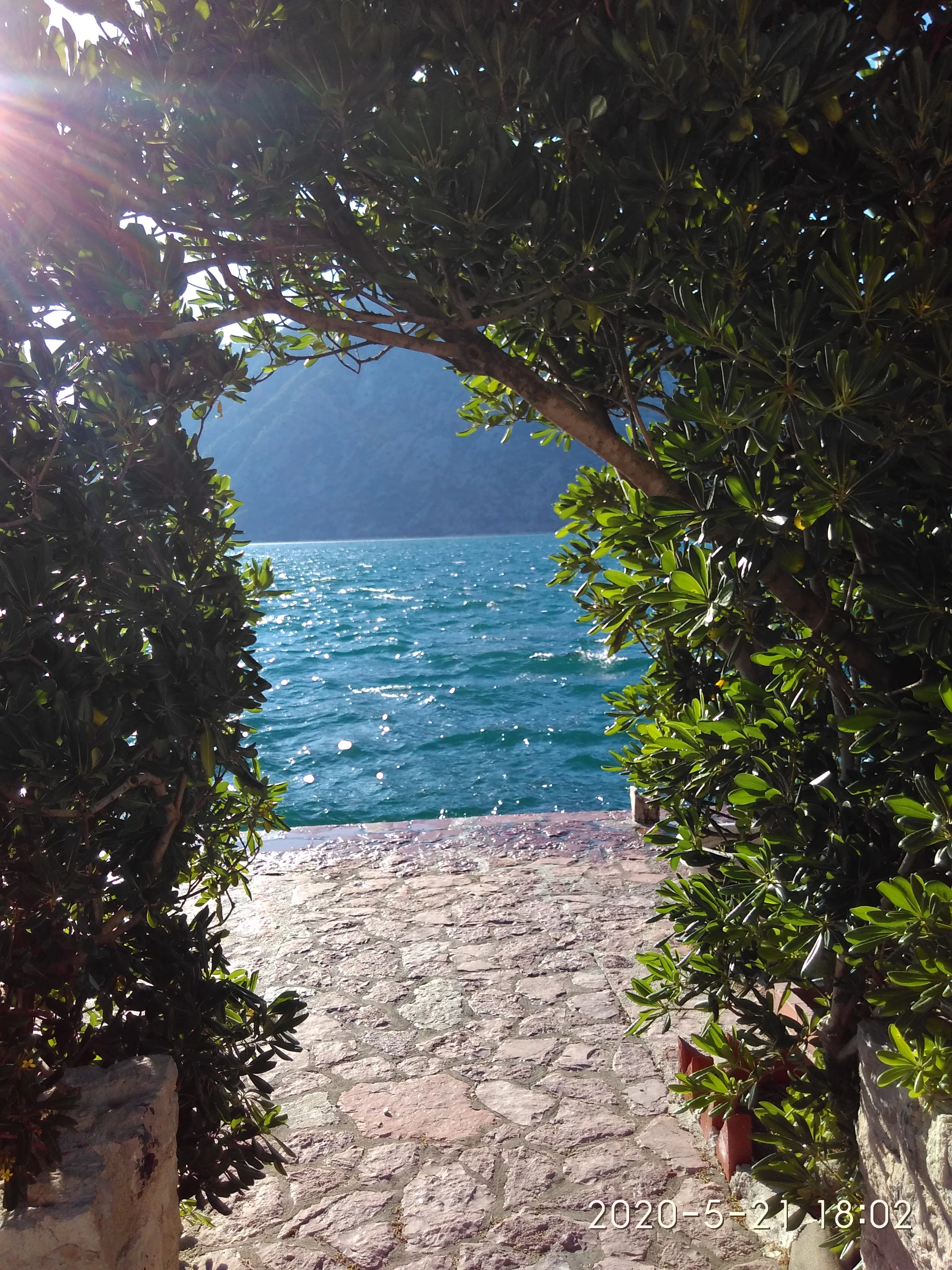
In the first image, you have a problem with lens flare, the composition is not good - the horizon isn't straight (although just a bit) and you have to think about how this image could be used commercially? What does it show?
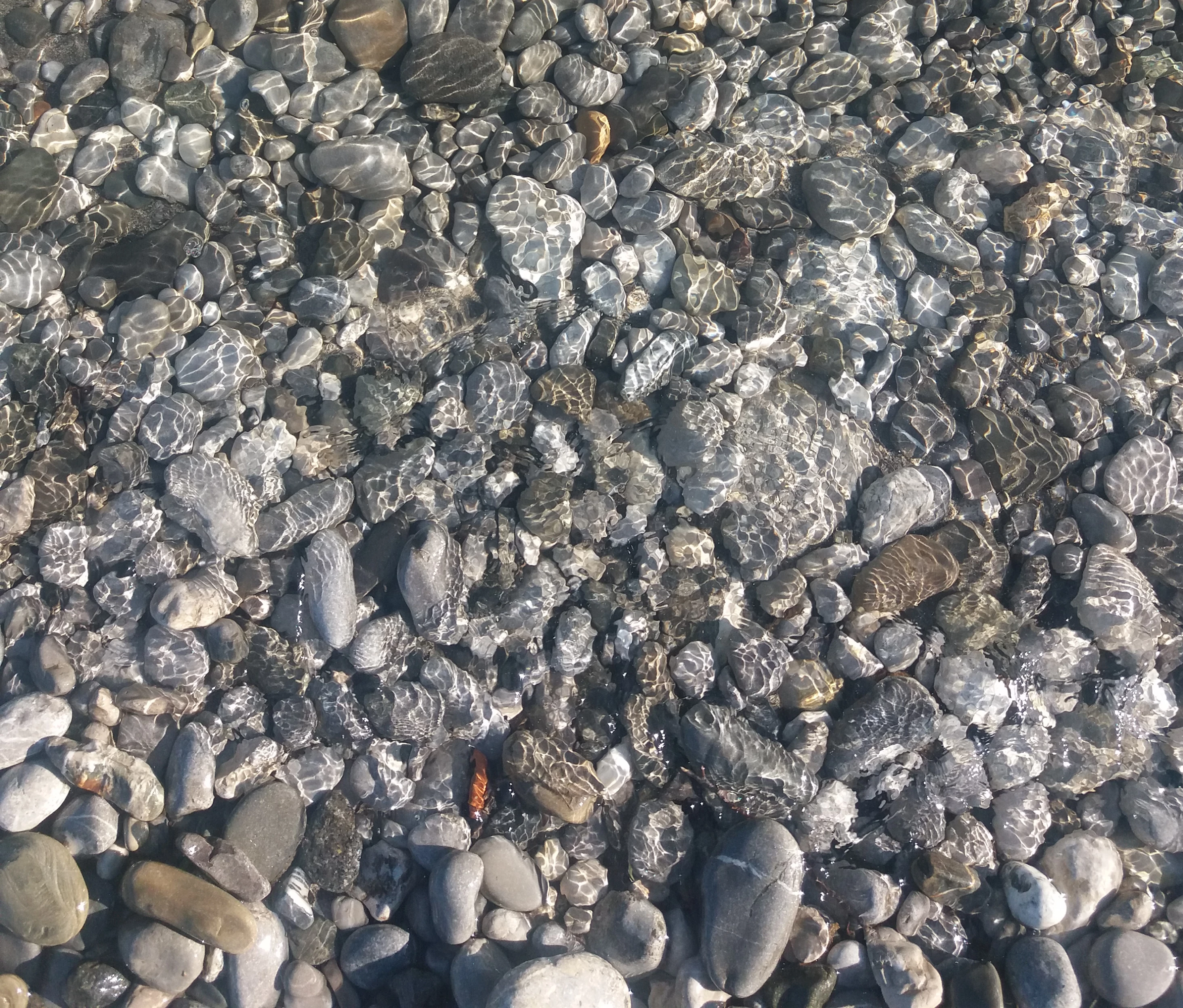
In the second image, it doesn't really show anything.
I guess you have taken these on a smartphone as well, and smartphone images don't do so well when enlarged - you begin to see the blocks of pixels. Fine for Instagram, but not really good for commercial use.
Usually, some post-production is necessary for uploading to stock using a photo editor, and shooting in raw format is best.
First I must say I like both images especially the second one. I must also add that I like the second one as is. However I believe with the amount of sunlight, the moderators would like to see a little more warmth.
The first image has multiple issues.
There is a red or purple cast that is visible when you look at the cut stones, especially the column. It is also visible on the leaves towards the lower left.
The colorful sun's ray is also an issue. In addition the highlights is a little too high thus fading away some details.
The overall image might also be a little cool. The leaves towards the right is not showing green.
In addition the shadowy areas of the plant could be lit a little more. To accomplish this you may need to increase exposure, then recover the highlights by adjusting the highlights, and possibly white slides; or adjusting curve accordingly.
It would appear the first image is also a little grainy.
There seem to be a bit of blue color fringing on the left edges towards the left side of the image. I believe the lens correction tool will help to remove those fringes.
To look for flaws, always inspect you assets at between 100 and 200%.

 AdChoices