
Participant
February 2, 2023
Answered

Thermal imagery low res AI resize

  • February 2, 2023
  • 3 replies
  • 564 views

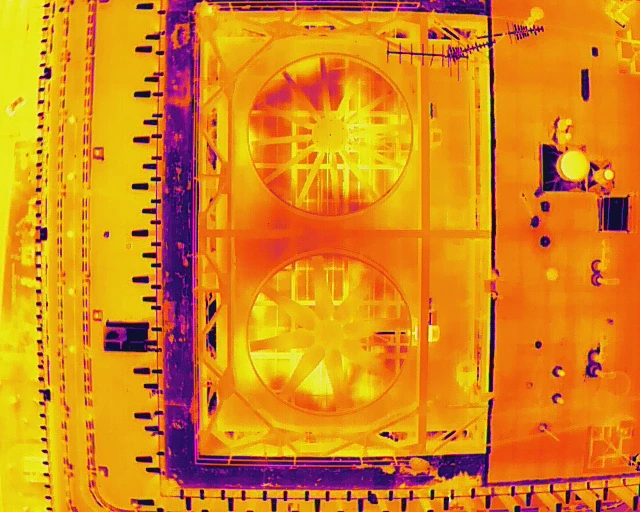
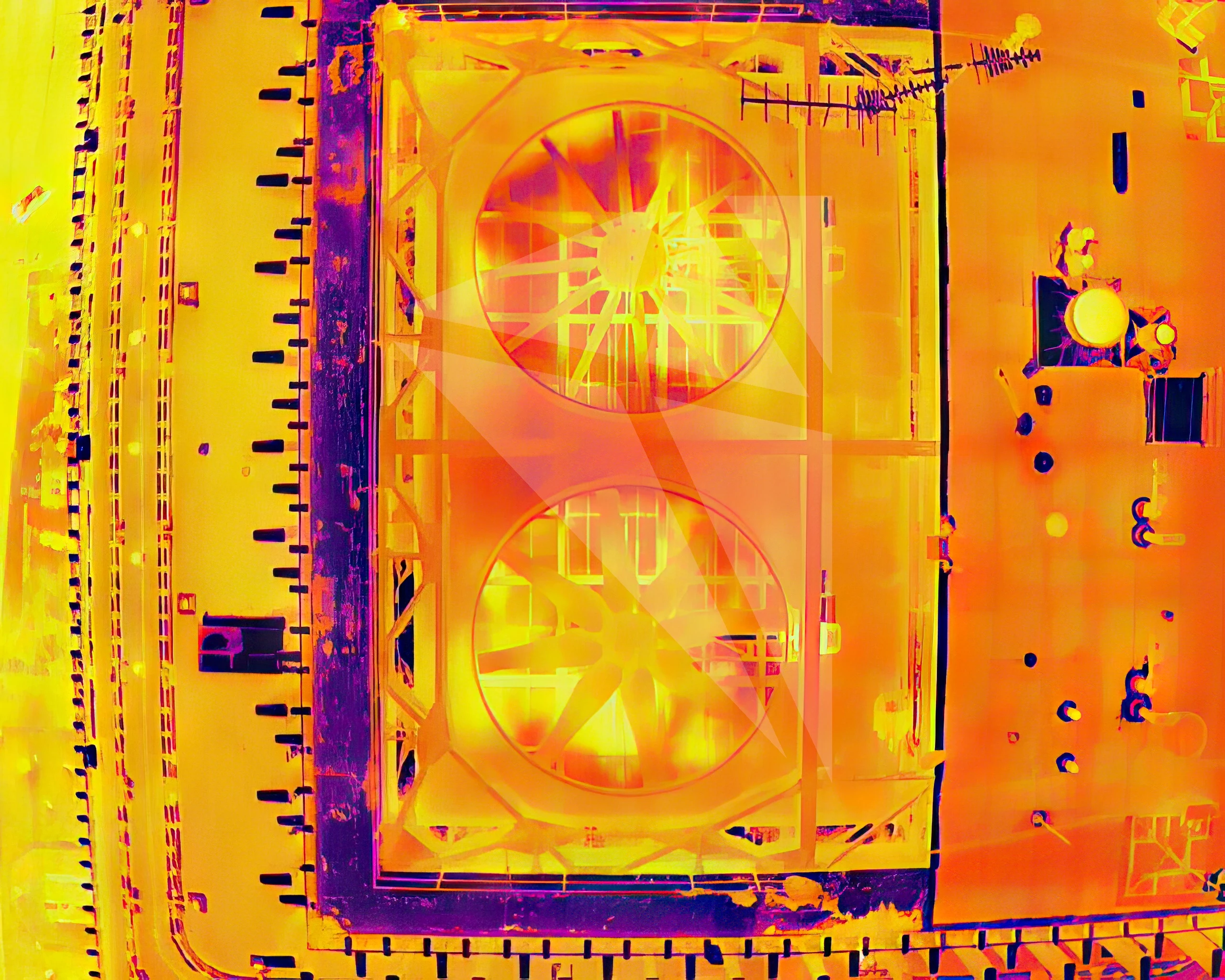
I'm trying to submit a few thermal (infrared) images but my sensor has a low resolution of 640x512 . I have tried usng AI enlarger to resize the image but it cameback with "Quality Issues". There are tons of AI programs out there, all of them that I tried, processed with watermark and to remove it I need a paid subscription, I don't want to commit to anything before I know it works. Can anyone recommend Topaz Gigapixel AI for my need? is it possible to upload with watermark just to get an idea if the image processing worked and the image can be used? See below examples for original image and AI resized image.


This topic has been closed for replies.
Correct answer Test Screen Name

Adobe's rule: do not upscale. If your original is not large enough, you cannot use it. People need to be able to use these images to make high resolution images, billboards, full pages of glossy magazines, 4 megapixels is the bare minimum.

3 replies

Abambo
Community Expert
Community Expert
February 2, 2023

The refusal is probably due to the defects in the source file:

You can upsize as good as you want, the defects get also upsized…

ABAMBO | Hard- and Software Engineer | Photographer
Abambo
Community Expert
Community Expert
February 2, 2023

No, you can't upload assets with a watermark, they will get refused because of that.


In addition, and in support to what @Test Screen Name said: do not upscale! If your camera can't produce images that are more 4Mpixel and more, you should not upscale.


This said: Very often, it is possible to upscale to 200% when, and only when, the initial data is in perfect condition. Your camera should provide RAW files, if not that, they should provide TIFF files. Typically, the quality of thermal cameras is not great, as the quality of the image is not such a problem and the resolution does not need to be very high neither.


And yes, not all the people are using assets at billboard size or in a high resolution glossy magazine. But still, the content in Adobe stock needs to meet those standards so that you could use your image as well for this use.

ABAMBO | Hard- and Software Engineer | Photographer
Test Screen NameCorrect answer
Legend
February 2, 2023

Adobe's rule: do not upscale. If your original is not large enough, you cannot use it. People need to be able to use these images to make high resolution images, billboards, full pages of glossy magazines, 4 megapixels is the bare minimum.

_alcyon1Author
Participant
February 2, 2023

Thanks for trying, but your answer doesn not answer my question nor helpful to me. Yea, it's impossible to get hi res quality from a 640x512 sensor hence why I have to resize. not all people are using the images for your suggested purposes. Some just need those images to create a website and there is no need for 300dpi...  

Legend
February 2, 2023

Sorry, it does answer the question, but I don't think you like the answer. You MUST NOT RESIZE. Therefore discussing ways to resize is not useful. We don't make the rules, Adobe do. For Adobe stock, forget these images, forget this device. You are not able to negotiate with Adobe, none of us can!