Este tema ha sido cerrado para respuestas.
Mejor respuesta de RALPH_L

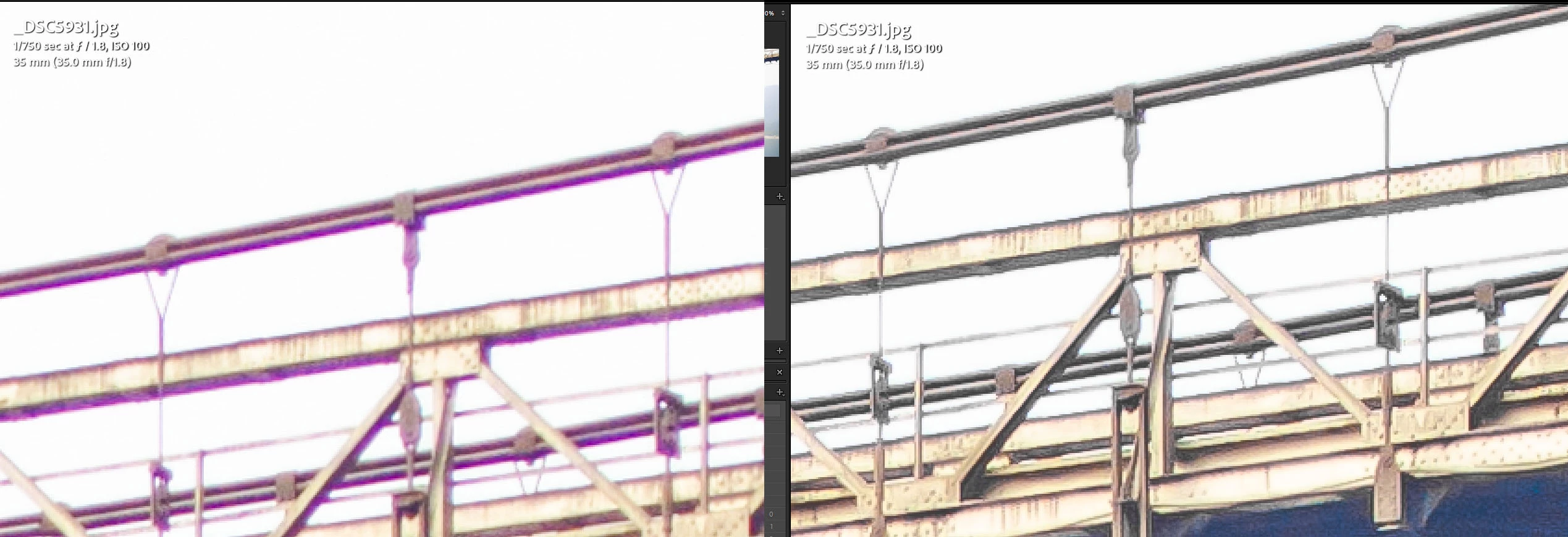
Hello @sachhidanand5C7F , @Marianne-Deiters  is right. See the following comparrison.

The purple halo can be corrected in Lightroom with the HSL Slisders.
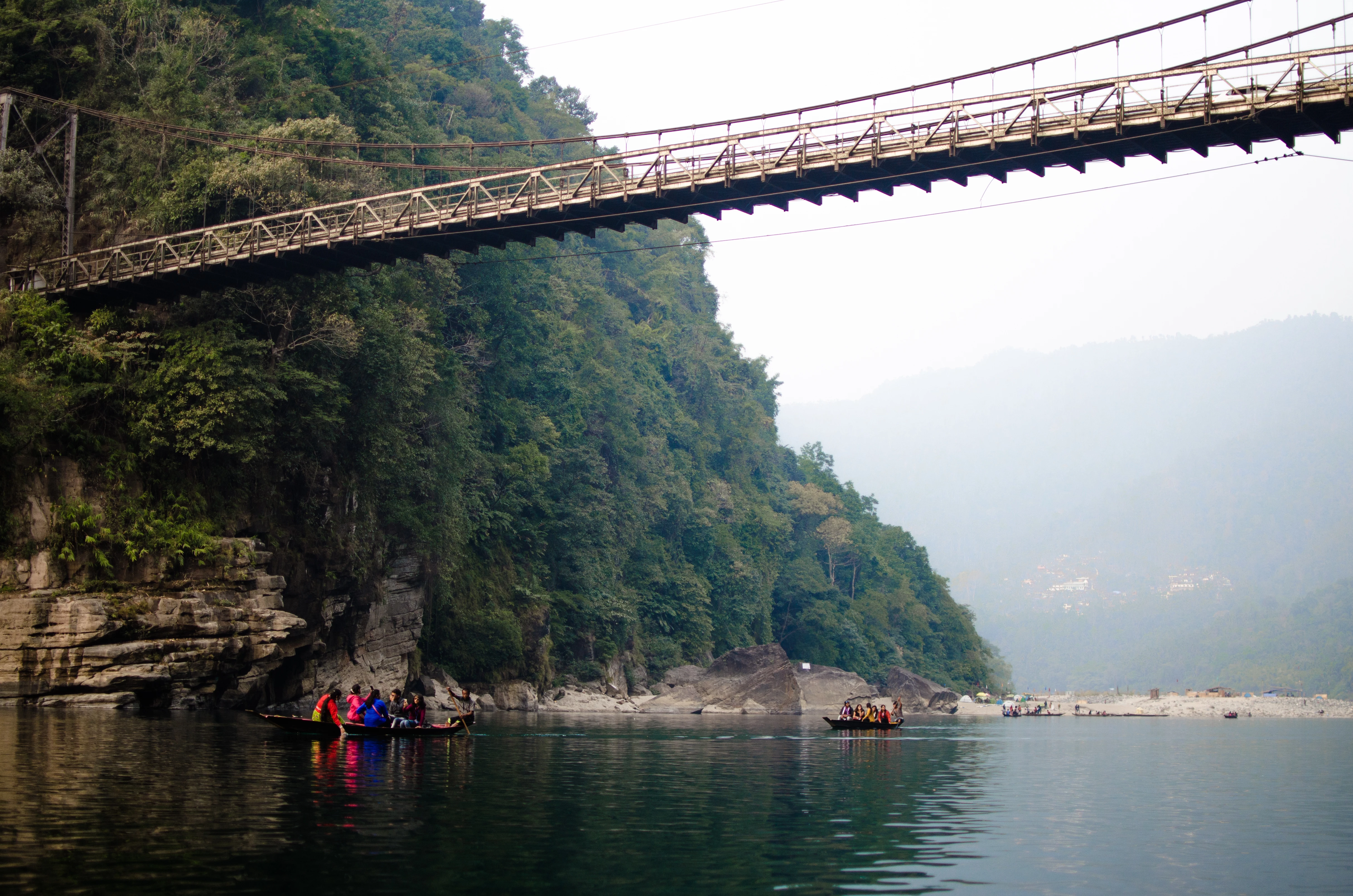
Your photo is also underexposed in the foreground and overexposed in the background. The underexposure can be corrected in LightRoom.

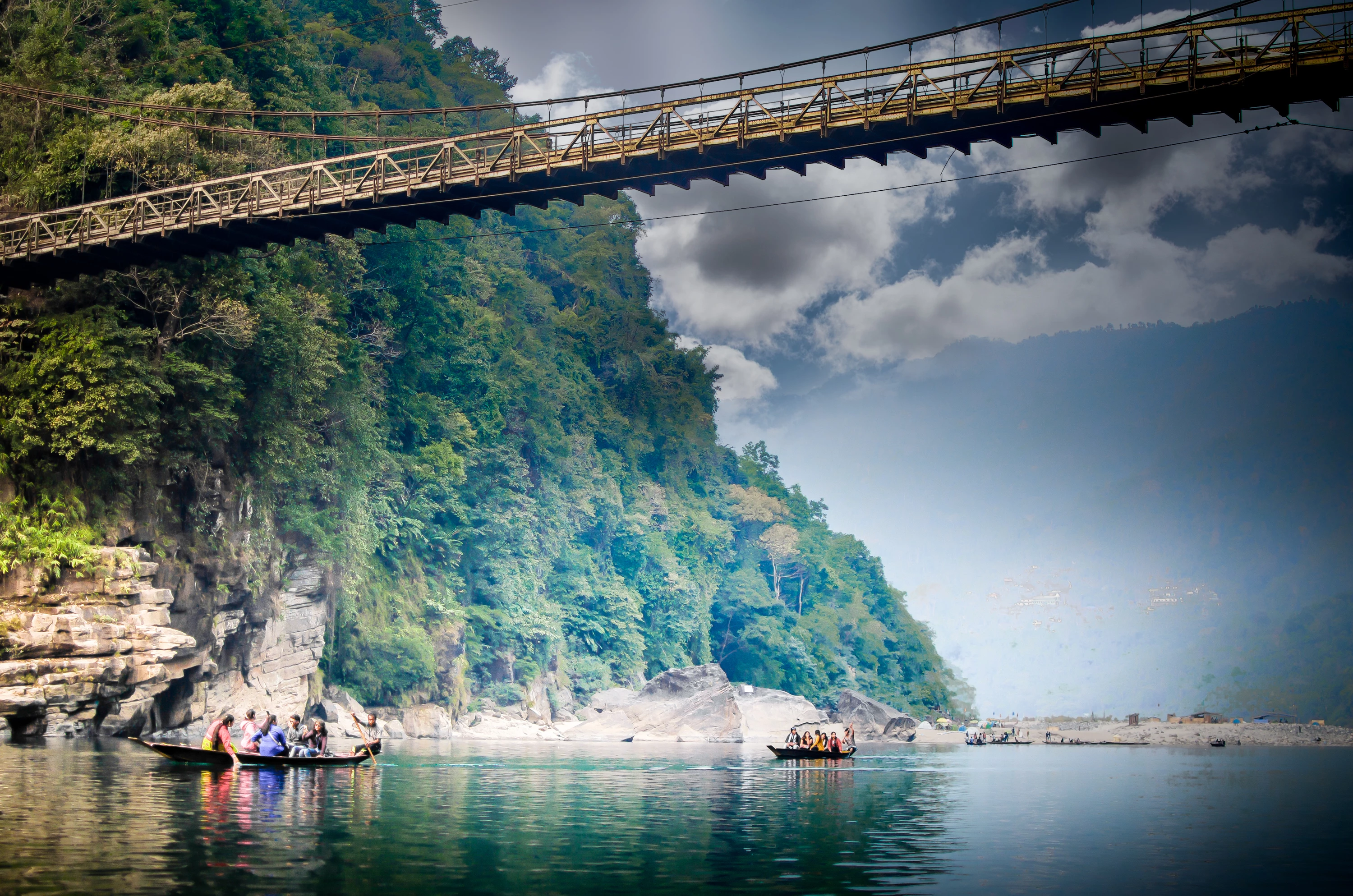
You may want to try to swap the sky. Something like this.
3 respuestas

RALPH_L
Community Expert
RALPH_LCommunity ExpertRespuesta
Community Expert
June 8, 2021

Hello @sachhidanand5C7F , @Marianne-Deiters  is right. See the following comparrison.

The purple halo can be corrected in Lightroom with the HSL Slisders.

Your photo is also underexposed in the foreground and overexposed in the background. The underexposure can be corrected in LightRoom.

You may want to try to swap the sky. Something like this.

J E L
Community Expert
Community Expert
June 8, 2021

@sachhidanand5C7F, the right half of the image, especially the sky area, are completely blown-out with no detail left. The lower half of the image (boats, people, rock areas, and water) are too far out of focus. Try taking this same scene during magic hour lighting conditions and/or introduce neutral density filters for sky and water.


Also, while the scene is interesting as an establishing shot, you haven’t provided a true focal point. Are we concentrating on the bridge? It’s too high in the shot for a horizontal. The colorful people and boats? They are too out of focus and far away. The image also needs better RAW processing. Here is a very quick example of what might be possible. Keep shooting!


Marianne-Deiters
Participating Frequently
June 8, 2021

The first thing I noticed is the chromatic aberration. Above right, on the bridge, you can clearly see magenta colored edges. The large white area in the sky could also be a reason.