Quality issue I guess. You should submit the original asset that you did submit to Adobe stock, not a downscaled version of your picture. Most issues can't be detected on downscaled assets, and some problems that were not in the original asset get added.
You could enhance the contrast of your asset, you probably also need to liftt the shadows.
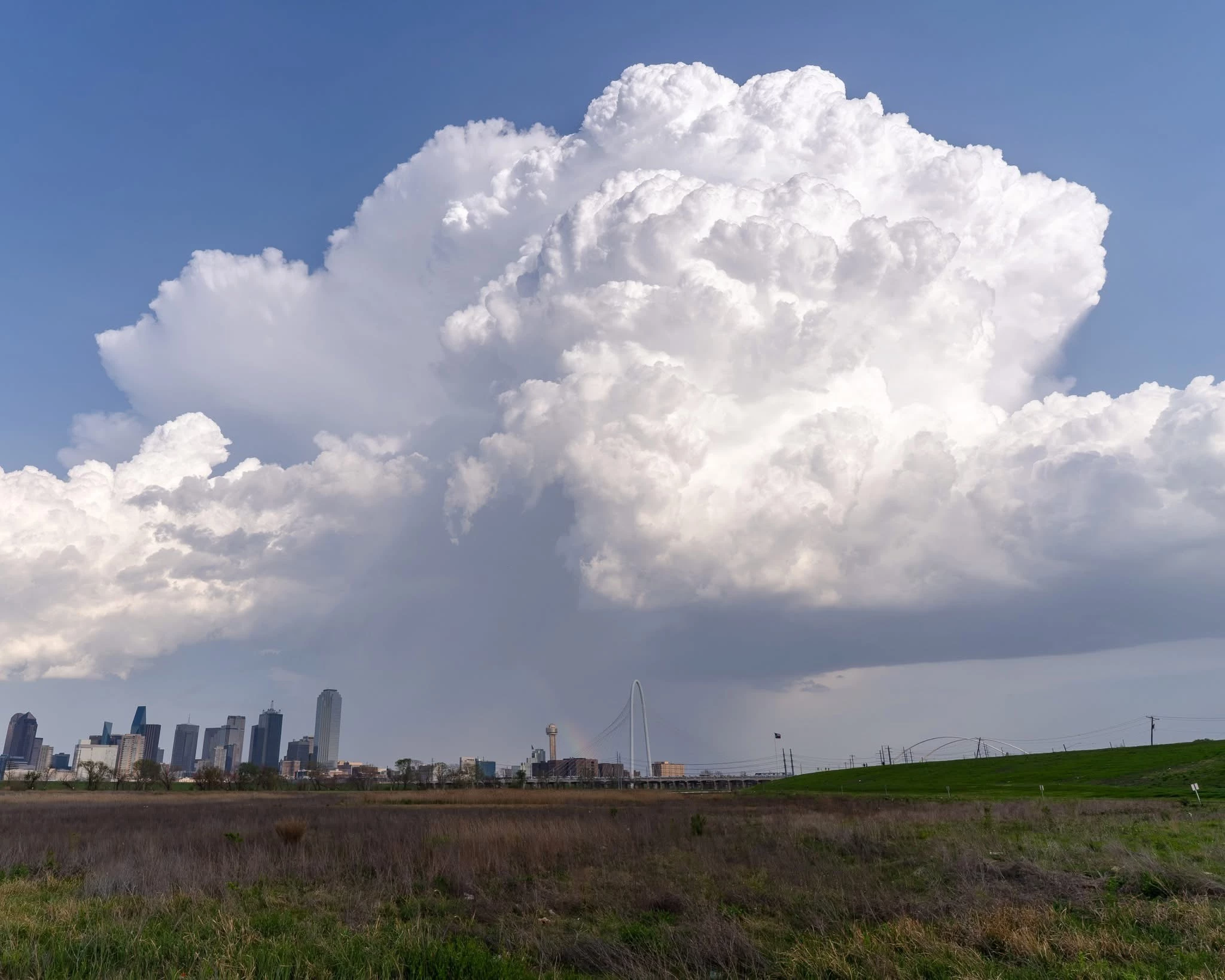
I straightened the buildings, opened up the shadows in the foreground, and saturated the blue sky a bit. Those MIGHT be the issues. Difficult to tell these days.
Adobe Community Expert | If you can't fix it, hide it; if you can't hide it, delete it.
The trick is not to submit unedited pictures, but to submit edited pictures that look like they were taken under the perfect conditions with the perfect camera. Every camera and lens has issues. Some need absolutly to be corrected.
ABAMBO | Hard- and Software Engineer | Photographer

 AdChoices