
Participant
October 2, 2020
Question

Why were all my illustration rejected by Adobe Stock?

  • October 2, 2020
  • 2 replies
  • 306 views

Hello. Why were all my illustration refused by Adobe Stock? Here is one of them:
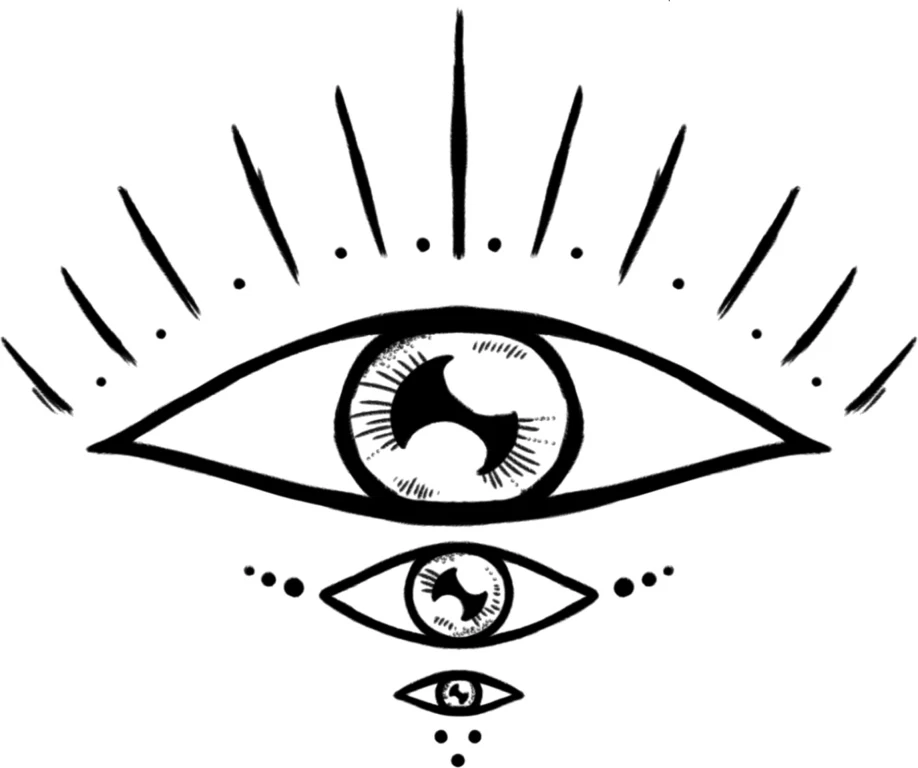
File ID: 382288964

Title: Three Mystic Recursive Eye With Big Lashes

Resolution: 2293x1919

Keywords: fine line, fineline, procreate, stamp, sketchbook, tattoo, abstract, silhouette, icon, element, elemental, ornament, ornamental, decoration, transcendental, feminine, delicated, nature, branch, printable, spiritual, plant, design, drawing, mystic, eyelashes, cilium, lash, iris, cornea, pupil

Another 8 files was rejected, all because of "one or more technical issues" that is not informed. Adobe suggest me to ask for it here...


Does anyone guess what is the technical issue of my illustration?

Thanks in advance.

This topic has been closed for replies.

2 replies

Ricky336
Community Expert
Community Expert
October 6, 2020

Actually, illustrations according to Adobe should be in JPEG format!


Technical requirements:

An introduction to the technical, quality, and legal requirements for submitting photos and illustrations to Adobe Stock.

Note:

This document describes requirements for JPEG files, including illustrations. If you want to submit vector files, see Vector requirements


Adobe Stock accepts photos shot with any camera—including a mobile device—if they meet our technical and legal requirements as well as our quality standards.

Technical requirements

  • Submit images in JPEG format.
  • Use color space sRGB
  • Minimum image resolution: 4 MP (megapixels)
  • Maximum image resolution: 100 MP (megapixels)
  • Maximum file size: 45 MB (megabytes)
  • No watermarks or timestamps
  • Do not upsample your files; submit the maximum file size that your camera can produce.  


https://helpx.adobe.com/stock/contributor/help/photography-illustrations.html


Nancy OShea
Community Expert
Community Expert
October 3, 2020
  • Did you submit high quality vector artwork in AI, EPS or SVG format?
  • Did you submit a release with your artwork?


See Vector Requirements:

https://helpx.adobe.com/stock/contributor/help/vector-requirements.html

Vector technical issues include:

  • Open paths: all filled shape paths must be closed.
  • Raster images: do not embed pixel-based images (JPEGs) into your vectors files—because they are not vectors.
  • Autotrace: Do not use autotrace on complex images like photos. The resulting vectors are too difficult for a customer to edit.
  • Artboard size: Your artboard must be a minimum of 15 megapixels or it cannot upload through the Contributor portal.


Nancy O'Shea— Product User & Community Expert
Participant
October 6, 2020

Oh no, sorry, I forgot to mention, my arts are in JPEG format, not vector (AI, EPS or SVG) format. They are high quality images under the JPEG standarts.

Nancy OShea
Community Expert
Community Expert
October 6, 2020

That's a real shame.  Illustrations should be in vector format to ensure they can be rescaled without any loss in quality.  JPG is rasterized and thus prone to pixelation when rescaled.


So what reason was given for rejection?


Nancy O'Shea— Product User & Community Expert