

Answered
Adobe Stock Library Not Showing in Premiere Library Panel
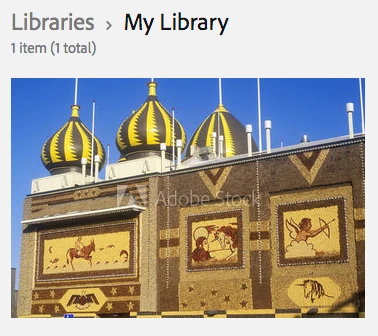
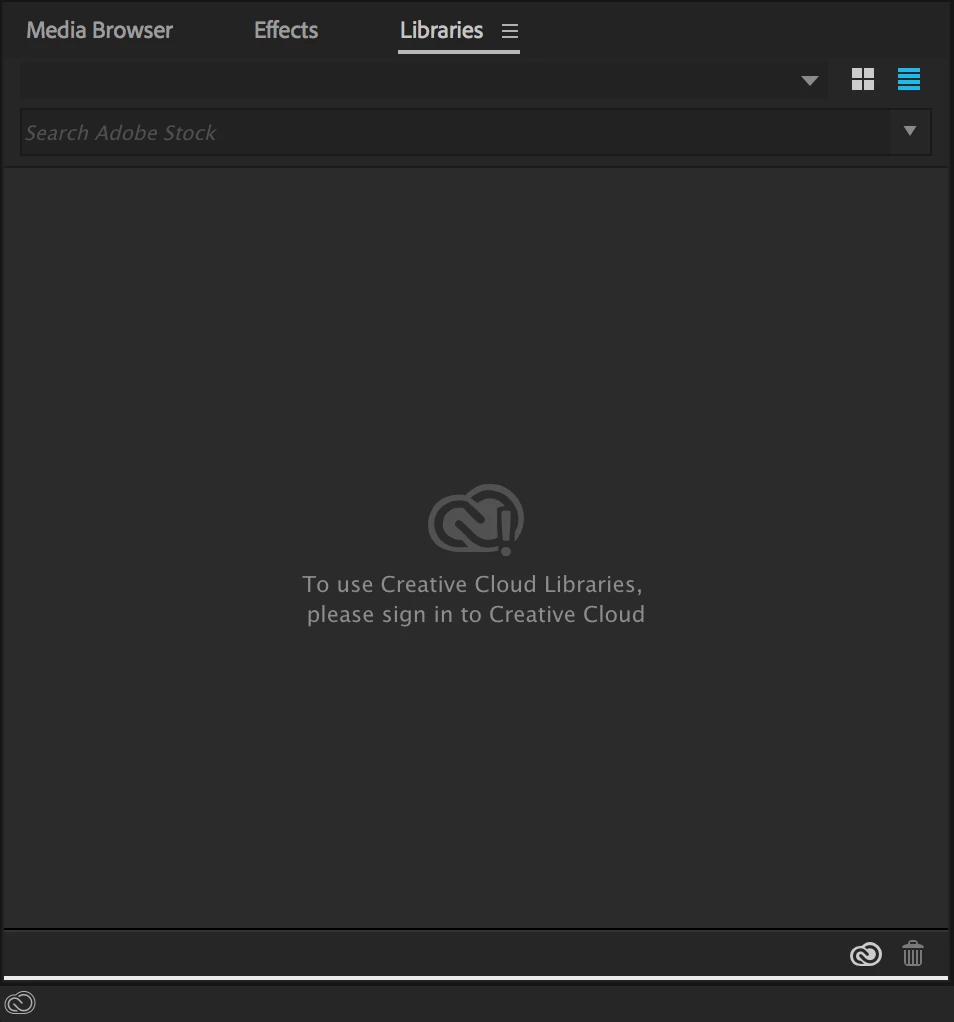
In the first picture below, I have an image saved through my web browser to my Adobe CC library. In Premiere Pro, I cannot load a library. How do I get anything to show in that panel? So far I have tried clicking the cloud icon and selected "Sync Settings Now," followed by the various options that follow. Nothing works. They make this look so easy at NAB and all of the tutorials that I've watched online. But this has not been working for me. Also, in tutorials that I view online, I see people can search in the Premiere Pro Libraries Panel for Stock video and photos. I cannot do that either. What am I missing here? I am definitely signed into my Creative Cloud account.
 AdChoices