Answered
Broken Link from InDesign to a image
The Link to the image in the CC Cloud in Indesign is broken and the image is not to find again in AdobeStock. Also not in my buyed images. What's happen?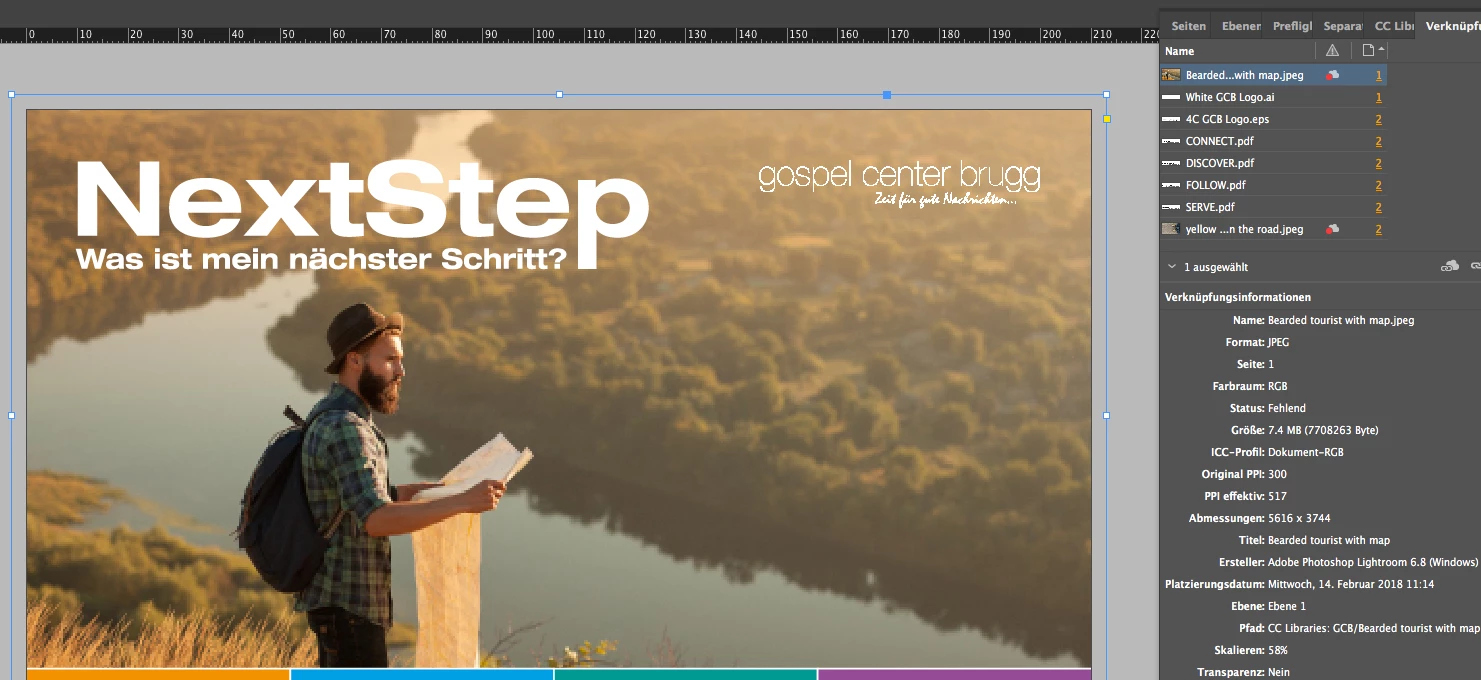

The Link to the image in the CC Cloud in Indesign is broken and the image is not to find again in AdobeStock. Also not in my buyed images. What's happen?
Hello A. E.,
If you licensed the image you can find it in your license history on the Adobe Stock website. You could try to download it there and then place it in your InDesign file. I'm still not quite certain of your issue. If the file you are trying to locate is a preview image (not licensed) then there is a possibility that it was removed from our site for some reason.
EBQ
Already have an account? Login
Enter your E-mail address. We'll send you an e-mail with instructions to reset your password.
 AdChoices