Ayapic
Inspiring
February 28, 2017
Answered

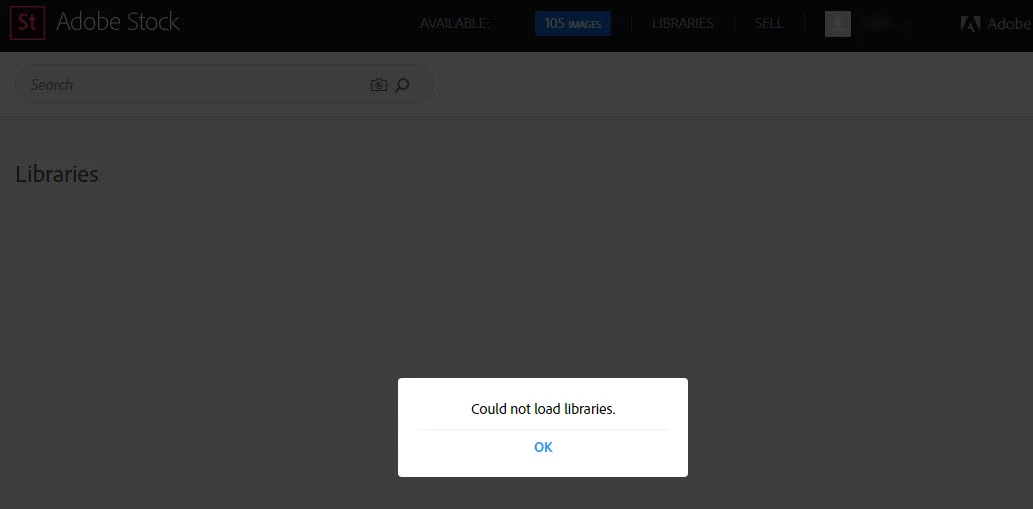
Can't load libraries?

  • February 28, 2017
  • 3 replies
  • 3194 views

I was about to buy images and suddenly realized I can't load, create, or show libraries -- either on the web or in Photoshop.  Logged out and back in...same issue

This topic has been closed for replies.
Correct answer WendellaBee

i was going to reply to the prior post earlier, as I could not see items that showed in my online library on my synced desktop.  I had 6-8 photos in my online library and they were not showing on my desktop libraries.

As a test, earlier today, I went into one library and added a new photo.  It and the other 6 photos immediately started to sync to my desktop apps.  I went into another Library, noted the same things, with two missing images.  I added a photo and it synced all the missing photos.

Since there's no way to "Refresh" the libraries on the desktop libraries, is there any way on your end to "Push" a sync out to make sure people have synced libraries?

I'm all set and do not have any issues on this topic, just offer this as troubleshooting guidance.

Rich


Hi RW,

Actually there was a bug introduced last week that was preventing automatic syncing of Creative Cloud Libraries from within Adobe programs. Customers were only able to sync their libraries manually. That bug was fixed this morning. I think you had good timing this morning. I'm glad it's working for you now.

EBQ

3 replies

Participant
October 5, 2017

This has just happned to me, library vanished as I was adding to it in Browser, now I get the message can't load libraries!!!

How can I get it back?

mikeb58569275
Participant
October 5, 2017

Same thing happened to me this morning.  Any help on how to resolve???

Participant
October 5, 2017

Contacted Adobe on the chat functions they said it is a server issue and should be back within 24-48hrs!!!

dlscott7
Participant
February 28, 2017

Same here; working along and tried to open my libraries but cannot.

WendellaBee
Adobe Employee
Adobe Employee
February 28, 2017

Hi DS,

Yes, many services including libraries are down right now. We're working on a solution and apologize for the inconvenience.

EBQ

Inspiring
February 28, 2017

Where can we get updates on this ?

Rather then checking here.

WendellaBee
Adobe Employee
Adobe Employee
February 28, 2017

Hi DB,

We're experiencing an outage for the Libraries feature at this time. The libraries engineering team is looking into and we apologize for this inconvenience.

Participant
January 11, 2021

Considering the fact that it's four years later and this issue still happens to me at least once a week, I'd say the libraries engineering team might need to be fired. This is the most expensive service I use and its failure costs me even more money every. single. week. I didn't sign up for this service. I signed up for dollar photo club years ago - but they were acquired and service subsequently went to hell. It used to be cheaper and it used to work. Hey at least you're beating the competition I guess.

WendellaBee
Adobe Employee
Adobe Employee
January 11, 2021

Locking this thread. You posted this issue in September and never replied. Please post details on this thread.
https://community.adobe.com/t5/stock/fix-access-to-the-libraries/td-p/11458450?page=1