Jens Peermann
Inspiring
December 26, 2021
Answered

How do I change the download destination for stock images?

  • December 26, 2021
  • 2 replies
  • 1785 views

I just downloaded a stock image, but instead of landing in the "Download Folder" as they used to do it was sent to one of my libraries in the cloud. I don't remember making that change and I want to it back to the Download Folder on my computer. How can I do that? Please advise.
 

This topic has been closed for replies.
Correct answer Abambo

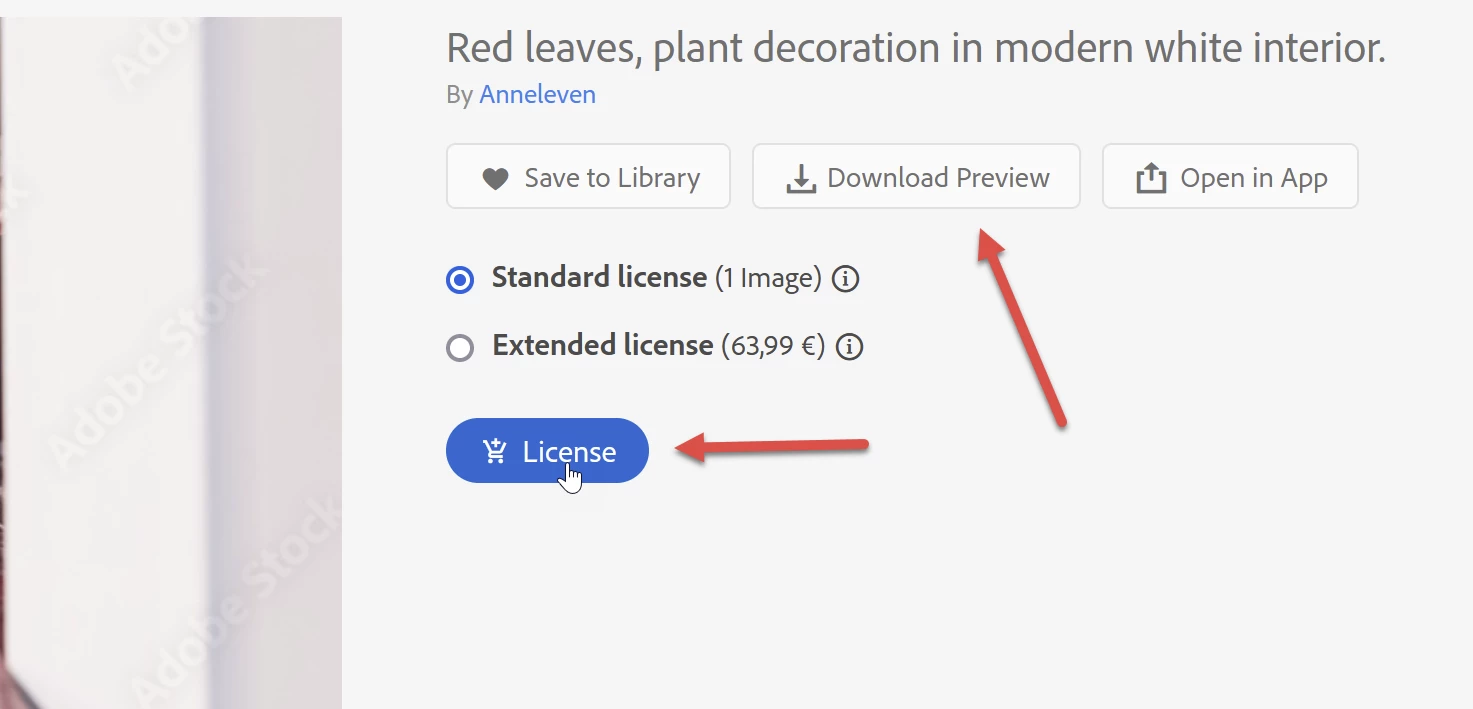
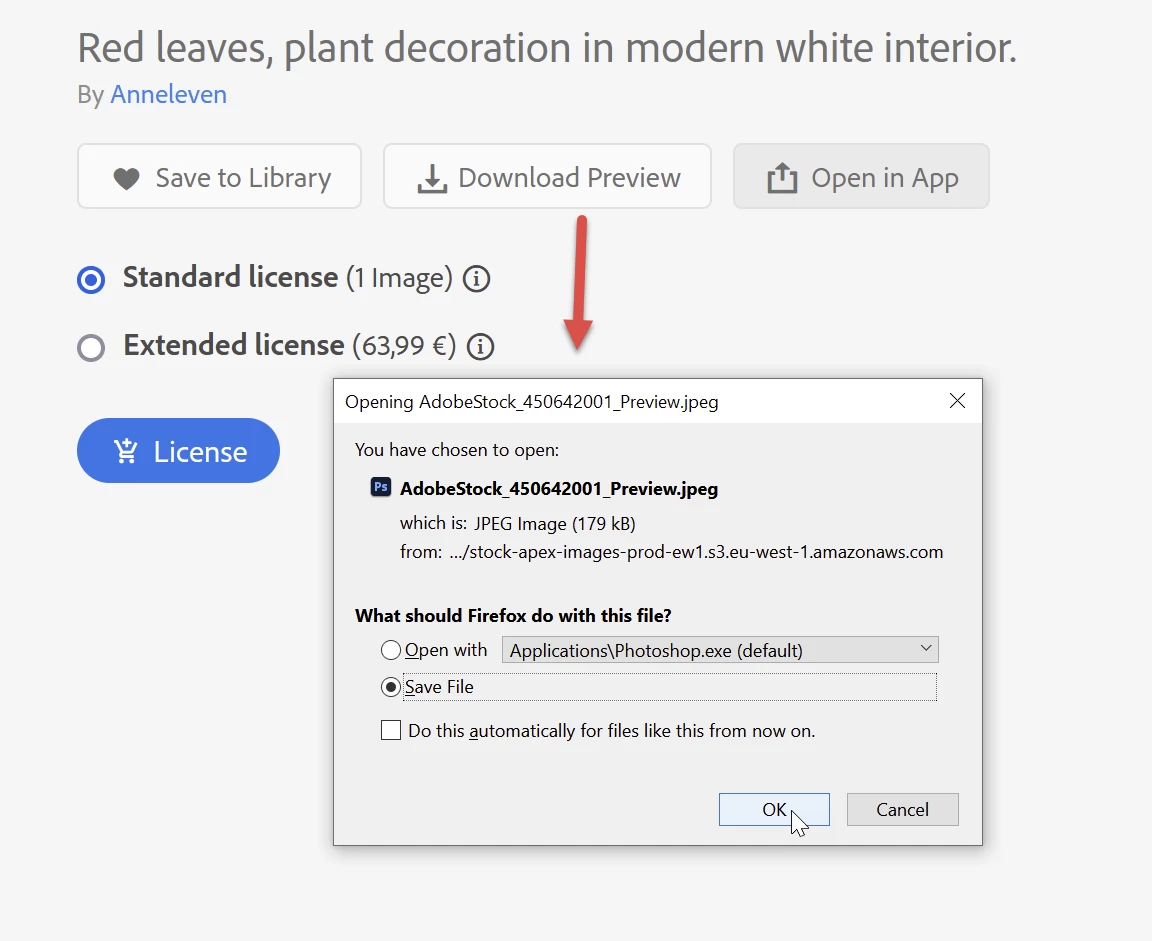
Either licence or download preview allows for downloading to the downloads area. I have configured my browser to ask me.

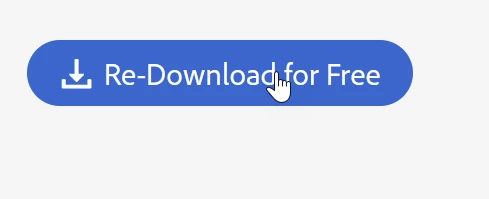
If you have licensed the asset, you can use the "Redownload for Free" button instead of the "Licence" button.


2 replies

Participant
November 14, 2023

This is not working for me. Very annoying. It does not seem to download my nonpreviews at all. Anywhere and I can;t find where to designate the downloads. Can you please specify that? 


Abambo
Community Expert
Community Expert
November 15, 2023
quote

This is not working for me. Very annoying. It does not seem to download my nonpreviews at all. Anywhere and I can;t find where to designate the downloads. Can you please specify that? 


By @sarahc20921250

What are nonpreviews?

ABAMBO | Hard- and Software Engineer | Photographer
Abambo
Community Expert
AbamboCommunity ExpertCorrect answer
Community Expert
December 28, 2021

Either licence or download preview allows for downloading to the downloads area. I have configured my browser to ask me.

If you have licensed the asset, you can use the "Redownload for Free" button instead of the "Licence" button.


ABAMBO | Hard- and Software Engineer | Photographer