
Question
How to edit AI mock-ups?
I'm a Photoshop user trying to work with an Illustrator mock-up file for a brand identity kit. In photoshop you typically have a smart layer that says: put logo here.
When you save the smart layer and go back to the original doc, the logo appears perfectly adjusted in all the different mock-up elements...
Asset #448354365 is a good example of what I'm referring to.
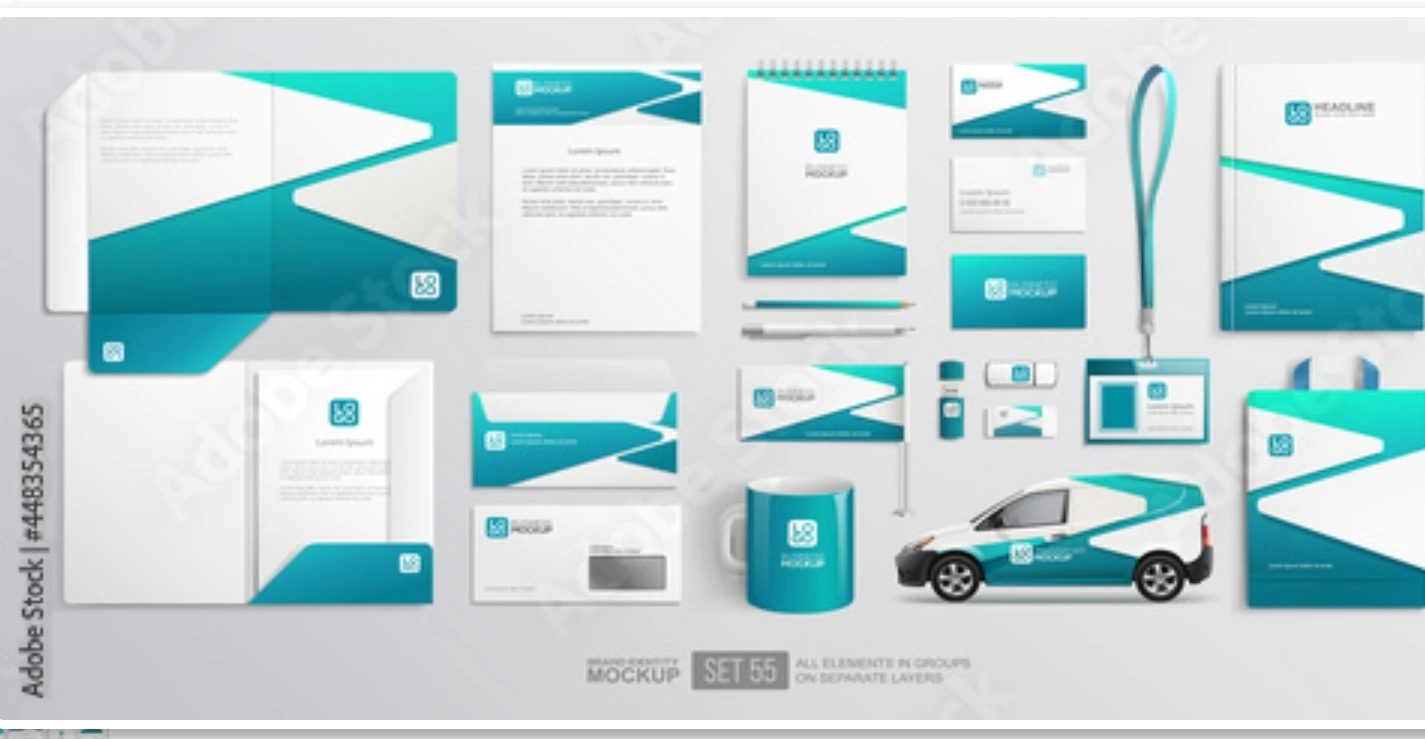
Am I going to find a similar procces in Illustrator or no?
I don't have to drop the logo into every single little design itteration in here do I?
I hope that makes sense...
 AdChoices