
Participant
April 25, 2023
Answered

Saw Stock photo 4/24/23 and wanted to purchase license; can't find in stock 4/25/23

  • April 25, 2023
  • 2 replies
  • 264 views

Hi all,


My first time posting for help here. I was looking at the image below in the Stock library yesterday (4/24/23) and was going to purchase a license for it, but I went back to check today and am seeing a 404 not found page.
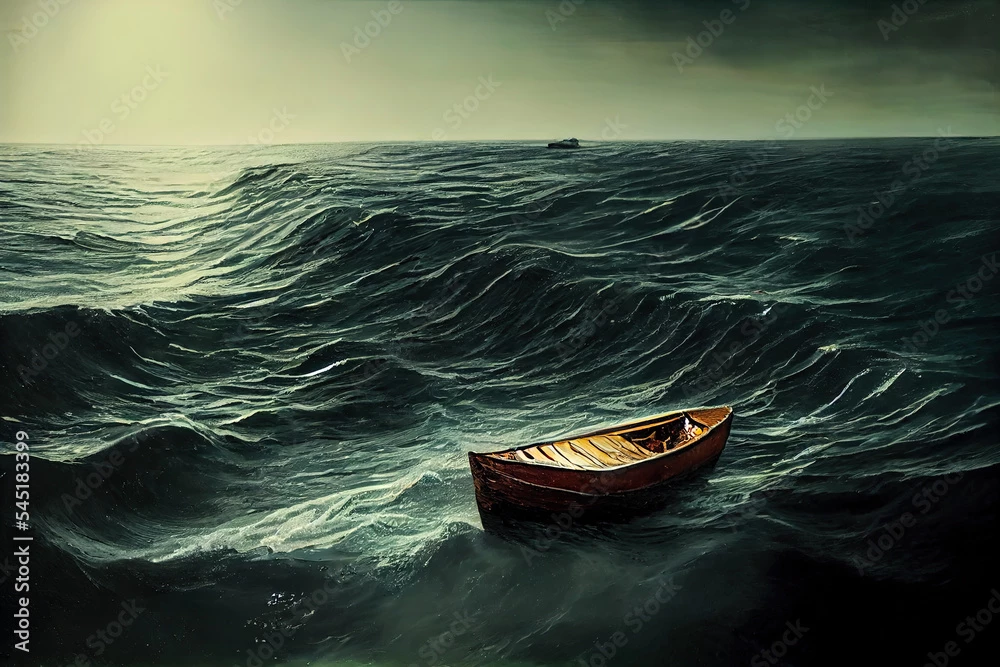
 

What happened to make it disappear from the search? How can I contact Adobe and still purchase the license? The URL it was at is below in case I can still access the image and purchase the license.


https://stock.adobe.com/images/digital-painting-of-a-lonely-wooden-fishing-boat-lost-at-sea-in-storm-isolated-boat-with-strong-large-waves-surrounding-it-in-a-seascape-artwork-harsh-nature-and-stormy-ocean-with-an-empty-boat/545183399?as_campaign=ftmigration2&as_channel=dpcft&as_campclass=brand&as_source=ft_web&as_camptype=acquisition&as_audience=users&as_content=closure_asset-detail-page)


Any advice or help would be greatly appreciated!

This topic has been closed for replies.
Correct answer Abambo

It's unfortunate, but it happens, that assets get deleted from the database. You need to choose a different asset, as @Jill_C said.

2 replies

Abambo
Community Expert
AbamboCommunity ExpertCorrect answer
Community Expert
April 26, 2023

It's unfortunate, but it happens, that assets get deleted from the database. You need to choose a different asset, as @Jill_C said.

ABAMBO | Hard- and Software Engineer | Photographer
Jill_C
Community Expert
Community Expert
April 25, 2023

There is no longer an asset with that file number in the database. The Contributor might have deleted that asset or closed their Stock account. Or Adobe could have removed the account or the asset if it was non-compliant with Adobe's terms in some way. It looks like a Generative AI asset, and many of the AI assets as well as AI Contributors are being audited for incorrectly submitting the assets, not labelling them properly, etc. You most likely won't get any response from Adobe on this. It's gone, so you'll just have to look for another one.

Jill C., Forum Volunteer