
Inspiring
February 7, 2018
Answered

Searching Adobe Stock through CC library shows broken images

  • February 7, 2018
  • 1 reply
  • 1159 views

For the past 2 days or so, the Adobe Stock search in InDesign & Photoshop has been showing broken thumbnail images as below when doing a search:
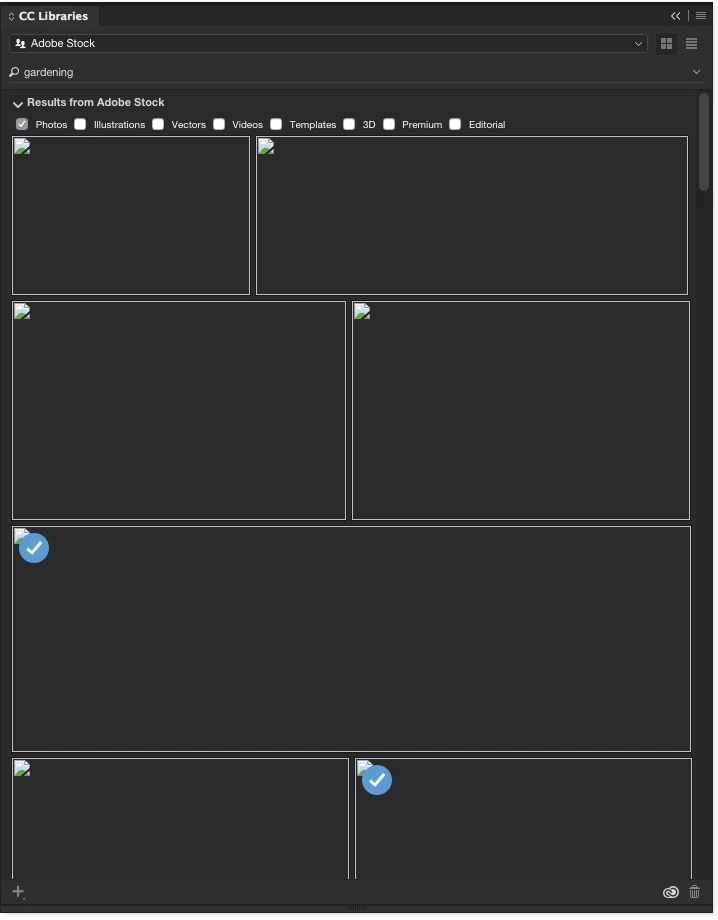
So I search for the word 'gardening' and instead of Adobe Stock images, I get the above.

These images can still be placed, so when I drag them into InDesign, the images show up.

Any images purchased also show the 'blue tick' as above.

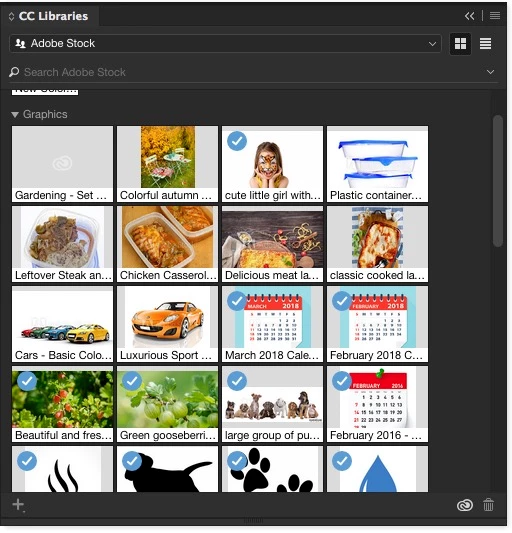
If I purchase the image through the web interface and add it to a CC library, it shows up normally (2nd image in the pallet below), however if I download or purchase through the CC library pallet it doesn't (1st image in the pallet below):
Setup:

iMac 27" late 2013, running Yosemite.

2017 Adobe Creative Cloud apps, all up to date.

Troubleshooting:

Restart Mac, sign out and back in to Adobe account through Creative Cloud control panel, still get the same.

This is the same on multiple Mac's, although some are showing a couple of images in the search, some don't. Doesn't seem to be the same on each Mac, but all are showing some broken thumbnail images.

Therefore problem seems to be at Adobe's end rather than locally on the network, or unique to one Mac.

Any help greatly appreciated.

This topic has been closed for replies.
Correct answer coldjtf

Colin,

Additionally, please confirm me the version of Creative Cloud applications that you are using.

The latest versions do not show this error.

Regards,

Sheena


Just to keep you informed, the problem appears to have been solved by whitelisting the domains that Adobe Stock uses, and/or an upgrade to High Sierra and subsequently Adobe CC 2018.

1 reply

twaritar3263062
Participating Frequently
February 7, 2018

Hi Colin,

Sorry to hear that you are facing issues with our Stock services. I tried to reproduce the same on my end and I did use the same machine as you have mentioned above, however, it seems to be working fine. Would you mind trying to connect via a different network?

Also, please try to uninstall and reinstall your application and then try searching the Stock images.

If still, the issue persists, please let us know so that we can further assist you.

Regards

Twarita

coldjtfAuthor
Inspiring
February 8, 2018

As i said it's across the entire team of Mac users, all under the same account, and it's across multiple applications.

Therefore, reinstalling a single application isn't the answer.

Can you tell me the ports that Adobe Stock communicates over so i can check that these haven't been blocked at our end.

Is there an Adobe Stock preferences or setting file that can be trashed to re-set it?

coldjtfAuthor
Inspiring
February 8, 2018

I've tested this across multiple applications (ID, Shop & Illus) and the same behaviour arises.

I will try this on a separate network (at home) under the same CC account and report back.

In the meantime can you tell me the ports and whether there's a pref file I can trash.