
Searching Adobe Stock through CC library shows broken images
For the past 2 days or so, the Adobe Stock search in InDesign & Photoshop has been showing broken thumbnail images as below when doing a search:
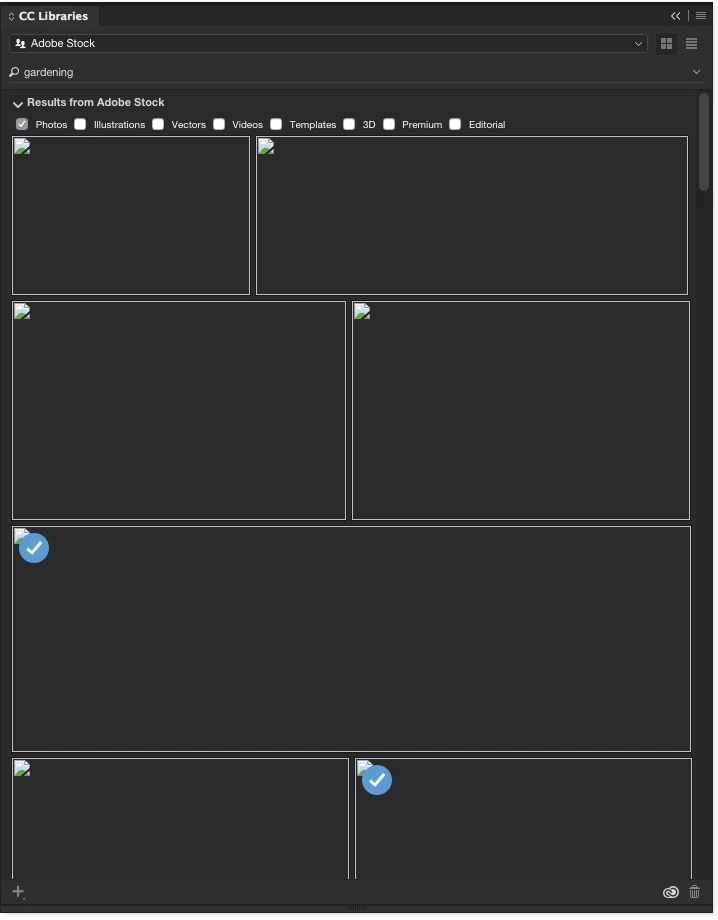
So I search for the word 'gardening' and instead of Adobe Stock images, I get the above.
These images can still be placed, so when I drag them into InDesign, the images show up.
Any images purchased also show the 'blue tick' as above.
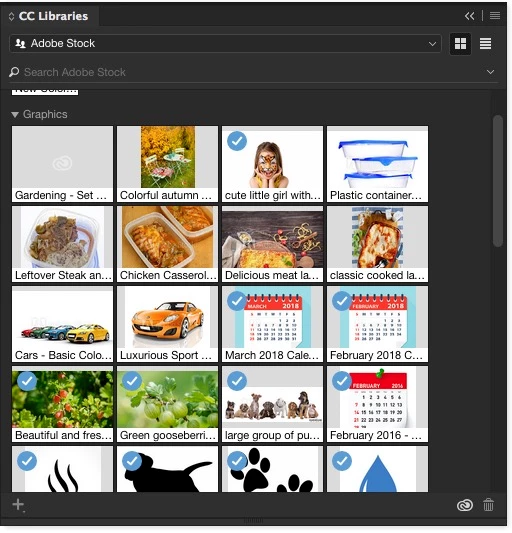
If I purchase the image through the web interface and add it to a CC library, it shows up normally (2nd image in the pallet below), however if I download or purchase through the CC library pallet it doesn't (1st image in the pallet below):
Setup:
iMac 27" late 2013, running Yosemite.
2017 Adobe Creative Cloud apps, all up to date.
Troubleshooting:
Restart Mac, sign out and back in to Adobe account through Creative Cloud control panel, still get the same.
This is the same on multiple Mac's, although some are showing a couple of images in the search, some don't. Doesn't seem to be the same on each Mac, but all are showing some broken thumbnail images.
Therefore problem seems to be at Adobe's end rather than locally on the network, or unique to one Mac.
Any help greatly appreciated.
 AdChoices