This topic has been closed for replies.
Correct answer Abambo

You will see, when you use my first link, the chat window like mine. If you don't get the Virtual Assistant to help you, type “Agent”.
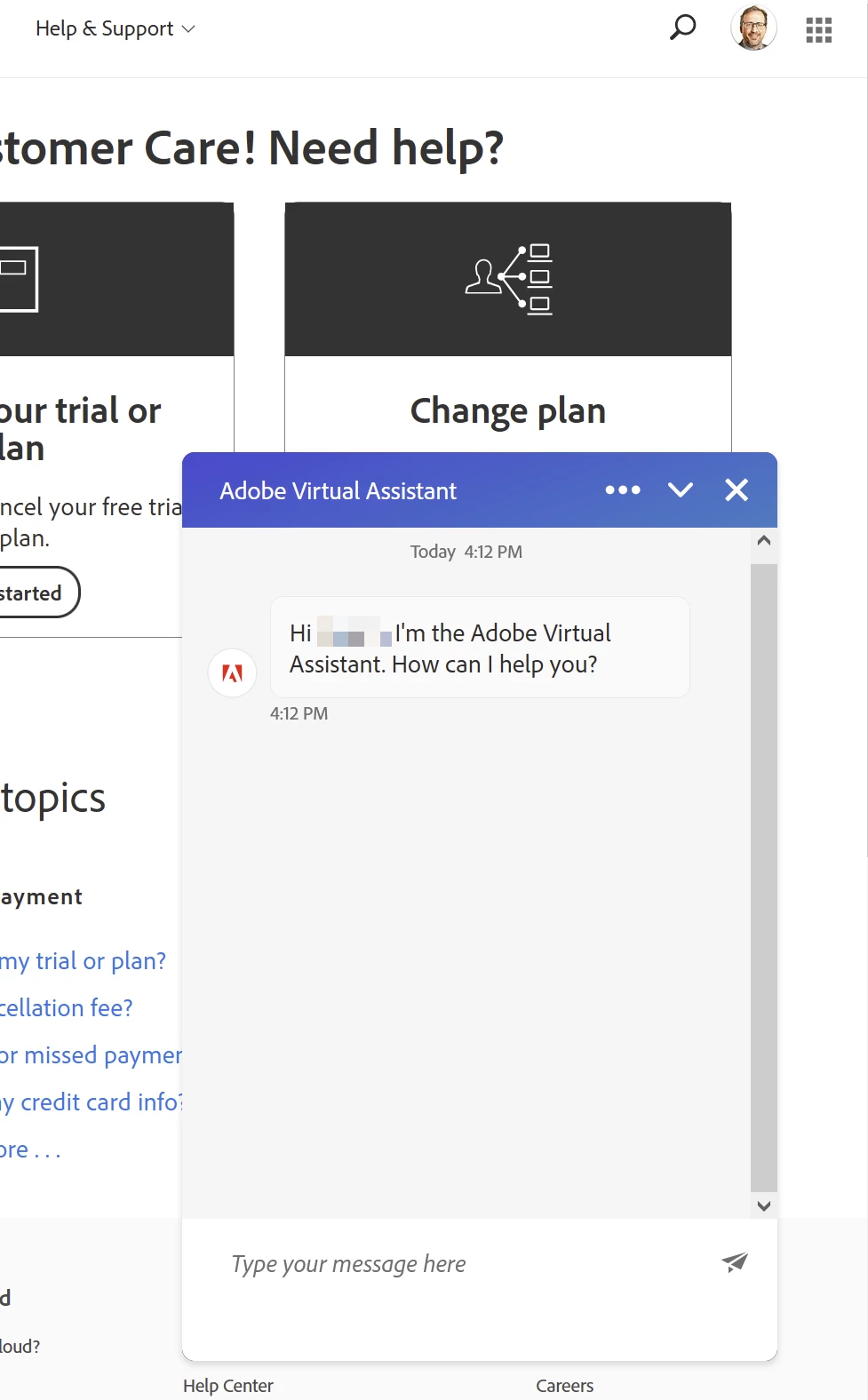
 

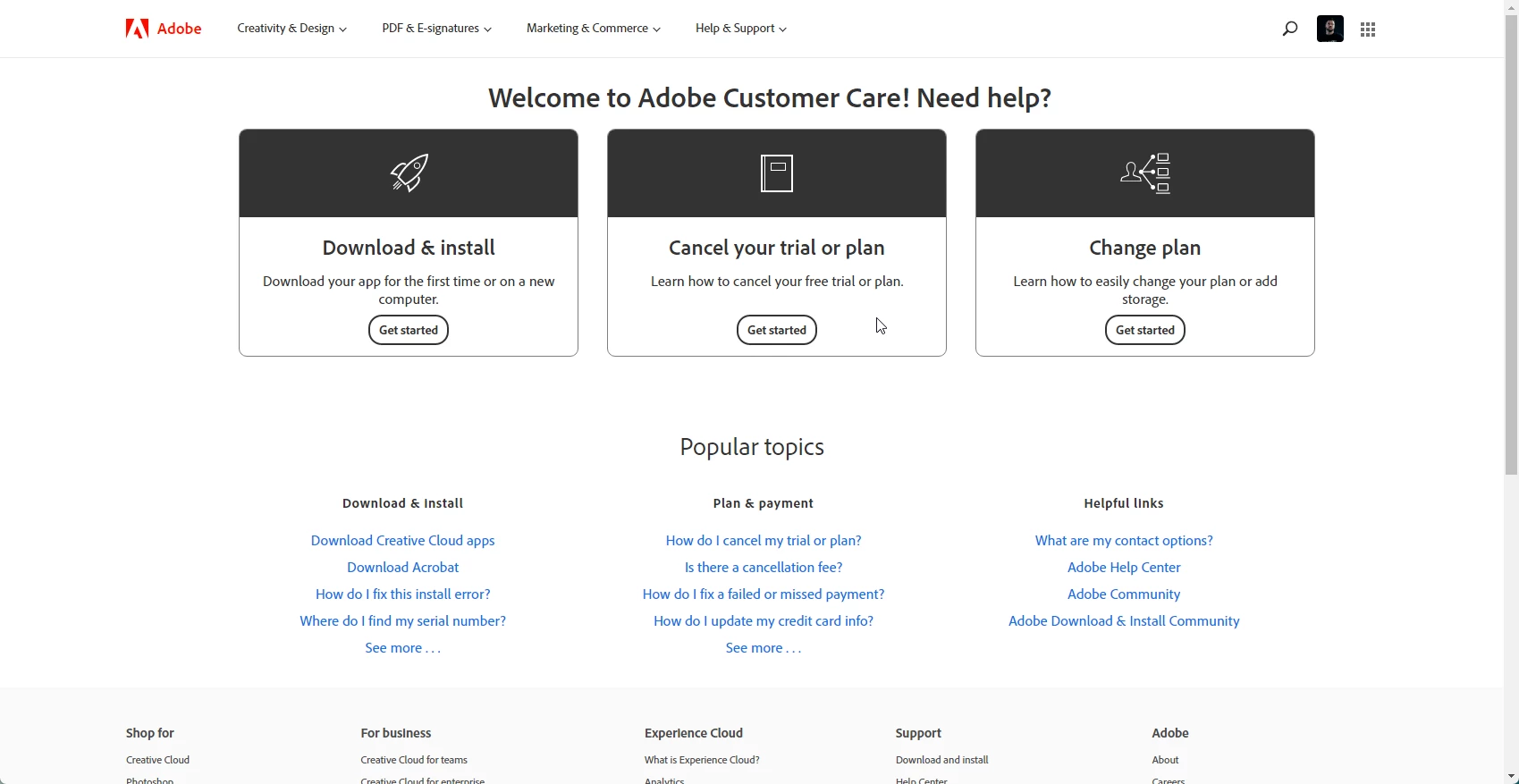
Adobe customer care can be contacted by beginning a secure chat session at https://helpx.adobe.com/contact.html?rghtup=autoOpen. Pop-up blockers need to be disabled! If the chat window fails to open, or is non-responsive, use a different device to start the interaction.
Support phone numbers may be found here: https://helpx.adobe.com/contact/phone.html. Please note that phone charges may apply.

For support via Twitter:
https://twitter.com/AdobeCare

(see also here: https://community.adobe.com/t5/creative-cloud-services/how-to-contact-adobe-support/td-p/11875703 or here
https://community.adobe.com/t5/account-payment-plan/how-to-contact-adobe-support/td-p/11843852)

1 reply

Abambo
Community Expert
AbamboCommunity ExpertCorrect answer
Community Expert
January 24, 2023

You will see, when you use my first link, the chat window like mine. If you don't get the Virtual Assistant to help you, type “Agent”.


Adobe customer care can be contacted by beginning a secure chat session at https://helpx.adobe.com/contact.html?rghtup=autoOpen. Pop-up blockers need to be disabled! If the chat window fails to open, or is non-responsive, use a different device to start the interaction.
Support phone numbers may be found here: https://helpx.adobe.com/contact/phone.html. Please note that phone charges may apply.

For support via Twitter:
https://twitter.com/AdobeCare

(see also here: https://community.adobe.com/t5/creative-cloud-services/how-to-contact-adobe-support/td-p/11875703 or here
https://community.adobe.com/t5/account-payment-plan/how-to-contact-adobe-support/td-p/11843852)

ABAMBO | Hard- and Software Engineer | Photographer
Participant
January 26, 2023

Incredible that your answer is marked as "correct answer" when it doesn't even work.


Abambo
Community Expert
Community Expert
January 26, 2023

Did you also try this? If the chat window fails to open, or is non-responsive, use a different device to start the interaction.

You may also try with a different browser. You may have installed on your standard browser those nice helpers that protect you from intrusive websites. You have probably to switch those of for Adobe chat to work. If you use a different browser, chances are that you do not use those helpers there.


You could also try your phone or tablet. It works fine on both of my devices, and all of my desktop and laptop computers with Chrome, Firefox, and Edge on Windows and Safari on iOS.


And the link works, for me and for millions of other users:


My answer has been marked correct because it's the correct way to contact Adobe customer care. If the chat does not work, use the phone option, or use the twitter option.

ABAMBO | Hard- and Software Engineer | Photographer