Participating Frequently
November 10, 2021
Answered

Undo similar search to return to selected image

  • November 10, 2021
  • 3 replies
  • 1016 views

This happens to me all the time and it is infuriating. I search for a keyword - find an image that is really good so I click the similar button and get a bunch of options. After search through those I decide that the orginal image is the one I want...except that I can not return to that image. I've tried CLEAR - clicked X - BACK - nothing works then I have to remember what keyword I searched and start from scratch and try to recall where I saw the image in the first place.

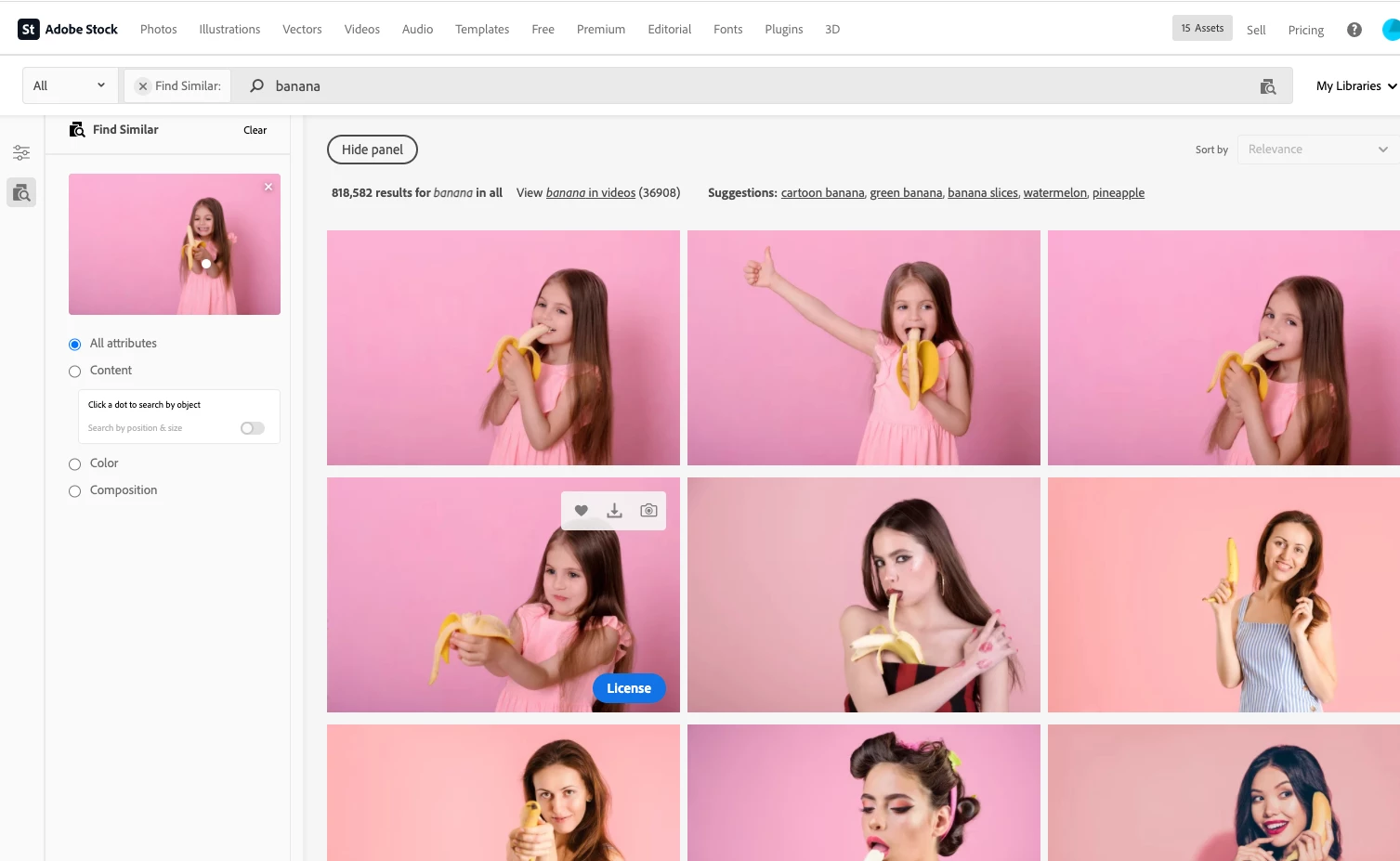
Sample:

Search for keyword Banana....then lets say i scroll through 50 pages before i find a nice image.
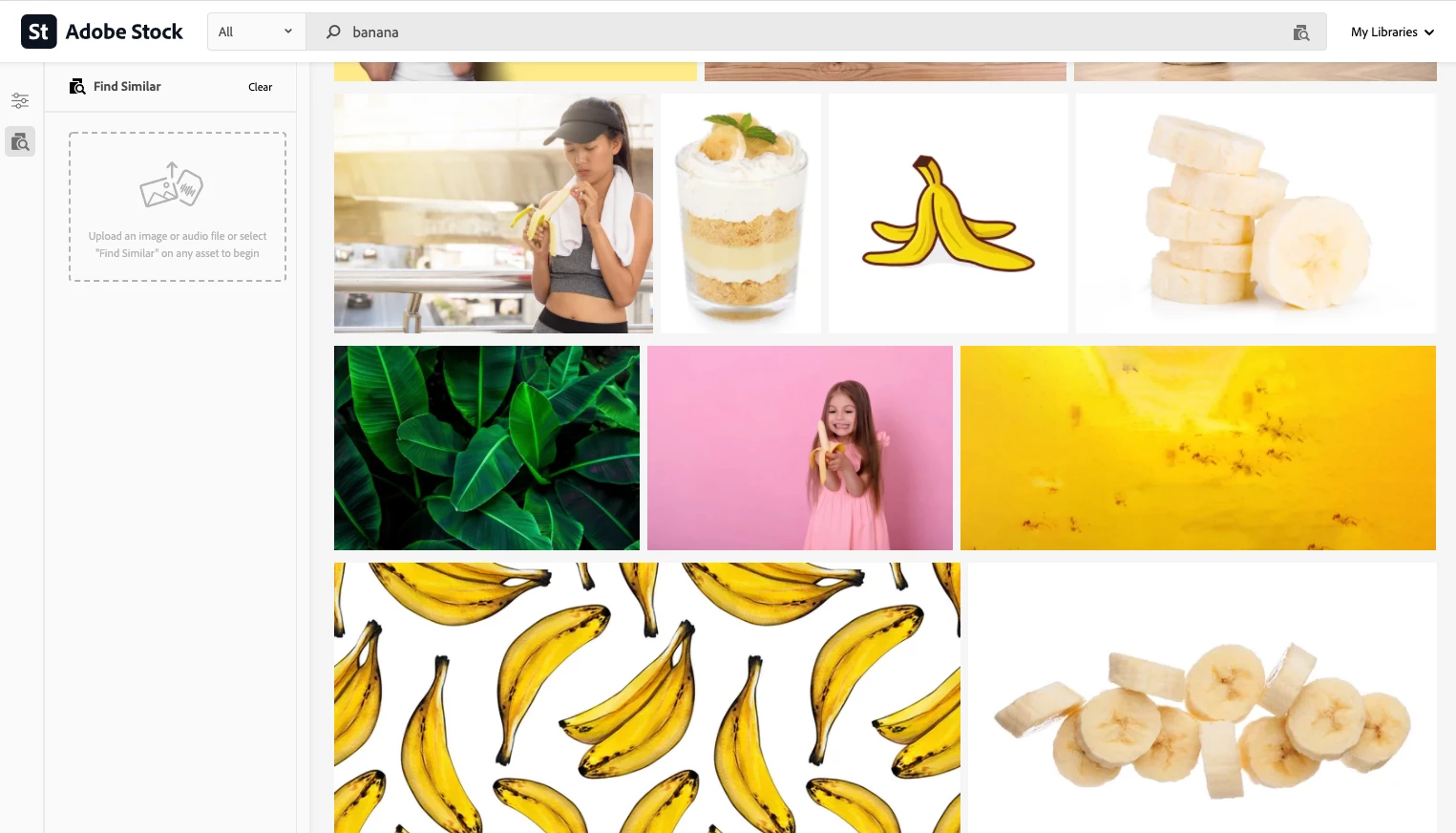
Now - if I click the X in find similar or the Clear button on the similar image I am taken back to the original BANANNA search----PAGE 1. 

Would be nice to jump from the similar image to itself just by clicking on it!

PS. using open new window a billion times works but has it's own issue and is poor UX in my mind.

Am I missing something?


Correct answer joon.Stock

While the behavior of undoing by X is our current behavier, it is recommended to use back button to go back to previous state as of current.

Best regards,

3 replies

Melah_Pelaz
Participant
January 13, 2023

This is very poor UX 100%. I second this comment by nicks3609780. Its very frustrating to not be able to go back to the selected image and it could be as easy as a adding a link or even just adding the number of the image. The back button is definitely NOT the solution to this.

saltwatertrout
Known Participant
August 9, 2024

I have this problem all the time. The only thing that works for me is to right click on the "Find Similar" image, copy it, and paste it into tineye. Is that what Adobe wants? Because if tineye shows that the same image is available elsewhere maybe I'll just go there. Why can't the "Find Similar" image just always be the #1 top left image in the search results, followed by all the similar images? It's maddening.

Jill_C
Community Expert
Community Expert
August 9, 2024

If you start a new thread here in the forum under the Feature Request category, others can vote on it which will help to elevate it for consideration by Adobe.

Jill C., Forum Volunteer
joon.StockCorrect answer
Participating Frequently
November 11, 2021

While the behavior of undoing by X is our current behavier, it is recommended to use back button to go back to previous state as of current.

Best regards,

Participating Frequently
November 11, 2021

Nope and even worse - You should try doing that then clicking the back button - takes me to a bunch of videos related to something i was searching earlier this morning instead of the new bananna search a few clicks deep.

Participating Frequently
November 11, 2021

Not sure why adobe pushes videos when someone is looking at images but that happens to me quite a lot as well. 

Participating Frequently
November 11, 2021

Thank you for reporting your experience, I will pass this on to production team.

Best regards,