
Imported object from Blender does not have sharp normals
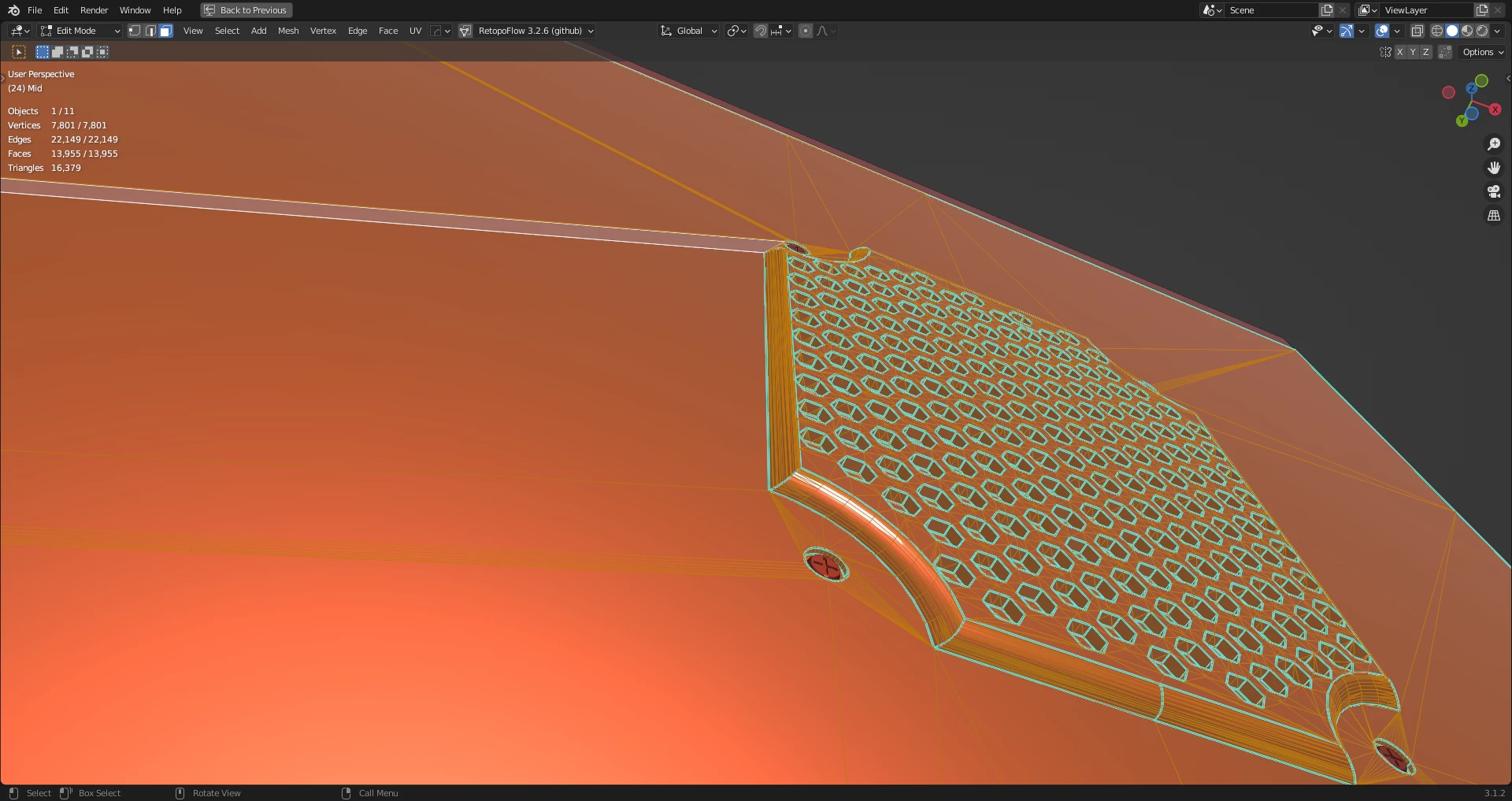
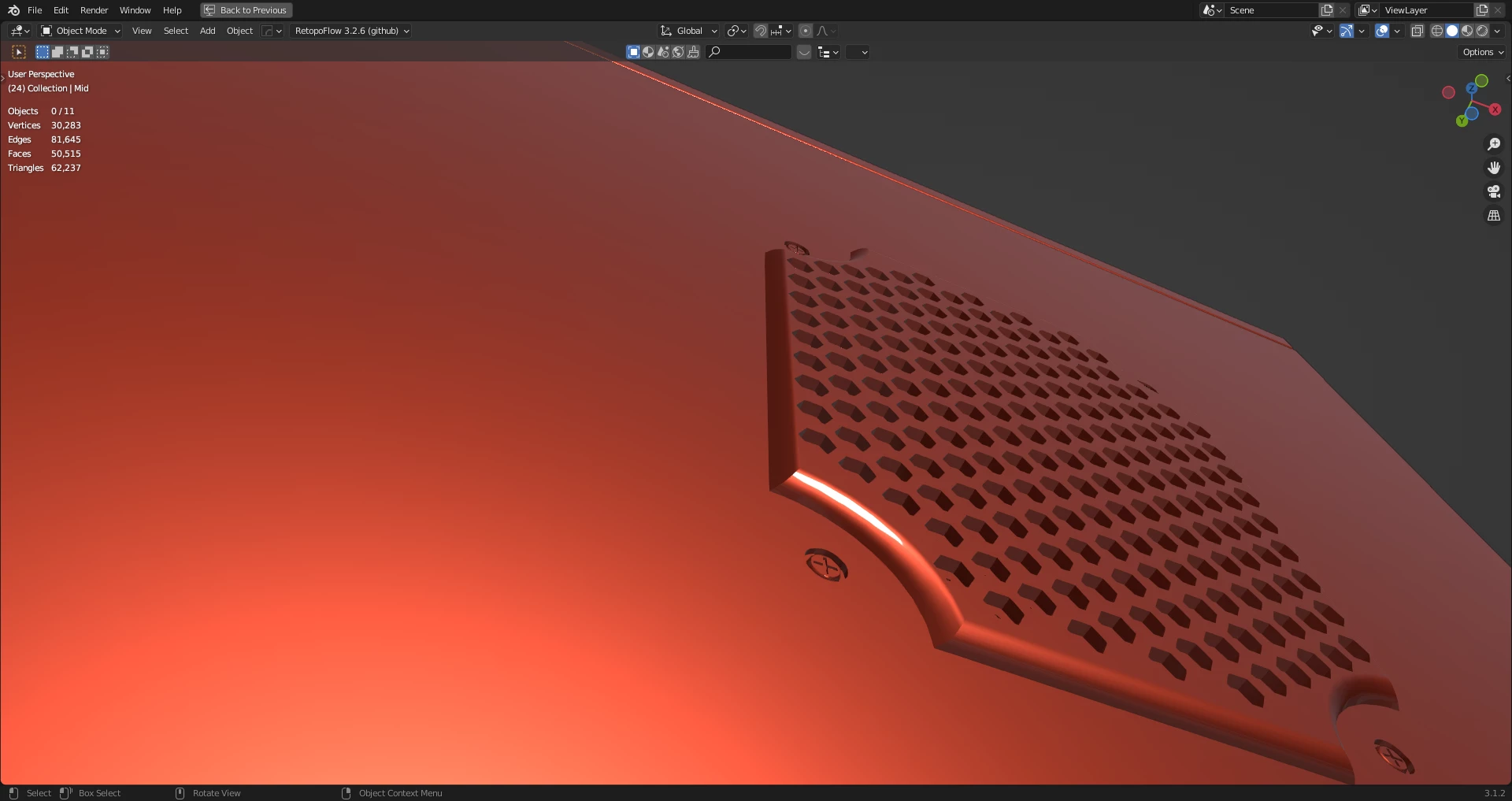
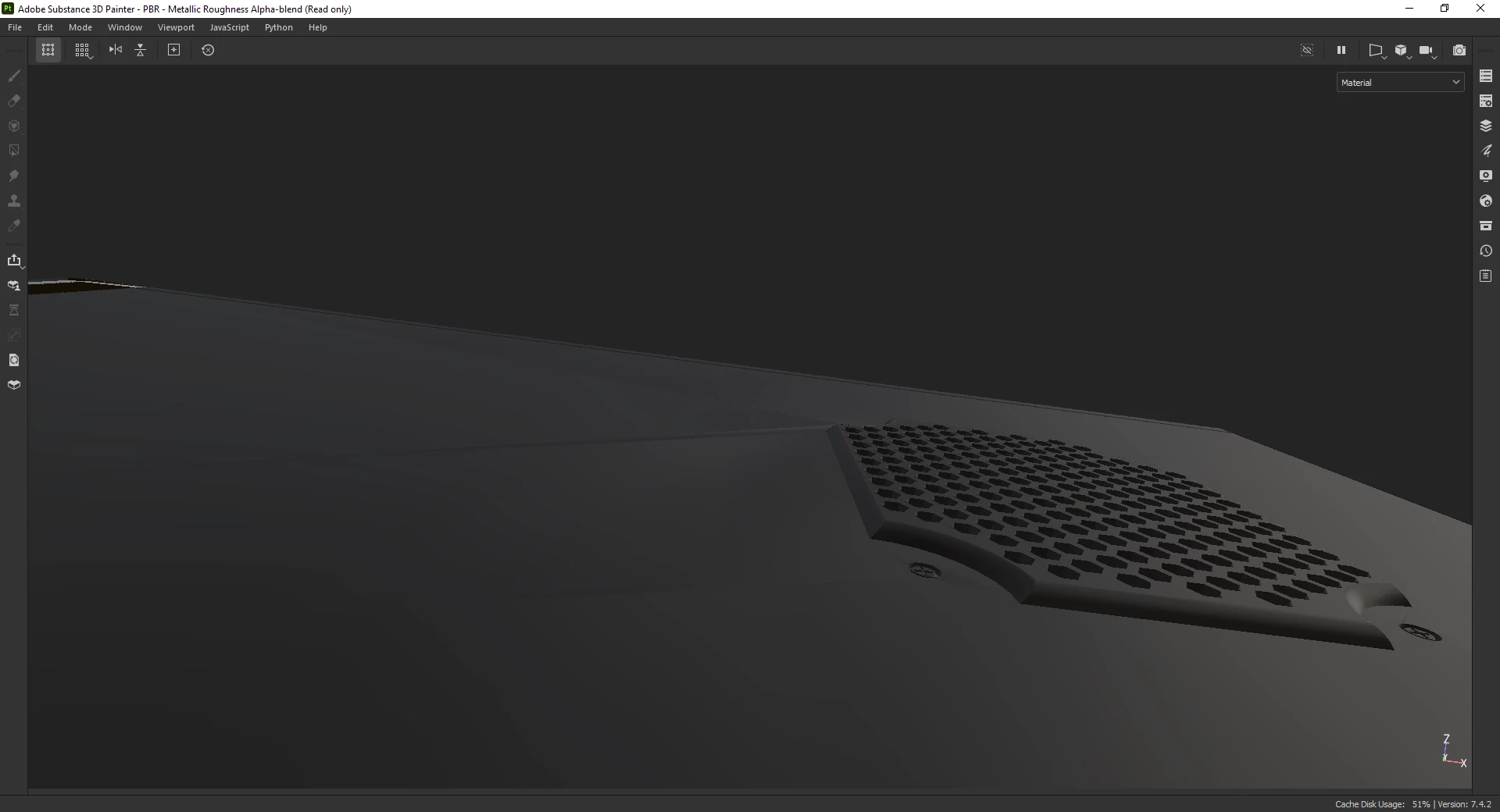
I made this model in Moi, exported it to Blender where the shading is perfect, UV unwrapped it and then exported it as obj again before importing it in Substance Painter. It seems Painter is not importing the normals properly so I am getting those ugly triangle strip artefacts on a flat surface. Perhaps it is not taking note of sharp edges. What should I do here?
I've run into a situation such as this while rendering with displacement in Houdini and the way I've fixed it there by remeshing while keeping the existing edges around. Still, I'd like to deal with this problem without having to add extra geometry since I am not using displacement here. Turning tesselation off doesn't fix the problem here so the issue is probably not related to that.
 AdChoices