
Participant
October 5, 2022

Visible seam appears in baked maps

  • October 5, 2022
  • 3 replies
  • 634 views

Hello, can you help me to get rid of this ugly seam? 
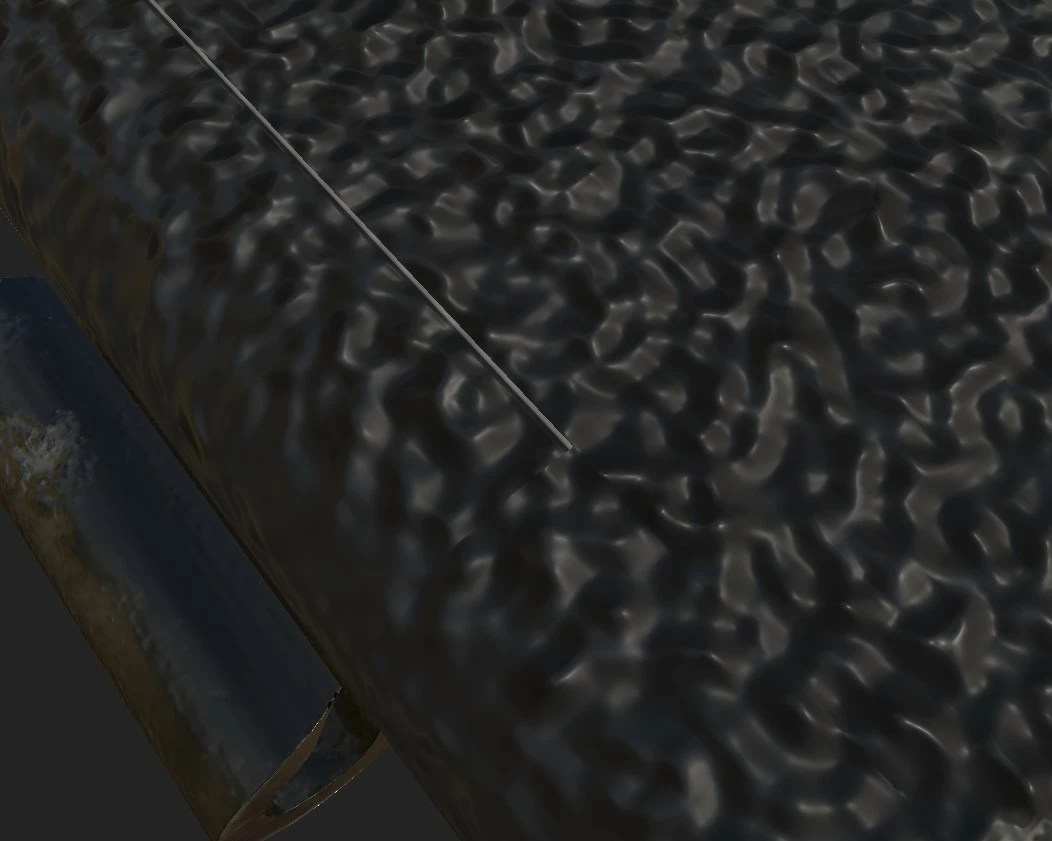
Right arfter bake texture looks good but as I switch my view to something else visible seam appears at baked maps. It happens only with one marked island.
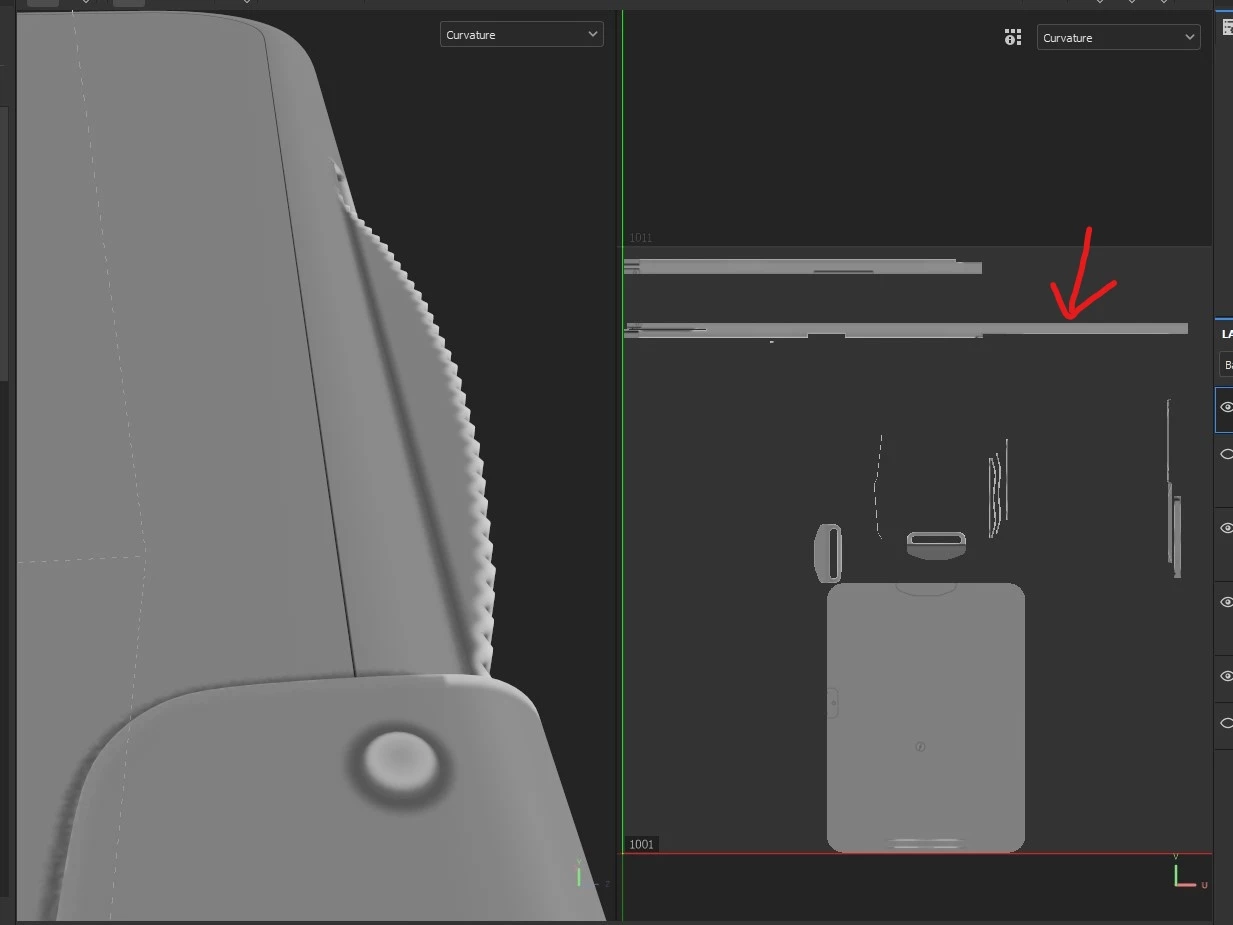
I tried changing dilation, frontal and rear distances, antialiasing but it didn't helped. Increasing viewport quality also has no effect. Painting on normal and ao maps didn't helped either. I am using tri-planar and as you can see other seams not so noticable. Texture size is 4k. I am pretty new to 3d modelling and texturing so i could miss somehting. I appreciate any help and sorry for my English.
  

3 replies

ReintarAuthor
Participant
October 8, 2022

Well, disabling hardware acceleration really helped! My project includes 2 UDIMs and 10 texture sets (still not sure if this the right way of doing things haha). After a small research about the SVT, i found out that its purpose is optimization for large quantities of texture sets and UDIMs. So I'm just curious, is this means that my GTX 1050ti (517.48) not suports this feature?

Anyways, thank you very much for help.

GeoffroySC
Community Manager
Community Manager
October 7, 2022

Hi,

Could you try two things to see if it solves your issue? 

1- In Shader Settings, disable Displacement and Tesselation

2- In your Settings (Edit > Settings...), disable Hardware support acceleration under Sparse Virtual Texture.

If both solutions don't yield any positive results, would you be able to share your project?

Thank you,
Kind Regards,

Geoffroy SC

ReintarAuthor
Participant
October 5, 2022

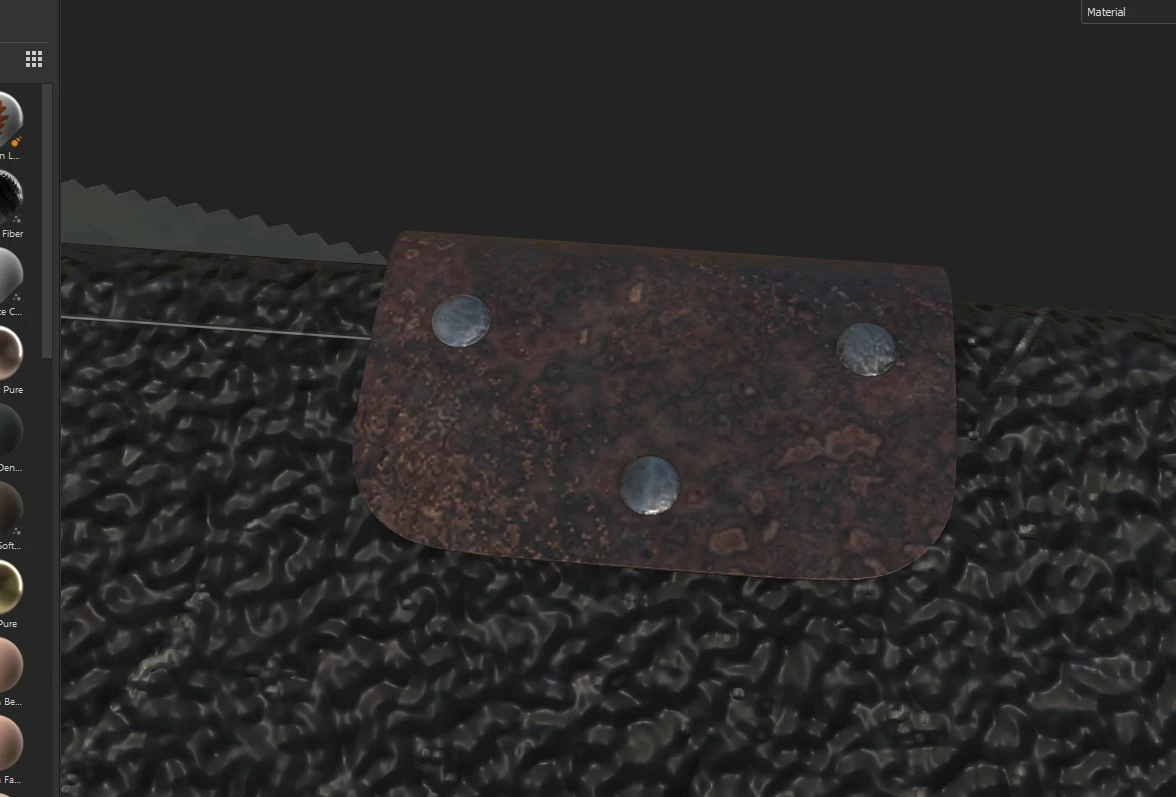
So i recreated visual bug i was talking about that may be linked to this seam problem.

Here is the video: