Daniel.C.Preston
Participant
March 25, 2024

Area lighting issue

  • March 25, 2024
  • 4 replies
  • 304 views

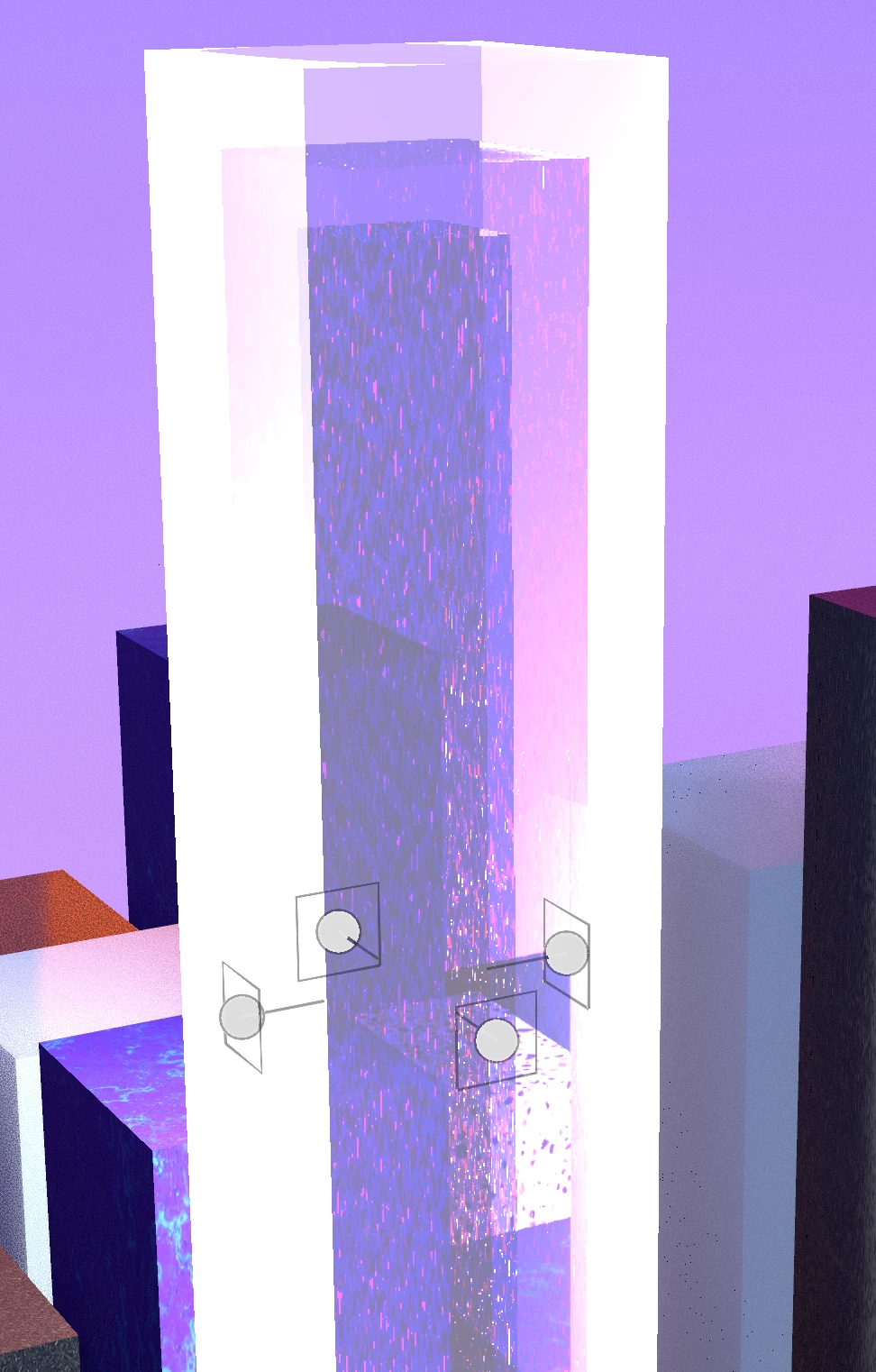
I have multiple glass plynths I am trying to light serveral are set up and working fine (they have 4 area light surrounding the glass to light up the interior). The issue I am having now is whenever I add or copy new lights into the scene they dont seem to light anything up? 
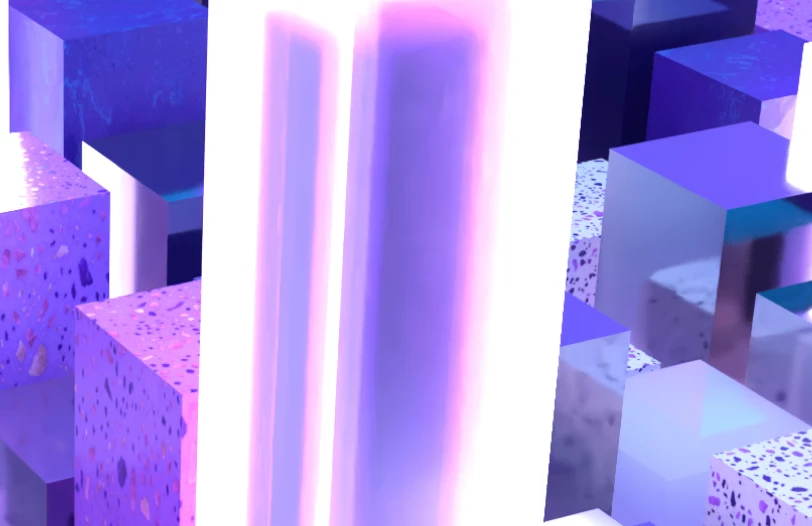
There is probably a much easier way to get the effect i want but I am fairly new so still learning. I have multiple coloured glass pillars inside each other and then wanted to make them glow. 
4 replies

Cyril Dellenbach
Community Manager
Community Manager
March 27, 2024

Hello @Daniel.C.Preston,


Do you maybe have a reference of what you're aiming to do with Stager? It could help us giving alternative workflow.


Regards,

Cyril Dellenbach (Micro) | QA Support Artist | Adobe
Ares Hovhannesyan
Community Expert
Community Expert
March 26, 2024

IMHO it can be the problem of overlaping lights and interaction beetween many light sources not + materials properties. You need to experement for getting right result. 

Daniel.C.Preston
Participant
March 25, 2024


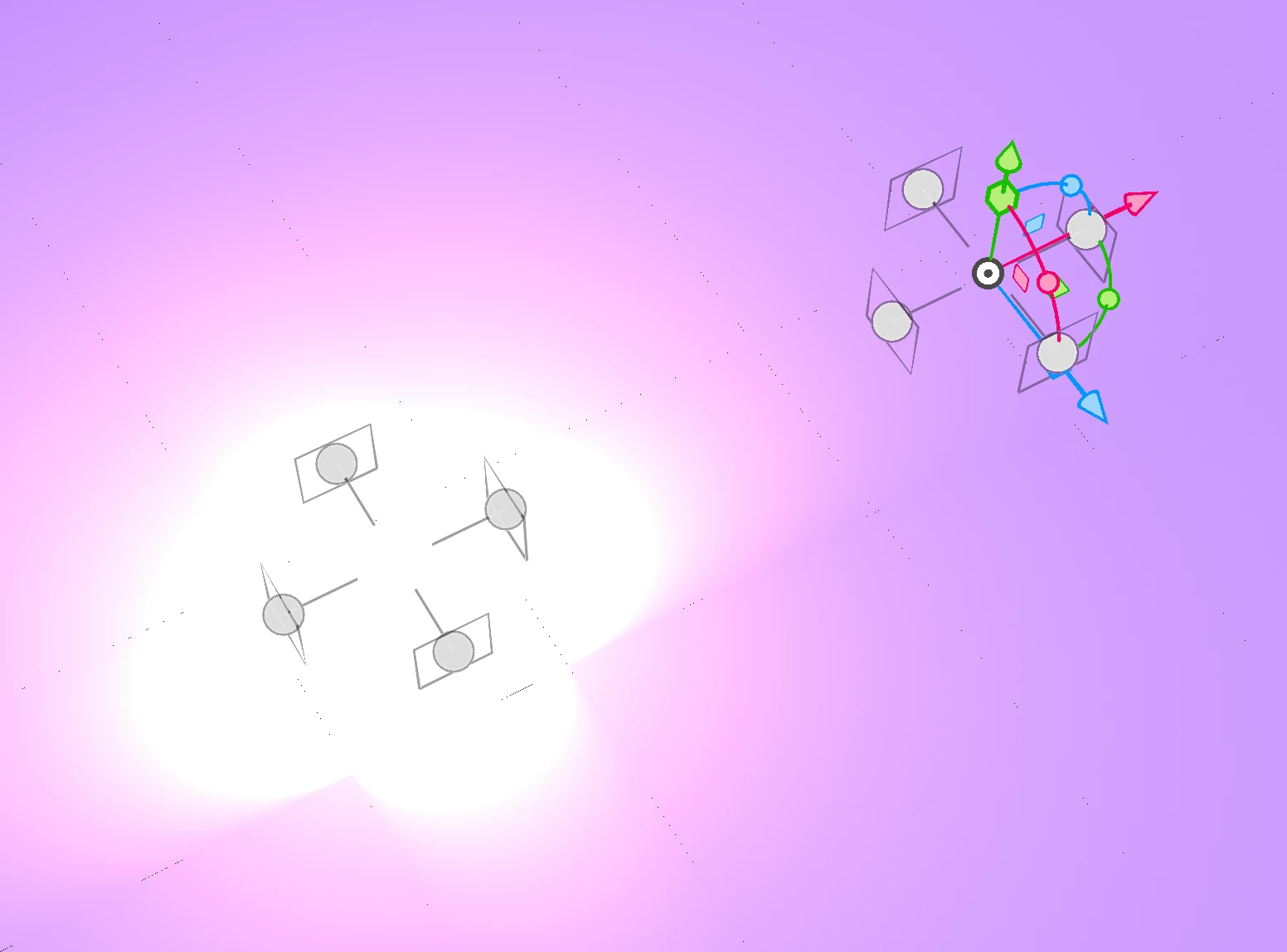
I changed the opacity and translucency on the glass blocks but they arent the issue it's just the area lights not showing up for some reason. The first screen shot I sent on the first post is just the area lights (no blocks involved) four lights on the right working fine and you can see the light they emit but then the one on the right is exactly the same settings but you cant see the light emitting at all. 

Here is a screen shot of the layers if that helps...

Ares Hovhannesyan
Community Expert
Community Expert
March 25, 2024

It difficult to solve this prob;em without knowing how is your scene is structured. Is it possible to show a capture of workspace with open layers in Scene? Di you try to use opacity and translucency properties for envelope object?