
Answered
Limit alphanumeric characters for a field? Custom Expression?
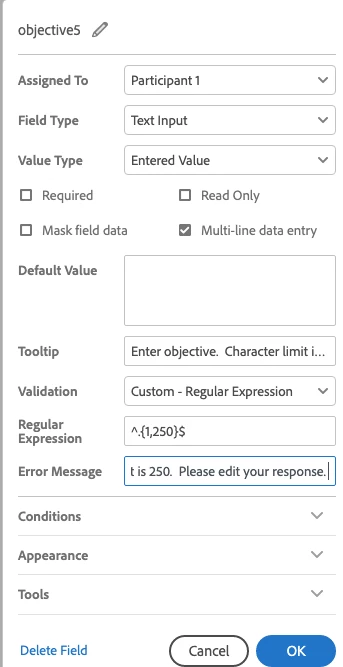
I want to limit characters for different fields. I tried doing a combination of text and alphanumeric string validations, but it wouldn't validate correctly when testing the form if I added spaces between words, so now I am trying to do it with a custom expression, but that isn't working either. I saw something similiar to the syntax below on another post, but it isn't working for me. The format below is what I am using. What am I doing wrong? Also, do I need to add 'signer1', 'signer2', or 'anyone' to validate the signer or does that take care of itself by who I assign the field to in the options box? Lastly, do I need to change the syntax below for text string vs alphanumeric string?
{{fieldname_es_:string(maxlen=30)}}
 AdChoices