



Now available: Content Retention Policy for Inactive Content in Adobe Admin Console
TL;DR:
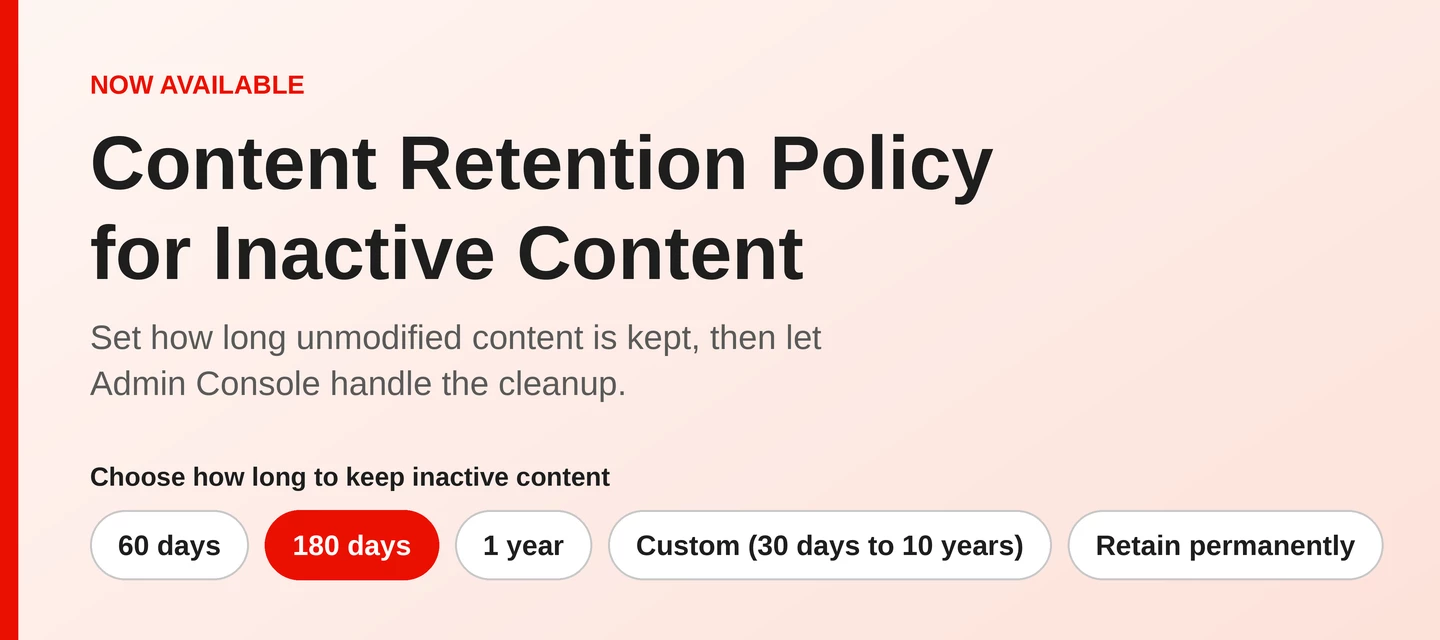
Inactive content no longer has to sit in Adobe cloud storage indefinitely. Administrators can now set how long unmodified content of active users is kept, and the system permanently deletes it once that period ends, by configuring a Content Retention Policy for Inactive Content, which is now available in the Adobe Admin Console. Admins choose how long unmodified content is kept of active users, using a preset (60 days, 180 days, or 1 year), a custom duration, or Retain permanently. The system permanently deletes content when the period ends.
What is new
Content Retention Policy for Inactive Content is now available in the Adobe Admin Console. Instead of relying on manual cleanup, admins define a retention period and the system applies it automatically, based on when an active user’s content was last modified.
This helps organizations:
- Reduce storage costs by clearing content that has stayed unmodified past your chosen period
- Meet compliance and regulatory retention requirements consistently, without relying on manual cleanup
- Remove the operational overhead of finding and deleting inactive content at scale
How it works
- Go to Storage > Overview in the Admin Console and select Inactive content policy
- In the Set retention policy for inactive content dialog, choose how long to keep inactive content: 60 days, 180 days (marked recommended), 1 year, Custom duration, or Retain permanently
- If you select Custom duration, you can set any period from 30 days to 10 years
- Select Save, review the changes on the confirmation screen, then select Confirm
What counts as a modification
- Files
- Any user-generated content is considered modified when:
- It is edited by an end user
- A new file version is created by the system
- Any user-generated content is not considered modified when it is:
- Renamed
- Viewed
- Shared
- Commented on
- Converted
- Moved or copied
- Any user-generated content is considered modified when:
- Folders
- Any file created or added to a folder result in a modification of the folder
- Any file copied into a folder causes the modified date of the destination folder to change
- Any file moved into or out of a folder causes both the source and destination folders' modified dates to be changed
Things to know before you set a policy
- If you change the retention period, the system recalculates deletion dates from the date the content was last modified
- Any change to a retention policy is recorded in the audit logs, and all system admins and storage admins receive an email notification when a policy is set, changed, or turned off
Learn more
- Manage Adobe storage in the Admin Console (see the section Set content retention policy)
- Audit logs (Track user assignments and events with the audit log)
If you found this helpful, please click the Like icon in the bottom-left corner of this post.
Have questions about this update? Drop them in the thread below.
More questions? Start a conversation | Catch up on all updates: ICYMI
 AdChoices