



Illustrator 30.8 | Relink missing files at once, select through shadows, compare styles in Concept to Vector, new pattern and gradient swatches, bug fixes, and more
Hey all!
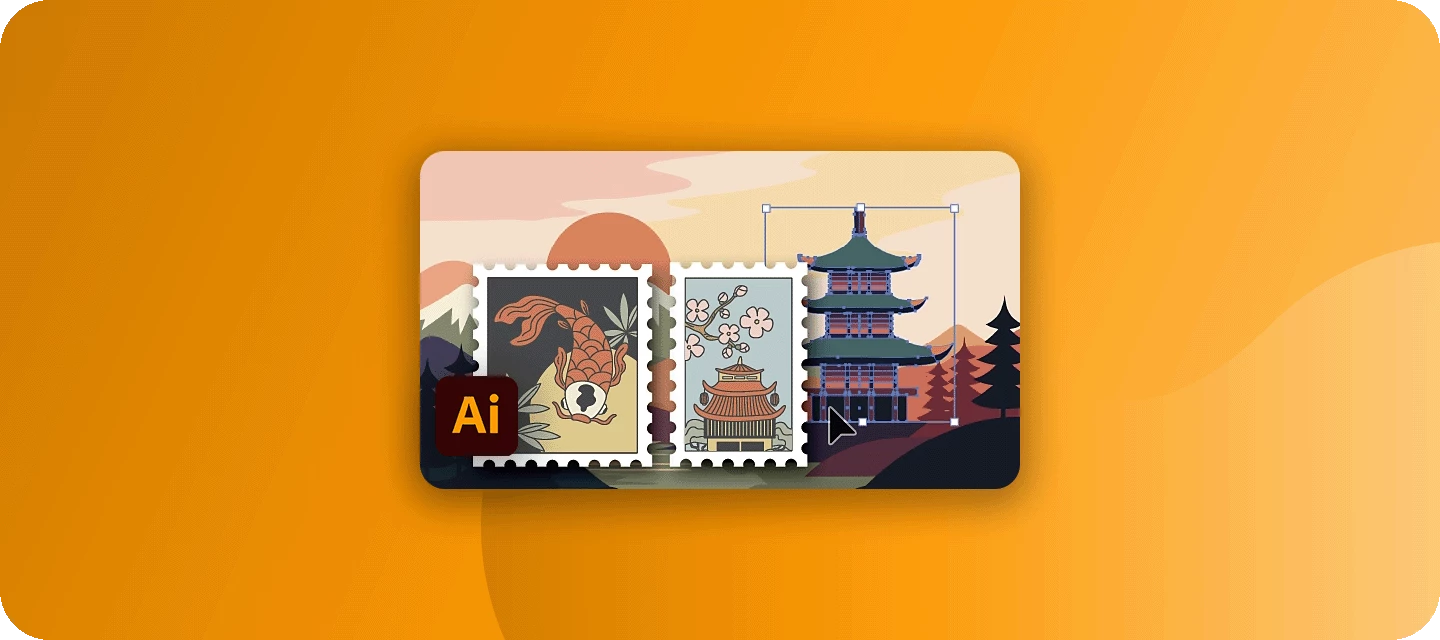
Illustrator 30.8 is a satisfying mix of workflow quality-of-life and creative firepower. On the practical side, relinking one missing file now brings its neighbors along, and you can click a shadow or effect without accidentally grabbing the object behind it. On the creative side, Concept to Vector can generate and compare up to eight style variations side by side (now powered by GPT Image 2.0), and the content libraries have been refreshed with new ready-to-use gradient and pattern swatches. This release also ships a batch of customer-reported fixes.
For full details, check out the release notes.
Relink missing files at once
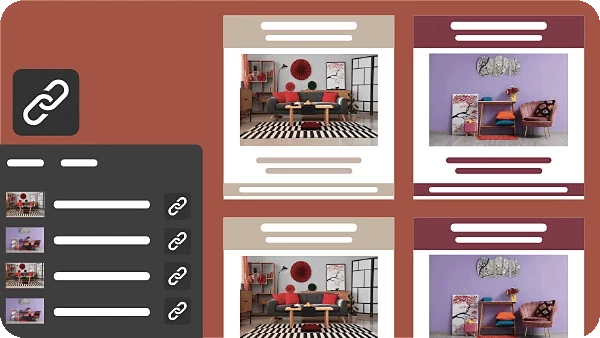
When you relink one missing file, Illustrator automatically finds and relinks the other missing files sitting in the same folder, so you can fix a whole folder's worth of broken links in a single action. Learn how to relink images.
Select through shadows and effects
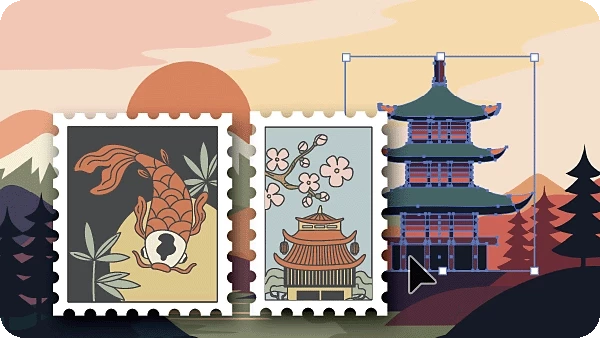
Illustrator no longer selects an object when you click only on its drop shadow or the area of an applied effect, which cuts down on accidental selections and makes isolating exactly the element you want far easier. Learn how to skip shadows and effects when selecting objects.
Compare design styles in Concept to Vector
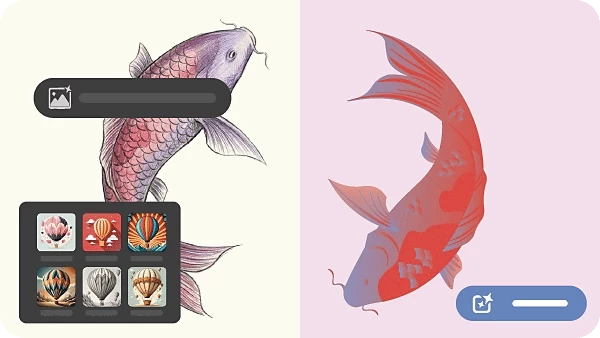
Concept to Vector can now generate and review up to eight preset variations side by side, so you can compare stylistic directions at a glance instead of waiting for one result at a time. You can also invoke it directly on an unexpanded Image Trace object to generate a vector from the original base image rather than the traced output, and it's now powered by GPT Image 2.0. (Unavailable in mainland China, Russia, and Belarus.) Learn how to generate vector artwork from raster images.
Elevate your artwork with new pattern swatches
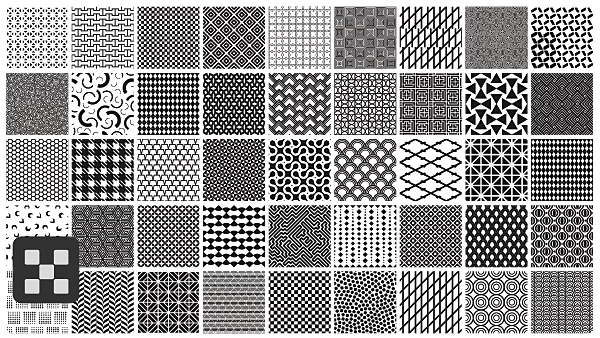
Browse the refreshed, modernised content libraries for new ready-to-use patterns, ranging from subtle grit textures to hypnotic optical effects, and drop them straight into your work. Learn how to create and use patterns.
Create richer designs with new gradient swatches
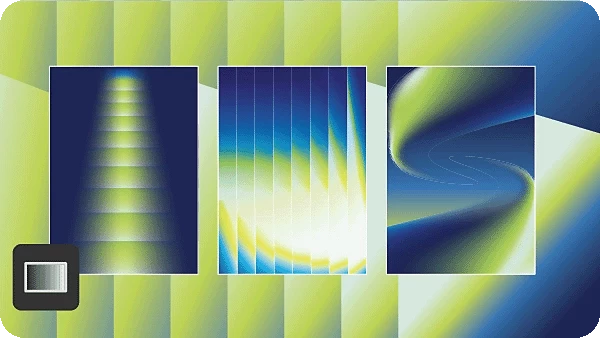
The updated libraries also bring a fresh set of gradients, from organic fades to holographic glows. Open Swatch Libraries to browse and apply them. Learn how to apply a gradient.
Fixed Issues
Illustrator 30.8 resolves a number of issues reported by the community:
- Recolor Artwork produced incorrect colours when using Color Book swatches.
- Select Next Object commands in the context menu selected objects incorrectly in Isolation mode.
- Colour settings became unsynchronised after placing an image in a document.
- Groups with no appearance attributes incorrectly showed a custom appearance.
For the full list with linked bug reports, see the release notes.
Get Started

Update to Illustrator 30.8 from the Creative Cloud desktop app (select Update next to Illustrator). For step-by-step guidance, check out the detailed update instructions.
Share Your Feedback
We encourage you to try the new features in Illustrator 30.8 and share your feedback with the community. If you have questions or suggestions, please reply to this post or create a new post for any issues.
If you found this announcement helpful, click 👍 Like. Use ⭐ Subscribe to stay informed about future updates. You may also share this post with others who might benefit from these enhancements.


 AdChoices