




Illustrator v29.3 | Stunning MomoChidori fonts, vibrant gradient fonts, and smoother performance!

Hello everyone!
Illustrator v29.3 is here with exciting updates! Create stunning Japanese text styles with Momochidori fonts, add vibrant gradients using COLR fonts, and save patterns and gradients directly to Creative Cloud Libraries. Enjoy enhanced Image Trace presets, refined East Asian text layouts with improved character positioning, and overall performance improvements for a smoother design experience.
Download the latest version to explore these improvements and boost your creativity!

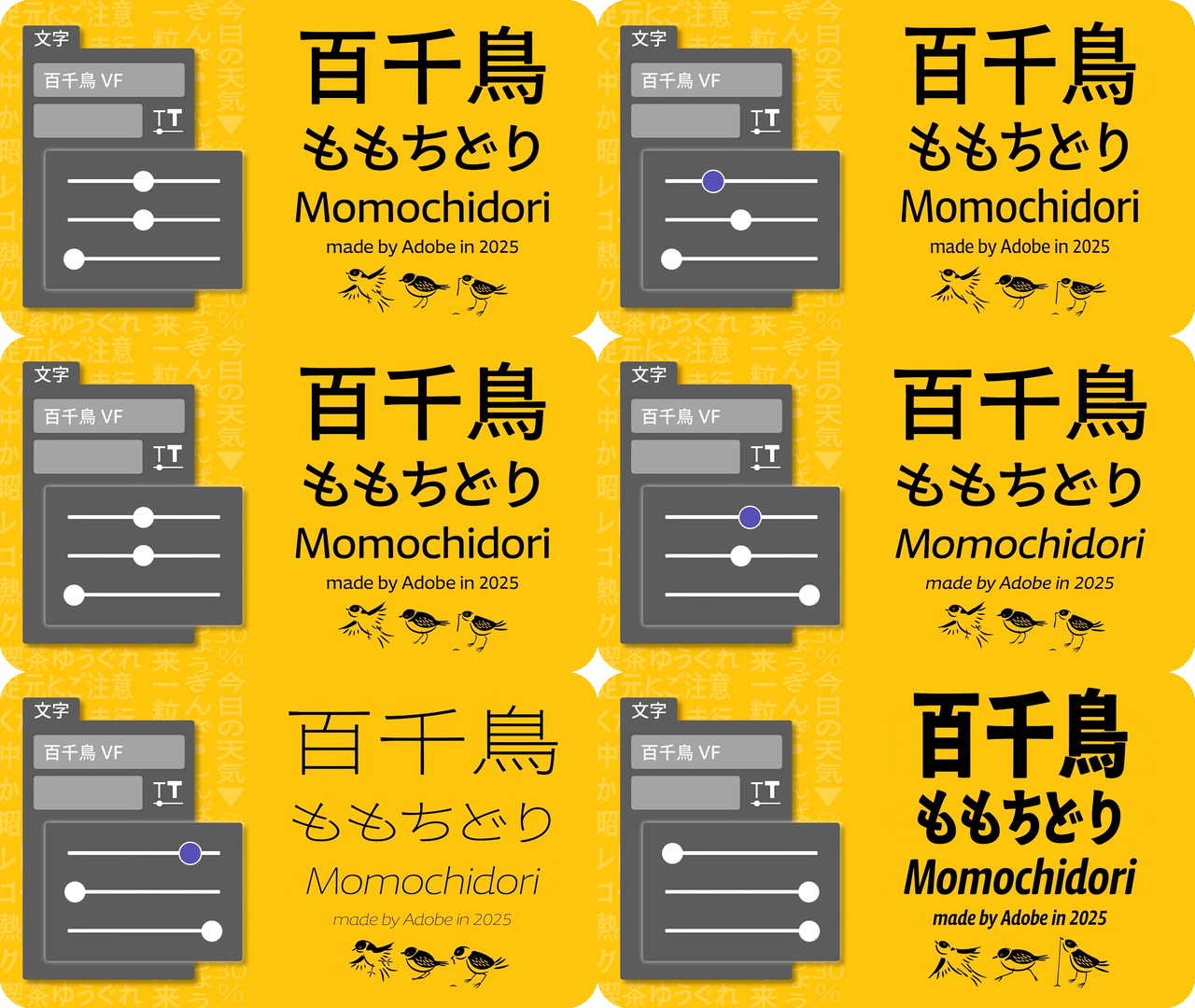
Elevate your artwork with stunning Japanese text styles using Momochidori fonts
|
These variable fonts offer adjustable weight, width, and slant, providing precise control for text styling. Simplify your workflow with dynamic settings that ensure consistent and adaptable designs across platforms, making it effortless to create cohesive, responsive text layouts. |
 |
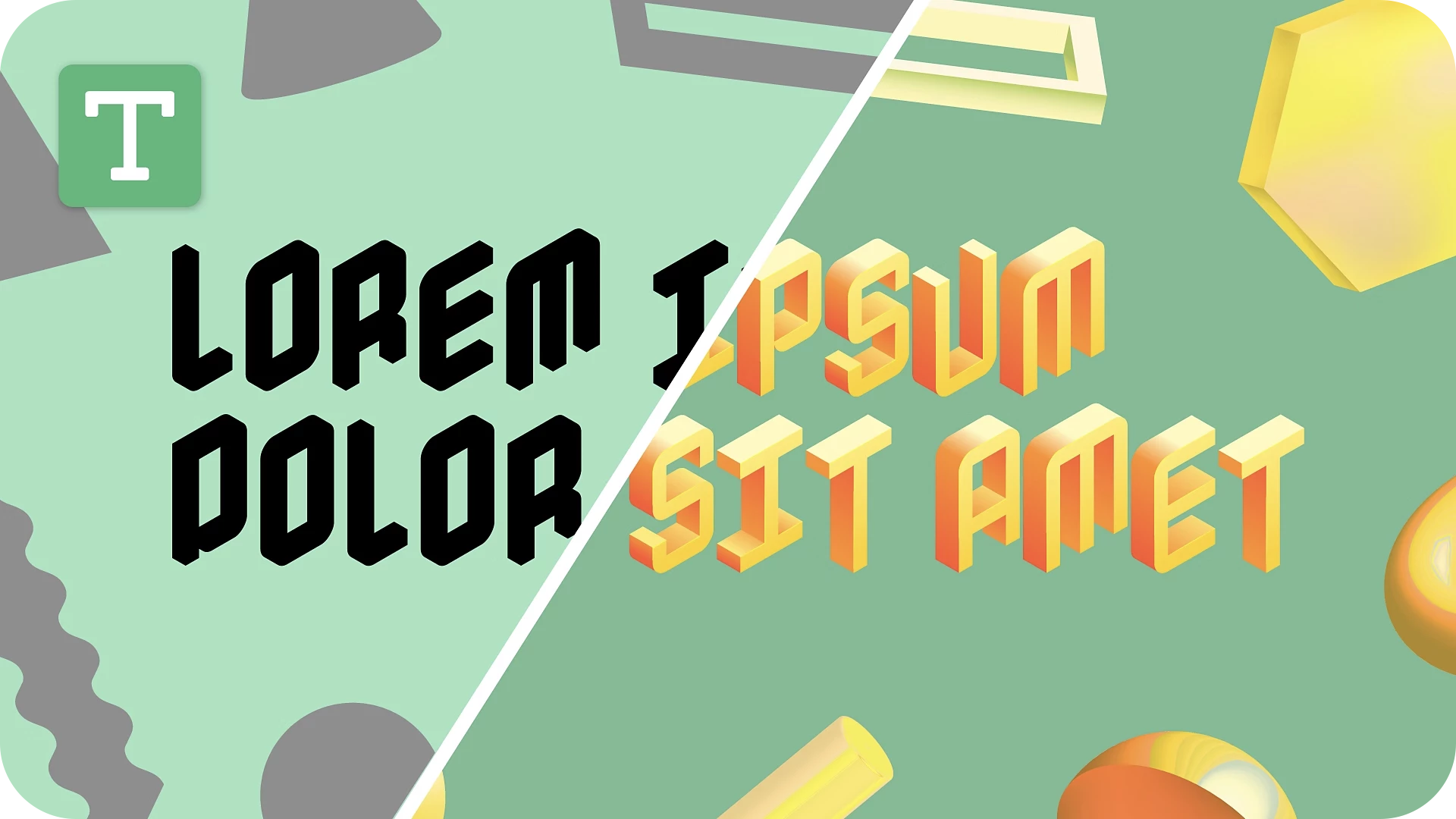
Add vibrant gradient effects to your text with COLR fonts
|
These fonts let you create rich, gradient-filled text with seamless color transitions, offering customizable color effects while maintaining scalability and enhancing your designs with depth and dimension. |
 |
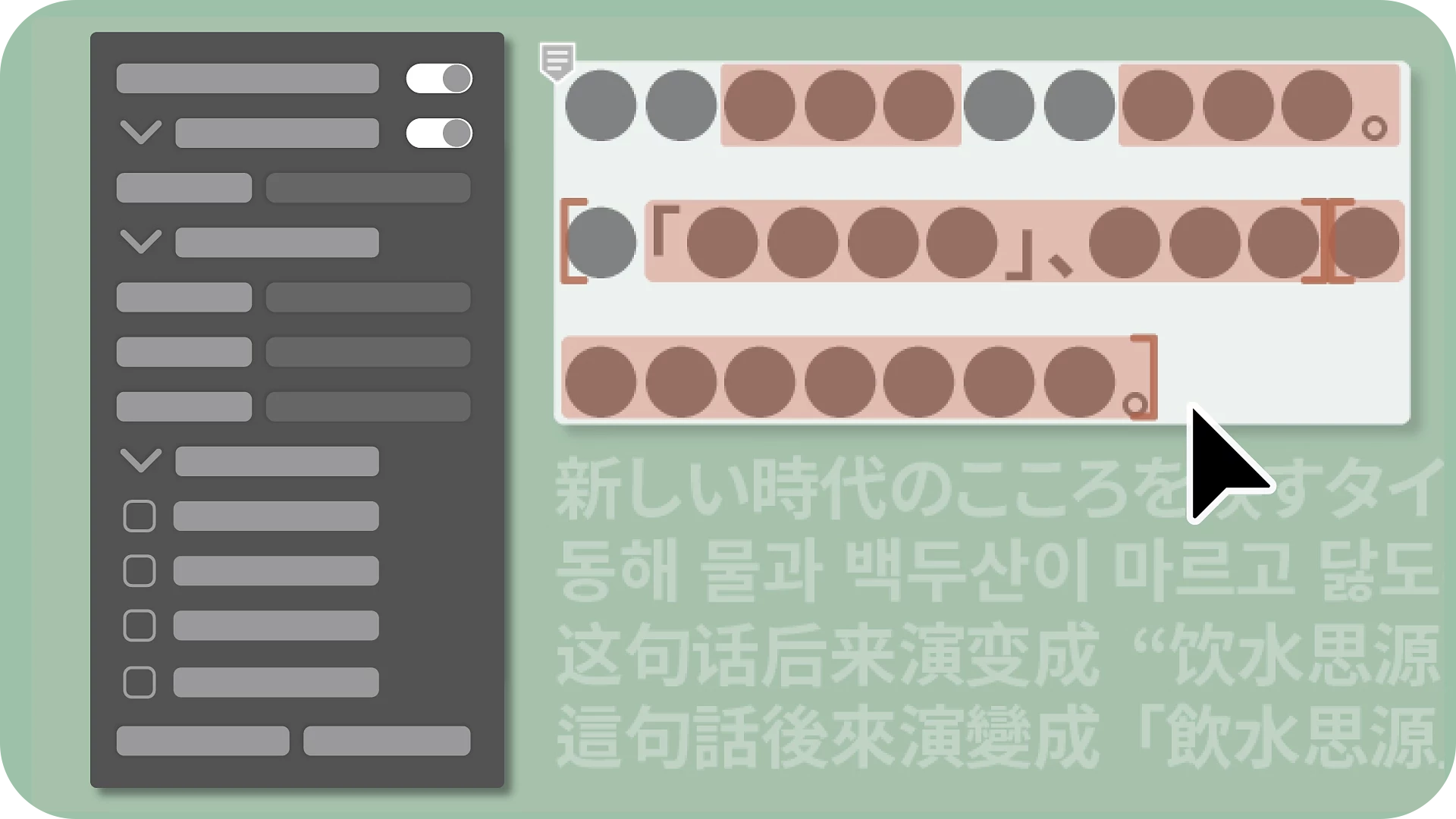
Manage East Asian text layouts with ease
|
Now, directly from the Reflow Viewer panel, you can create outlines and add character positioning to East Asian text when editing documents created in older Illustrator versions. |
 |
Japanese Text Improvements
|
Illustrator now features enhanced character positioning and kerning for Japanese text layouts. These improvements automatically adjust spacing, ensuring precise, high-quality text layouts with minimal manual effort. |
 |
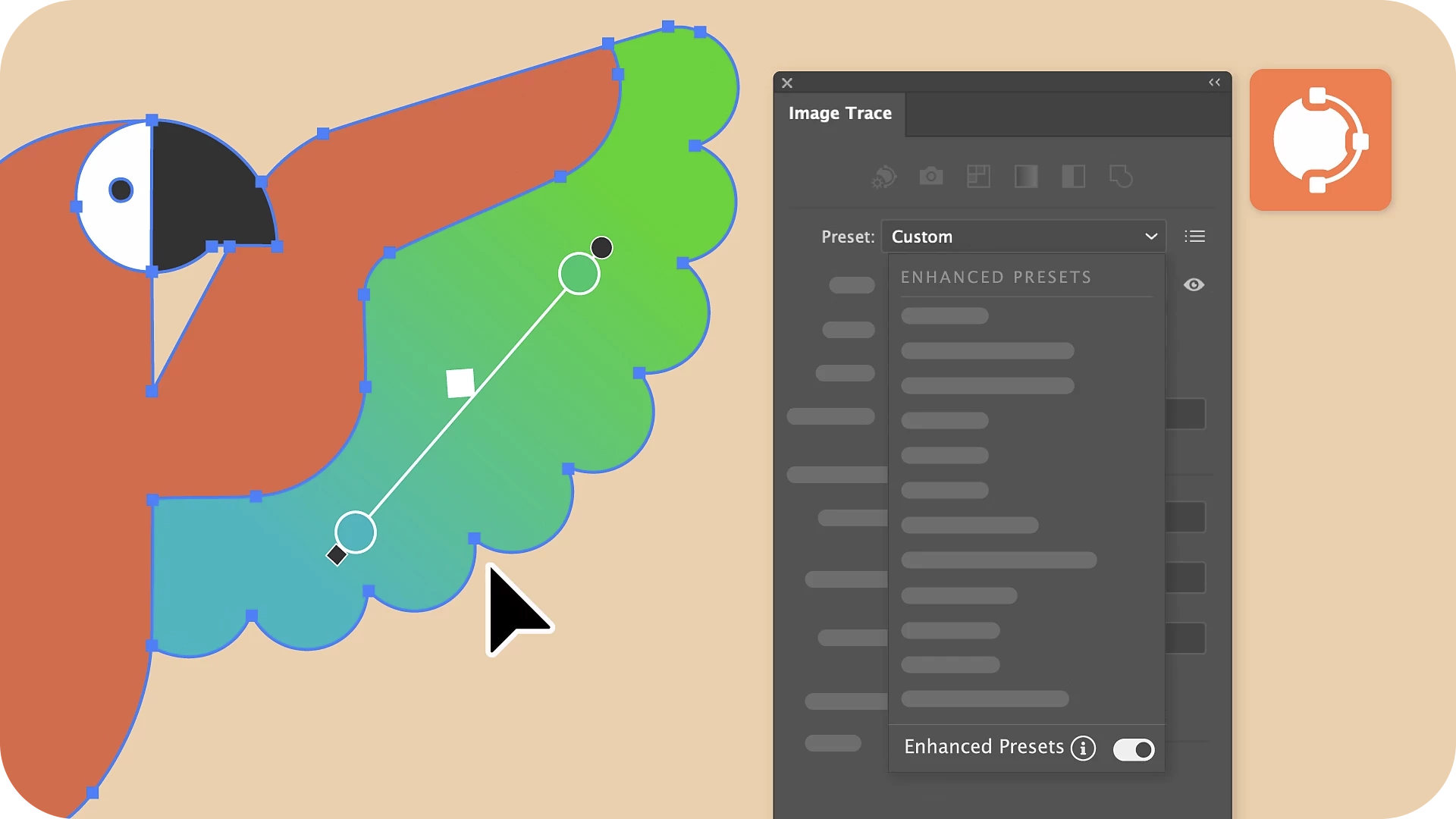
Enhanced Image Trace Presets
|
The Image Trace panel now features upgraded presets with support for gradients, transparency, auto-grouping, and shapes, delivering more precise and efficient tracing results tailored to each preset. |
 |
Performance Improvements
|
File import improvements (open, place, drag-and-drop): Experience faster import of PNG, JPEG, TIFF, and Photoshop files from both local storage and network drives, streamlining your workflow. Enhanced effects processing: Enjoy improved rendering speeds for frequently used effects like Drop Shadow, Blur, Inner Glow, Outer Glow, and Rasterize, ensuring a smoother design experience. Optimized Layers panel: Navigate and manage layers more efficiently with smoother hide/unhide actions, faster expand/collapse operations, and improved panel scrolling. |
 |
Enhancements inspired by your feedback
Preview Missing Fonts Without Installation
|
Collaborators can now embed fonts in the Illustrator files they share with you, allowing you to preview missing fonts without installing them. While you can view the text as intended, you’ll need to use a default or replacement font to edit it.
|
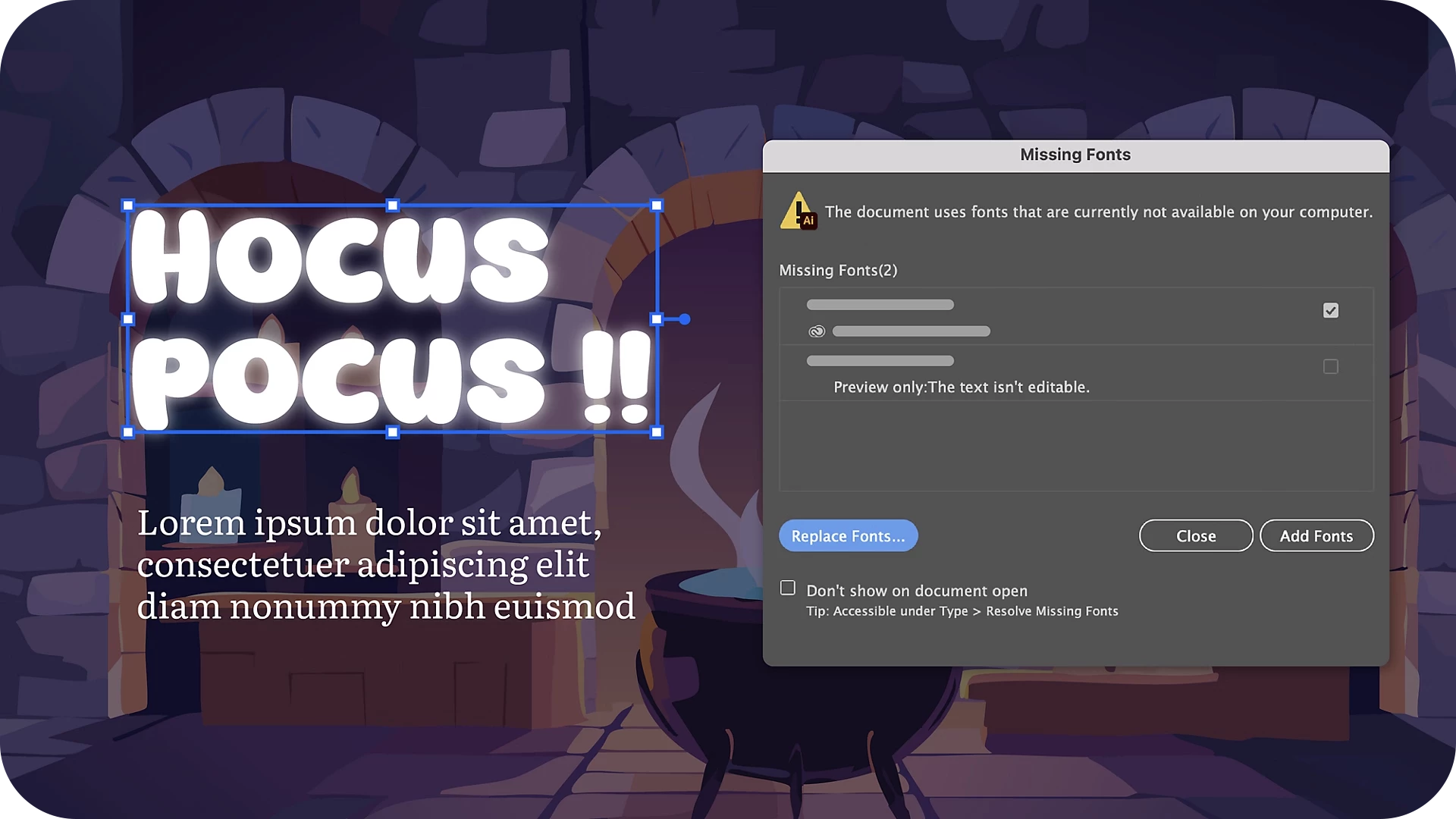 Note: Note:• Update to Illustrator 29.3 to preview missing fonts. • Your collaborator must also update to Illustrator 29.3 to use Embed permitted fonts for file preview. |
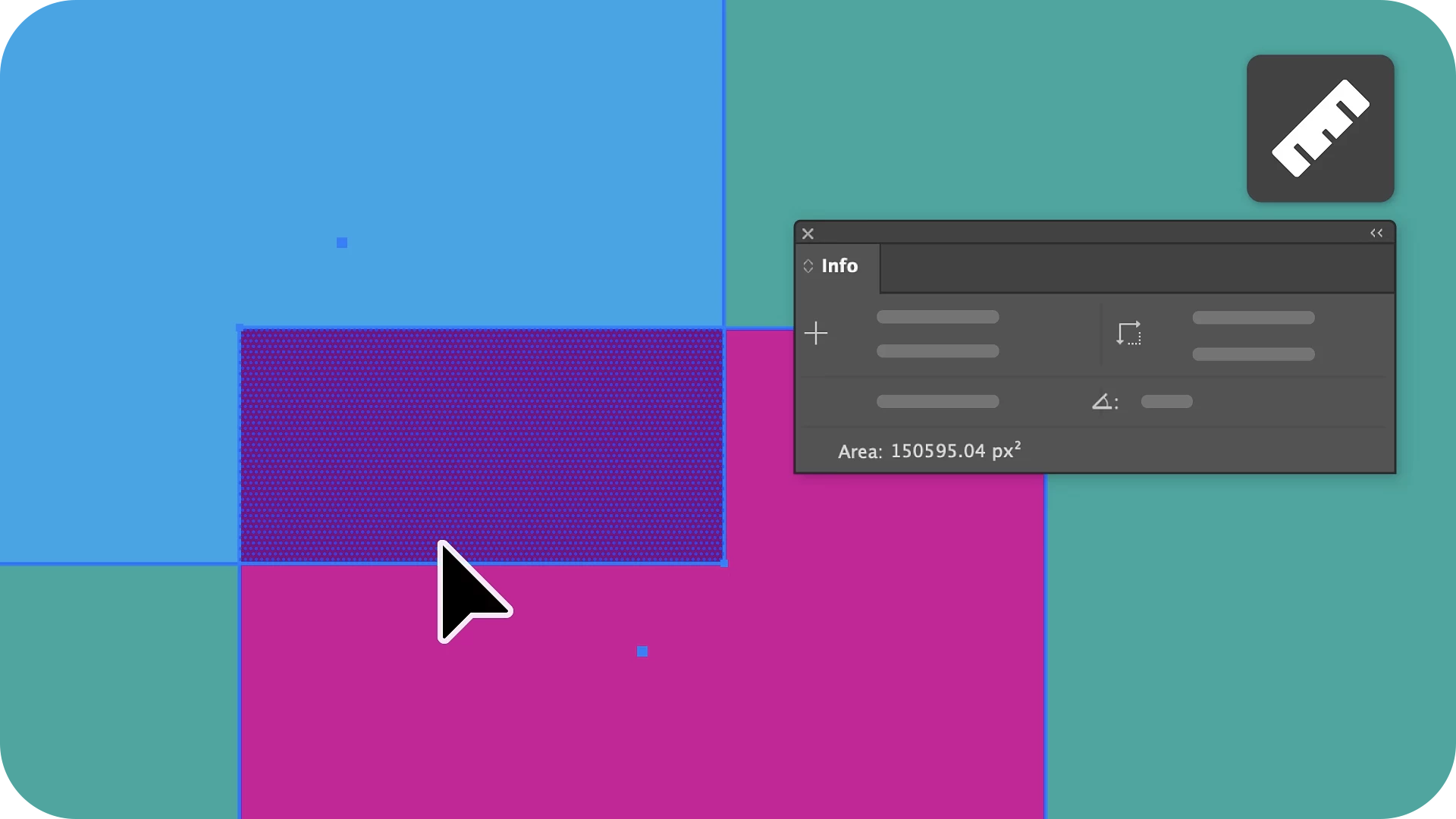
Measure the Area of Objects Using the Measure Tool
|
The Measure tool allows you to determine the area of selected objects on the canvas, including compound paths. You can also refine your measurement by excluding certain objects or overlapping segments from your selection, giving you greater precision and control. |
 |
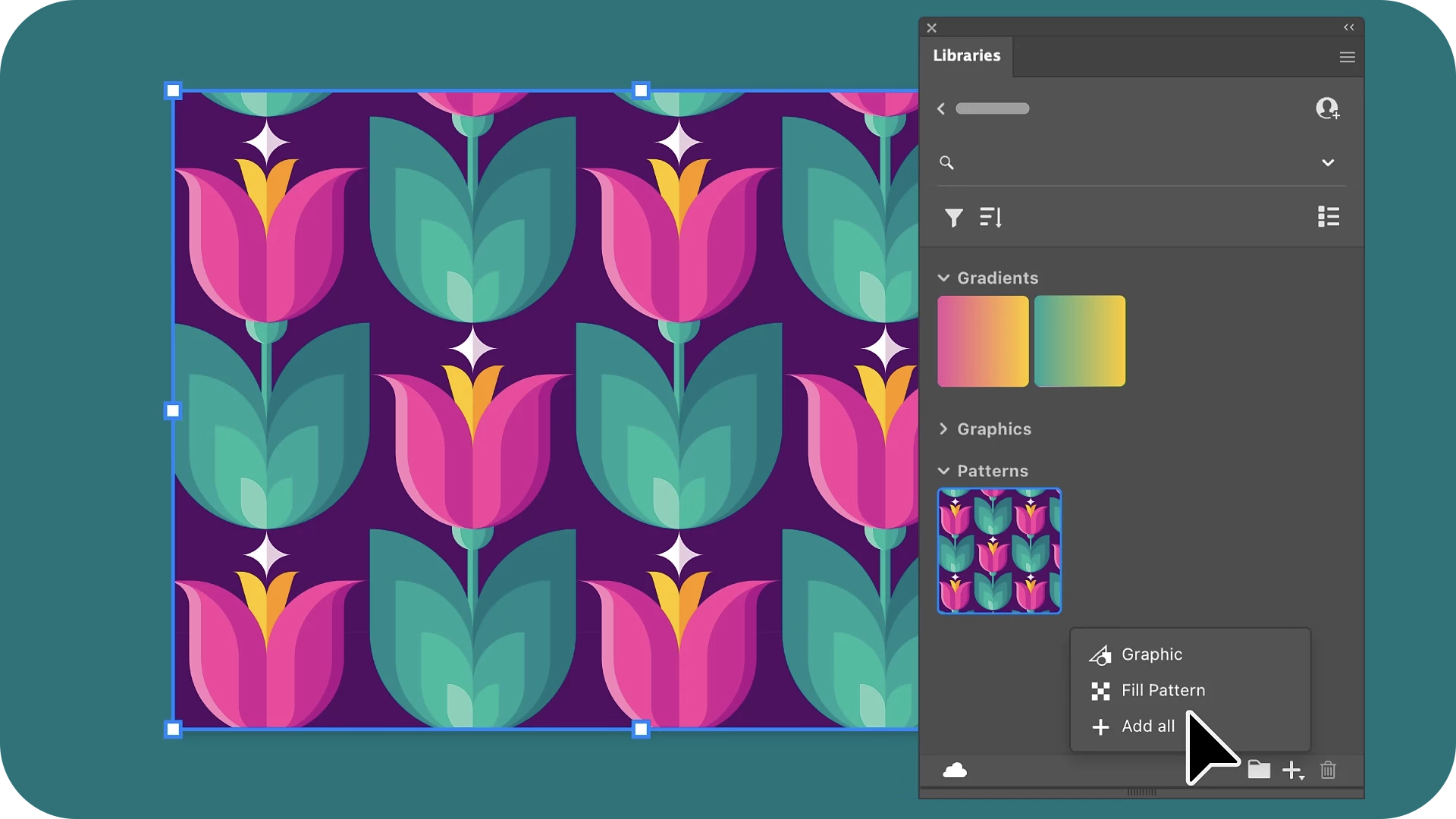
Save patterns and gradients to the CC Library
|
Easily save patterns and gradients to your Creative Cloud Library for quick access, seamless team collaboration, and streamlined workflows, ensuring consistency and efficiency in your designs. |
 |
Fixed Issues
Illustrator v29.3 also includes several bug fixes. Take a look here.
We’d love to hear from you!
Try out the v29.3 and let us know your thoughts. Feel free to reach out if you have any questions or need more tips!
Have questions? Click 'Reply' below to ask.
Click 'Follow' below to bookmark this post for easy reference.
 AdChoices