




Photoshop v26.11 | Collaborate Smarter, Render Sharper!

We’re excited to announce the release of Photoshop v26.11, with new enhancements and bug fixes to elevate your creative workflow!

To update Photoshop v26.11, click "Update" in the Creative Cloud desktop app next to Photoshop. More detailed instructions for updating.
Here’s what’s new in Photoshop v26.11:
|
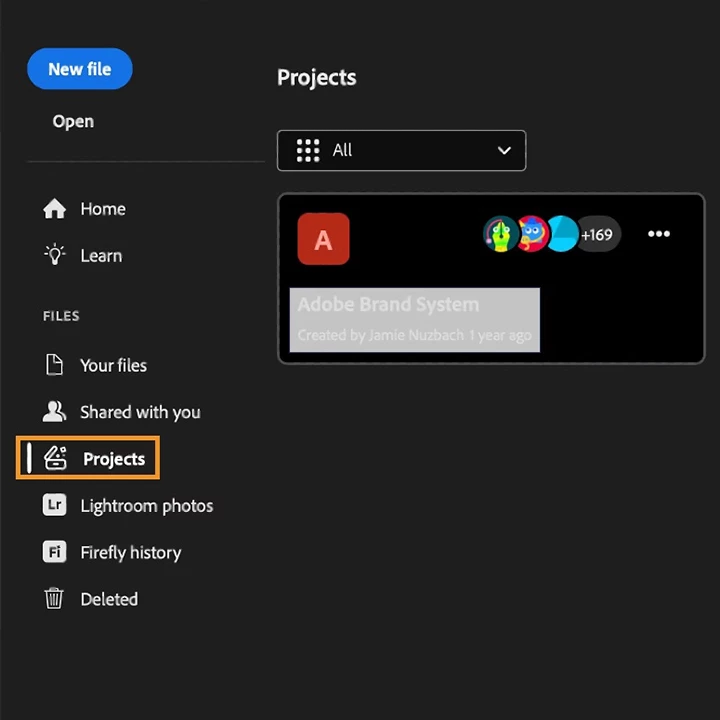
Organize, Share, and Collaborate with Projects Say hello to Projects, a new way to work across Adobe apps. Whether you're designing in Photoshop, illustrating in Illustrator, or creating content in Adobe Express, you can now:
This feature is perfect for teams working across disciplines — from social media campaigns to product launches — and ensures everyone stays aligned and productive. Click here for more details. |
 |
|
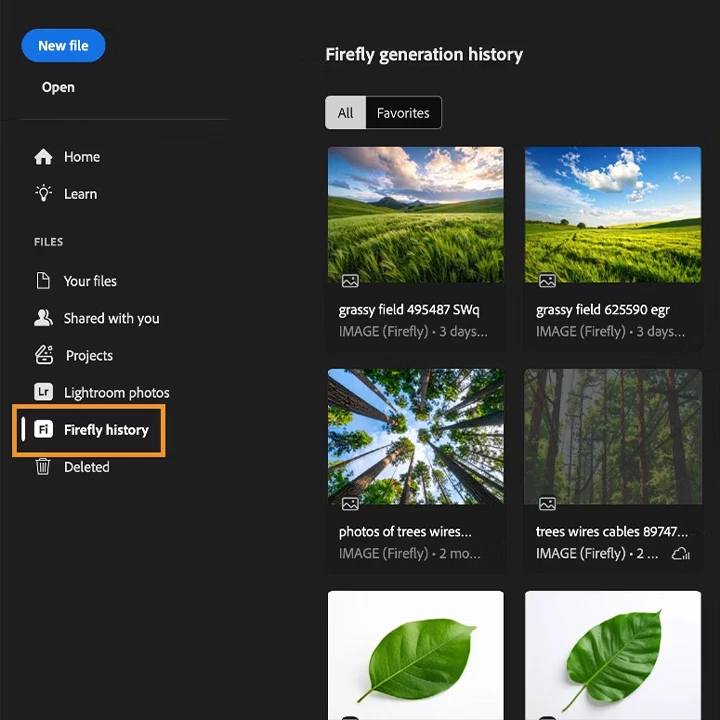
Refine Firefly generations Access your Adobe Firefly generation history directly from the Photoshop home screen. Open any Firefly-generated image as a Photoshop document to enhance it using the complete set of Photoshop editing tools. Your original Firefly asset stays unchanged, so you can safely create and experiment with variations. Click here for more details. |
 |
|
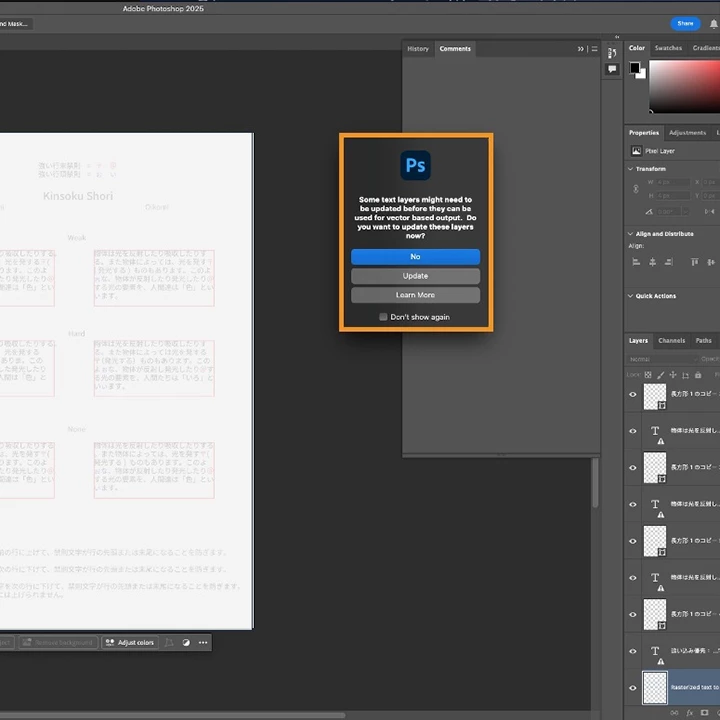
Sharper Text for Chinese, Japanese, and Korean Photoshop v26.11 introduces vector-based text rendering enhancements for CJK languages:
This update ensures your typography looks crisp and professional, no matter the language. Click here for more details. |
 |
Bug Fixes in Photoshop v26.11:
|
|

Update now via the Creative Cloud desktop app to take advantage of these new tools and elevate your Photoshop experience!
We’d love to hear from you!

We’d love to see what you’ve created and hear about your experience or feedback! Click 'Reply' below.
Click 'Follow' below to bookmark this post for easy reference.
For other questions, feel free to start a new post in the community.
 AdChoices