



Welcome to Premiere 26.2!
🎬 What’s new in Premiere Pro (April 2026 release)
Hi everyone 👋
We’ve just released the latest Premiere Pro update (v26.2), bringing a range of improvements to help you work faster, stay organized, and refine your edits with more control. See a summary of the new features here.
Here’s a quick look at what’s new:
🎨 New effects & transitions

Explore new Film Impact–powered effects and transitions, including:
-
Channel Blur, Gradient, and Noise effects
-
Dynamic 3D Spinback and Slide transitions
Great for adding texture, depth, and motion to your edits.
Check out the new transitions>
🎯 Improved Object Masking

New Sharp and Smooth edge modes let you refine mask edges more precisely—helping your masks better match your footage.
Learn how to adjust mask edge quality to match your footage ›
🎧 Audio waveforms in the Source Monitor
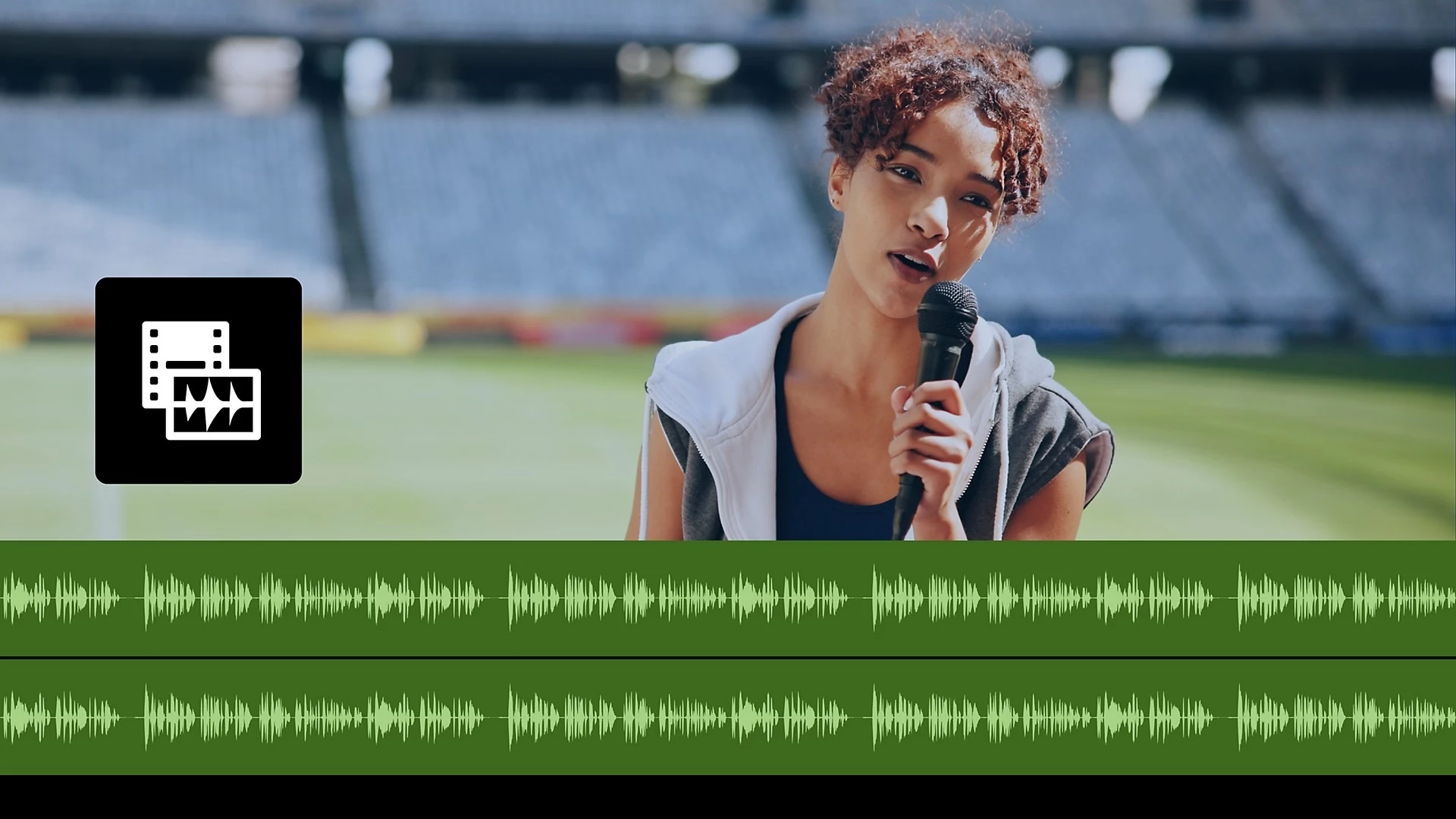
 You can now view audio waveforms directly in the Source Monitor, making it easier to:
-
Find dialogue and beats
-
Review clips before editing
-
Make more precise cuts
Learn how to display audio waveforms alongside video playback ›
📊 New Sequence Index panel
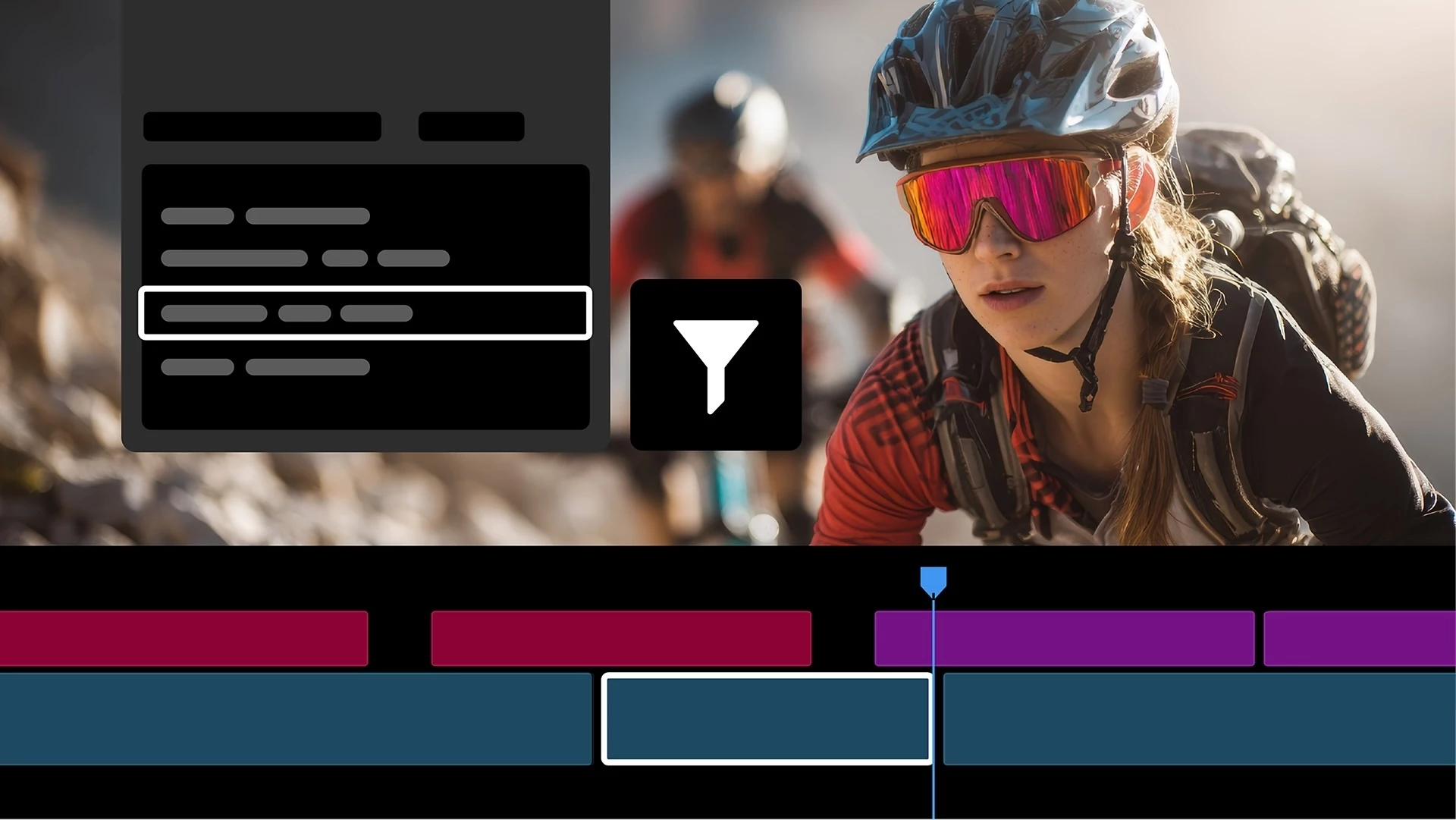
Navigate complex timelines with a searchable, spreadsheet-style view of your sequence.
A big help for larger projects.
Learn how to use Sequence Index ›
🔗 Faster media relinking
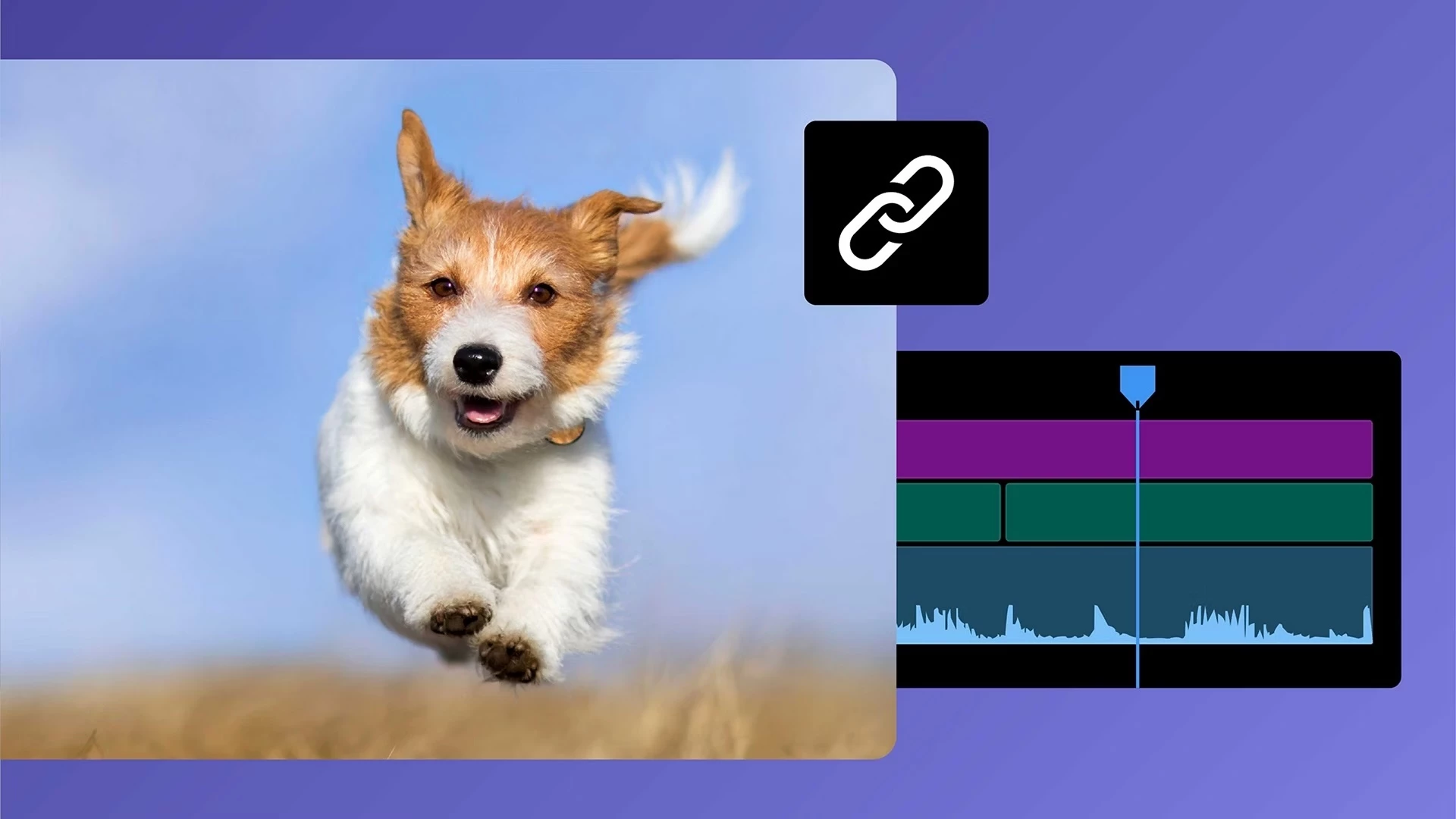
Improved search and path detection help Premiere automatically reconnect offline media, even across drives and systems.
Learn more about relinking media ›
🔇 Global Audio Mute
Instantly mute all sequence audio with a single toggle—without changing track or clip settings.
Learn more about how to mute all audio ›
🔍 Marker search improvements

Find markers faster using:
-
Names
-
Comments
-
Colors
…and jump directly to their location.
Learn more about Marker support ›
🛡️ Content Credentials support
Add Content Credentials during export, including:
-
Attribution info
-
Linked accounts
-
AI usage preferences
Learn how to configure Content Credentials preferences ›
🧪 New in Beta: Color Mode
We’re also introducing a brand-new Color Mode (Public Beta)—a redesigned color workflow built for speed, clarity, and flexibility.

See the following post: Now in Beta: Introducing Color Mode
Key highlights:
-
A streamlined Color workspace focused on the image
-
New Color Controls panel with modern, intuitive adjustments
-
Clip Grid for faster shot-to-shot grading
-
Layered “operations” workflow (Clip, Group, Sequence) for more powerful grading control
This is a major evolution from Lumetri, and we’re actively looking for your feedback as we continue refining it.
💬 We’d love to hear from you:
Which feature are you most excited to try?
As always, thanks for being part of the community 🙌
 AdChoices