Kevin-Monahan
Community Manager
Community Manager
August 22, 2024

Welcome to Premiere Pro 24.6!
  • August 22, 2024
  • 18 replies
  • 54823 views


Welcome to Premiere Pro 24.6!


Hello, and welcome to the August release of Adobe Premiere Pro! Premiere Pro 24.6 is now available from the Creative Cloud desktop app. The new features include the following:


This update is recommended for all users. 


If you are experiencing any issues, please create a new post explaining your problem so we can help. If you have a bug to report or have any complaints, please do so on the Bugs forum.


Complete List of New Features in Adobe Premiere Pro 24.6


Premiere Pro 24.6 Features

In Premiere Pro 24.6, you can search directly for sound effects in the Essential Sound panel – including thousands of free files from Adobe Stock. If you need to sync video and audio files, you can now also natively work with Linear Timecode (LTC). Plus, we've added support for Canon EOS R5 Mark II and EOS R1 cameras. It's the perfect time to update! 😊


Learn about best practices for updating Premiere Pro.
 

Access free stock audio inside Premiere Pro

Search for sound effects directly inside Premiere Pro, including thousands of free files from Adobe Stock. Filter music or sound effects using "free" or "premium" categories and license tracks while editing.
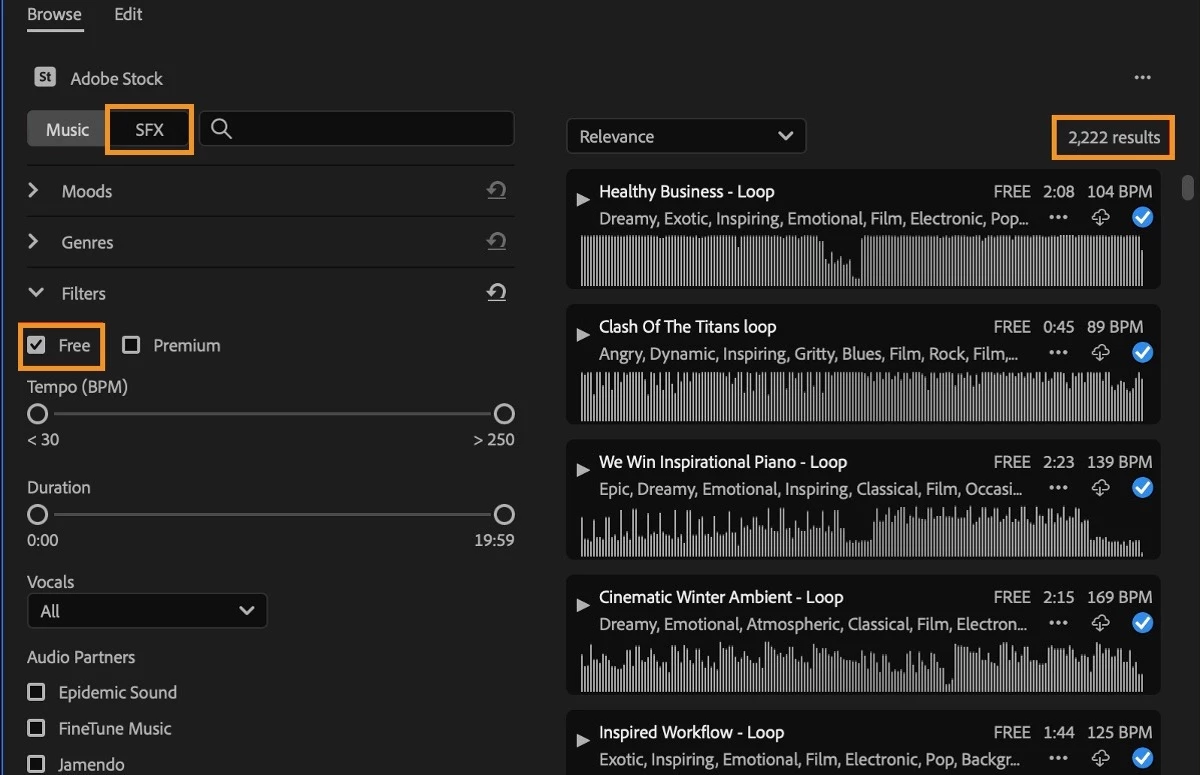


With Timeline Sync, you can press play on a music track or a sound effect in the Essential Sound panel to start media playback on the timeline. This allows you to preview the cues in the context of your edit to honestly give a sense of which track works best.
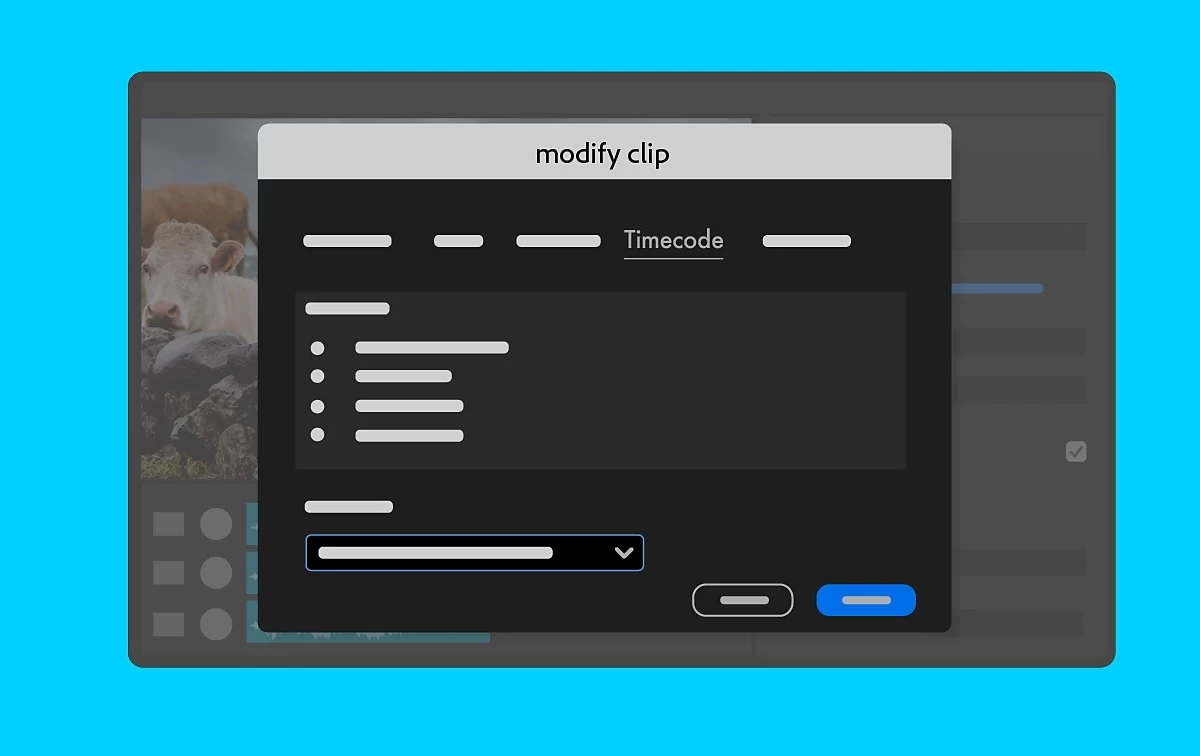


Linear Timecode (LTC) support

With native Linear Timecode (LTC) support, you can quickly and accurately sync multiple video and audio sources from devices that encode timecode in the audio signal. You can use LTC to synchronize clips or create multi-camera source sequences.


LTC has become more popular and valuable since many newer, more affordable devices don't support recording timecode as metadata in the video file. A standard solution is to store timecode data in an audio track. While this track is audible to the human ear, it's a high-pitched sound that contains data instead of a "normal" sound. Many lower-cost timecode syncing devices can generate LTC.



Expanded Canon support

It works natively with Canon EOS R5 Mark II and EOS R1 cameras. You can import files and start editing right away.


Additional updates

The Obsolete Effects folder and plug-ins, Obsolete Transitions folder and plug-ins, and presets built from the Obsolete Effects are now removed. These effects and transitions have faster, more modern alternatives in Premiere Pro or offered by third parties. These effects are responsible for significant project slowdowns and performance bottlenecks. In addition to all the modern options to the obsolete effects and transitions within Premiere Pro, you can also use  third-party effects, transitions, and filters.


Premiere Pro Beta

Check out the latest features and discussions about Premiere Pro Beta in the forums here.


Resources

Complete documentation for Premiere Pro 24.6 features

New Features

Fixed Issues

Known issues

    18 replies

    @mj
    Community Expert
    Community Expert
    September 20, 2024

    Oh you guys have killed it with stock audio and fx directly in PP. This is going to make editing more efficient

    @mj
    Community Expert
    Community Expert
    September 20, 2024

    LTC is super helpful for multi-cam rigs

    Harold Silva
    Community Expert
    Community Expert
    September 19, 2024

    Después de haber probado casi todas las funciones, siento que es una de las mejores actualizaciones que he probado.

    Harold Silva B.
    evan-g
    Participant
    September 18, 2024

    Timeline Sync is a nice feature, yet it seems not to work with local audio libraries but just when connected online to Adobe Stock.
    Resolve does allow to point to a local audio library of choice and so does Adobe with mogrt  templates in the graphics panel.
    It would be way more usefull to implement this for Timeline Sync .

    Lukas Engqvist
    Community Expert
    Community Expert
    September 6, 2024

    Having stock sound effects available in essential sound, whi didn't I think of that as a feature request, sometimes the updates have stuff I just didn't realise I wanted until it was there. Wow. 

    Inspiring
    September 6, 2024

    Awesome, love the stock update and canon support 

    Always Stay Creative - Craig DP
    Kevin-Monahan
    Community Manager
    Community Manager
    August 30, 2024

    Hello Community,

    • The 24.6.1 update was released today.
      • Please update.
    • 25.0 Beta build 40 was also released.
      • This contains a fix for the "scrolling project panel in icon mode" bug.


    Thanks,

    Kevin


    Kevin Monahan - Sr. Community & Engagement Strategist – Pro Video and Audio
    Participant
    August 30, 2024

    I just have to said that I have open premiere today and updated, and I already hated. This update that removed "Paint Bucket" doesn't make any sense to me, and it's ruining my experience with the software.
    I have been using the "obsolete Paint Bucket" for making "Strokes or Border Outline around Images" and there is just no alternative to be found included in premiere pro for it, were you pick an image that is transparent, or you make a mask and with in that mask you set the "Paint Bucket" as "alpha channel + stroke" options, and you got the "Stroke or Border Outline around Images". It was not the best, but it worked. I can do this in after effects with different approaches, but it's just not effective to be jumping there just to make this effect since my whole project is on premiere, and there was an effect that could create what I need.

    To me, this is just making the software worst.
    Charging more for less is the feeling.

    Community Expert
    August 30, 2024

    You can simply add a square shape with a solid fill and place it behind your image and scale it so the shape is peaking out from behind.... and make your stroke as thick or as thin as you want.  And now you can also animate it and have the shape come up and then the image flicker in, and you have your stroke and something interesting to look at. (And tons of more options to play with!!

    headTrix, Inc. | Adobe Certified Training & Consulting
    Harold Silva
    Community Expert
    Community Expert
    August 29, 2024

    Hora de probar esta nueva actualización...

    Harold Silva B.
    Cheizer
    Participating Frequently
    August 27, 2024
    This is Amazing!