Kevin-Monahan
Community Manager
Community Manager
September 11, 2025

Welcome to Premiere Pro 25.5!

  • September 11, 2025
  • 20 replies
  • 4927 views

Welcome to Premiere Pro 25.5!


Hello, and welcome to the September release of Adobe Premiere Pro! Premiere Pro 25.5 is now available from the Creative Cloud desktop app and is recommended for all users. 

 
If you are experiencing any issues, please create a new post explaining your problem so we can help. If you have a bug to report or have any complaints, please do so on the Bugs forum.


Learn about best practices for updating Premiere Pro.


New features 


The 25.5 release features over 90 modern real-time transitions, effects, and animations, with GPU acceleration for real-time playback, and more. Update to Premiere Pro 25.5, available now. 😊

90+ modern, real-time effects and transitions
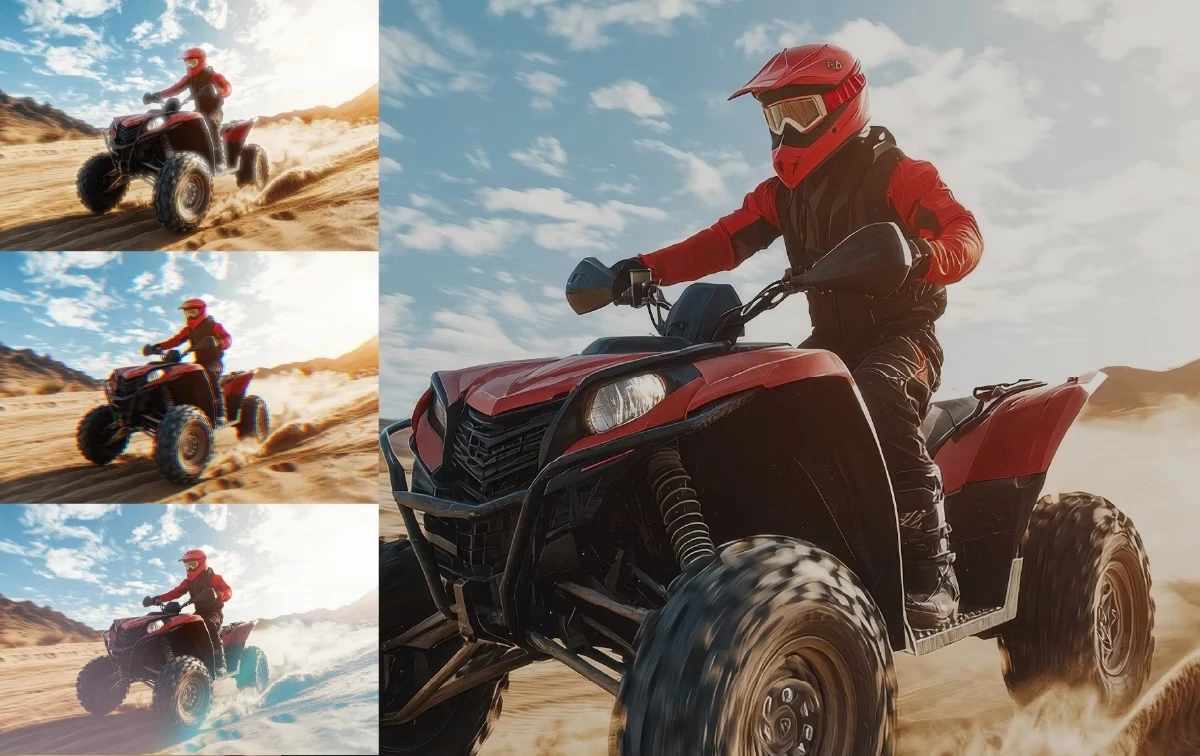
Elevate your edits with cinematic effects and modern transitions designed for pro editors. From glowing highlights to dynamic glitches, each effect is fully customizable and GPU-accelerated.

More information here.


New animation tools
 

Animating text, video, and graphics is now as fun and easy as dragging and dropping a transition.​


Faster, more precise editing


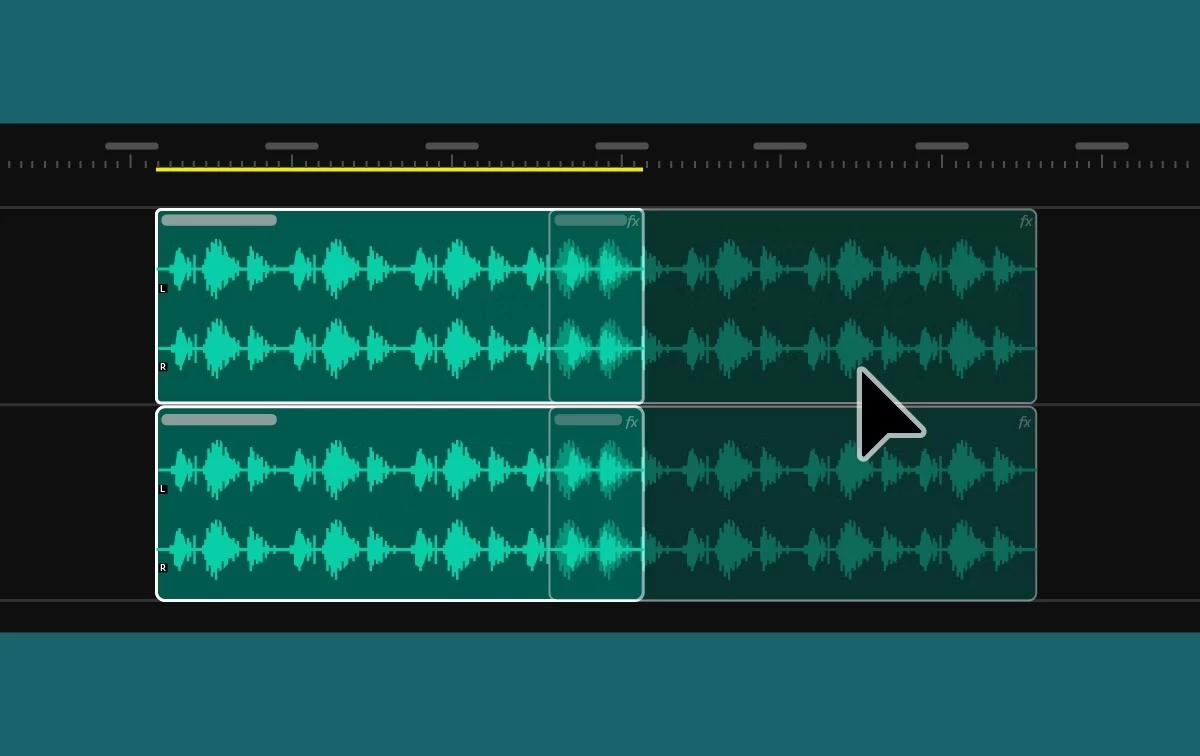
New dynamic audio waveforms make sound editing more intuitive and accurate. And under-the-hood improvements make timeline playback snappier.


 Listening to editors, improving every cut
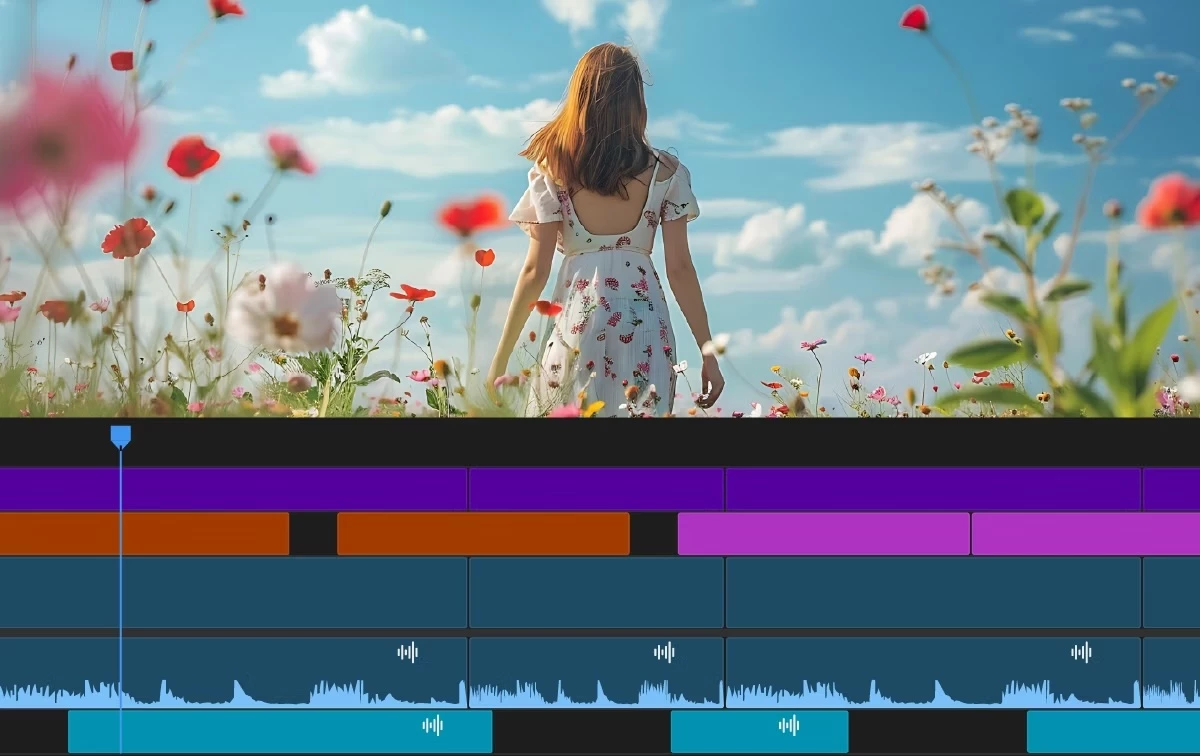
 

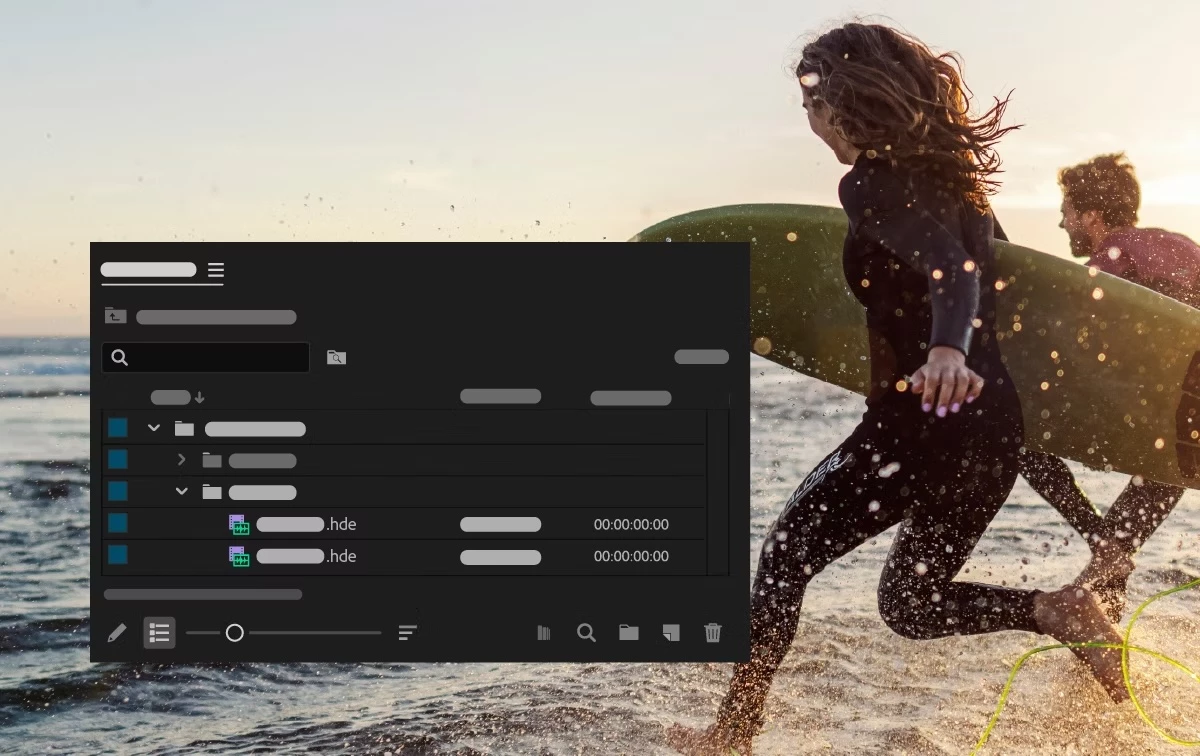
Delivering quality-of-life upgrades, from smarter keyframing to better clip organization, based directly on the editor's feedback.


Additional Updates

  • Sequence color tabs provide visual indicators for better organization.​
  • Improvements to the Effect Controls panel make keyframing more predictable.​
  • New preferences for default fonts for text and captions.​
  • New keyboard commands to toggle track mute and solo based on targeting.
  • Search for Adobe Stock media from the File menu. ​
  • New support for 16-bit PNG images to support newer HDR finishing workflows that require high-bit-depth media.​
  • Improved data range and color metadata handling for DNxHR, DNxHD, and PNG.​
  • Completely rewritten support for MKV.


Fixed issues in 25.5

We have been working hard at making Premiere Pro even better. Here are the important fixes, performance improvements, and more.

Get help and provide feedback quicker

When you select Help or Provide Feedback inside Premiere Pro, you’ll automatically log in to the Adobe Support Community Forums.

    20 replies

    Participant
    November 13, 2025

    I am finding this new update to be very buggy! My cursor will sometimes turn into a weird select all tool in the timeline and try to highlight all the media when I am trying to scrub through. I will have to close out and restart the app. Sometimes the sound just stops working. Very strange and very frustrating, I never had these problems with the previous version I was using.

    Participant
    November 12, 2025

    Hi! I've noticed a small bug, on the export page all the text is really blurry and low-res, but the File Name tab is normal. Also, there seems to be a change to the way the ripple edit tool works but I can't find any info about it. I used to be able to drag the edge of the clip to the playhead, so I knew exactly where I want the clip to end/start. It doesn't behave the same way anymore. Can it go back?

    Participant
    November 14, 2025

    I've also had the low-res text in the text panel with transcriptions and captions. Another bug I've noticed is when loading PP, there's a pop-up that asks if I want to enable the new masking feature, if you continue the program just continually restarts. The only way to use the program is to say no!

    Participant
    November 4, 2025

    what about rotoscoping( object masking) tool is it present in in premier

    Known Participant
    October 23, 2025

    My projects now freeze and dont properly playback video after this update. video playback will freeze but audio still plays. timeline playhead doesnt move. 


    plz fix cant do my work with this bug happening, update has some cool stuff but the core functonality at least for me is now completely broken. 

    Participant
    October 23, 2025

    not sure what happened in this update, but saving a file now takes 1 minute (file size 1 mb), waveforms aren't generating and sometimes the whole thing just starts freezing while the video is still playing in the background. i have 48gb of memory so I don't think it's my laptop lol.

    Sterphy
    Known Participant
    October 22, 2025

    This might be the worst version of any Adobe app so far.  Why is it SO SLOW?!  Generating waveforms is slow, opening windows is slow, the UI is slow, everything is SO SLOOOOW!

    Known Participant
    October 23, 2025

    OK


    [abuse removed by moderator]

    Sterphy
    Known Participant
    October 29, 2025

    Haha what a pathetic comment. Grow up kid. 

    Participant
    October 21, 2025

    Please, add the arabic language with captions and a transcript. We can not use Ai avatar in adobe firefly , captions in Premiere . , plz do something

    Participant
    October 16, 2025

    Since using premiere pro 2022, every version update is crappy and just clunky in general. But I believe that Premiere pro 25.5 is the most stable version of Premiere Pro I've used in the past 3 years. Snappy UI,  effects like Luma Key and Gaussian Blur (Bloom effect) is now faster even on stacked layers ( pre-rendering is not needed as it used to).  The Sequence Label Coloring is very handy and intuitive. So far I haven't found a bug, all my plugins works too. Finished 3 Projects already without any error and it has been smoth in the last 10 days. I probably will stay on this version for atleast a few years to be safe. AdobeRocks!

    Sterphy
    Known Participant
    October 21, 2025

    Why praise Adobe for doing the bare minimum 

    Participant
    November 2, 2025

    Sorry if you feel that way. But I think good deeds should be praise, plus the media intelligence search feature is a game changer. If you're having so much trouble with the new Update might as well buy a new hardware. People nowadays uses old machine from 2010's and complain alot about Adobe products. When you use a newer software you should pair it with a newer capable machine for bare minimum an octa-core machine with atleast 64gb ram and 8-12gb graphics, otherwise you won't enjoy their software, hope it helps.

    Participant
    October 13, 2025

    why is arabic language still not supported for audio transcription, in times of AI where so many other little third party apps can do it in all languages and dialects offering instant translations as well, or is there something that I should do about this  ?

    Sterphy
    Known Participant
    October 10, 2025

    Why did you change the colour management so that Dynamic Link makes the clips look completely different?  Why haven't you fixed the persistent bug where audio waveforms aren't properly shown?  Why haven't you fixed the persistent bug where the in and out points of audio are not shown in the source monitor? There's just so many problems and nobody seems to care. After Effects is way worse. 

    Seriously, can SOMEONE have a word with their manager?  Maybe run the idea up the chain the pushing out apps of ever decreasing quality WILL lose you customers.  It's shocking to me 

    Known Participant
    October 23, 2025

    The bug with the in/out points in the source monitor is already fixed btw. Also there were some much needed improvements in the last versions in either of the products. 

    Sterphy
    Known Participant
    October 29, 2025

    Is this an Adobe employee? Go away


    [abuse removed by moderator]