



Discuss: New Metadata & Timecode Burn-in effect
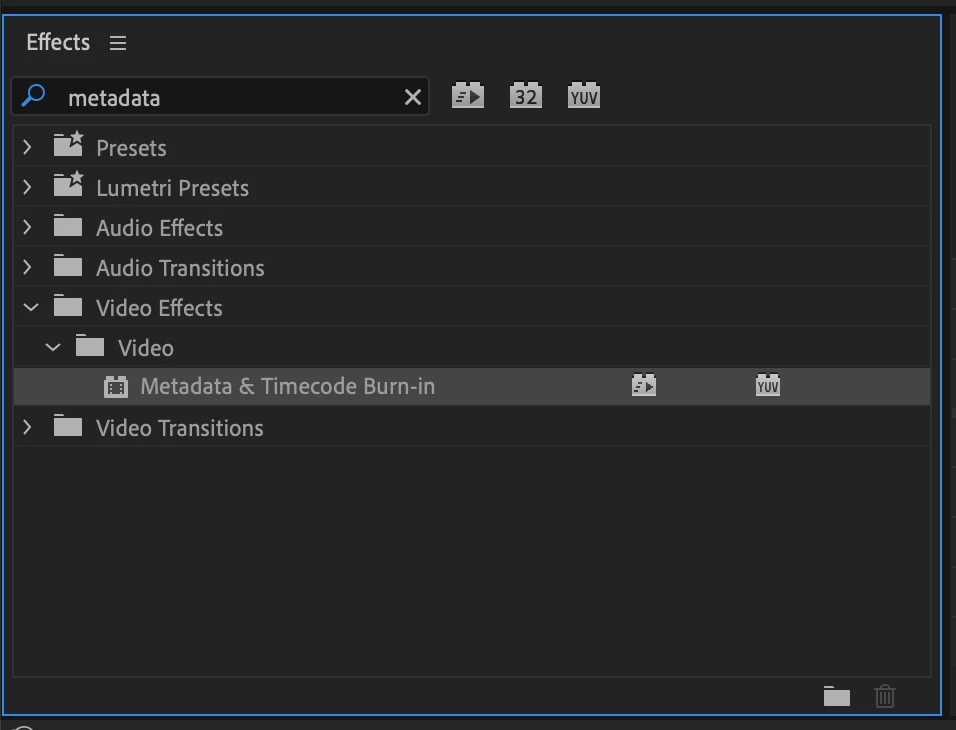
New in Premiere Pro Beta 15.2, the Metadata & Timecode Burn-in effect replaces the existing Clip Name and Timecode effects. This new effect takes advantage of our modern graphics engine and GPU acceleration for smooth playback while also offering an array of new types of metadata that you can burn into your video whether you need a simple watermark, timecode burn-in, or detailed attributes for high-end VFX workflows.
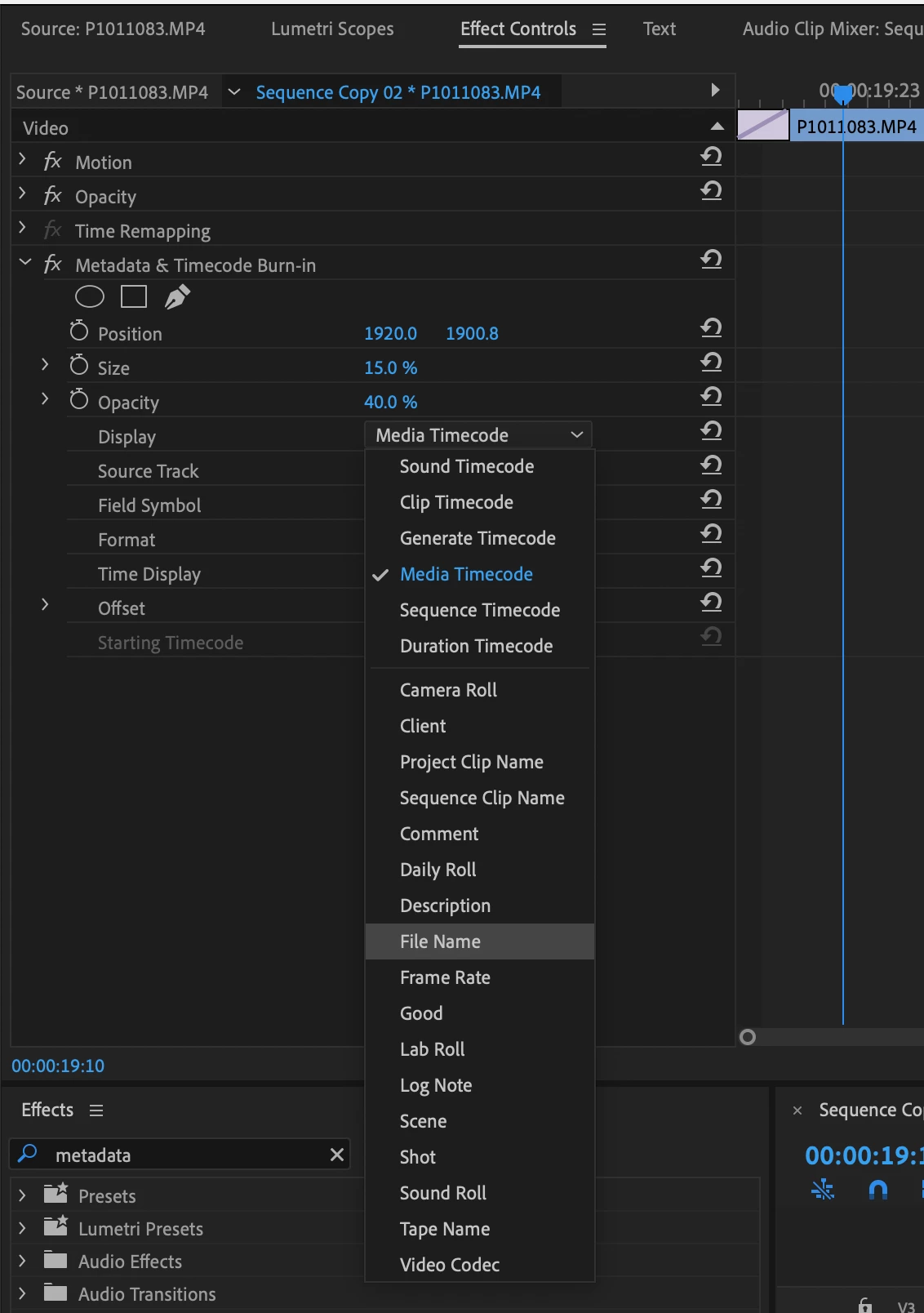
The Metadata & Timecode Burn-in effect can display 6 types of timecode and 20 types of project metadata. Apply the effect to a single clip or to an Adjustment Layer over your whole timeline. When applied to an Adjustment Layer you can set the Source Track the effect will read. Or, leave it set to Top Clip and the effect will use whichever clip is on the highest track. If you often need to display more than one type of metadata, you can apply another instance of the effect and then create an Effects Preset containing all your instances of the effect in one easy to re-use preset.
As we continue working to finish up this new effect we may make modifications that will cause existing versions of the effect to appear offline. If this happens you will need to re-apply the effect.
Note: Metadata & Timecode Burn-in effect is not yet available on Apple silicon Macs, but will be coming soon. If you use an M1 Mac and want to test this effect, you can run the Premiere Pro Beta in Rosetta mode by opening the Beta section in Creative Cloud, finding Premiere Pro, then choosing "Open (Intel)" from the ellipses (three dots) menu.
We look forward to your feedback on this new effect. Thank you!
 AdChoices