




Now Released: 5 new effects and transitions coming to Premiere
Edit: these effects are now available in Premiere v26.2. If you have question or comments, please post them in the Premiere forum: https://community.adobe.com/p/premiere
We are adding some exiting new effects and transitions to Premiere, and they are ready to test out in beta right now. Effects (Gradient, Channel blur, Noise); Transitions (3D spinback, Push). Keep reading for descriptions of each.
Gradient effect
Find it in: Effects panel > Video effects > Generate
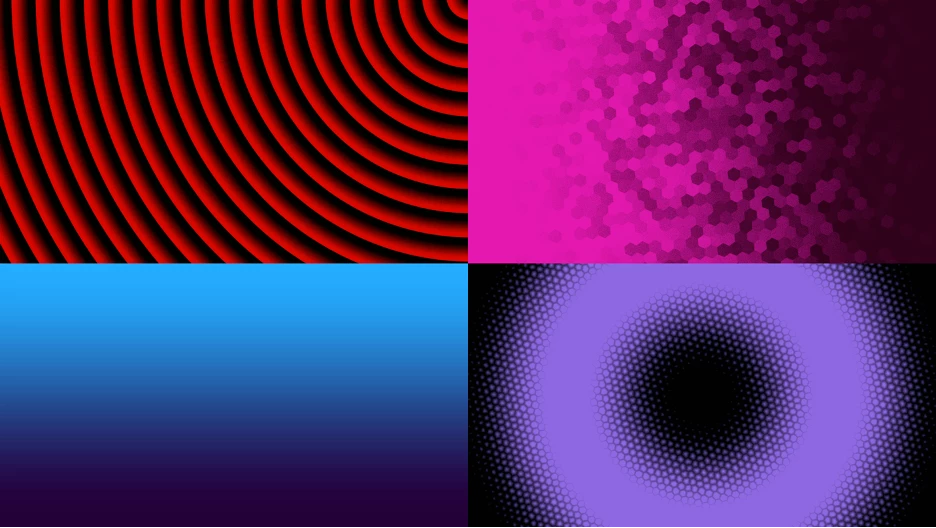
Gradient is a new generator effect designed as a modern replacement for Ramp. It’s a great tool for creating background textures with support for a wide range of visual styles. It supports both linear and radial gradients and adds expanded color and texture controls for more creative flexibility. Gradient gives you precise control over position, scale, orientation, repetition, mirroring, interpolation, feathering, and grain, with master opacity and alpha preservation for predictable compositing. Color controls let you blend a tone color and an ambient color independently, with optional desaturation and posterization for stylized looks. Optional texture controls add subtle or bold surface detail through adjustable patterns, scale, distortion, and amount.
Don’t know where to start? Just press Surprise Me! to get a random result. This is a great way to get some ideas fast and then finesse it further.
Channel blur effect
Find it in: Effects panel > Video effects > Blur & Sharpen
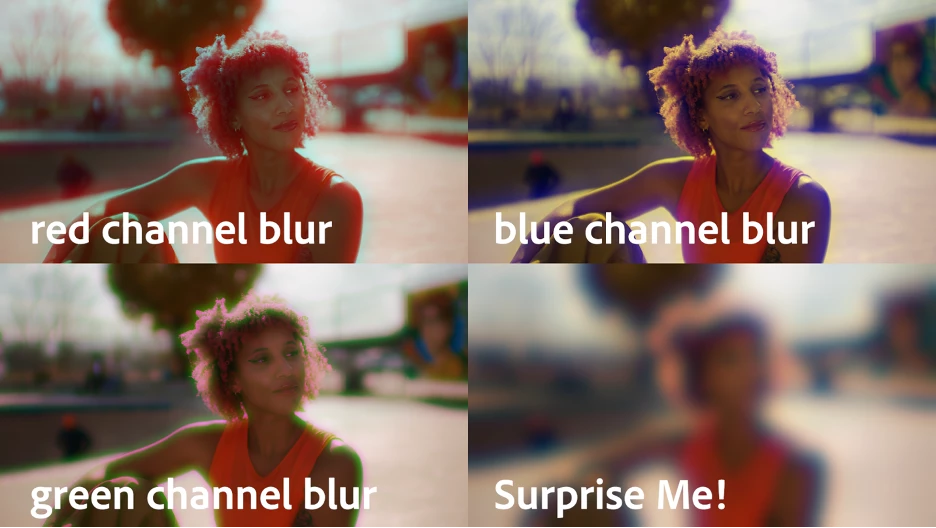
Channel Blur is a high-quality blur effect that lets you blur individual color channels — including alpha — independently. It supports RGB, HSV, and YUV color modes and uses a Gaussian-style blur for smooth natural results. This is a modern replacement for the obsolete Channel Blur effect Premiere used to have. It brings that familiar workflow forward with improved quality and broader color-space control, making it well suited for compositing, color work, and targeted blur operations.
Press Surprise Me! to get a random result.
Noise effect
Find it in: Effects panel > Video effects > Noise & Grain
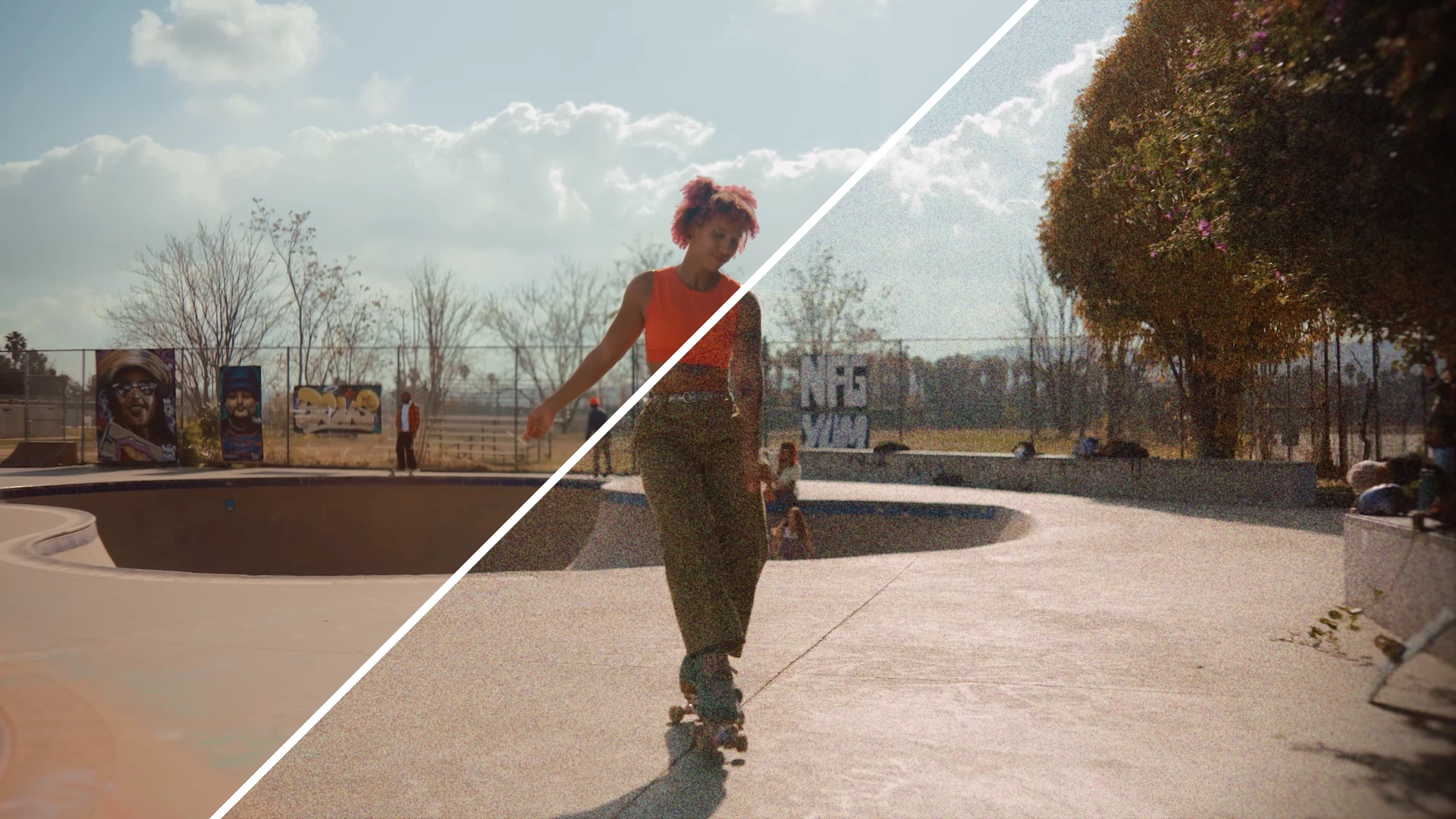
Noise is designed to add controlled, animated noise. It’s not quite film grain, but is still well suited for breaking up smooth gradients and adding subtle texture. It includes a global amount control along with separate adjustments for shadows, midtones, and highlights, allowing noise to be distributed selectively across the tonal range using a custom, high-quality noise kernel. Additional controls include noise saturation tuning, HDR-compatible blending modes (Normal, Screen, Additive, Soft Light), and an option to preserve the original alpha channel for safe compositing. This is a modern replacement for the legacy Noise effect that could often look “digital” and fake. Easily dial in a subtle amount of noise or crank it to the max for a super crunchy look.
Press Surprise Me! to get a random result.
3D Spinback transition
Find it in: Effects panel > Video transitions > Transformers
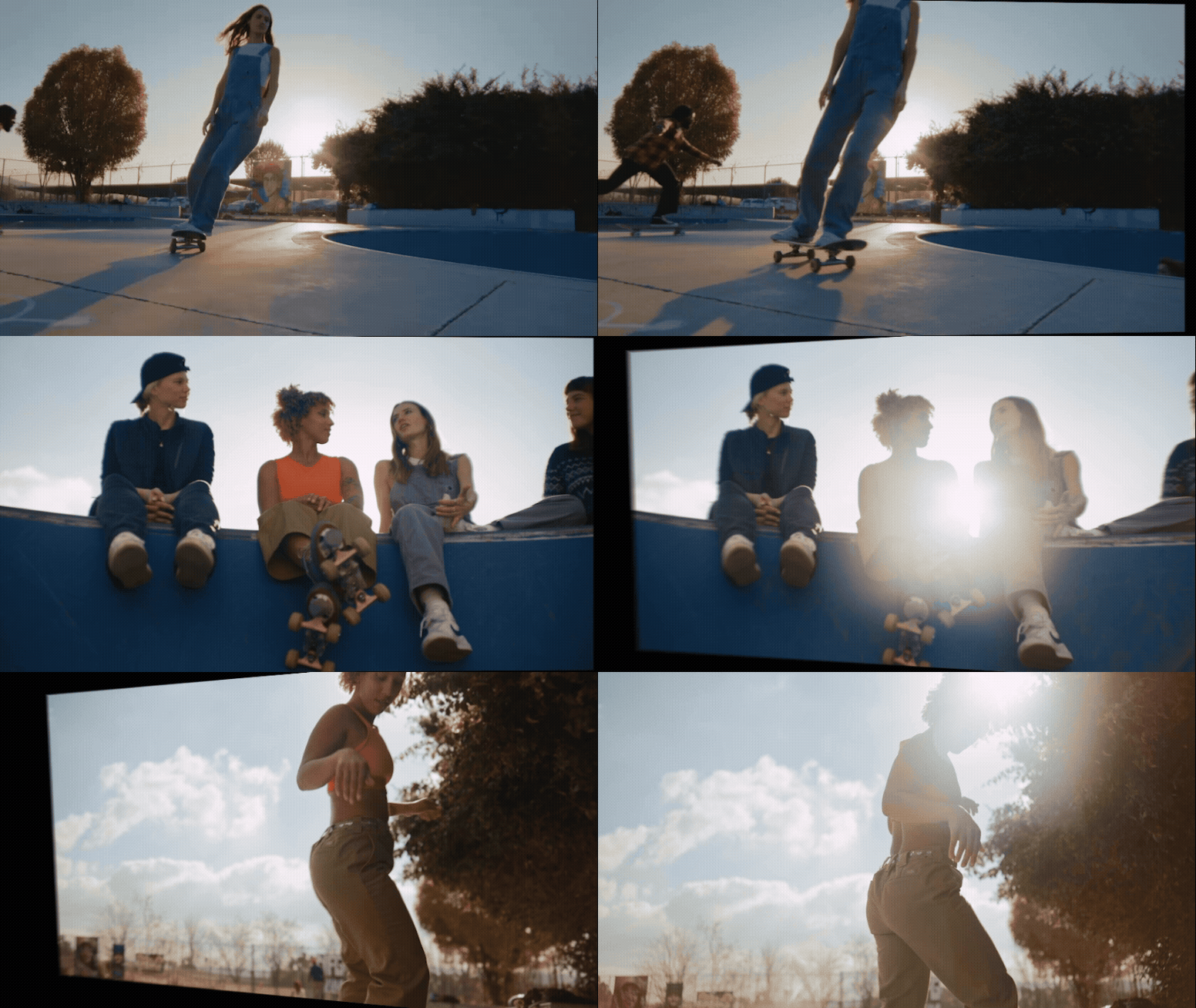
3D Spinback is a stylized transition that simulates a three-dimensional spin to add energy and flair between clips. It’s designed to feel dynamic and polished, with high-quality motion blur. The transition offers multiple motion styles — Bezier, overshoot, and bounce — with controls for ease in and ease out, letting you fine-tune how the movement accelerates and settles. Additional animation controls for angle, perspective, dolly and rotation make it easy to dial in anything from subtle depth to bold, expressive motion and a satisfying sense of depth.
Press Surprise Me! to get a random result.
Slide transition
Find it in: Effects panel > Video transitions > Transformers
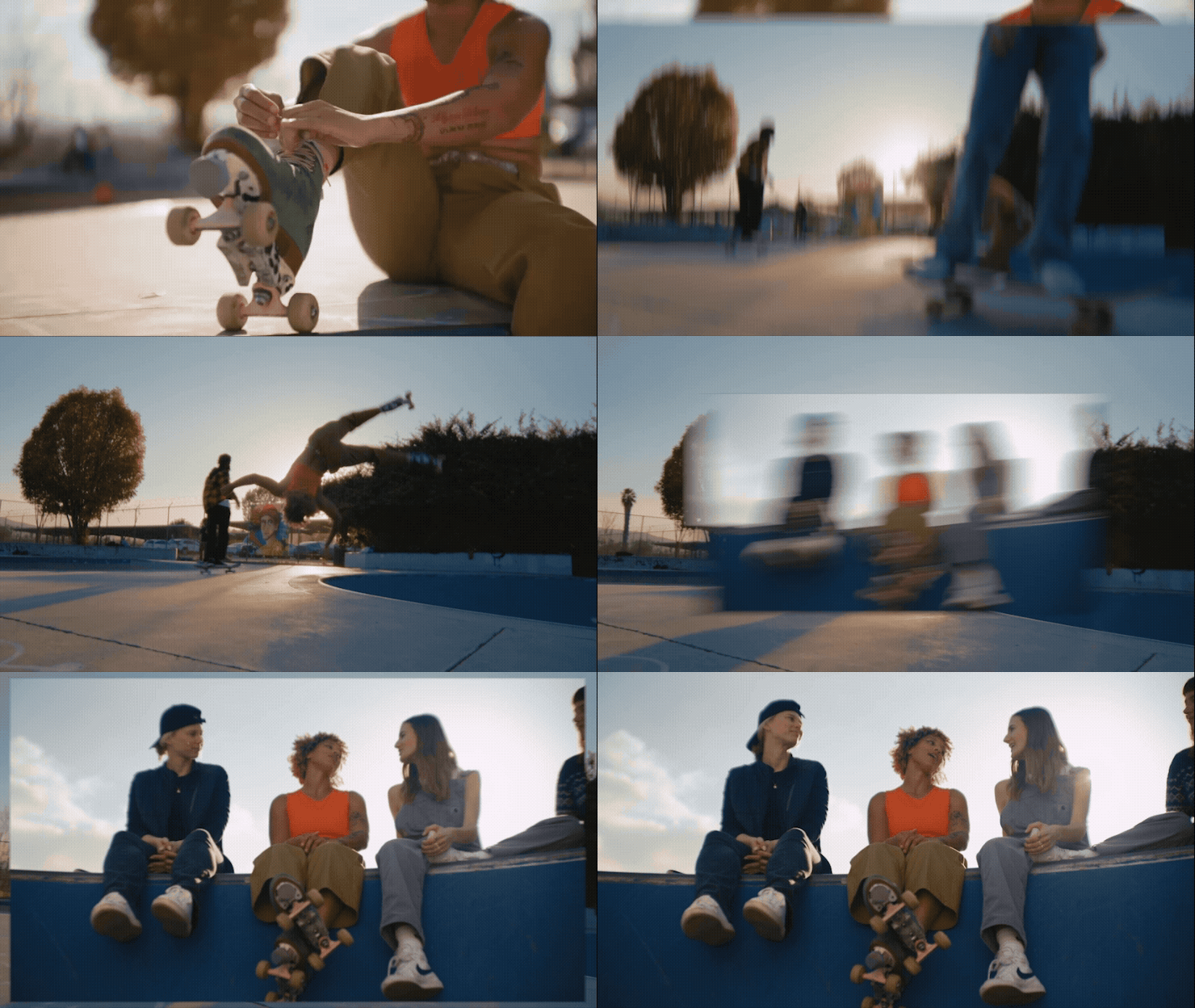
Slide is a bold and playful transition that moves from one clip to the next by sliding them across the frame. You can choose from Bezier, overshoot, or bounce styles with controls for velocity, elasticity, and number of bounces to shape how the movement behaves. Additional animation controls for angle and dolly let you add depth and directional variation, while high-quality motion blur keeps the transition smooth and polished.
Press Surprise Me! to get a random result.
We want to know what you think about these new effects and transitions. Please join the conversation below.
 AdChoices