

Now in beta: Crop
The intrinsic motion effect now has crop parameters. You can use Crop on all your videos and images without the need to add an effect. If you prefer to continue using Crop from the Effects panel, that is still there and continues to be available.
Crop is now included in the Properties panel. Crop parameters can also be accessed via the motion filter in the Effect Controls Panel.
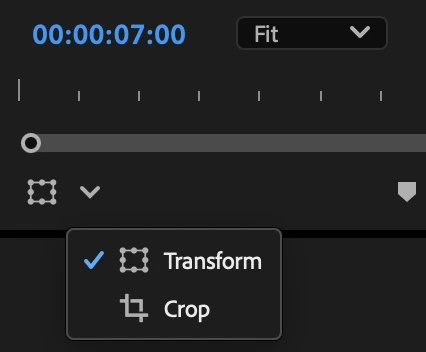
You can also crop directly in the Program Monitor. Click on the new button under the Program Monitor which will bring up a menu to switch between Crop and Transform.
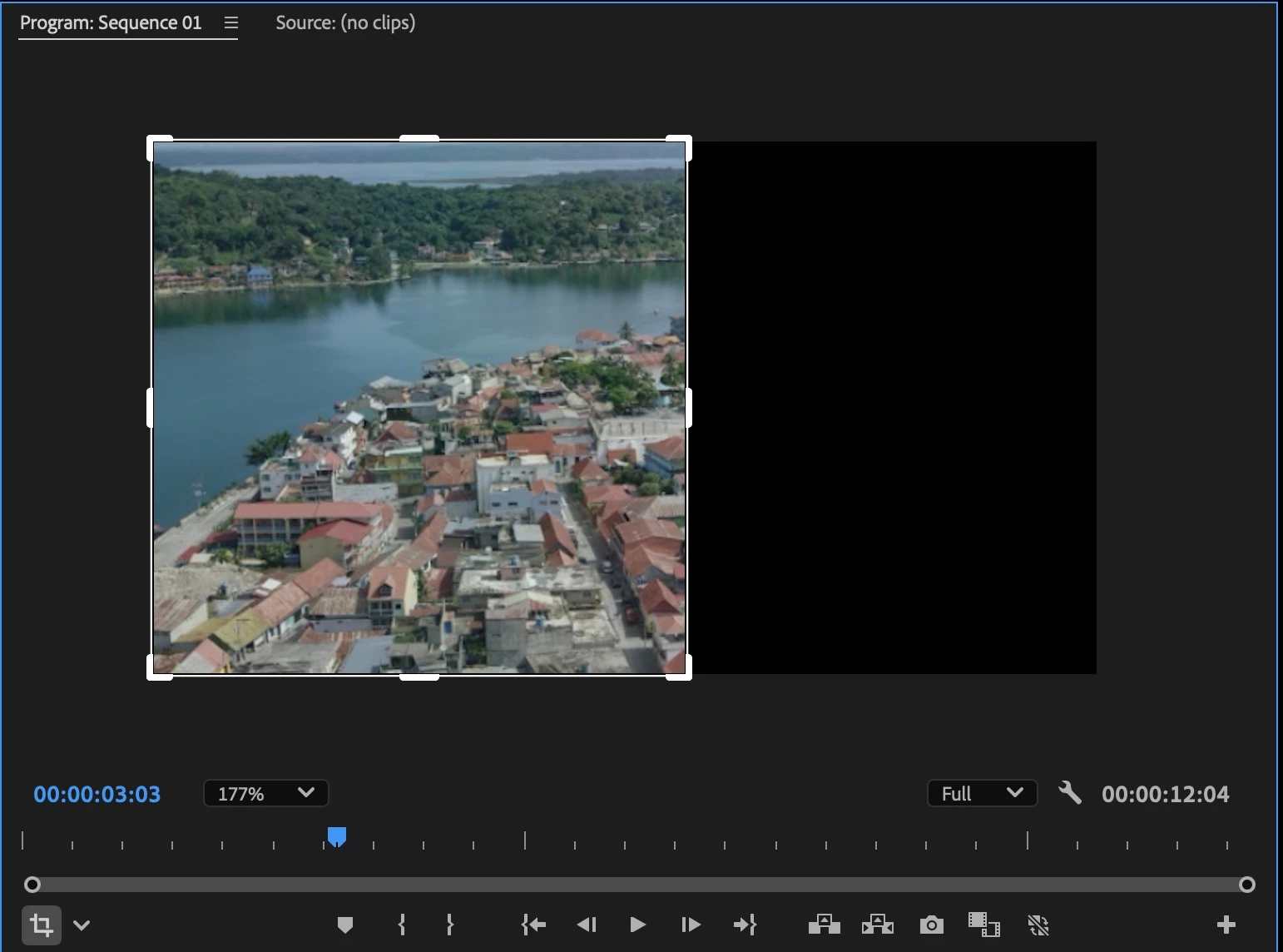
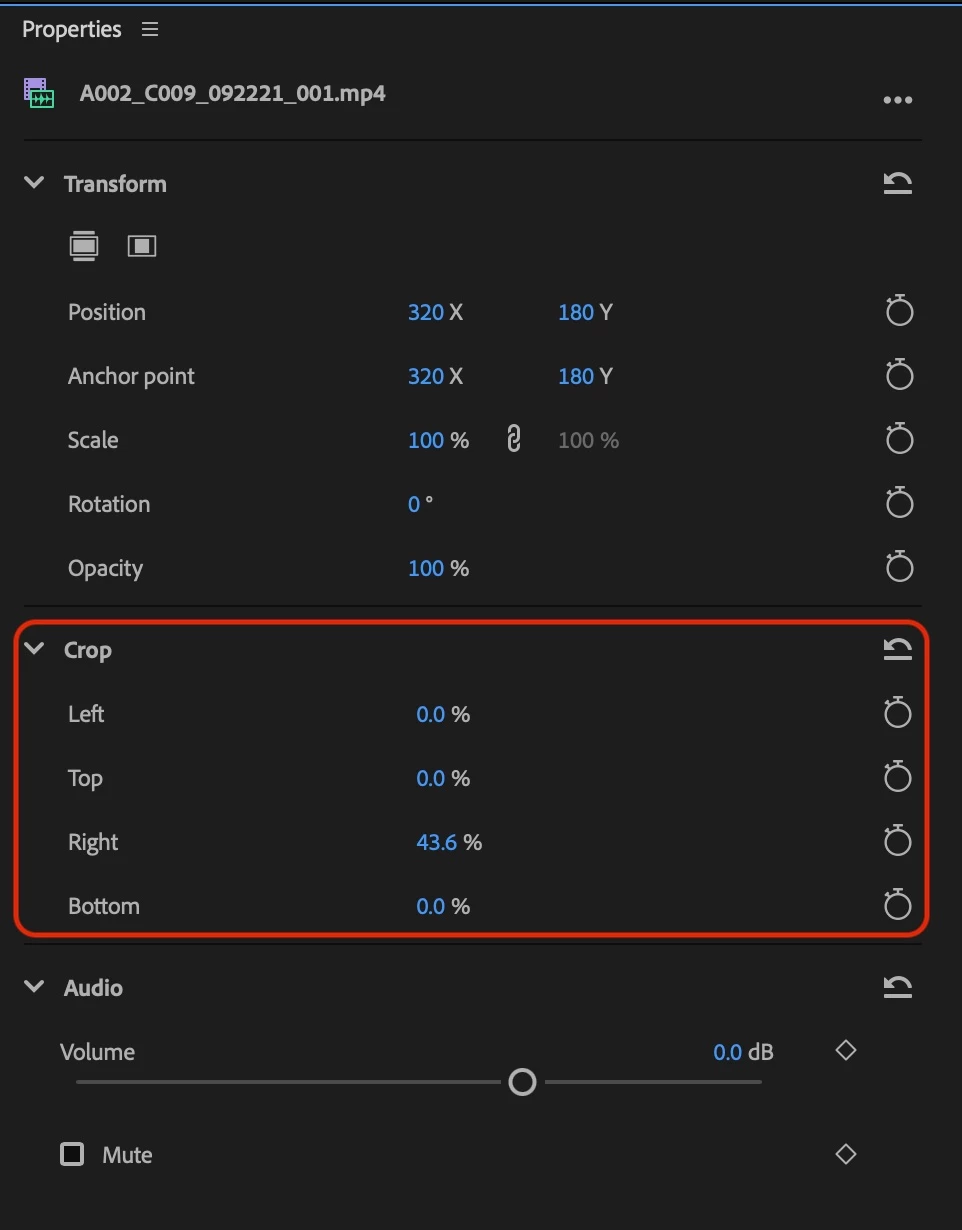
To use Crop in the Properties Panel, select video or image clips in the timeline. You can crop video clips using Left, Top, Right and Bottom controls in the Property panel. . You can reset any crop modifications by using the reset button on the top right of Crop or by using the Undo command.
For more information about the Properties Panel, please refer to the Beta Forums post on the Properties panel:
Please try crop as an intrinsic effect and give us feedback! Thank you!
Abhi Singh
Principal Product Manager, Premiere Pro


 AdChoices