
David Polk
Community Manager
Community Manager
November 25, 2024
Question

[Now Released]: Dynamic Waveform Feedback

  • November 25, 2024
  • 9 replies
  • 3668 views

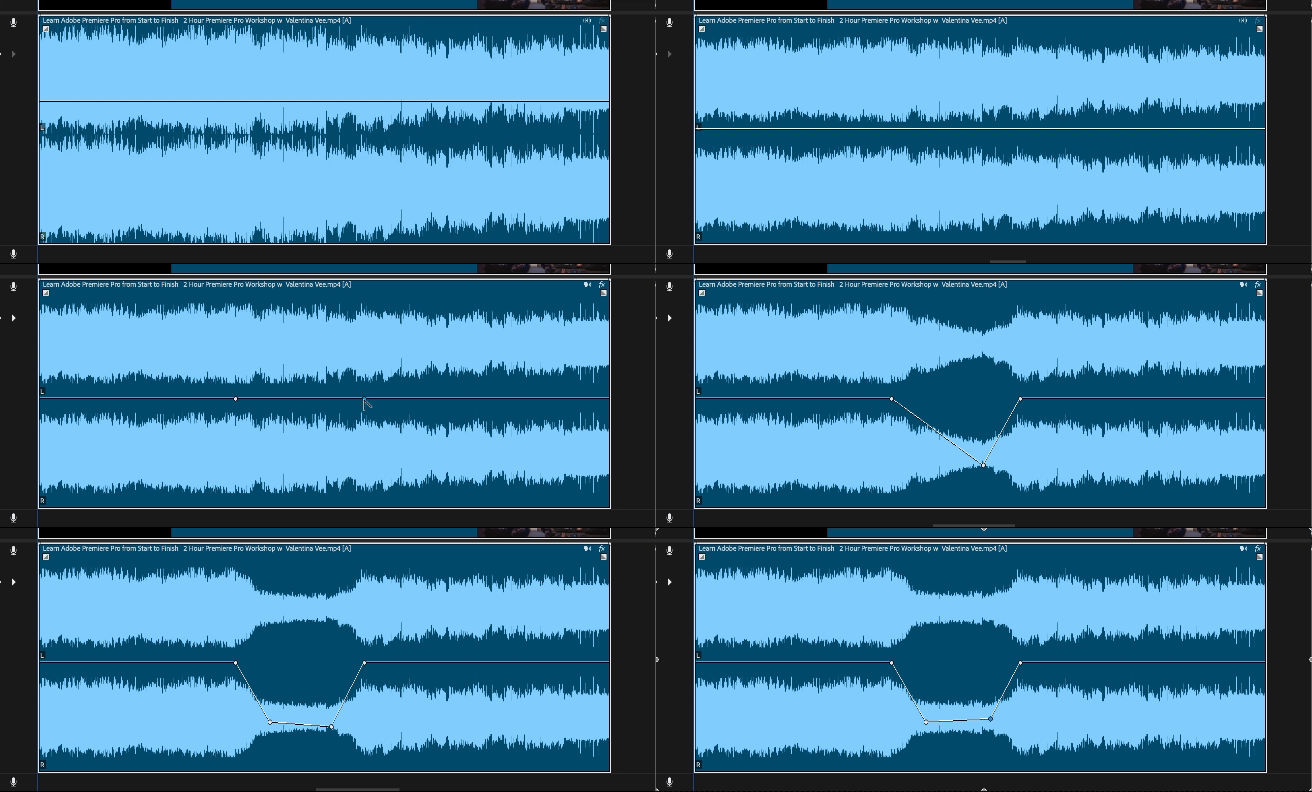
We’ve just introduced Dynamic Audio Waveforms to the Public Beta as of Monday, November 25th (build number 25.2.0 x029...this may appear for you later in the day if you are using a Mac this is now available for both Windows and Mac versions). Audio waveforms will reflect adjustments to volume on clips, a long-requested feature. 

 
More specifically, you’ll see live feedback on waveforms when you use the following: 

  • Rubber band and keyframes on clips (clip and channel volume, amplify); 
  • Essential Sound Panel (Volume, Mute, Auto-Ducking); 
  • Effects Control Panel volume parameter adjustments (Clip and channel volume, amplify); 
  • Properties Panel (Volume and Mute controls);
  • Audio Gain.
     

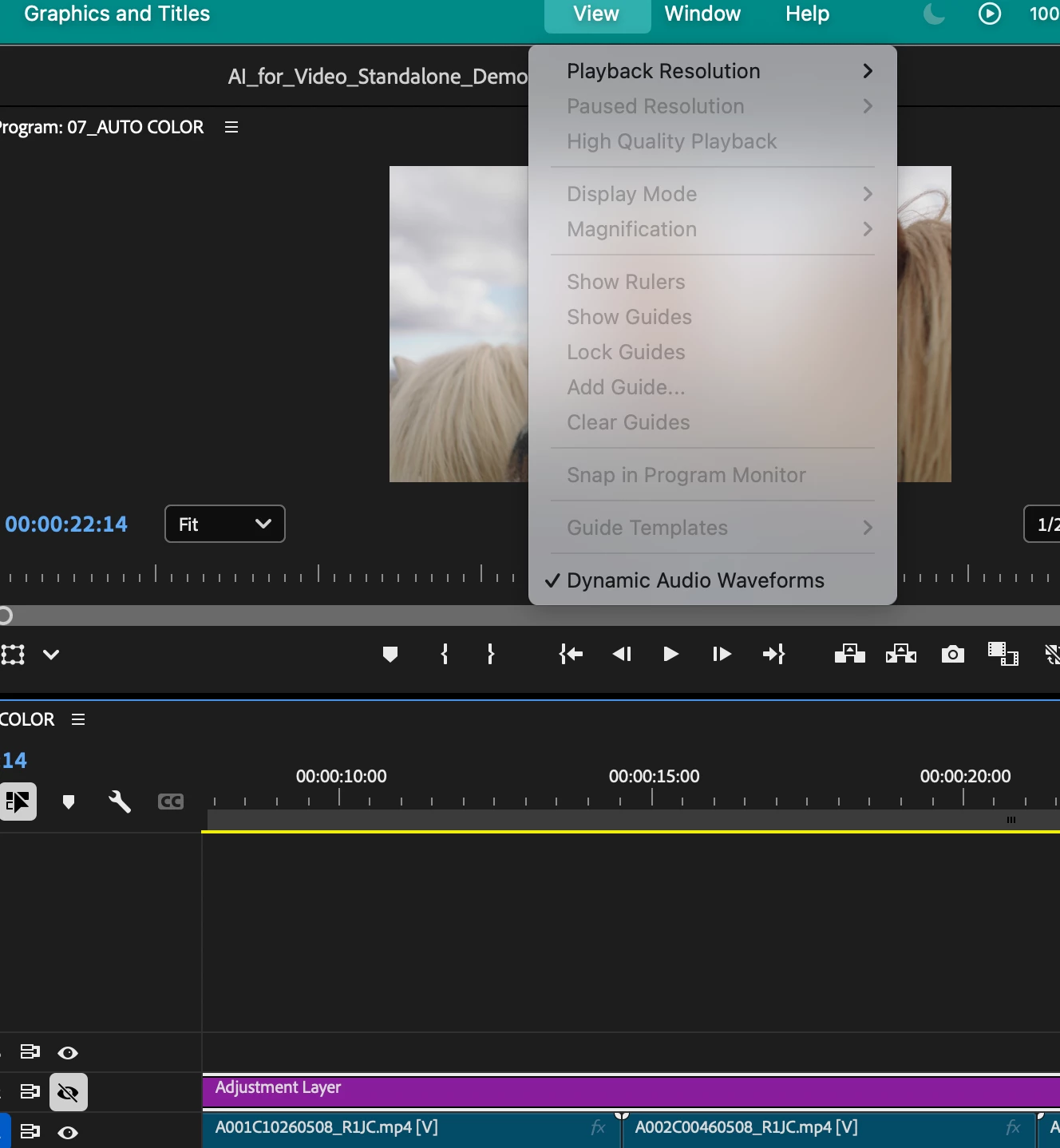
A Dynamic Audio Waveforms option is now available in the View Menu, can be toggled on and off, and is enabled by default. You can also assign a keyboard shortcut to toggle it on and off. This toggle will also apply to Waveform Scaling for Audio Gain adjustments (G). 


We'd love for you to test it out and share your thoughts. Let us know how it's working for you! 


This topic has been closed for replies.

9 replies

Participant
April 6, 2025

PLEASE give us the option to disable dynamic waveforms. While I see the benefits of this, I often use the waveform as a refrence in my edits, especially in multi-camera productions. I need to see the waveforms when I am muting certain parts of the clip, so please give us the ability to toggle this on and off. 


Thanks

Participant
March 31, 2025

Hello, I'd like to comment on this. I am an Avid editor (25 years) and I also work a lot in Premier. Waveforms is a very important funtion in my workflow. Why do we need to raise the volume to zoom into a waveform? in Protools the waveforms are highrez and you can zoom into the smallest details (without raising the volume). In Avid you can also zoom into the smallest details of a waveform (without raising the volume).  I also think being able to change the color of the waveform would be super helpful. 

This might already be a function I just don't know how to do (I've searched everywhere).

Inspiring
March 2, 2025

I'd still love to see this feature expanded to trim functionality

Inspiring
April 22, 2025

YOOO live trim waveforms is in the current beta THANK YOU that's so cool

Known Participant
December 18, 2024

This is such a fantastic addition. It's great to be able to visually "see" what the sound looks like!

Participant
December 2, 2024

Thanks for adding this as a feature, hope this comes out soon.
Would be even better if the changes also made on Audio Track Mixer level as well, to see waveforms after applying compressors or limiters for example. Would give a better illustrating of what the compressors and limiters does to the audio as well.

Shebbe
Community Expert
Community Expert
December 2, 2024
quote

Would be even better if the changes also made on Audio Track Mixer level as well, to see waveforms after applying compressors or limiters for example. Would give a better illustrating of what the compressors and limiters does to the audio as well.


By @Strat2024


Such a feature does not exist afaik because compressors and limiters are time dependent operators. There cannot be a previsualization unless it's precalculated. But that would add a redicolous amount of processing time for something that is prone to change constantly. It theoretically could be 'printed on the fly' during playback but then you run into a UI/UX issue where you somehow have to communicate to the user which parts are pre or post effect processing.


Tools like compressors and limiters have gain reduction meters built-in to visualise what they do during playback and work just fine. In the context of more visual assistance that caters to such tools, it would help to upgrade the Audio Track Mixer to have built-in compressors and limiters of which you could see a miniature gain reduction meter on the mixer channels themselves similar to how many DAWs approach this.

Inspiring
November 26, 2024

This looks like an amazing improvement. I was always someone who adjusted gain over levels specifically for the waveforms to adjust!


Performance seems to chug a little bit if you adjust the volume in certain ways, but this is a really good start and I'm sure that'll be smoothed out over time


Now all we need is live waveform previews during trim and v25 can officially be called the waveform update hahaha

Adobe Employee
December 3, 2024

Hi @Tom_edit - Thanks for testing it out.  With which way of adjusting volume are you seeing performance chug a little bit?  Thanks!
Best regards,
Michael

Inspiring
December 3, 2024

Hey @michael_audio_team  !
What I was seeing on my end was attempting to adjust the level volume (either with effect controls or with the keyframe bar on the audio track) any faster than an absolute crawl would cause it to update at like 1 frame per second - BUT - it appears that one of the beta builds between my message and the one I just installed (25.2.0.38) has fixed that issue! it appears to update much more consistently now!

Shebbe
Community Expert
Community Expert
November 26, 2024

Fantastic! Thanks for this update.

Amitzi Photography
Known Participant
November 26, 2024

Great features, but I still don't understand why all the interface elements are the same color. I think it would be benefitial to many people to have the ability to have the volume and keyframes in red so they'll stand out and be easier to see.

AndrewTheGreat
Known Participant
November 26, 2024

We've been waiting for this for years. Thank you. A killer-feature that is