



[Now Released] Enhance Speech in Premiere Pro
With AI-powered Enhance Speech now in Premiere Pro (beta), you can magically remove noise and improve the quality of dialogue with one click, so it sounds as if it were recorded in a professional studio! We need your feedback to optimize this feature further through adding a comment below and completing a short survey.
Here’s how to use it:
Open the Essential Sound panel and select a clip containing speech in your sequence. Click on “Dialogue."
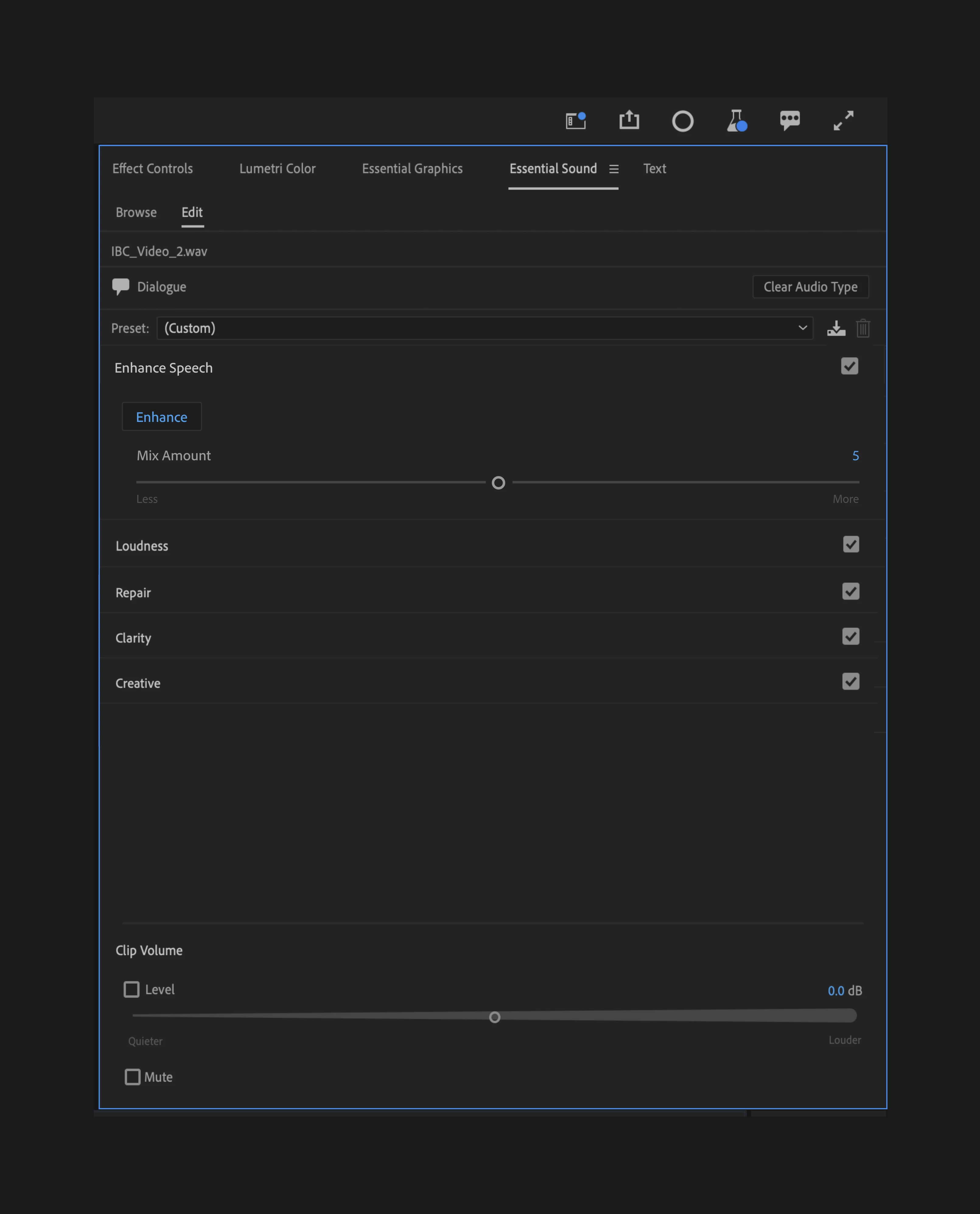
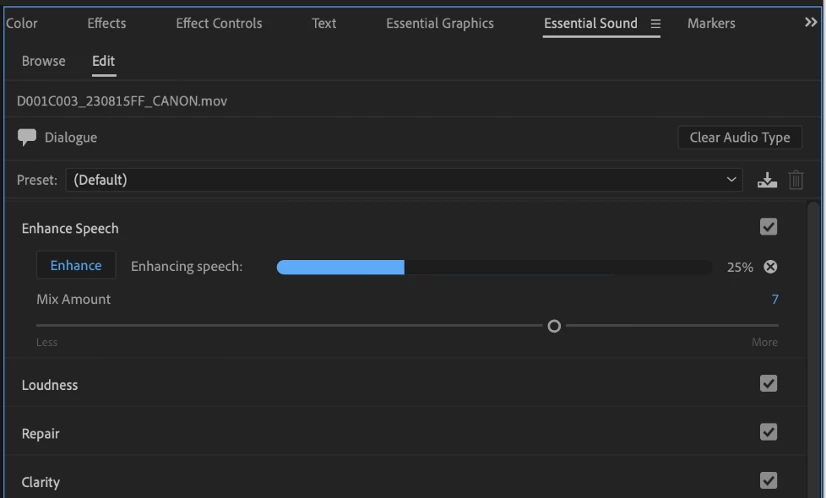
Then, just click the “Enhance” button. When processing is complete, you can adjust the amount of enhancement using the Mix Amount slider. This slider allows you to mix your raw audio with the enhanced audio, allowing natural background noise to come through.
What kind of recordings work well with Enhance Speech?
Audio that is recorded with a low-quality microphone (phones, online meetings, on-camera mics) tend to be improved with Enhance Speech. It does not always work well with:
- Extremely very poor-quality audio (e.g. a recording from an old VHS tape with heavy artifacting)
- Multiple overlapping speakers
- Whispers
- Loud background music
- Singing
How does it work?
The version of Enhance Speech within Premiere Pro (beta) is the same feature that has been available online via Adobe Podcast. However, Enhance Speech within Premiere Pro (beta) has been optimized to perform locally on your machine, allowing you to run Enhance Speech on an unlimited number of clips. Unlike Adobe Podcast’s service, no internet connection is required. The model is not trained on your usage.
As indicated in the name, this won’t work with music, sound effects, or ambient audio. And like most AI-powered features, it requires a performant system; processing times may vary. (See Premiere Pro’s recommended hardware specifications.)
Please check out our full FAQs for this feature for more details.
What we’d love to know from you:
AI models are evolving fast and voice recordings have many unique variables we can’t always predict in our testing. We need your feedback to learn more about how you’re using Enhance Speech so we can further optimize it for all types of voices.
How has this been helpful? Have you run into any enhancement issues that prevent you from using the feature? If you’ve run into performance issues, please tell us what kind of computer you’re using.
Complete this survey and leave us feedback below.


 AdChoices