


Participating Frequently
February 13, 2025

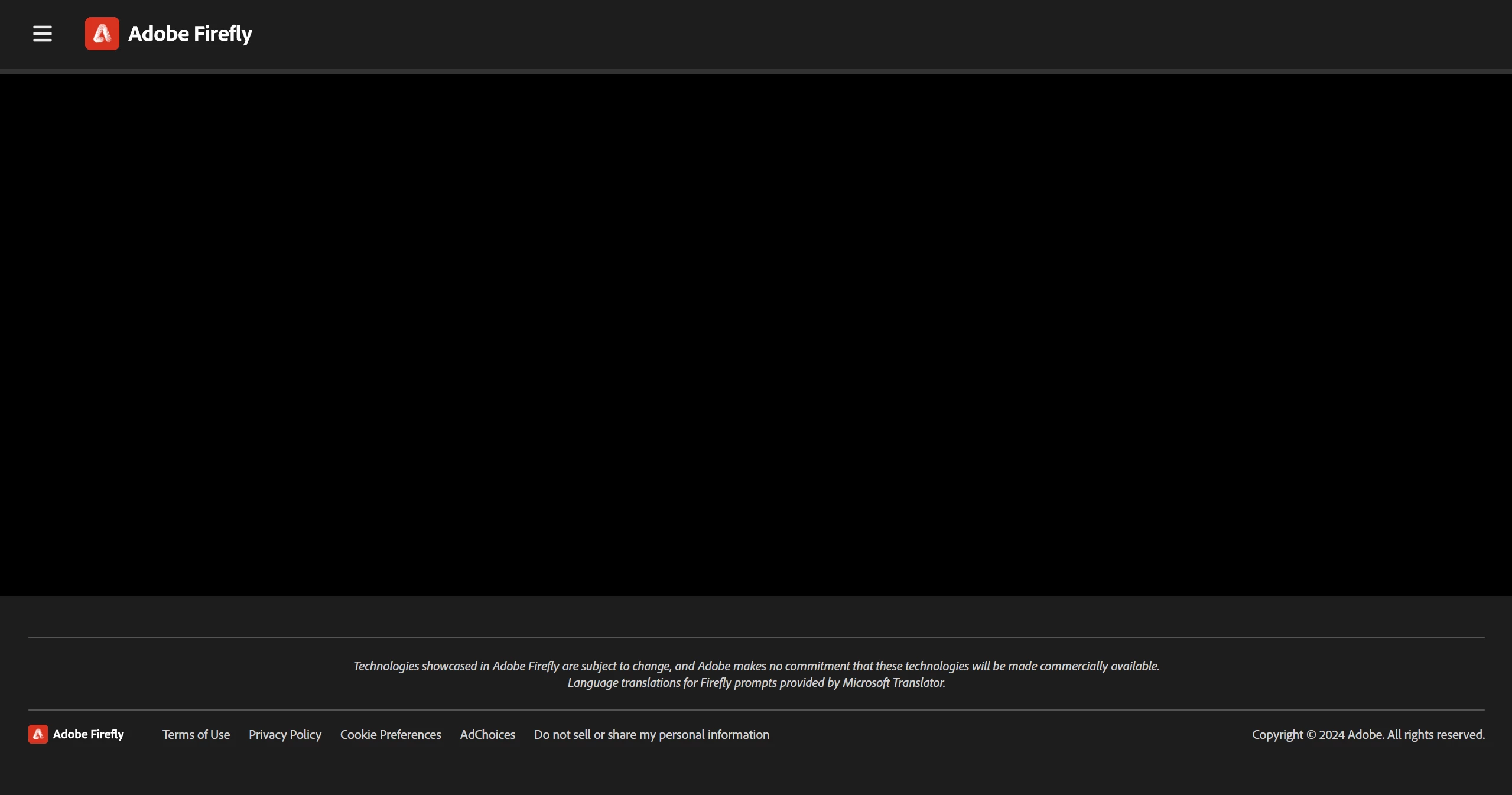
Blank screen when I visit Firefly

  • February 13, 2025
  • 13 replies
  • 944 views


Same as the title. I got an email for the generative video beta approval but when i visited the site it was just a blank screen. I have checked and my connectivity is strong and other websites are functioning normally.


13 replies

NEFLRick
Known Participant
July 19, 2026

Same problem. Still can’t find a solution anywhere online. Lots of posts all over but never a solution. Why is Adobe still showing us bank pages? This has been a problem for years now and no actual solution seems to have been posted.


I literally cannot do anything with Firefly at the moment because I just have a blank screen. You guys keep asking about versions, etc.--and people give it to you--and then no response. So what the heck is causing this problem an how can I fix it?


Tarun Saini
Community Manager
Community Manager
July 20, 2026

Hi ​@NEFLRick,


Thanks for reporting this. We’re sorry to hear about this. Are you still experiencing this issue? If so, please let us know which browser you are using. Have you tried using another browser to check if that helps? Try signing out and signing back in again to check if that helps.


Regards,

Tarun

NEFLRick
Known Participant
July 20, 2026

Problem was never resolved. Happens in Chrome (latest version). Did work in Safari. Have tried the few suggestions I’ve seen out there. Have yet to see anyone get a true solution.

I cannot use FireFly with Chrome at the moment.

NEFLRick
Known Participant
July 19, 2026

SAme problem here. Just a blank screen. Hard reset or whatever. Has happened a lot lately--on more than one computer. Not sure why you’re still having this issue for over a year. Seems pretty common as lots of posts about it online but no real solution.

droopydog500
Community Manager
Community Manager
August 4, 2025

Hello @Saurabh25304448hwg9,

Thank you for your message. 


If you are using a Mac, please try a hard reset of the page by holding down the <SHIFT> key while clicking reload. If you are on a Windows computer, please try resetting the firewall to the default settings.  If those do not work, please upload a screen shot of the full browser window with the problem and tell us the OS and browser you are using along with their version numbers.

Thanks,
    droopy

Adobe Community Expert (not an Adobe employee)
Participant
August 4, 2025

Facing the Same issue.
Adobe Firefly Blank page for bothe Image gen and video gen

Participating Frequently
March 12, 2025

Hello,

So I am using Windows 11 version 10.0.26100 Build 26100

I turned off adblockers and VPNs
Mobile network doesn't do much either

I am currently out of town and not using my home wifi so like you said maybe it is a connection issue. The situation might get solved once I am back. Thank you very much for the help anyway!

droopydog500
Community Manager
Community Manager
March 12, 2025

Hello @Tulasi Mukunda,

Thank you for your message. I am afraid we are past the easy solutions...


Please tell us your operating system and version.


This has the feel of a connectivity issue, such as blocking at a firewall. How are you getting network connectivity? Can you try an alternative method?  For example, if using a VPN, try without VPN. If connecting to wifi, try connecting via your mobile phone. If you have a firewall enabled on your device, turn if off temporarily as a test to see if it works.

Thanks,
    droopy

Adobe Community Expert (not an Adobe employee)
Participating Frequently
March 12, 2025

Nope, I can't use any of the features. Either the screen goes blank, or the page loads but after typing the prompt and pressing generate it redirects to a blank page. And I am using a personal plan.

droopydog500
Community Manager
Community Manager
March 11, 2025

Hi @Tulasi Mukunda,


I am sorry that did not work. Can you use other functions of Firefly, such as text to image? Is video the only thing not working?


Are you on an Enterprise plan or a personal plan?


Thanks,

    droopy

Adobe Community Expert (not an Adobe employee)
Participating Frequently
March 11, 2025

Tried it, still doesn't work

Participating Frequently
March 11, 2025

Thanks, I'll try that. I was confused because it was working fine all these months, then the entire website stopped working once the generate videos feature was released