


GermanInColorado
Participant
March 24, 2026
Sticky

P: Problem with Prompt Declined error for generations

  • March 24, 2026
  • 31 replies
  • 258 views

I am confused about the rejection of my prompt.
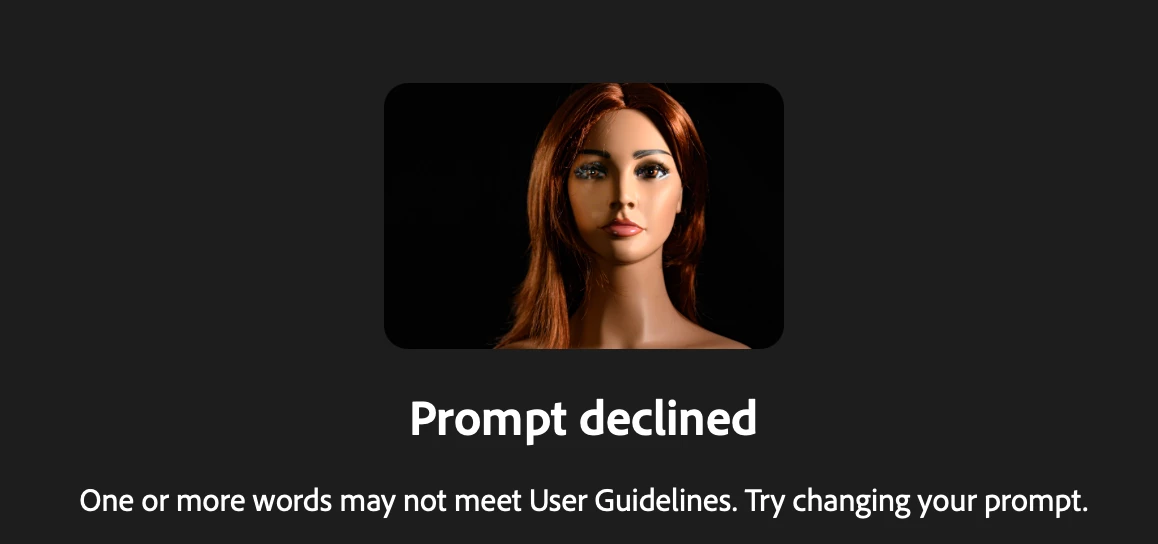
I used Firefly out of Lightroom classic and the new feature of “Edit with Firefly” I have a photo of my manniquin I use for practice light setups and in one photo the eyes are blurry and  with the prompt 
replace  the blurry eyes with realistic looking blue eyes “ I receive the message 

Prompt declined
One or more words may not meet User Guidelines. Try changing your prompt.

Any feedback what I am doing wrong?


    Pinned Reply By Hajar Toutsi

    Hi all,

    Thank you for bringing this issue to our attention.


    We’ve noticed that the error is consistently triggered when using the Firefly Image 5 model with an uploaded reference image. Based on the reports we’ve received, most of the prompts and images affected are within the user guidelines, so we appreciate you reaching out to clarify this.


    The matter has already been escalated to the appropriate team for further investigation. We truly value your patience and proactive engagement while we work toward a fix.


    Hajar

    31 replies

    benjaminc34385179
    Participant
    March 11, 2026

    What is wrong with this prompt? Why am I getting a Prompt declined? This is using my companies logo, black and white, as a reference image.


    High altitude aerial landscape of tropical islands, sandbars and shallow turquoise lagoons. Natural coastal patterns and island formations subtly create a geometric pattern within the landscape, blending organically into the coastline as if shaped by erosion and tides. The pattern is understated but recognizable from above. Crystal clear water, coral reefs, cinematic sunlight reflections, ultra-photorealistic aerial landscape photography, extremely detailed textures, 8k resolution.

    Hajar Toutsi
    Community Manager
    Community Manager
    March 24, 2026

    Hi benjaminc34385179,
    Thank you for sharing this with us.

    After reviewing your prompt, we noticed that the word “sidebars” is triggering the warning message, separating the word to “side bars” fixes the issue. This seems to occur only when using Firefly models, while Partner models are able to generate the image successfully with no edit needed.

    We recommend trying a different model entirely and letting us know if the issue persists.

    Note: 8K resolution isn’t supported yet, but you can select 4K which's offered by Gemini 3

    We really appreciate the details you’ve provided. We’ll continue investigating this on our end and work toward a fix.

    Hajar
    [Moved to bug reports]