


Participant
October 26, 2024

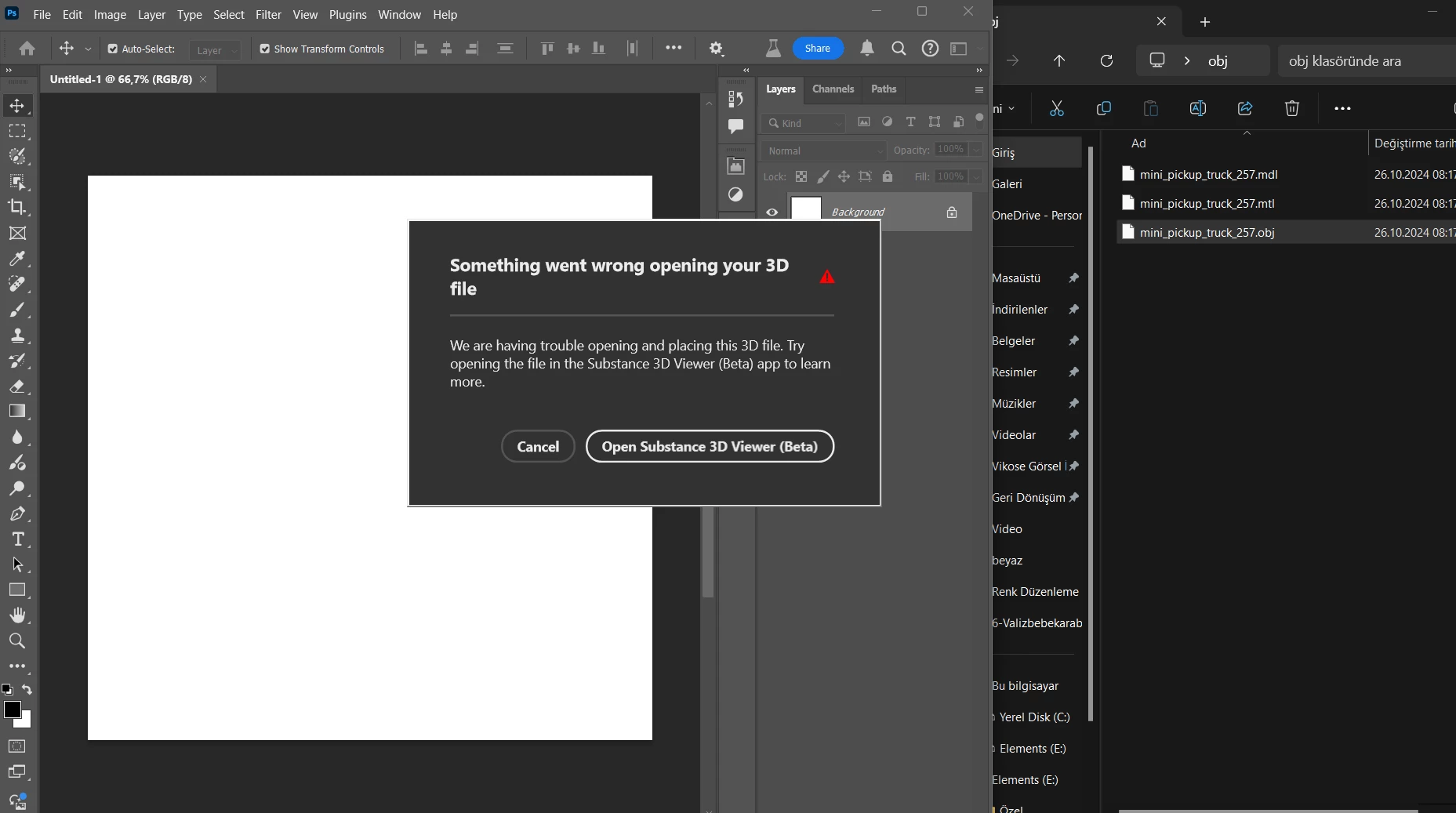
Cannot open 3d object in photoshop beta v26.1

  • October 26, 2024
  • 6 replies
  • 574 views

When I drop the 3d object on the photoshop screen, it gives the warning “something went wrong opening your 3d file” also i have already installed and opened Substance Viewer 3D Beta same time with photoshop beta. 
 

This topic has been closed for replies.

6 replies

Community Manager
November 4, 2024

This issue has been posted twice within a day of each other. Need to merge both posts: https://community.adobe.com/t5/adobe-substance-3d-viewer-beta-bugs/cannot-open-3d-object-in-photoshop-beta-v26-1/idi-p/14943513

Participant
November 4, 2024

Yes I am

Community Manager
November 4, 2024

@Correiae29177957 , sorry this is happening to you as well. Are you on a Windows 11 computer as well? 


Community Manager
November 4, 2024

Hi @Vikose35517352j7hq, can you give me the log file to this so that I can have file a ticket for this. The easiest way is to do it through the log collector tool. Which can be found here: https://helpx.adobe.com/creative-cloud/kb/cc-log-collector.html

Go to the link and install the correct file for the computer you have. From there 

  • Windows: Double-click the LogCollectorTool.exe file. Specify a location to extract the file, and then click Next.
  • It should pop up a wizard installation to help with this process and it should tell you the location of where it is, which should be your desktop. 
  • Once you have that done could you attach the log file that was just created on your desktop and attach it here to this post?
Participant
October 31, 2024

Oh, I had the same problem, using the same headset model from the adobe tutorial.

Participant
October 28, 2024

Hi, same issue for me