



Duduf | RxLaboratory
Participant
November 4, 2022

AE 2023 performance issue

  • November 4, 2022
  • 39 replies
  • 7427 views

I have a comp with 51 shape layers & lots of expressions, which makes After Effects lag a lot (as usual), BUT it's worse in Ae2023 than previous versions.
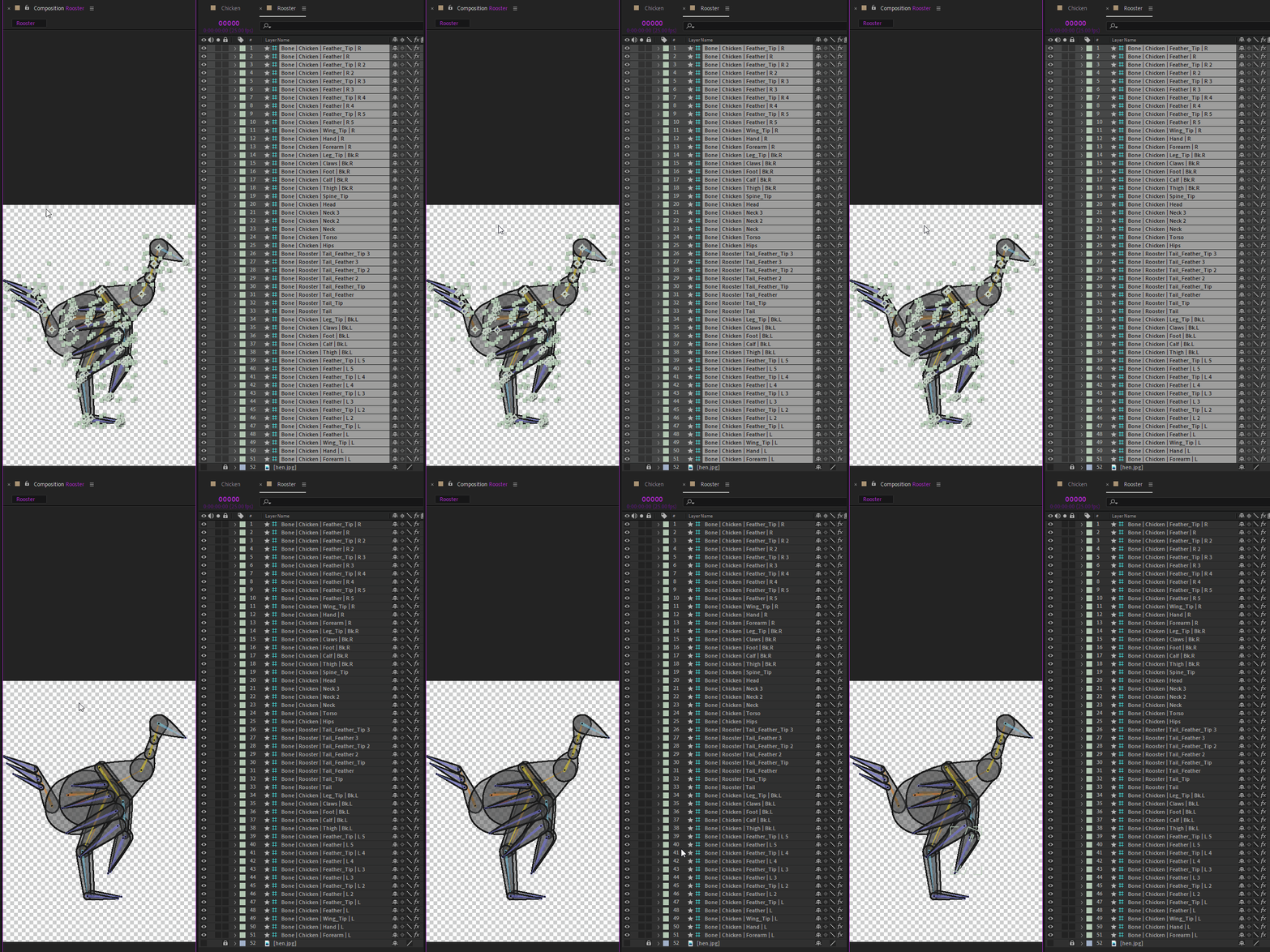
To show the issue, I've made these two GIFs, from Ae2021 and Ae2023, to show how long it takes to just deselect all the layers.
The click is shown by a yellow circle under the mouse cursor at the beginning.
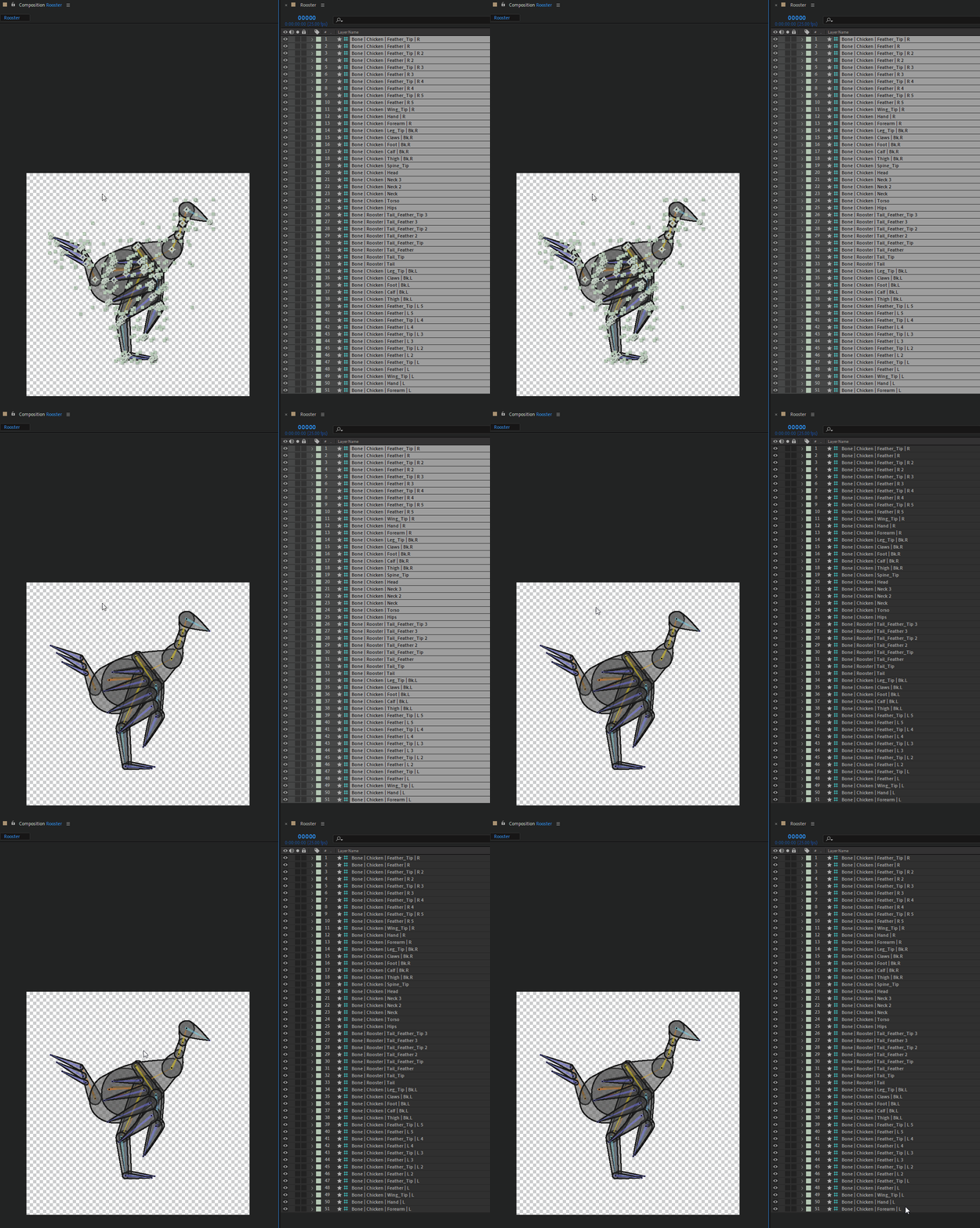
 

The first one is Ae 2021, and the delay between the click and the actual deselection is already quite annoying, I've measured it to be 1.5s (I've run the test several times to get the average time)

The second one is Ae 2023, the delay is 2.5s. I just can't work anymore with After Effects with this lag, it's just a no-go, and I'm going to recommend to everyone to not update if they're going to work with Duik. One just can't work correctly with that.

If it lags so much for simple actions like (de)selection, just imagine how painful it is to precisely adjust any value.


IMHO it is more than urgent that After Effects lags like this are fixed, I don't know of any other software where I experiment this kind of sluggishness, it's not the case in any other compositing, animation, or 3D software I know of.

Computer specs:
- AMD Ryzen 7 2700X Eight-Core, 3.7GHz
- 32 GB RAM
- Nvidia GeForce GTX 2060, Studio Driver 517.40

This topic has been closed for replies.

39 replies

Duduf | RxLaboratory
Participant
November 27, 2024

Hi @JohnColombo17100380 ,

Thanks a lot for the fix!

I've tested again (on 25.2.0.30), and unfortunately there are still some issues.

- Deselecting a lot of layers is now as fast as in AE 2021, so this specific issue has been fixed. I've noticed that clicking an empty space in the timeline is MUCH faster than clicking an empty space in the comp/viewport. That makes sense as in the timeline there's no need to check if some layers are available under the mouse cursor.

BUT

- Now, selecting all layers is VERY slow (I mean, using the Ctrl + A shortcut), it takes several seconds to select my 50 layers.
- Another strange issue : if lots of layers are selected, the menus take at least a couple of seconds to pop up (File/Edit/Composition menus, etc). I noticed this trying to open the about dialog to check the exact version of After Effects 😉
- Even revealing a property with a shortcut is a pain (like P, W, S, T etc.)
- I have also noticed that switching the current tool with a keyboard shortcut is much slower (a couple of seconds) than clicking on the tool icon in the toolbar.
- This is only if there are lots of expressions : with my 50 layers selected, adjusting any property for of all of them at once is very, very slow, it makes it almost impossible to drag the value, even if the property being adjusted is not used in any of the expressions.

This all happen if there are a lot of (shape)layers selected. If nothing is selected, things get much better.
Showing or hiding layer handles doesn't change anything.
I have tested with a very simple comp and things begin to be noticeably slow with : a shape layer containing 10 basic rectangles, duplicated 50 times. It's a lot, but it's not a huge comp as we can have sometimes, and still, working with a big selection makes everything very slow, and even just selecting a lot of layers is very slow...

JohnColombo17100380
Community Manager
Community Manager
November 25, 2024

Hi @Duduf | RxLaboratory,

Thanks for your patience in our response on this one. A performance improvement for the behavior you've reported was made in After Effects (Beta) 25.2.0.29. This build or a later build with the fix should be available now for testing in the Creative Cloud app. Please give the latest Beta build a try and let us know if you also see the performance improvement when toggling visibility for many layers.


Important note: this fix was targeted for toggling layer visibility, but does not affect the drawing of the layer overlays. Showing those overlays for many layers many still exhibit some lag. Let us know if you can see the improvement with the layer overlays disabled, but also if you see any improvement with them enabled.


Thanks again for reporting this issue,

- John, After Effects Engineering Team

Inspiring
November 27, 2023

I recommend learning DaVinci Resolve/Fusion. Bit of a learning curve but SO much faster. Possibly not all the features of AE yet, but they'll come and I haven't encountered anything I miss yet. I've already cancelled my personal CC subscription.

Participant
October 20, 2023

After Effects 24.0.1 is dragging and lagging when scrolling in the timeline, or moving keys. Same issues as before are reappearing in this update. 

Participant
October 19, 2023

Updating the graphics driver worked for me too. Please pin this as one solution!

Participant
May 5, 2023

Adrian, I can't speak to the playback and frame drop issues mentioned in this thread, but updating to the latest 2023 helped my situation with moving keyframes and the delays associated with that process. Good Luck!


- MK

Participant
May 5, 2023

Hey guys,

any news on this one?
Actually I´ve updated to the newest version, hoping for performance fixes, but its still painful to work with. Will this be fixed? I really cant move a single keyframe without lag on a heavy maschine. Working on our projects is really painfull and our team is waisting a lot of time waiting for AE to respond when a keyframe ist moved.

Our team noticed that more or less every second maschine is having trouble with laggy performance since version 2023.

Really hope this will be fixed asap 🙂

vjcodec
Participating Frequently
March 9, 2023

Hi John, 


Problem is coming back again. will try to update now. bit worried if it makes it worse. fingers crossed. will post an update later.

CREAM Motion
Known Participant
March 8, 2023

Edit : I activated Vertical sync in Nvidia Panel because all the animations in AE 2023 (and 2022)  were cut in pieces in horizontal without that. 
Anyway with Vertical sync activated or not I have frame drops, I would say 5% to 10% are skipped in 30fps, creating lags, with Mercury or Cuda. Nvidia Studio drivers up to date.
IS a 5 years old RTX card too old for AE ? I hope not...

CREAM Motion
Known Participant
March 8, 2023

Timeline is much more responsive since last update, but I still have frame drops in the viewport when playing cached preview. After effects just cannot read a simple square moving from left to right in 30 FPS without skiping frames. This is really annoying. Is it a video card issue, maybe...  I have a Nvidia 2080 on Ryzen 9, it should drop frames like that.