



Duduf | RxLaboratory
Participant
November 4, 2022

AE 2023 performance issue

  • November 4, 2022
  • 39 replies
  • 7389 views

I have a comp with 51 shape layers & lots of expressions, which makes After Effects lag a lot (as usual), BUT it's worse in Ae2023 than previous versions.
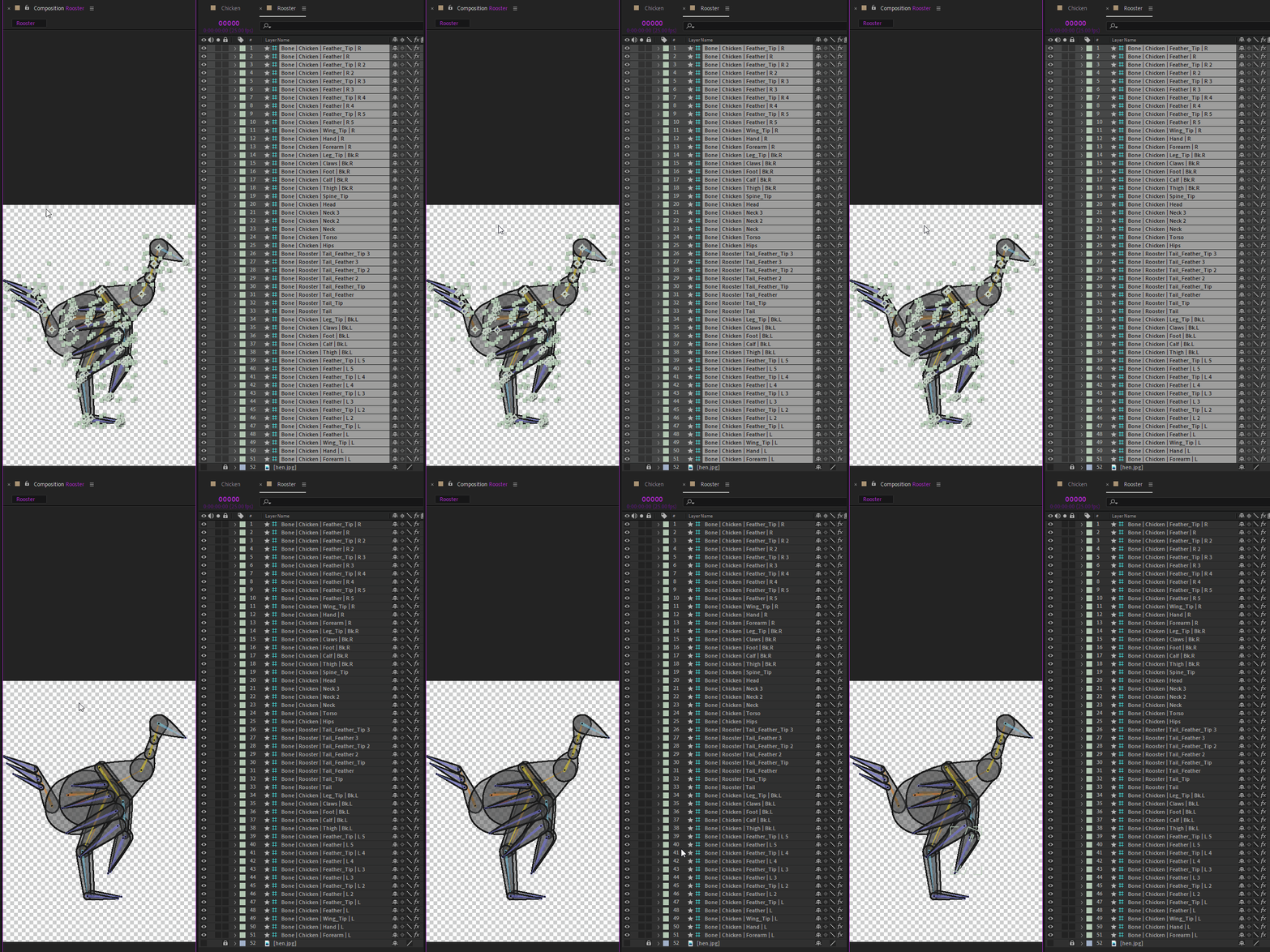
To show the issue, I've made these two GIFs, from Ae2021 and Ae2023, to show how long it takes to just deselect all the layers.
The click is shown by a yellow circle under the mouse cursor at the beginning.
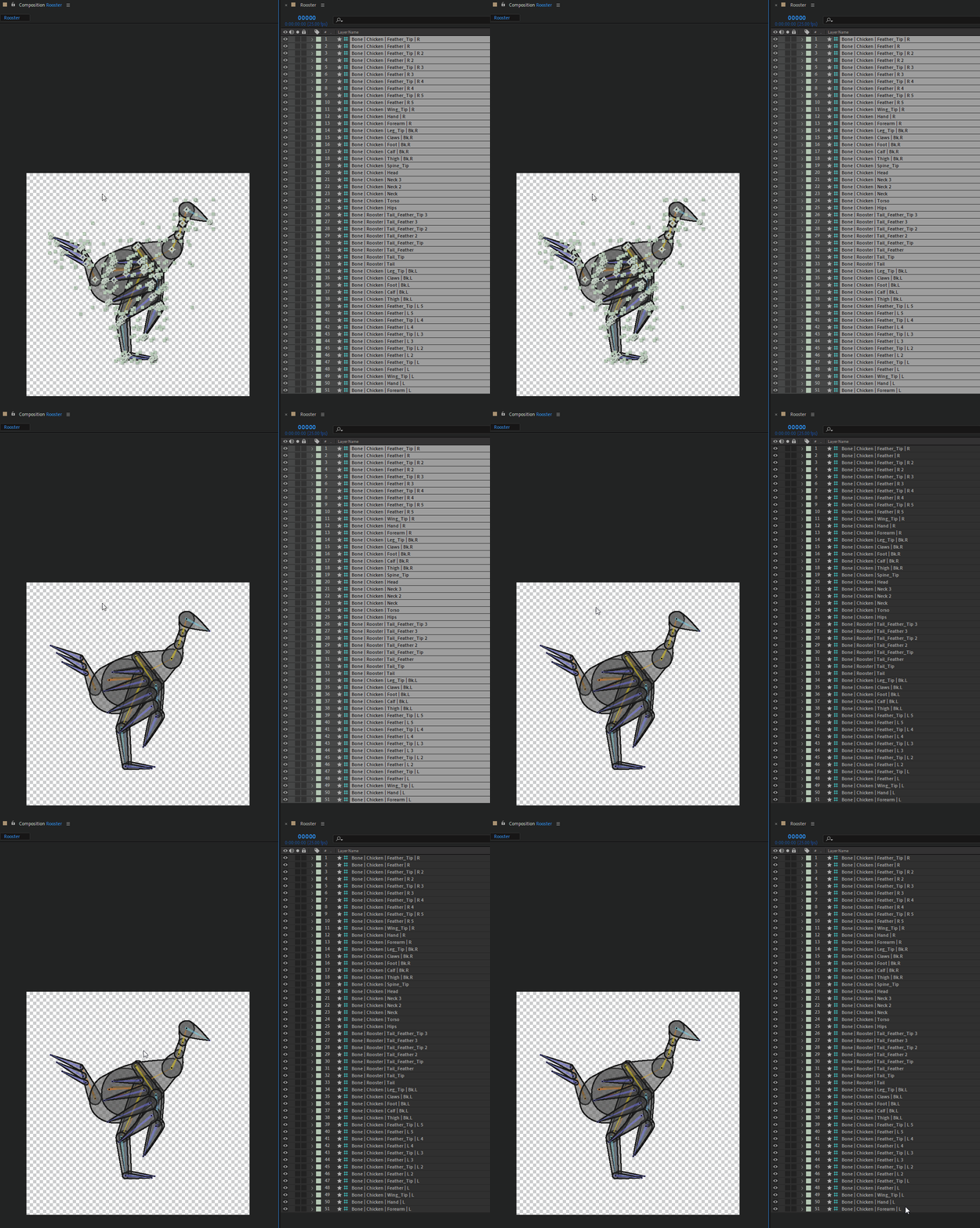
 

The first one is Ae 2021, and the delay between the click and the actual deselection is already quite annoying, I've measured it to be 1.5s (I've run the test several times to get the average time)

The second one is Ae 2023, the delay is 2.5s. I just can't work anymore with After Effects with this lag, it's just a no-go, and I'm going to recommend to everyone to not update if they're going to work with Duik. One just can't work correctly with that.

If it lags so much for simple actions like (de)selection, just imagine how painful it is to precisely adjust any value.


IMHO it is more than urgent that After Effects lags like this are fixed, I don't know of any other software where I experiment this kind of sluggishness, it's not the case in any other compositing, animation, or 3D software I know of.

Computer specs:
- AMD Ryzen 7 2700X Eight-Core, 3.7GHz
- 32 GB RAM
- Nvidia GeForce GTX 2060, Studio Driver 517.40

This topic has been closed for replies.

39 replies

Participating Frequently
March 6, 2023

Hasn't gotten much better. GUI running at 2 FPS. Sad.

Participant
March 5, 2023

Updating fixed this issue.

Participant
March 5, 2023

I am experiencing this same issue, but only on one machine, however, I don't have the same problem in other software on this box, so it seems to be an AE issue. For me, this occurs with timeline adjustment, so very very unhandy, and I would say the 2.5-second delay is accurate. Often I select another layer, to try and speed it up, but even doing this still has a lag to it. Any suggestions are most welcome. 

CREAM Motion
Known Participant
March 1, 2023

Yes performance in the timeline is better now. Thanks.

Inspiring
March 1, 2023

I'm also finding After Effects performance to be very low, even in almost empty projects.

Participating Frequently
February 23, 2023

Seems to have gotten a bit better, thx.

Participating Frequently
February 23, 2023

It seems problem has been fixed in 23.2.1.

JohnColombo17100380
Community Manager
Community Manager
February 22, 2023

Hi all,

After the positive feedback we received from several of you using the latest Beta builds, we've released a patch (After Effects 23.2.1) that contains a fix for the Timeline lag in AE 23.1/23.2. Please install 23.2.1 and let us know if you aren't experiencing any improvement over 23.2.


This thread pre-dates the After Effects 23.1 release where the aforementioned lag issue was first introduced, so I'm leaving the status unchanged while we continue to investigate the original report. We are continuing to focus on improving the UI interactive performance beyond this fix, especially the known issue with increased lag when Layer Controls/overlays are enabled. With the latest fix, we aimed to restore the performance to where it was in 22.x so we can continue to improve on it in future versions of After Effects.


Thanks again for all the details and reports you provided,

- John, After Effects Engineering Team

Participating Frequently
February 15, 2023

AE should be be rewritten from ground-up.

quirky_finder1587
Known Participant
February 15, 2023

I am having this issue as well, everything is up to date.