

Sidneytsilva_
Participant
October 10, 2023

Layer is deselected when creating the first keyframe

  • October 10, 2023
  • 16 replies
  • 1925 views

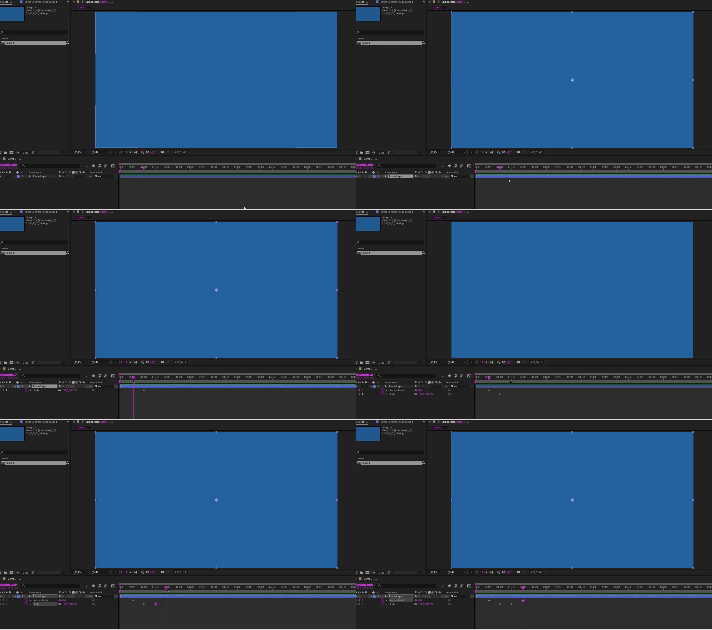
Good morning, I have the most up-to-date version of After Effects, 24.0, and the most up-to-date version of Mac Os Ventura, 13.6. And I started facing the following problem. Whenever I use the shortcut to create a keyframe, the layer is automatically deselected (Attached is the video where I show it). And the most bizarre thing: this only happens when I create the first keyframe for each attribute. From the second of the same attribute this does not happen again.
This topic has been closed for replies.

16 replies

Inspiring
October 13, 2023

Hi. Since updating to the latest version of After Effects (24.0.0 / Build 55) adding keyframes with shortcut keys (ie Alt + t to add Opacity keyframe) then deselects the layer, so can't quickly add another keyframe for Postion/ Scale/ etc. without having to first click on the layer again. This behaviour definitely seems new to this version, as I've regularly added multiple keyframes to layers without having to reselect before now.


Related to this... If keyframes are accidentally added to all layers because none are seleced when the keyboard shortcut is pressed (because the target layer has now been deselected!), 'Undo' removes one keyframe at a time, whereas previously it would remove all keyframes added with that keystroke in a single Undo.


System info...

Windows 10 Home

Intel i9-10900X

64 GB RAM

2 x Nvidia 2070Super GPUs, with up to date drivers

Inspiring
October 13, 2023

Hello.

Thanks for reporting the issue. We are aware of this issue and working on it. We will have a fix for this very soon. 

Thanks and Regards,

After Effects QE

Sidneytsilva_
Participant
October 11, 2023

Thank you for your support. I'll wait for the update

October 11, 2023

Sorry about this bug. A fix was made in our internal builds overnight, and that fix should be in 24.1 beta builds by the end of the week. Unfortunately there isn't a workaround in 24.0 that we know of.

Participant
October 11, 2023

I also found it out as a bug, because most of times I move keyframes immediately after creating them 😕😕 It destroys a workflow

Sidneytsilva_
Participant
October 10, 2023

Ok, friend, if you need any other information, I'm available to help.

October 10, 2023

Thanks for posting this. We can reproduce and will see what's going on.