Participant
October 21, 2022

No audio or visible waveform after update to AE 2023

  • October 21, 2022
  • 36 replies
  • 7552 views

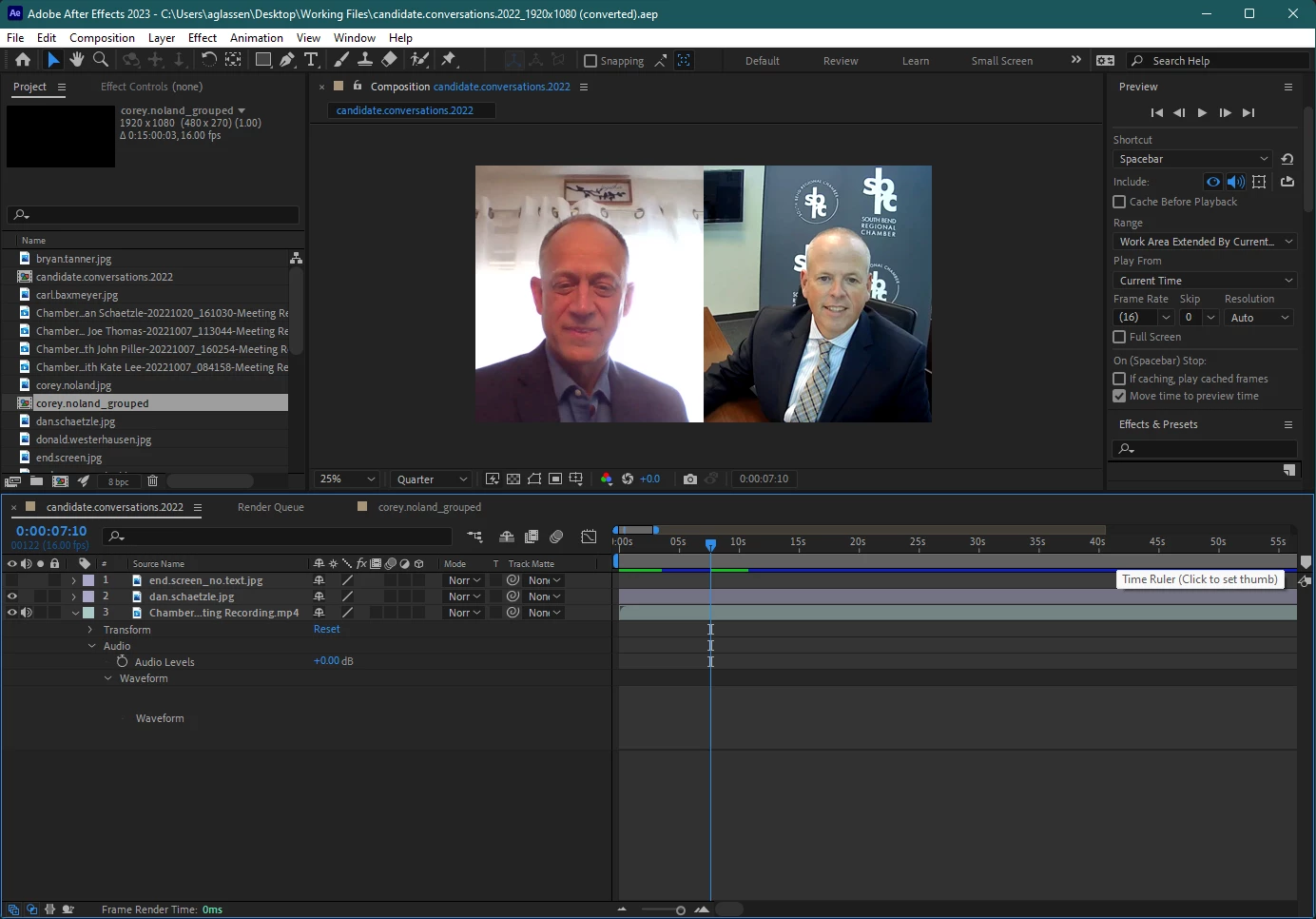
I updated to AE 2023 and opened a compositon, but when I toggle the waveform it does not show up and no sound plays. I checked that the audio is on, other apps still provide sound, I double checked the computer's audio output and AE's audio output, etc. and still nothing. When I shortened the clip at the beginning, a solid green bar showed up where the waveform was supposed to be, and when I hit play I heard a loud crackle/static sound, but then it immediately went quiet again and the green bar disappered. I tried rendering the file to see if there would be audio in the mp4, and there was still no sound.


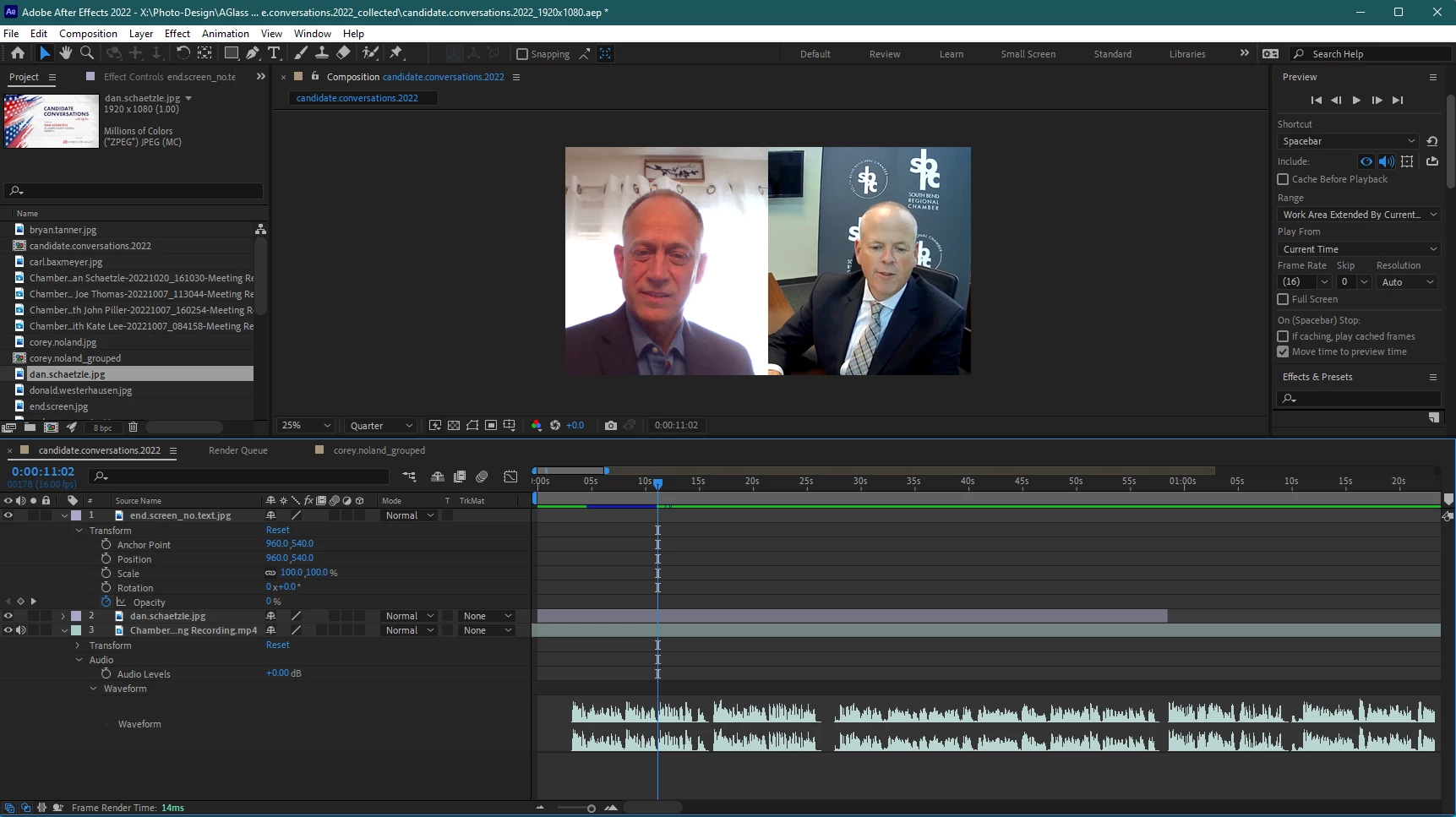
Re-installing and utilizing AE 2022, version 22.6.0 (Build 64) was the only was I was able to edit with sound and see the waveform.


Windows 11 Pro | AE 23.0.0 (Build 59)
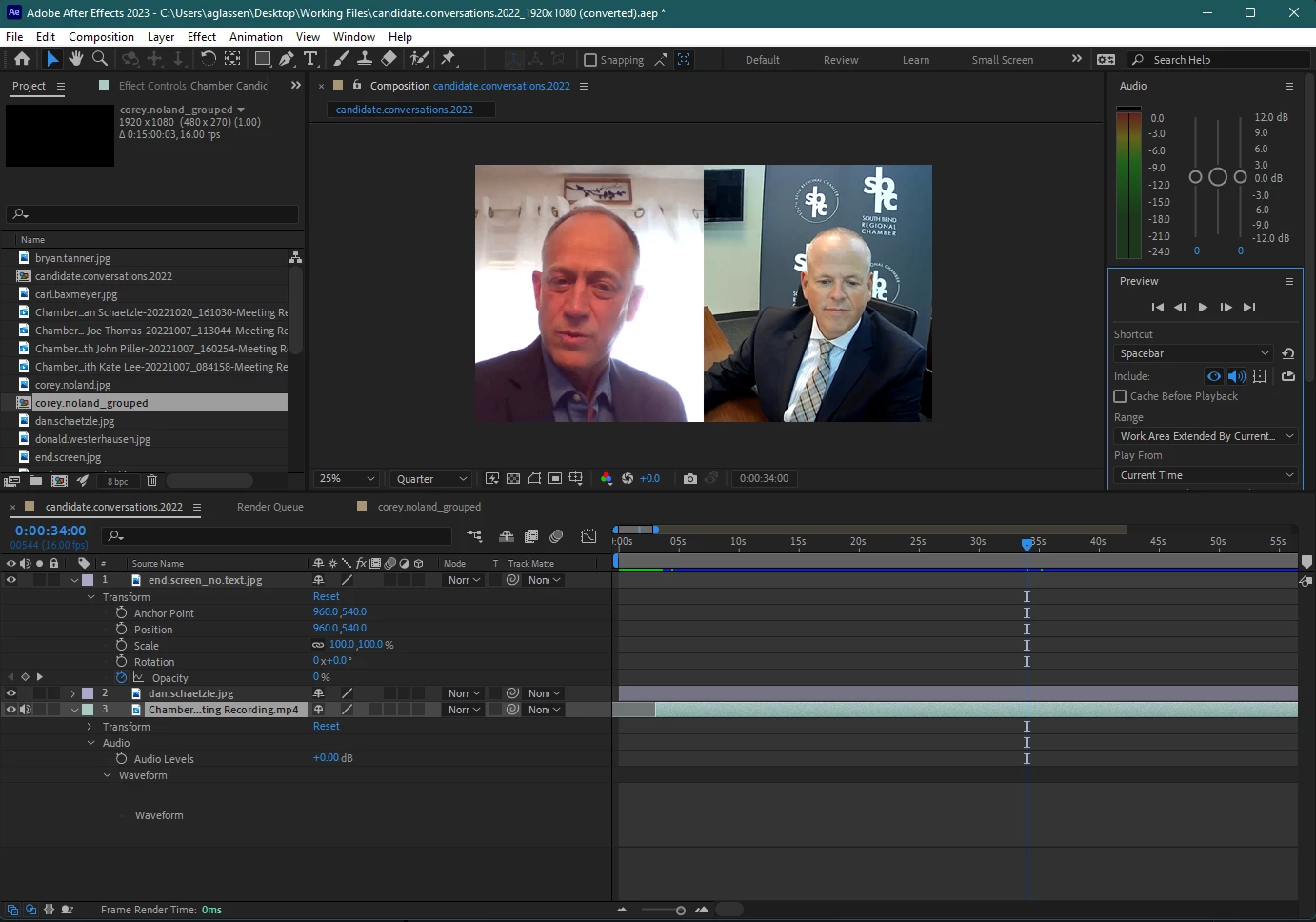
 

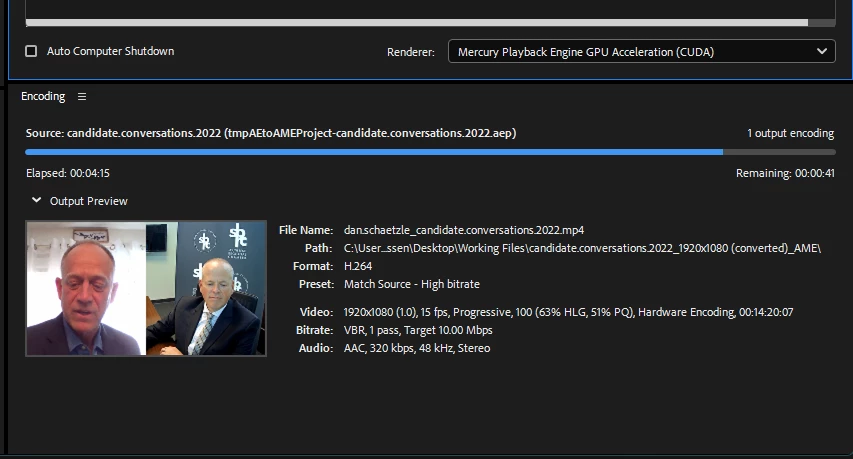
Attempted to render and see if sound was in mp4 below (it was not)
Re-installing AE 2022 v22.6.0 below
 

Thank you for any help!!!


This topic has been closed for replies.

36 replies

Participant
February 20, 2024

Nailed it, thank you. That was easy to fix too I would have never thought to change that setting in Gforce, and its going to make it so much easier for me when I do the recording, so thanks again. 

Community Manager
February 20, 2024

@lancec52808354 I suspect the audio is not mono or stereo, but likely 4 or more channels. AE does not support anything besides mono or stereo. If you bring the audio file into Audition, does it show up as more than 2 channels? If that's the case, you'll need to adjust the GForce audio configuration to record stereo. 

Participant
February 18, 2024

I'm having the same issue with screen recordings I do using the GForce ap, but no version of after effects I have will display the waveform or play any audio. I will record the audio through a separate ap and then bring it in. Makes it work but the audio usually ends up less than good. I downloaded a free trial of Audition today. I bring in the vide file, export out the audio. Check it, works and sounds good, but no matter how I export it out, after effects wont recognize it even though it came from Audition. I have ae 18 and 23, and installed 24, same on all of them. Any ideas on this? Thanks

zandwacht
Inspiring
January 17, 2024

Hi @jenkmeister17177426 . The issue was with any kind of separate audio file: aiff, wav, mp3 at 44.1 or 48Khz. New and old projects. Audio from Audition render, or downloaded from stock website. Even old audio from previous project.


I renamed my preferences folder (to reset) and the issue was gone: waveforms generated for any audio. Something inside of the preferences folder is keeping the waveforms from begin generated.


I was able to copy back these files from my old preferences folder to the one I reset without bringing the problem back:

  • Adobe After Effects 23.6 Prefs.txt
  • aeks (shortcuts)
  • ModifiedWorkspaces
  • OriginalUserWorkspaces
  • Workspaces.xml
Community Manager
January 16, 2024

@zandwacht Can you provide a link to the audio file that's not working? This original forum post was related to an audio format at 16khz so if you're having issues with different file formats, we'll need access to them to reproduce the issue.

zandwacht
Inspiring
January 15, 2024

issue also present in the latest 24.1 MacOS...

zandwacht
Inspiring
January 15, 2024

I narrowed down this bug: audio-only formats don't render a waveform (aiff, wav, mp3), but an mp4 (with just black video) does. Bug still present in 23.6.2, MacOS 13.6.3

Brettn64
Known Participant
November 30, 2023

This and of course many more issues still persist in Ae and Pr 23 

zandwacht
Inspiring
November 30, 2023

Issue still present in 23.6 on MacOS Ventura: Waveform generation can stop, app reboot doesn't fix it. Working with 44.1Khz 16bit AIFF audio.

Participant
August 24, 2023

audio is not working for me too, after update I can se waveform but still no sound AE v23.6

all formats I try are muted, mp4, mp3, wav (for example all music downloaded from artlist is not working)

audio panel is showing no sound  

I work on macOS Ventura v 13.4.1