Participant
October 21, 2022

No audio or visible waveform after update to AE 2023

  • October 21, 2022
  • 36 replies
  • 7552 views

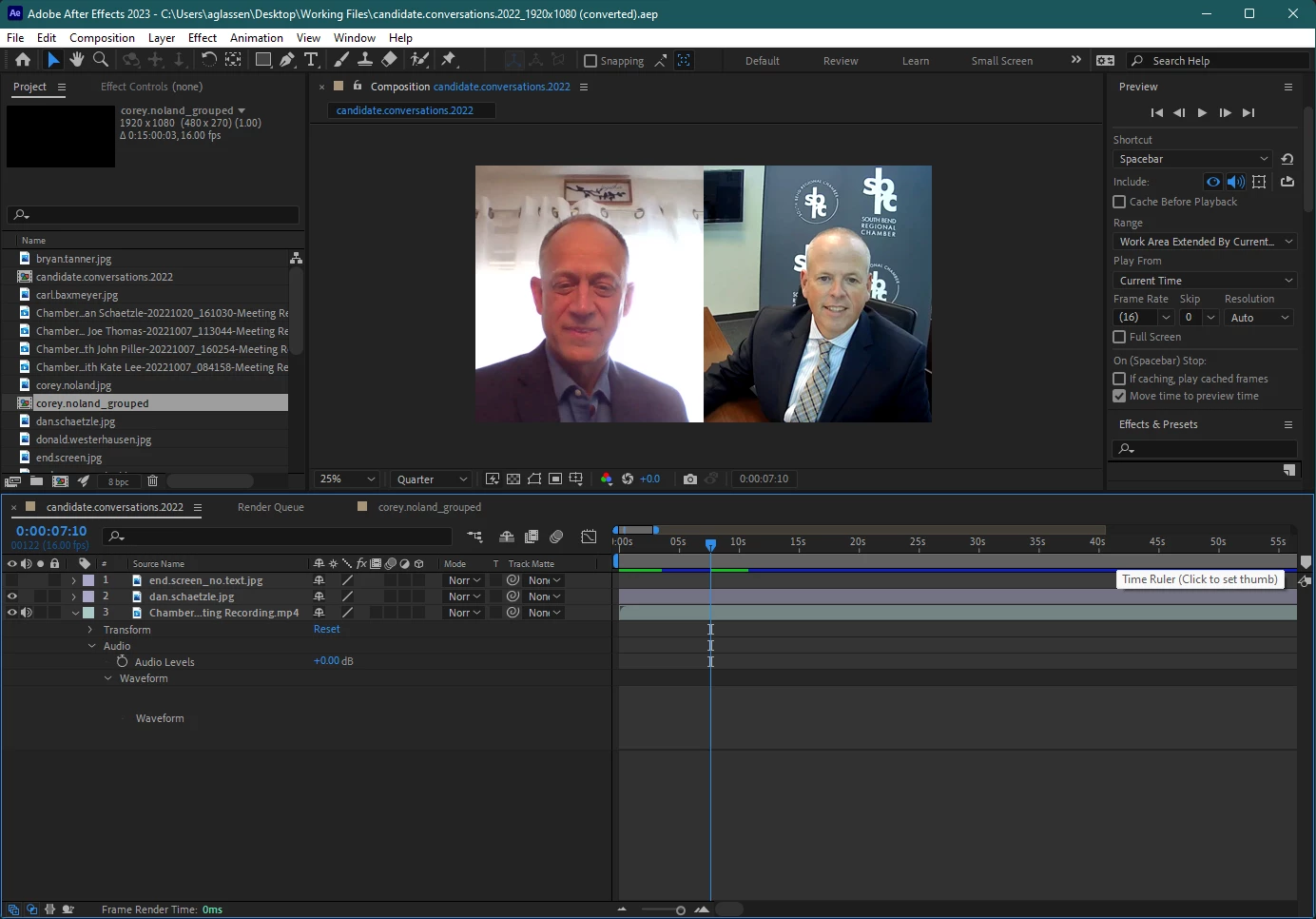
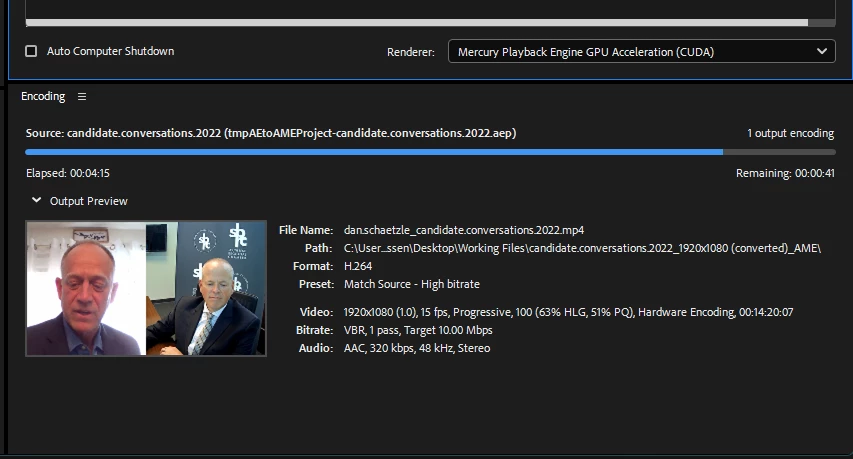
I updated to AE 2023 and opened a compositon, but when I toggle the waveform it does not show up and no sound plays. I checked that the audio is on, other apps still provide sound, I double checked the computer's audio output and AE's audio output, etc. and still nothing. When I shortened the clip at the beginning, a solid green bar showed up where the waveform was supposed to be, and when I hit play I heard a loud crackle/static sound, but then it immediately went quiet again and the green bar disappered. I tried rendering the file to see if there would be audio in the mp4, and there was still no sound.


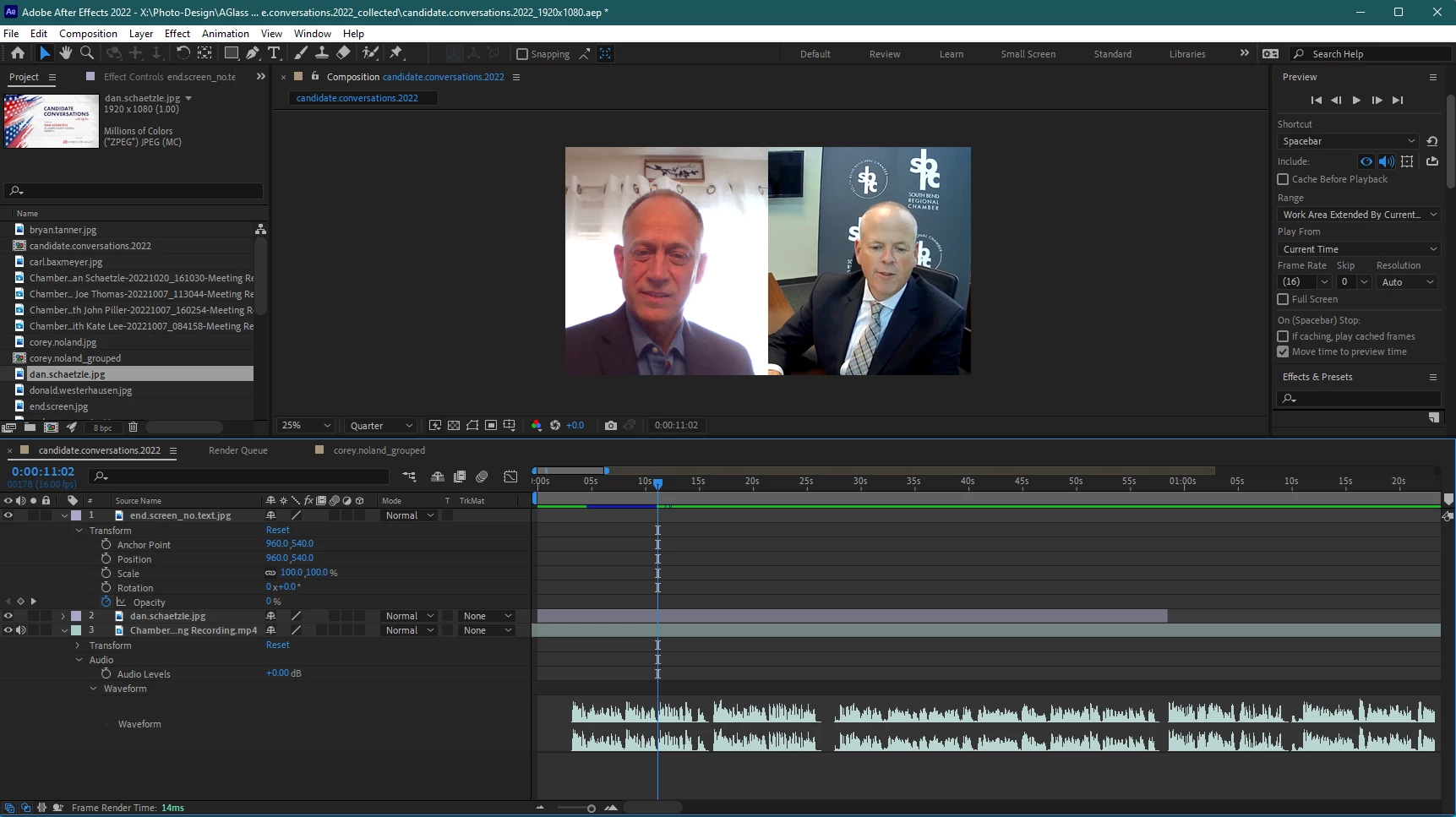
Re-installing and utilizing AE 2022, version 22.6.0 (Build 64) was the only was I was able to edit with sound and see the waveform.


Windows 11 Pro | AE 23.0.0 (Build 59)
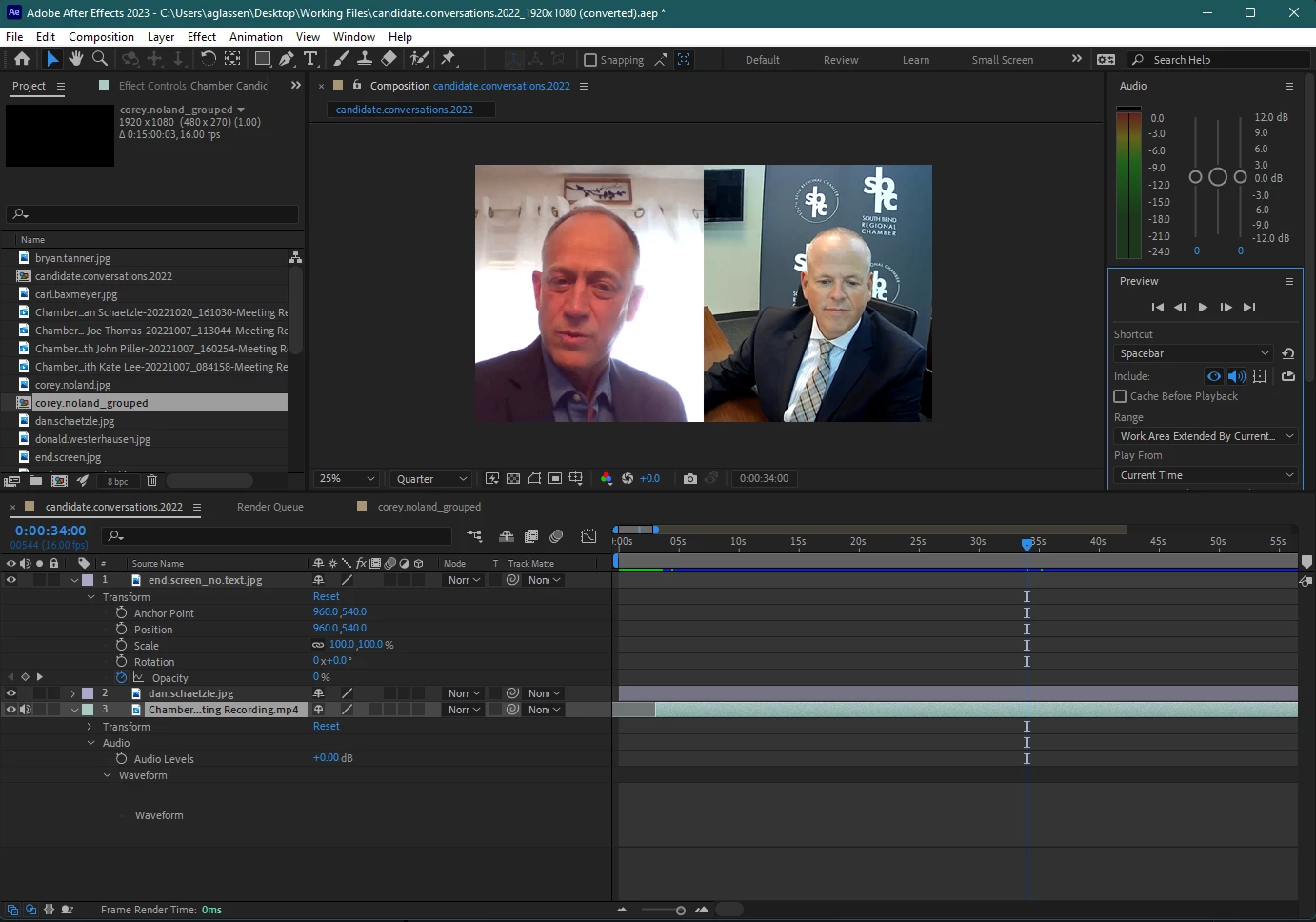
 

Attempted to render and see if sound was in mp4 below (it was not)
Re-installing AE 2022 v22.6.0 below
 

Thank you for any help!!!


This topic has been closed for replies.

36 replies

Community Manager
May 18, 2023
Can you share the audio file that isn’t working?
May 18, 2023

The same problem has not been solved yet after update 23.4, pls resolve it faster

Brettn64
Known Participant
May 17, 2023

This issue is not fixed, same problem after update

JohnColombo17100380
Community Manager
Community Manager
May 16, 2023

Hi all,

This issue has been fixed in After Effects 23.4, now available to all customers. Please install the latest version of After Effects and let us know if you continue to experience this issue.


Thanks again for reporting this issue,

- John, After Effects Engineering Team 

Community Manager
May 9, 2023

The fix will be available in 23.4, which is rolling out tomorrow for all users.

artsurmesure
Inspiring
May 9, 2023

Well, I updated to 2023 and now the sound on imported videos is gone again. I will downgrade the AE version...  once again. 

andreasd27735736
Participant
May 9, 2023

I've updated to 23.3. today and it's still not fixed.
Audio and AE Project have the same sample rate.

Community Manager
April 17, 2023

We believe we've identified the cause of the issue and as a few in this thread had identified, audio at 16K sample rates were not being handled correctly. We also discovered that sample rates of 64K, 88.2K and 176.4K were also not working correctly. In these 4 cases, audio was being forced in a 44.1K sample rate causing play back and rendering issues. 


The fix will move into public beta later this week, and into the next full release of AE in a few weeks from now. Before then, you can convert the audio with Media Encoder to another bit rate (44.1K or 48K) to restore the audio. 

Brettn64
Known Participant
April 17, 2023

This is one of many issues, I can't even use the program at all right now necause of the lag! Upon opening it it immediately freezes and takes actualy minutes to unfreeze and act on the buttons I pressed. I'm not going to send screen shots or info because Ive seen the thread of so many other users having the exact same issues and I know you wont be able to help me until the program is fixed. Adobe is restricting us from using older versions yet refusing to fix current one. I have a project due at the end of the month and I have to now learn Da Vinci just to complete it. I will certainly be swithcing over when I get more comfortable, I cannot take the lack of care Adobe has for its product or customers. 

JohnColombo17100380
Community Manager
Community Manager
April 13, 2023

Hi all,

Thank you again for reporting this issue. We are looking into this issue, but it would extremely helpful if one of you could share an affected MP4 or audio file with us that doesn't play in the latest versions of After Effects. Please share a link here in the thread or feel free to reach out in a private message.


Thanks again for reporting this issue and for any further information you can provide, 

- John, After Effects Engineering Team