Participant
October 21, 2022

No audio or visible waveform after update to AE 2023

  • October 21, 2022
  • 36 replies
  • 7552 views

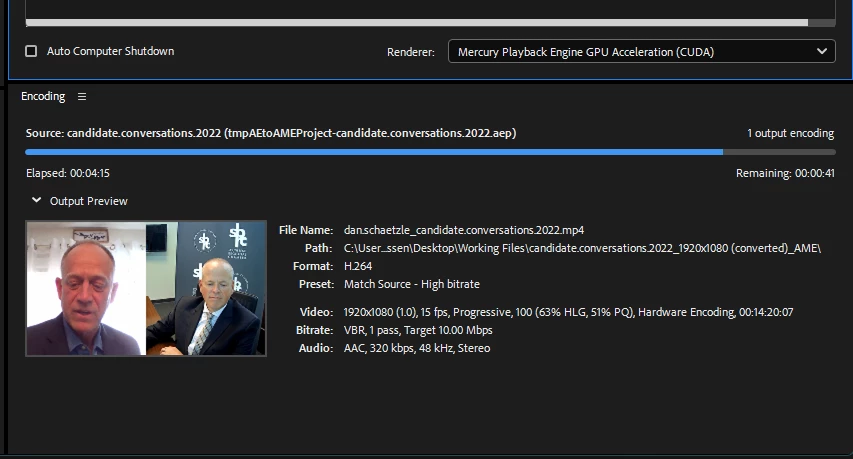
I updated to AE 2023 and opened a compositon, but when I toggle the waveform it does not show up and no sound plays. I checked that the audio is on, other apps still provide sound, I double checked the computer's audio output and AE's audio output, etc. and still nothing. When I shortened the clip at the beginning, a solid green bar showed up where the waveform was supposed to be, and when I hit play I heard a loud crackle/static sound, but then it immediately went quiet again and the green bar disappered. I tried rendering the file to see if there would be audio in the mp4, and there was still no sound.


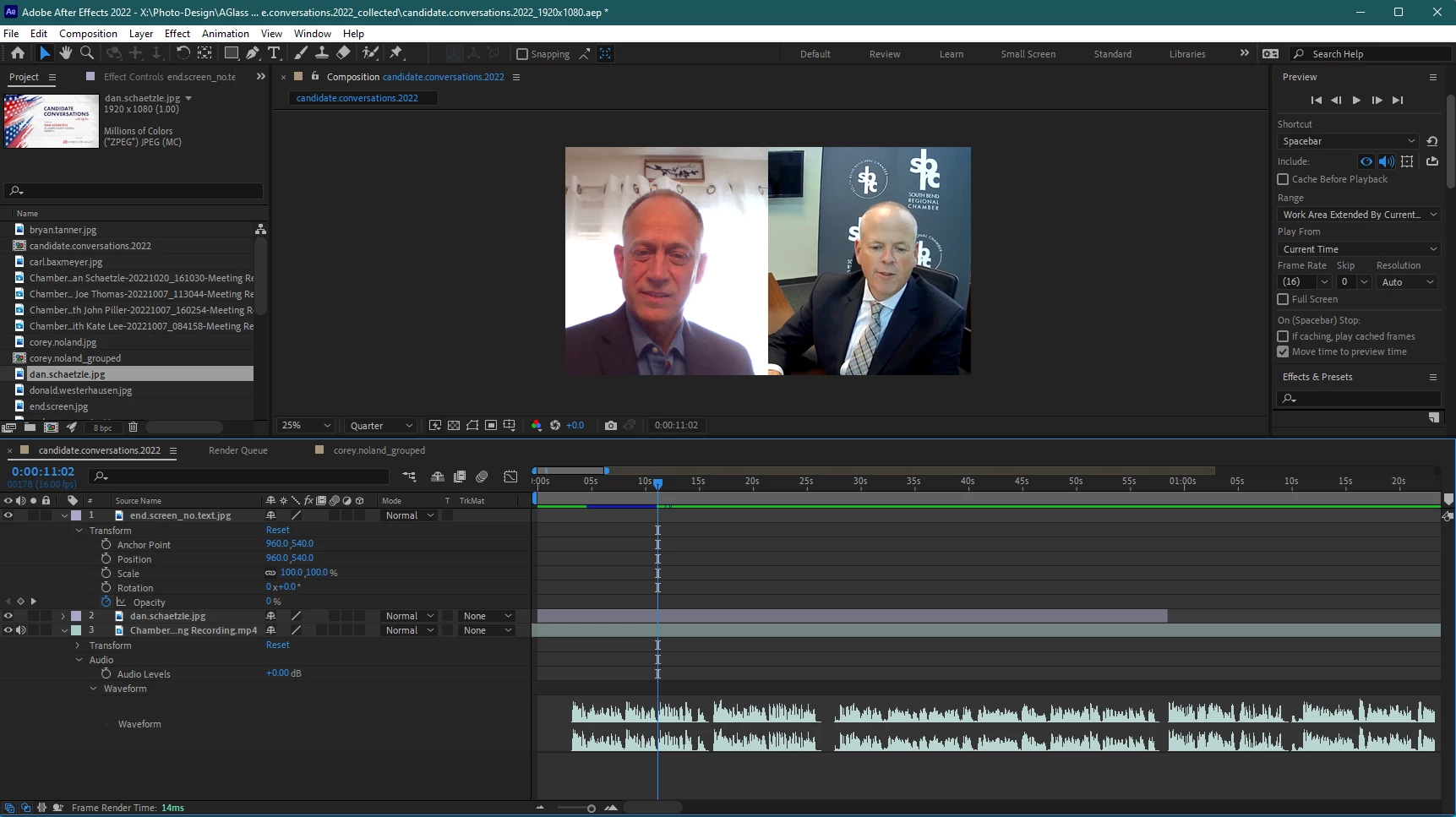
Re-installing and utilizing AE 2022, version 22.6.0 (Build 64) was the only was I was able to edit with sound and see the waveform.


Windows 11 Pro | AE 23.0.0 (Build 59)
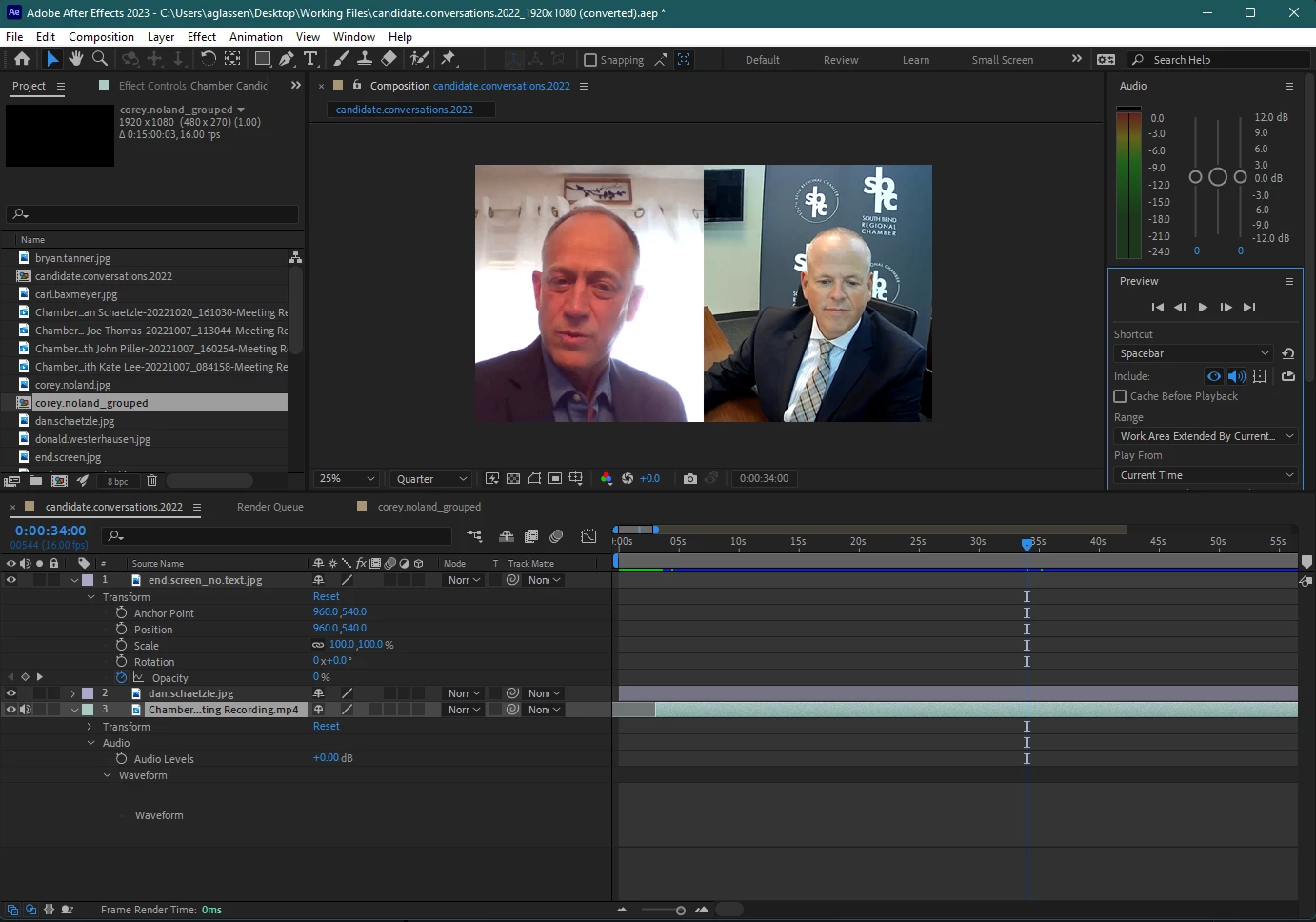
 

Attempted to render and see if sound was in mp4 below (it was not)
Re-installing AE 2022 v22.6.0 below
 

Thank you for any help!!!


This topic has been closed for replies.

36 replies

Brettn64
Known Participant
April 13, 2023

Its so embarrising that Adobe still hasn't resolved issues like this. You can see this same exact issue almost EVERY update going back over 5 years. I am also having this same problem AGAIN just trying to edit a simple video and its reasons like this that I tell all of the new editors I meet to use somehting else. I can see everyones failed attemps trying to clear cache, delete preferences and a whole bunch of the usual things Adobe suggests as attemps to fix their terrible program issues. Even if these things worked we shouldnt have to do them just to use the software. Would your car be usuful if you had to rotate the tires each time before driving? FIX YOUR ISSUES ADOBE!

Participating Frequently
March 24, 2023

Add me to the party. Windows 10 Enterprise, AE 23.2.1.


Original mp3's were 16Hz 32kbps exported from Audition (from a Teams recording). Converted to 44.1Hz wav with AME, and now I have audio and waveforms. Ah, the joys of working around Adobe product bugs. Most efficient software ever! /s

Locked-Creative
Participant
March 8, 2023

I was having exactly the same problem as all of you. But I converted my video clips in media encoder to have 44.100khz audio and then it worked fine. Not sure if AE has a problem with different khz rates but 44.100 worked fine when others previously wouldnt work

Hope this works for everyone else?

Participating Frequently
February 15, 2023

Same problem, running AE 23.2 on a Windows 10 Pro system. Premiere Pro had no problem with the audio. I imported the video clip into Premiere and exported it as a new file. That new clip worked in AE without trouble. 

Participant
January 17, 2023

I'm having a problem like this. Worked for several days and just realized that new version 2023 (23.0-23.1) There is no sound at all.

When playing audio test, I can see the sound curve is normal. but didn't hear sound at all.
Including the sound of the tool buttons in the program are not heard as well.


I tried both checking audio hardware.Try creating a new file. Multiple test files But I couldn't hear it.
I try to find a solution found on the Internet But I can't solve this problem.

When testing the old version 2022 (22.6), the sound comes normally.
But will move back to work in the old version I can't do it anymore.
Because the work file has already been updated to 2033
It can't open the old version anymore. Anyone have a solution?
thank you

artsurmesure
Inspiring
January 16, 2023

I updated to 23.1 and getting the same issue with .mp3, .mp4 video, etc. . And now my file cannot be opened in a previous version. I'm hoping to get this resolved asap as my client is waiting. 

Participant
January 4, 2023

Im having the same issue with 2023 - however i opened 2022 version and the audio works. 

Participant
December 29, 2022

Hi I'm still having the same issue with the 2023 update. I have only one question if you use a older version is it still compatible with aencoder ? 


JohnColombo17100380
Community Manager
Community Manager
December 20, 2022

Thanks for that potential workaround @jeffrey27261050wmjc! And thank you for the additional reports, @Stewart5E8C and @andreasd27735736. This issue appears to be affecting multiple platforms/operating systems.


We haven't yet been able to reproduce this issue in-house, but we have released a new 23.1 version of After Effects with many bug fixes, including some for audio formats. If possible, please try installing AE 23.1 and let us know if this audio issue persists.


Thanks again,

- John, After Effects Engineering Team 

Participant
November 22, 2022

I had/have the same issue. I found a solve which worked for me. I opened the audio file in question in Audition, and saved it out as 44.1khz, stereo, mp3. Reimported and my waves & audio was once again present. Hope this helps others.