Participant
October 21, 2022

No audio or visible waveform after update to AE 2023

  • October 21, 2022
  • 36 replies
  • 7552 views

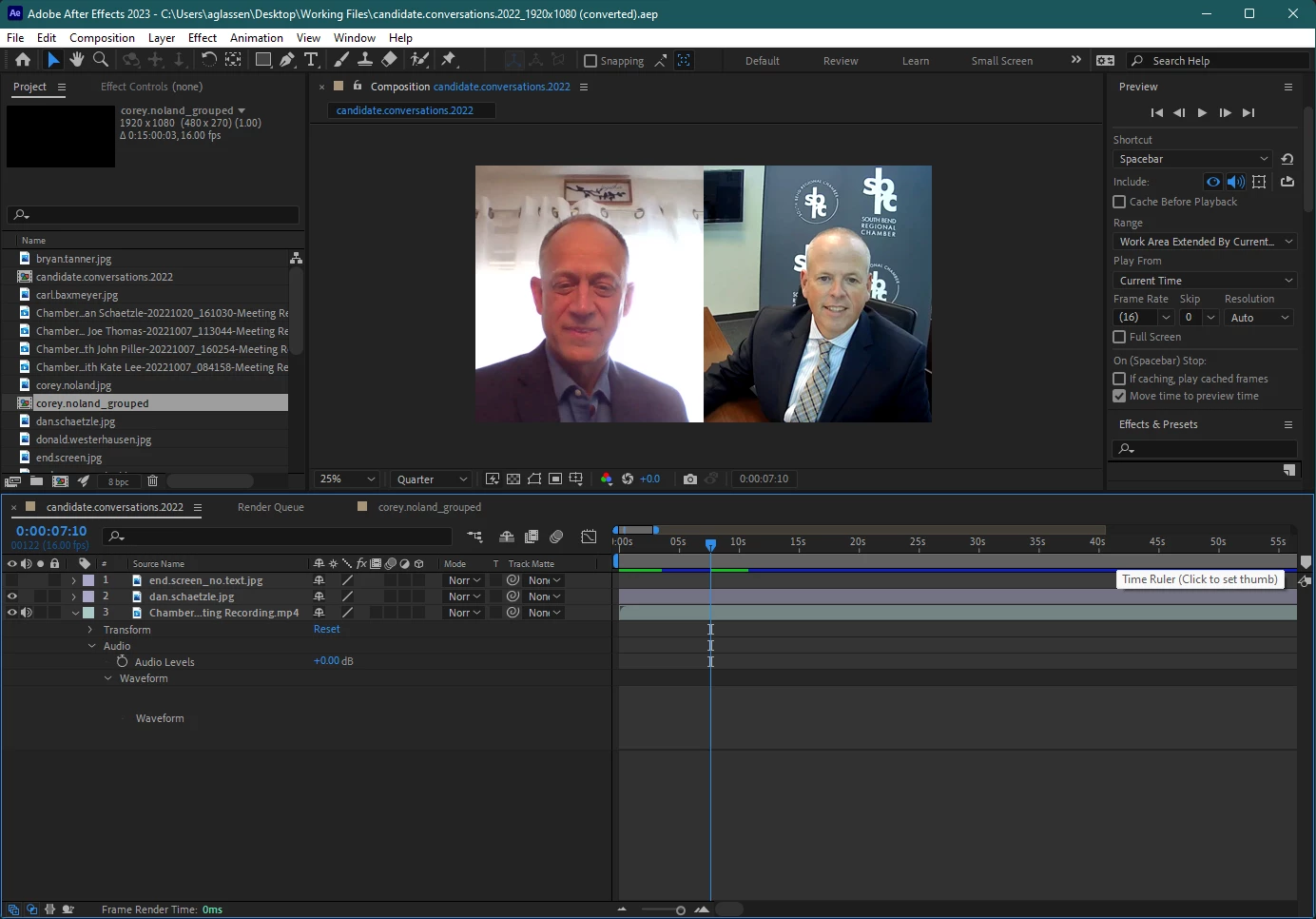
I updated to AE 2023 and opened a compositon, but when I toggle the waveform it does not show up and no sound plays. I checked that the audio is on, other apps still provide sound, I double checked the computer's audio output and AE's audio output, etc. and still nothing. When I shortened the clip at the beginning, a solid green bar showed up where the waveform was supposed to be, and when I hit play I heard a loud crackle/static sound, but then it immediately went quiet again and the green bar disappered. I tried rendering the file to see if there would be audio in the mp4, and there was still no sound.


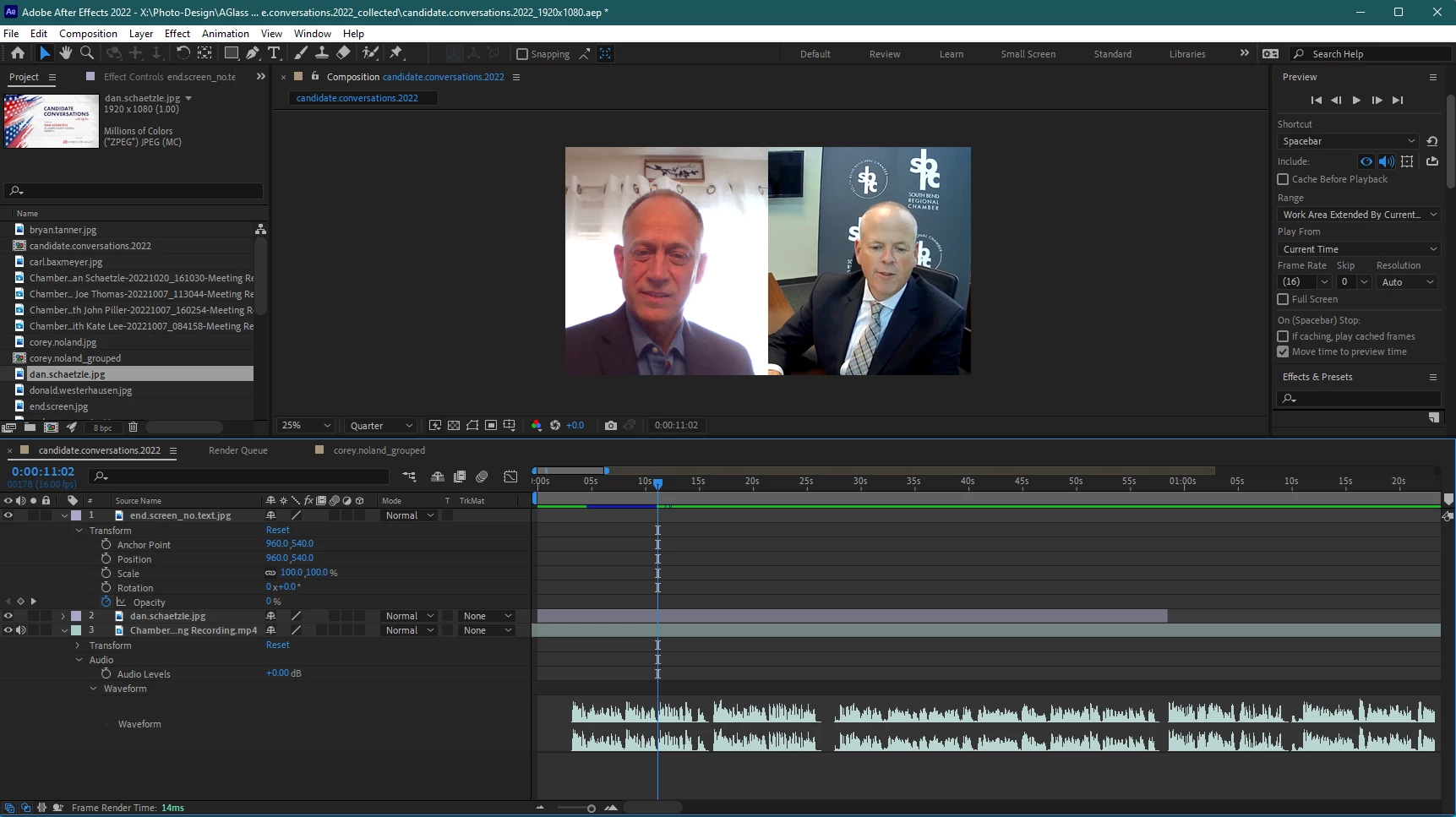
Re-installing and utilizing AE 2022, version 22.6.0 (Build 64) was the only was I was able to edit with sound and see the waveform.


Windows 11 Pro | AE 23.0.0 (Build 59)
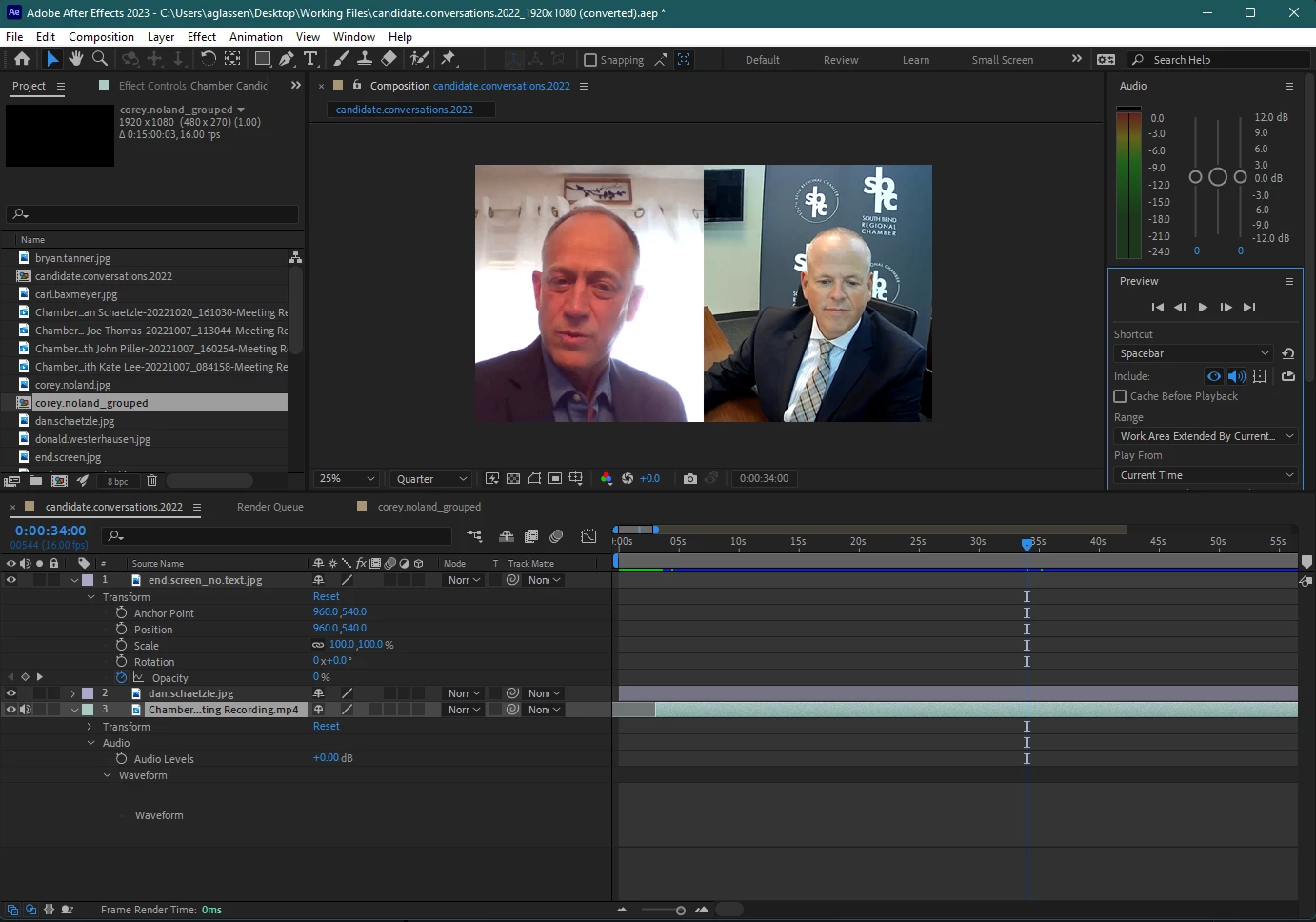
 

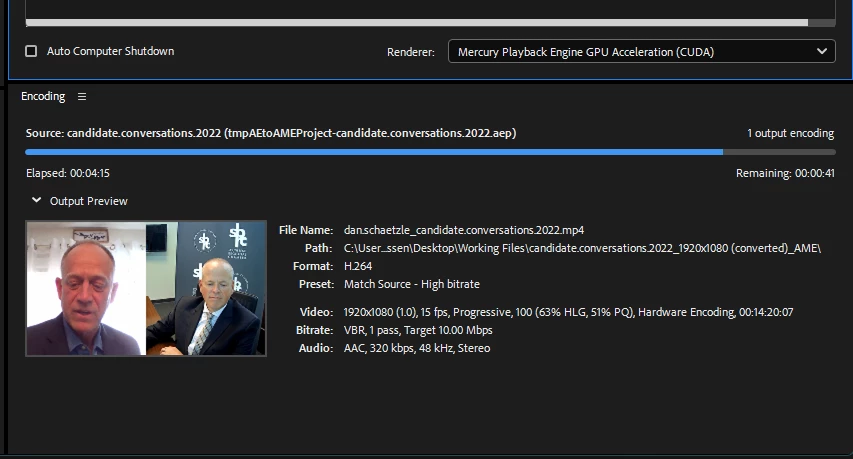
Attempted to render and see if sound was in mp4 below (it was not)
Re-installing AE 2022 v22.6.0 below
 

Thank you for any help!!!


This topic has been closed for replies.

36 replies

andreasd27735736
Participant
November 21, 2022

Same Problem. macOS Monterey (12.4)

Participant
November 21, 2022

I have the same issue on a Mac  - running macOS Big Sur

JohnColombo17100380
Community Manager
Community Manager
October 25, 2022

Thank you for that info @KatherynS. What are your OS and hardware specs? Trying to establish if this is perhaps related to Windows 11, or something else you may share in common with @amandag45141226.


Thanks again,

- John, After Effects Engineering Team 

Participating Frequently
October 24, 2022

For me it happens to all video files that have audio (mostly working with MP4s), both those already in the file and all the newly imported ones I tested with AE 2023.

JohnColombo17100380
Community Manager
Community Manager
October 24, 2022

Hi @amandag45141226 & @KatherynS,

Thank you both for reporting this issue. Would either of you be able to share footage or an audio file that exhibits this issue when imported into After Effects 2023? Does it seem to be happening only with specific imported files or with all files that have audio?


Thanks for reporting this issue and for any further information you can provide, 

- John, After Effects Engineering Team 

Participating Frequently
October 21, 2022

Hi there! I am also having the same issue after updating to the newest version. Audio works when installing previous version. Hopefully someone has a solve!