Known Participant
October 14, 2023

Painter crashes my computer

  • October 14, 2023
  • 9 replies
  • 638 views

I got back to texturing in Painter after a couple of months and while adjusting sliders and texturing, my graphics card crashes, my mouse won't move, everything turns white.


Why is this happening? There's always a problem with Adobe products and I mean it. Instead of spending time working in Photoshop, I had to read entire discussions in forums to see why your apps are buggy.


I always try to be polite, but it's just not acceptable.

Btw, this never happened to me in any other software programs, so please don't come here and tell me my computer is the issue or some other things that are not related.

Graphics card : 

AMD Radeon RX 6900 XT
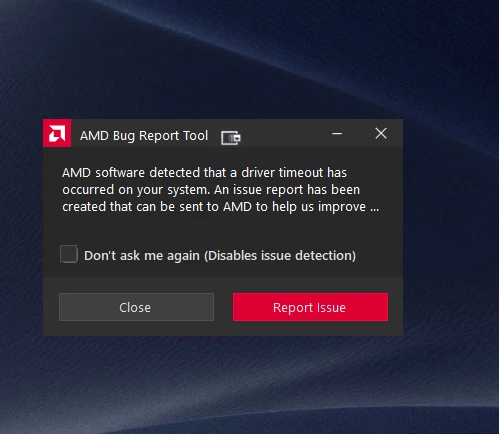


Later edit

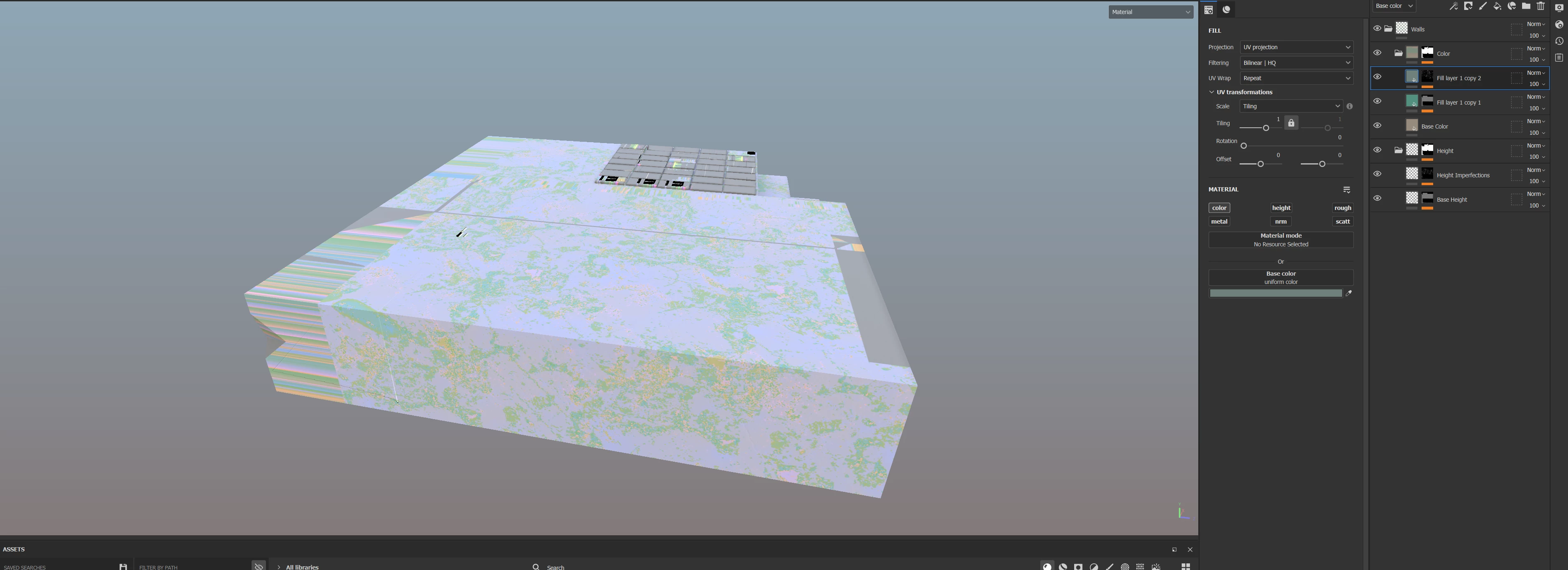
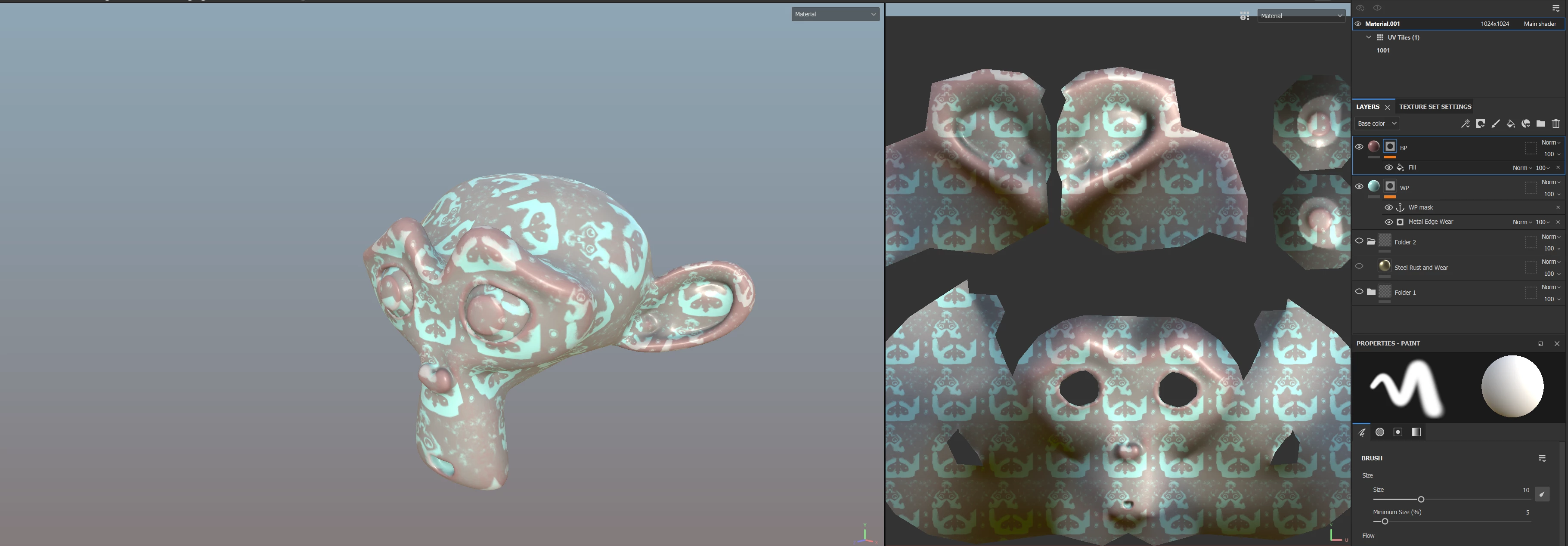
To make matters worse, every time this crash takes place, it messes up my layers and although the file was saved I have to redo the whole work all over again. Painter creates these weird masks and artifacts in my Fill Layers and the only option for me is to delete everything and start from the beginning.
9 replies

RoxanaMDAuthor
Known Participant
October 31, 2023

Hi,


I tried going for an older version of AMD driver but I got some errors. I will try again and see how that works. 


As for the log, it isn't possible to send one to you seeing as everything freezes when the crash takes place.

Cyril Dellenbach
Community Manager
Community Manager
October 30, 2023

Hello Roxana,


I've merged this post with the previous one, considering this is the same topic.


Unfortunately, as far as I know, the issue is confirmed to originate from AMD drivers. Therefore, I'm afraid downgrading Substance 3D Painter won't resolve the issue. I recommend ensuring that your GPU driver version is at least from last April when no AMD GPU issues were reported.


Also, as mentioned in my previous messages, I'd gladly take a look at your log (Help > Export log), so we can work with AMD on these crashes, or at least quickly find a temporary workaround. Feel free to send it to me at cdellenbach@adobe.com


Best regards,


Cyril Dellenbach (Micro) | QA Support Artist | Adobe
Cyril Dellenbach
Community Manager
Community Manager
October 24, 2023

Thanks for keeping us updated.


We are currently in contact with the AMD team, and they are working on a solution. Considering this is now confirmed the issue is related to the driver, I'm not sure rolling back Substance 3D Painter for previous versions will help.


For the compatibility issue, I'd check if there's an autosave prior to Substance 3D Painter's update.


Best regards,


Cyril Dellenbach (Micro) | QA Support Artist | Adobe
RoxanaMDAuthor
Known Participant
October 22, 2023

Crashes also occur with version 8.3. I was simply working on a fill layer, added a generator, and started changing its parameters when Painter froze.

RoxanaMDAuthor
Known Participant
October 27, 2023

Hello,

I have an AMD graphics card and I'm experiencing crashes with every version of Painter.


As I've mentioned in earlier posts, I downgraded my version of Painter to be able to work, but it seems this solution doesn't work anymore either. I'm currently using version 8.2. I've already experienced 4 crashes today.

What can I do?

RoxanaMDAuthor
Known Participant
October 22, 2023

I have encountered a problem. I worked on a project using version 8.2 and decided to upgrade to 9.0. However, the crashes have returned. I can only work for about 2 minutes before it freezes. Is Adobe taking any steps to address this?


The major issue now is that I can't use this project in the older version, even though they are essentially the same program.

So, what is the solution?

Just to be clear, at this moment, I can't use the latest versions of Painter, and I also can't revert to the older ones. This means all my progress is lost. I need to send this project for revision tomorrow, but it's currently impossible for me to do so.

RoxanaMDAuthor
Known Participant
October 18, 2023

I did sent the report, didn't receive any message back though.


I will try with 9.0 also and see if it's good to go.

If it'll happen again, I will send the log.

Thanks.

Cyril Dellenbach
Community Manager
Community Manager
October 18, 2023

I totally understand the frustration and we'll make our best to fix this issue. Currently, considering the few data we have, the issue is very likely related to AMD latest drivers (or simply AMD GPU).


AMD recently had a similar issue with their latest drivers, that's why I advise you to try rolling back your driver at least for an april version.


The fact that the problem doesn't occur with 8.2 is an important info. I'd even try with the 9.0 where I didn't reveived similar messages as yours, and the update is pretty close to 9.0.1

Also, I'd like to have a look at your log (Help > Export log), in order to have a better idea on what's happening, and maybe a step by step guide to reproduce the crash. Currently, we're not able to reproduce the issue on our end, so any additional info is welcome.


Lastely, don't hesitate to send the report to AMD as it's suggested in the pop-up, this could speed up the process.


Best regards,


Cyril Dellenbach (Micro) | QA Support Artist | Adobe
RoxanaMDAuthor
Known Participant
October 17, 2023

Hello,


I downgraded my graphics card driver but didn't help. 


I am now working on an older version of Painter (8.2) and the crash didn't take place.

The thing is I am paying a monthly subscription and I expect to be able to use all of the features of the program. This isn't the case for me right now.

Cyril Dellenbach
Community Manager
Community Manager
October 17, 2023

Hi @RoxanaMD,


Thanks for all the details.


We had known compatibility issues with AMD GPUs, and I'm starting to think the problem got worse recently, but it's a bit early to tell.


I advise you to rollback your GPU driver for a previous update, and deactivate the Sparse Virtual Texturing (Edit > Settings > General > Sparse Virtual Texturing > Hardware support acceleration).


Let me know if this helps.


Cyril Dellenbach (Micro) | QA Support Artist | Adobe