



Glitch between InDesign v 21.2 and OneDrive
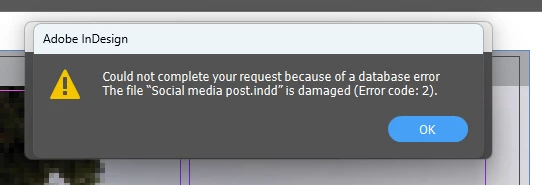
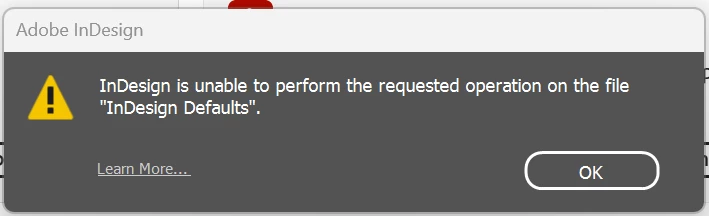
When I open a previously used InDesign document, make changes and then select to save it, I’m confronted with a dialogue box advising the file is damaged and cannot be saved. I’m given an option to repair and once that’s selected the document closes. I reopen and do a save as and it seems to work for a while in the new version and then the same thing occurs when I try to save my work and close. I have found that working from a local drive works however this is an inconvenient work around. I have also had error messages when I re-open files.
I believe it’s only started occurring since the most recent update to v21.2.
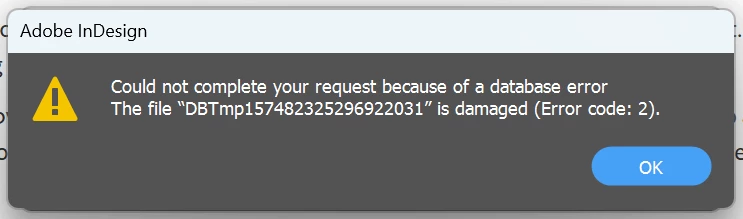
Below are screenshots of the error messages.
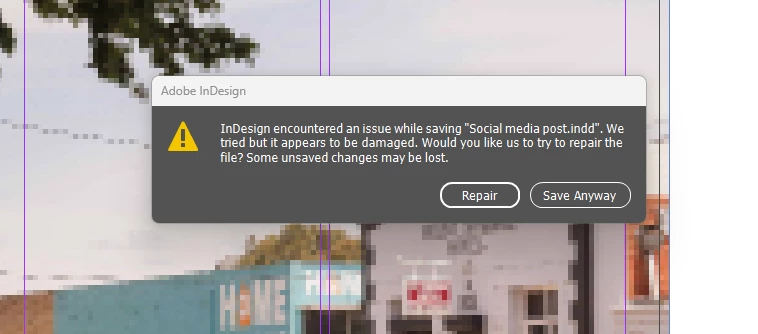
I selected save anyway and got the below dialogue box
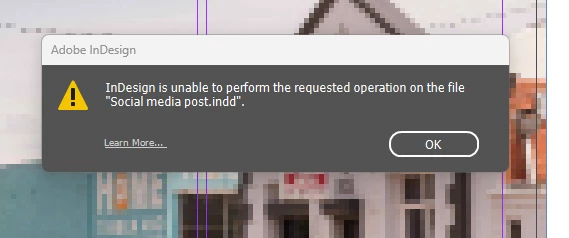
these ones were from a simple save
 AdChoices